Best On Page SEO Analysis Tools in 2026: 9 Tools Compared
Compare the best on page SEO analysis tools in 2026, from content scoring and site audits to WordPress plugins, pricing, and team fit for your site today.
- Editor's choice
 Surfer SEO
Content scoring
Starts at$49 per monthVisit surferseo.comFull review - Great alternative
 Clearscope
Simple content grading
Starts atSee websiteVisit clearscope.ioFull review - Also consider
 Frase
Briefs and scoring
Starts at$45 per monthVisit frase.ioFull review
TL;DR:
- The best on page SEO analysis tools compare your page with pages already ranking, rather than scoring it in isolation.
- Surfer SEO is our pick for most teams because its Content Editor gives writers a clear, practical checklist.
- Clearscope suits teams that want simple grading and term guidance without a large learning curve.
- WordPress users may get more value from Rank Math or Yoast than from a separate scoring tool.
- An audit tool finds technical problems, but a content scorer is what helps a draft actually compete.
Quick comparison
| Tool | Best for | Starts at | Free plan? | |
|---|---|---|---|---|
| Surfer SEO | Content scoring | $49 per month | Free trial | Visit |
| Clearscope | Simple content grading | See website | No | Visit |
| Frase | Briefs and scoring | $45 per month | No | Visit |
 MarketMuse | Content strategy depth | See website | No | Visit |
 PageOptimizer Pro | Detailed on-page audits | See website | No | Visit |
 Semrush | All-in-one SEO checks | $139.95 per month | Free trial | Visit |
 Ahrefs | Site audit plus research | $29 per month | Yes | Visit |
 Rank Math | WordPress on-page checks | Free | Yes | Visit |
 Yoast SEO | WordPress readability and SEO | Free | Yes | Visit |
The best on page SEO analysis tools
On-page analysis covers two jobs that are easy to confuse. One job is checking a live page for technical issues, such as missing titles, thin content, or broken headings. The other job is scoring a draft before publishing, so writers know what to add. The tools below cover both, and the right pick depends on which job you do most.

Surfer SEO leads this list because it turns on-page analysis into work a writer can actually do. Paste a draft into the Content Editor, and you get a score, a list of terms used by ranking pages, and guidance on headings and length. That feedback is specific enough to edit against, which matters more than a vague grade.
Surfer also audits live pages and flags content gaps, so it stays useful after publishing. The main limit is volume. If your team publishes many pages each month, check document allowances before you commit, and plan audits around the pages that matter most.
- Clear Content Editor scores
- SERP-based term lists
- Audit and internal linking tools
- Document limits apply
- Full AI features cost extra on some plans

Clearscope is the calmest tool in this group. Writers get a grade, a list of relevant terms, and a readability view, without a long list of technical settings. For teams that hire freelance writers, that simplicity is a strength, since new writers can learn the target in one session.
The trade-off is breadth. Clearscope does less technical auditing than Semrush or Ahrefs, so larger teams often pair it with an audit tool. If your main need is better drafts, rather than site-wide technical checks, that narrower focus is fine.
- Easy letter grades for drafts
- Clear term guidance
- Google Docs and WordPress links
- No free plan
- Pricing can be high for solo writers
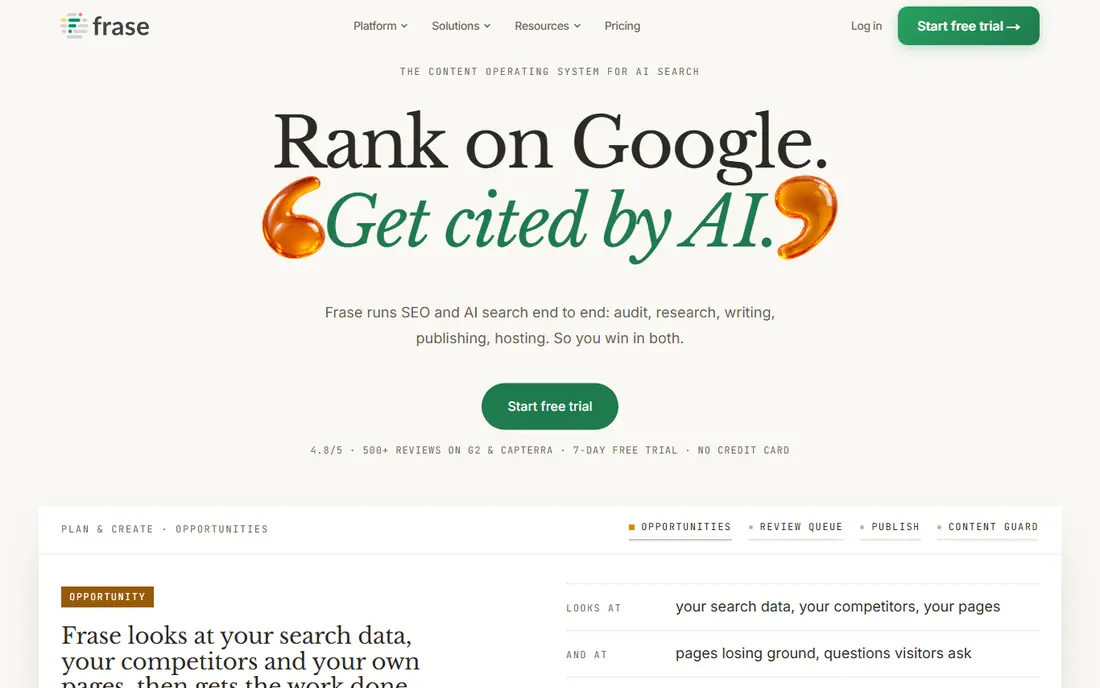
Frase starts earlier in the process than most scorers. It builds a brief from questions, headings, and terms found on ranking pages, then scores your draft against that brief. That order helps writers plan a page before they write, which often produces stronger structure than editing a finished draft.
For small teams, Frase is also one of the more affordable paid options here. The catch is that very competitive topics may need a second check in another tool, since Frase scores can be generous when a draft covers terms without covering intent well.
- Fast briefs from ranking pages
- Optimization scores
- Question research
- Scoring is less deep than Surfer on some topics
- No free tier
MarketMuse suits teams managing hundreds of pages and deciding what to write next. It models topics, shows where your site is thin, and scores pages against a broader topic, not just one keyword. That site-level view helps editors prioritize updates that support each other.
Solo bloggers and small teams may find it heavy. Setup and interpretation take time, and the price reflects an enterprise focus. Use it when content strategy, not single-page scoring, is the real bottleneck.
- Topic modeling and content inventory
- Gap analysis across a site
- Strong for large sites
- Higher cost and learning curve
- Overkill for single-page checks
PageOptimizer Pro is built for SEOs who want a detailed audit rather than a simple score. It compares a page with competitors, lists on-page factors, and produces actions in priority order. That detail helps when a page ranks on page two and you need to know what is holding it back.
Writers may find the reports dense, so pair it with a simpler drafting tool if non-technical writers will use it daily. For audits, agency reports, and competitive checks, its depth is a genuine advantage.
- Detailed on-page audit reports
- Competitor comparison
- Clear action lists
- Interface feels technical
- Less useful as a writing tool
Semrush is the all-in-one option. Its On Page SEO Checker gives ideas based on ranking competitors, while its Site Audit finds technical problems across a whole site. Teams that already use Semrush for keyword research get on-page analysis without buying another tool.
The cost is the main objection. At $139.95 per month for the Pro plan on monthly billing, it is hard to justify for on-page scoring alone. It makes sense when keyword research, rank tracking, and audits are all part of the same workflow.
- On-page SEO checker plus audits
- Keyword and backlink data in one place
- Large database
- Price is high if you only need on-page scoring
- Many features can distract small teams
Ahrefs is best known for backlinks, but its Site Audit is a strong on-page tool for live pages. It finds missing titles, duplicate content, slow pages, and internal linking problems, then ranks issues by impact. The free account for verified sites gives smaller owners a useful starting point.
For draft scoring, Ahrefs is thinner than Surfer or Clearscope. Use Ahrefs to find what is broken on a live site, and use a content scorer to improve drafts before they publish. Together, they cover both sides of on-page work.
- Strong Site Audit tool
- Large backlink and keyword data
- Free tools for verified sites
- On-page content scoring is less detailed than Surfer
- Paid plans rise steeply
Rank Math puts on-page checks where WordPress writers already work. As you write, it scores titles, meta descriptions, content length, and keyword use, and it helps add schema markup without extra plugins. That closeness to the editor means checks actually get used, rather than sitting in a separate report.
The limit is platform. If your site is not on WordPress, Rank Math does not apply. WordPress teams, by contrast, may find it covers most daily on-page needs and only need an external scorer for high-value pages.
- On-page checks inside WordPress
- Schema tools
- Free plan covers core needs
- WordPress only
- Advanced features need the Pro plan
Yoast SEO is the familiar WordPress option, and familiarity is part of its value. Writers get readability feedback, SEO checks, and guidance on titles and meta descriptions inside the post editor. Help articles and community support make it easy for new WordPress users to learn.
Yoast scores are best treated as guidance, not rules. Chasing a green light on every check can lead to awkward writing, especially for expert topics. Use it to catch basic problems, then judge the draft as a reader would.
- Readability and SEO checks in the editor
- Well documented
- Large WordPress user base
- Scores can be rigid
- Premium features need a paid plan
How we picked these
We compared official feature and pricing pages for tools that analyze on-page factors on live pages or drafts, and we favored tools still actively sold in October 2026. We checked whether each tool gives actionable guidance, not just a score, and whether it covers content, technical factors, or both. We used See website where a vendor did not publish a clear starting price, and we kept WordPress plugins in the list because many small businesses do their on-page work inside WordPress.
How to use an on-page tool without over-optimizing
A good score does not guarantee a good page. Start with search intent: what does the reader need, and what do ranking pages cover that yours does not? Use the tool to find gaps, then write in your own structure and voice. Add terms only where they fit naturally, and keep headings useful for scanning.
A practical checking routine
Run a scorer on the draft, fix the clear gaps, and then read the page aloud or skim it as a visitor would. Check the title and meta description in search results, check internal links to related pages, and check that images have useful alt text. After publishing, audit the live page once more, since CMS templates can change headings, titles, or schema in ways a draft check cannot see.
FAQ
What is on-page SEO analysis?
On-page SEO analysis checks the parts of a page you control, such as titles, headings, content coverage, internal links, and page speed factors. Tools compare your page with ranking pages or with best practice checklists, then list fixes in order. It does not cover off-page factors such as backlinks.
Do I need a paid on-page tool?
Not always. WordPress users can start with Rank Math or Yoast free plans, and site owners can use Ahrefs free tools for verified sites. Paid scorers become worth it when you publish often, compete for valuable keywords, or manage writers who need clear briefs.
Is a perfect content score required to rank?
No. Scores are guides based on patterns in ranking pages, not ranking rules themselves. A page can rank with a mid-range score if it answers intent well, earns links, and comes from a trusted site. A high score on a thin page rarely helps on its own.
How often should I audit on-page factors?
Audit high-traffic and high-value pages at least quarterly, and check new pages before publishing. Technical audits are worth running monthly for larger sites, since template changes and new plugins can break titles, headings, or schema without warning.
Which tool is best for small businesses?
Rank Math or Yoast is often enough for WordPress sites, while Surfer SEO is a strong next step for teams publishing regularly. Small businesses should pick one tool they will use weekly, rather than buying several tools they open once a month.