The 5 Best Online Form Builder for Churches in 2026, Ranked
Best online form builder for churches, compared. 5 tools with published prices, free plans and limits. Verdicts stay brief and factual. Narrow your shortlist.
- Editor's choice
 Wufoo
Fast custom forms with cloud storage
Starts atSee websiteVisit wufoo.comFull review - Great alternativeGravity Forms
WordPress sites needing adaptable forms
Starts at$59 a yearVisit gravityforms.comFull review - Also consider
 Typeform
Conversational surveys and feedback
Starts atSee websiteVisit typeform.comFull review
Direct answer
Wufoo is the first pick on this list for fast custom forms with cloud storage. Listed starting prices: Gravity Forms from $59 a year, Formstack from $83 per month and Jotform from $34 per month. If your case is different, Gravity Forms suits WordPress sites needing adaptable forms and Typeform suits conversational surveys and feedback. The full list of 5 tools follows, with prices and free plan facts.
TL;DR:
- Wufoo takes the first slot, best suited to fast custom forms with cloud storage.
- The main caution on Typeform: less suited to dense admin forms.
- Free plans exist at 2 of 5 tools (Wufoo, Jotform).
- For all-around church form building, Jotform is worth a look.
Last checked November 2026. Prices and plan details were read from the vendors' own pages in November 2026; vendors change plans often, so confirm the current price on the vendor site before you buy.
Quick comparison
| Tool | Best for | Starts at | Free plan? | |
|---|---|---|---|---|
| Wufoo | Fast custom forms with cloud storage | See website | Yes | Visit |
| Gravity Forms | WordPress sites needing adaptable forms | $59 a year | No | Visit |
| Typeform | Conversational surveys and feedback | See website | Not stated | Visit |
 Formstack | Approvals, documents and e-signatures | $83 per month | Free trial | Visit |
 Jotform | All-around church form building | $34 per month | Yes | Visit |
Tool-by-tool breakdown
Short on time? The summary and table above give the quick view of 5 online form builder for churches, and the profiles that follow give the detail behind each entry.
Think of Wufoo for fast custom forms with cloud storage. Wufoo is an online form builder with cloud storage database support, targeted at creating custom forms in minutes.
Its design customization is modest and advanced conditional logic is limited compared to workflow-focused tools. Wufoo does not show a starting price in this comparison, so check the vendor site for current pricing. Wufoo offers a free plan.
Where it is weaker: Advanced logic is restricted.
- Includes registration and payment forms
- Quick form creation
- Design choices are entry-level
Gravity Forms
Best for: WordPress sites needing adaptable forms
Gravity Forms is aimed squarely at WordPress sites needing flexible forms. For churches already running WordPress, it keeps registrations, prayer requests and volunteer signups inside the site, so submissions land in the same system that runs the rest of the church's web content.
It only makes sense on WordPress, so congregations using another product or no website at all should look elsewhere. Gravity Forms cost at the entry level: $59 per year. No free plan comes with Gravity Forms.
Where it is weaker: Needs a WordPress site.
- Custom form building
- Secure
- Plugin setup needed
Pick Typeform if this describes you: conversational surveys and feedback. Typeform builds conversational, AI-assisted forms meant to feel like a dialogue rather than a page of fields.
That style does well for churches gathering feedback after services, running interest surveys or collecting visitor information in a way that feels friendly and approachable on a phone. Pricing for Typeform is not stated here, so ask the vendor for current figures. Free options: Not stated.
Drawbacks to consider: Long forms can feel slow.
- Automatic follow-up workflows
- One-question-at-a-time style
- Less suited to dense admin forms
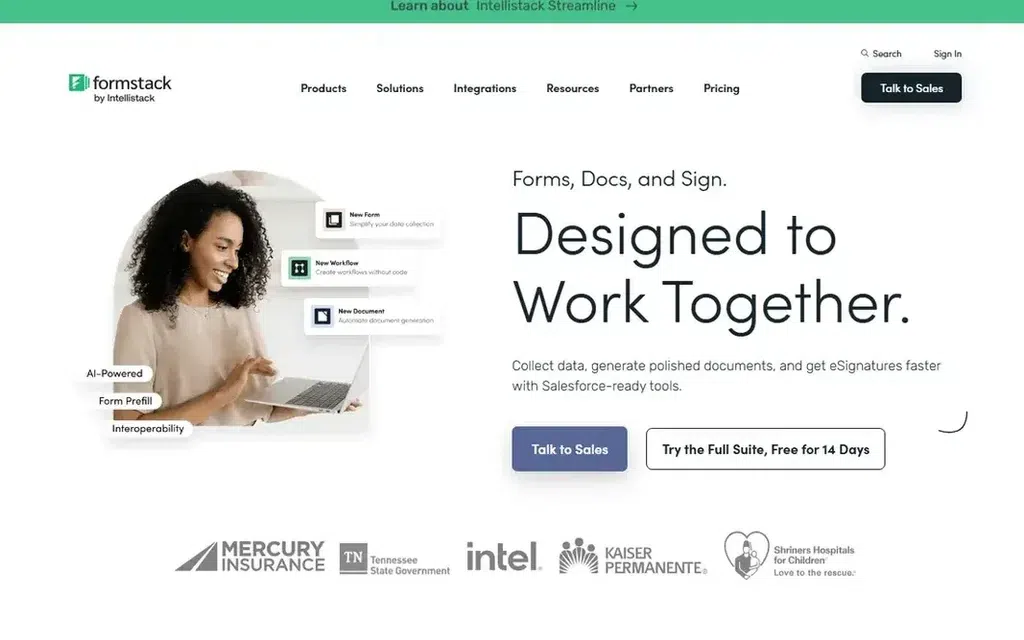
Choose Formstack for approvals, documents and e-signatures. Formstack is a secure forms, documents and e-signature product aimed at organizations that require to simplify workflows. More specifically, for churches, that means forms that can feed into approvals, generated documents and signed consent, which fits processes like facility requests, volunteer onboarding or permission slips that require a record.
It is oriented toward organizational workflows instead of fast one-off signups, so a small church may find it heavier than needed. If you chiefly want straightforward registration or contact forms, Jotform or Wufoo will get you there with less setup. Formstack pricing: $83 per month. On free options: Free trial.
Where it is weaker: Pitched at organizations, not casual use.
Where it shines: Forms with document generation.
- Workflow automation
- E-signature support
- Setup assumes some admin skill

Pick Jotform if this describes you: all-around church form building. The breadth of choices can feel overwhelming at first, and conditional logic and integrations take time to set up properly.
Watch-outs: Advanced logic takes setup.
From a buyer's view, Jotform is an online form builder for creating forms and surveys rapidly. Starting cost for Jotform: $34 per month. Jotform offers a free plan.
- Wide template-driven form builder
- Manages surveys and registrations
- Numerous features to learn
How we built this list
We compared the tools on published pricing, free plan or trial availability, feature coverage for online form builder for churches, and the limits each vendor documents. Where a price is missing, the vendor does not list one publicly or ties it to a quote. Always confirm before budgeting. Order on the page follows fit for the typical buyer first, then price transparency and free access. Your own requirements should decide the final pick.
Before you commit
- Confirm the entry price on the vendor page. For Wufoo and Typeform that means a quote rather than a fixed price.
- Look at free plan limits closely: Wufoo and Jotform have one, and the caps decide whether it is usable for real work.
- Use real work to test the free trial from Formstack, rather than a demo project.
- Before choosing Wufoo, weigh its main limit: design choices are entry-level.
- Compare total cost, not headline price: for Jotform, add extra seats, add-ons and any usage-based charges.
- Look at the renewal terms for Formstack: auto-renewal, notice periods and price changes can matter more than the first-year price.
FAQ
Do these tools publish their prices?
Not all of them. Wufoo and Typeform publish no starting price, so expect a quote request for those. The rest, Gravity Forms included, show a starting price, though seats and billing terms still change the final cost.
Which online form builder for churches have a free plan?
On this list, Wufoo and Jotform include a free plan. Caps on seats, usage or features are common, so test the free plan against your real workload. One other tool offers a trial instead.
Is Wufoo the right pick for everyone comparing online form builder for churches?
No single tool suits every team. Wufoo comes first because it fits quick custom forms with cloud storage, while Gravity Forms suits WordPress sites needing flexible forms and Typeform suits conversational surveys and feedback. Match the tool to your own size, budget and workflow before deciding.
What is the cheapest option for online form builder for churches in this list?
On published monthly entry prices, Jotform is the lowest here at $34 per month. Entry price is only part of the cost, because seats, add-ons and billing terms can change the total. Each of the 5 options in this online form builder for Churches guide has its own card above with the price, free plan and limits.
Sources
- https://www.wufoo.com
- https://www.gravityforms.com
- https://www.typeform.com
- https://www.formstack.com
- https://www.jotform.com