Best Online Form Builder for Freelancers (2026): 6 Picks Checked on Vendor Pages
6 best online form builder for freelancers, with entry costs, free tiers and the buyer each one serves. Each pick comes with its main catch. Compare quickly.
- Editor's choiceWPForms
Freelancers running WordPress sites
Starts at$49.50 a yearVisit wpforms.comFull review - Great alternative
 123FormBuilder
Fast no-code forms and quizzes
Starts at$18.5 per monthVisit 123formbuilder.comFull review - Also consider
 Cognito Forms
Approvals and document workflows
Starts at$24 a monthVisit cognitoforms.comFull review
Direct answer
Start with WPForms if you need freelancers running WordPress sites. Listed starting prices: WPForms from $49.50 a year, 123FormBuilder from $18.5 per month and Cognito Forms from $24 a month. If your case is different, 123FormBuilder suits fast no-code forms and quizzes and Cognito Forms suits approvals and document workflows. The full list of 6 tools follows, with prices and free plan facts.
TL;DR:
- Top of the list is WPForms, which targets freelancers running WordPress sites.
- Gravity Forms is the one to check for custom WordPress form workflows.
- What to know about WPForms first: needs a WordPress site.
- 123FormBuilder, Cognito Forms, Jotform: these are the 3 tools out of 6 that offer a free plan.
- 123FormBuilder has the lowest monthly starting price in this list: $18.5 per month.
Last checked November 2026. Prices and plan details were read from the vendors' own pages in November 2026; vendors change plans often, so confirm the current price on the vendor site before you buy.
Quick comparison
| Tool | Best for | Starts at | Free plan? | |
|---|---|---|---|---|
| WPForms | Freelancers running WordPress sites | $49.50 a year | Not stated | Visit |
| 123FormBuilder | Fast no-code forms and quizzes | $18.5 per month | Yes | Visit |
| Cognito Forms | Approvals and document workflows | $24 a month | Yes | Visit |
 Jotform | All-around freelance form building | $34 per month | Yes | Visit |
 Typeform | Conversational client intake forms | See website | Not stated | Visit |
| Gravity Forms | Custom WordPress form workflows | $59 a year | No | Visit |
Online Form Builder for Freelancers profiles
LinkVetted compared 6 online form builder for freelancers. The goal is a practical shortlist: published prices, free plan facts, best-fit use cases and honest limits for every entry.
WPForms
Best for: Freelancers running WordPress sites
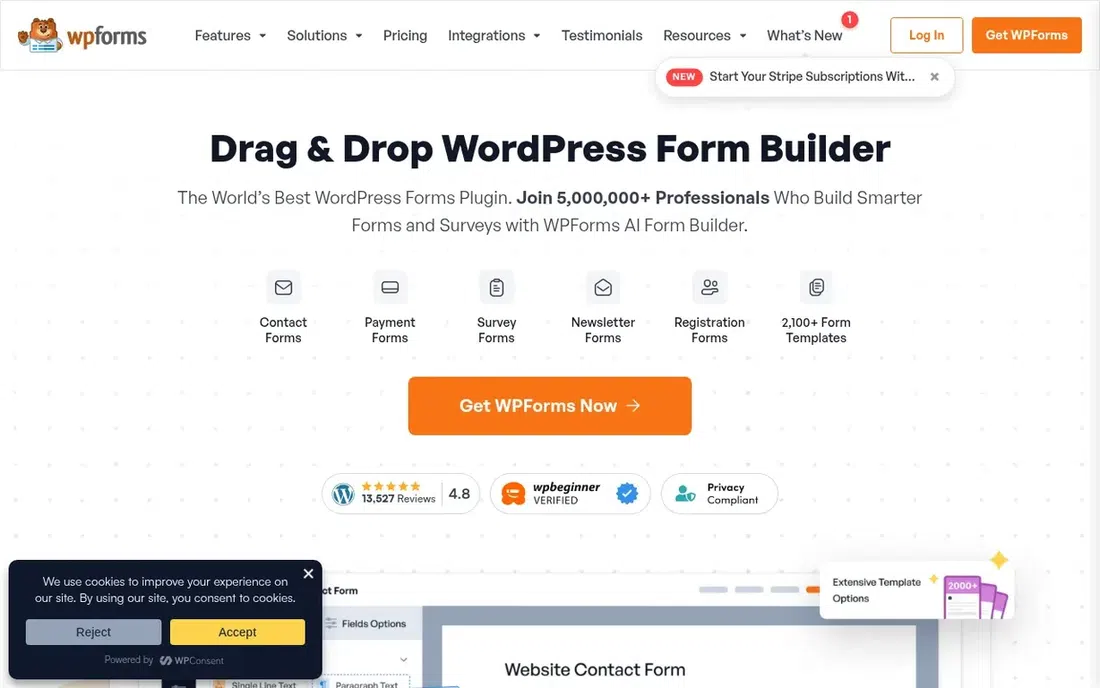
For freelancers running WordPress sites, WPForms is a natural candidate. WPForms is a WordPress form builder plugin that lets you produce forms with a drag-and-drop interface and AI assistance straight inside WordPress.
What works well: Works inside the WordPress dashboard.
The plugin only makes sense on WordPress, so freelancers on other site builders should look elsewhere. It also layers on another plugin to maintain, which matters if you prefer to keep your site lean. Entry price for WPForms: $49.50 per year. Free access: Not stated.
Drawbacks to consider: Plugin-specific ramp-up time.
- AI-assisted form creation
- Drag-and-drop WordPress builder
- Needs a WordPress site
123FormBuilder is aimed squarely at fast no-code forms and quizzes. It fits freelancers who want to publish a working form rapidly for client requests, orders or straightforward quizzes without exploring a deep feature set.
Best features of 123FormBuilder: order and quiz forms.
Where it is weaker: Fewer advanced automation choices. In practice, freelancers with advanced logic needs should compare those choices before committing. 123FormBuilder cost at the entry level: $18.5 per month. A free plan is available with 123FormBuilder.
- Application
- Straightforward builder
- Less depth for complicated workflows
Where Cognito Forms fits: approvals and document workflows. Freelancers who only need a contact or survey form can start with a simpler builder.
The main drawbacks: Less known than bigger brands.
It suits freelancers whose forms feed a process, like collecting project briefs, gathering approvals or generating documents from submitted data, without stitching multiple tools together. Entry price for Cognito Forms: $24 per month. Free access exists with Cognito Forms.
- Workflow automation built in
- File uploads and signatures
- Advanced logic takes learning
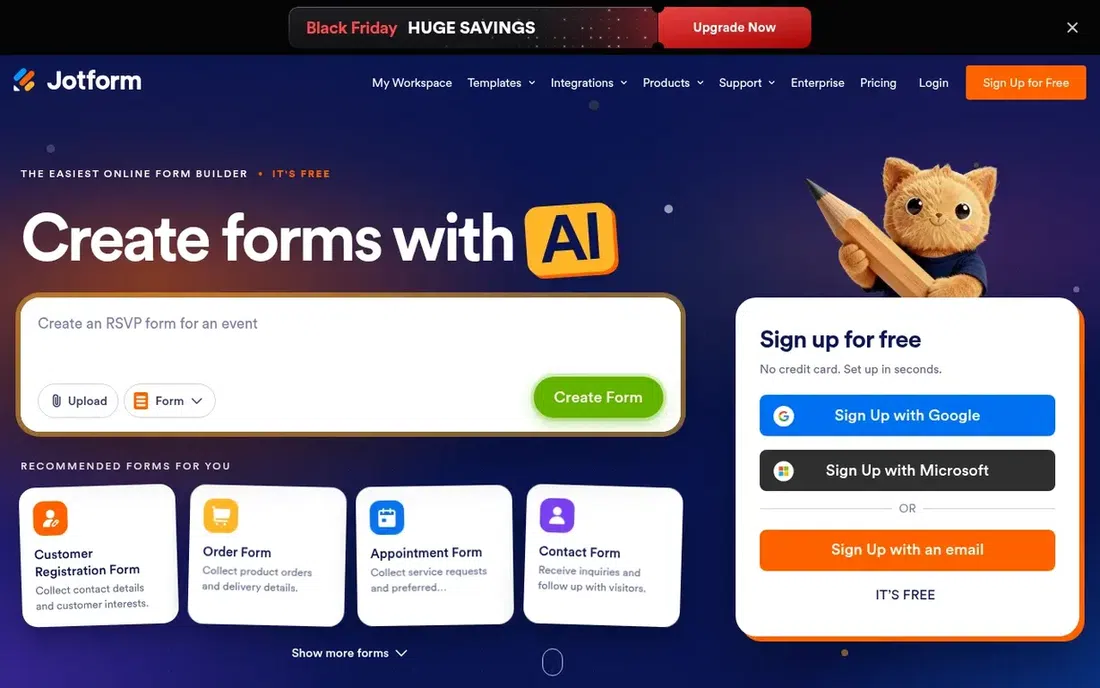
Jotform is designed for all-around freelance form building. For freelancers it works as a single place for client intake, quote requests, feedback and simple payment collection, and it fits people who want one general-purpose tool instead of multiple specialist apps.
For everyday use, freelancers who want a strictly conversational experience or deep WordPress integration may prefer Typeform or a WordPress plugin instead. Price to start with Jotform: $34 per month. Jotform offers a free plan.
Limits to weigh: Advanced features add complexity.
- Payments and surveys included
- Broad template library
- Interface can feel busy
Think of Typeform for conversational client intake forms. Typeform is a form builder centered on conversational, one-question-at-a-time forms, with AI-assisted building and automation that can trigger follow-up workflows.
Where it is weaker: Conversational style may not suit all forms.
On top of that, the conversational format is not well suited to dense administrative forms or long application packets. Typeform does not show a starting price in this comparison, so check the vendor site for current pricing. Free plan details: Not stated.
- Automatic workflow triggers
- AI-assisted form building
- Less of a general form utility
Gravity Forms
Best for: Custom WordPress form workflows
Pick Gravity Forms if this describes you: custom WordPress form workflows. Gravity Forms is a WordPress form plugin centred on custom forms, security and reliability.
Limits to weigh: More setup than straightforward plugins.
It is not a standalone form service, so anyone without WordPress is out of scope. Gravity Forms pricing: $59 per year. Gravity Forms does not include a free plan.
- Adaptable field and logic choices
- Made for WordPress sites
- Plugin only, no standalone forms
Selection criteria
Pricing pages, product documentation and feature lists were the main sources, and every entry carries at least one honest drawback. Where a vendor does not publish a price, the entry says quote. Where a price depends on seats or billing term, the entry says so. The order reflects how well each tool fits the most common buying scenario for online form builder for freelancers, then price clarity, then free plan access. It is a starting point, not a verdict.
A buyer's checklist
- Ask Typeform for a written quote, since no starting price is shown.
- Read the fine print on the free plans from 123FormBuilder, Cognito Forms and Jotform; seat, project and feature caps differ.
- Read the limits listed for WPForms first: needs a WordPress site.
- Check how data leaves 123FormBuilder: formats, limits and whether exports are available on every plan.
- Look at the help docs and support options for Gravity Forms before you commit.
FAQ
What is the cheapest option for online form builder for freelancers in this list?
On published monthly entry prices, 123FormBuilder is the lowest here at $18.5 per month. Entry price is only part of the cost, because seats, add-ons and billing terms can change the total.
Is WPForms the right pick for everyone comparing online form builder for freelancers?
No single tool suits every team. WPForms comes first because it fits freelancers running WordPress sites, while 123FormBuilder suits quick no-code forms and quizzes and Cognito Forms suits approvals and document workflows. Match the tool to your own size, budget and workflow before deciding.
Which form builder is a good match for a freelancer just starting out?
For most readers this guide would start with WPForms, built for freelancers running WordPress sites. 123FormBuilder is the alternative for fast no-code forms and quizzes, and Cognito Forms for approvals and document workflows. The right answer depends on budget and workflow.
Do these tools publish their prices?
Not all of them. Typeform publishes no starting price, so expect a quote request for it. The rest, WPForms included, show a starting price, though seats and billing terms still change the final cost.
Which options for online form builder for freelancers have a free plan?
On this list, 123FormBuilder, Cognito Forms and Jotform include a free plan. Caps on seats, usage or features are common, so test the free plan against your real workload.
Sources
- https://wpforms.com
- https://www.123formbuilder.com
- https://www.cognitoforms.com
- https://www.jotform.com
- https://www.typeform.com
- https://www.gravityforms.com