Choosing Online Form Builder for Architects in 2026: 5 Options Compared
Compare 5 best online form builder for architects, with prices, free plans and who each fits. Each pick comes with its main catch. Updated November 2026.
- Editor's choice
 Cognito Forms
Forms with approvals and workflow automation
Starts at$24 per monthVisit cognitoforms.comFull review - Great alternative
 Formstack
Forms with documents and e-signatures
Starts at$83 per monthVisit formstack.comFull review - Also consider
 Typeform
Conversational, engaging client-facing forms
Starts atSee websiteVisit typeform.comFull review
Direct answer
If you need Forms with approvals and workflow automation, Cognito Forms is the first tool to look at here. Listed starting prices: Cognito Forms from $24 per month, Formstack from $83 per month and Jotform from $34 a month. For a different need, Formstack covers Forms with documents and e-signatures and Typeform covers conversational, engaging client-facing forms. The other 2 tools in the list cover narrower or pricier cases.
TL;DR:
- Cognito Forms is the opening pick, best for Forms with approvals and workflow automation.
- Gravity Forms fits advanced WordPress form workflows.
- What to know about Typeform first: less suited to dense internal forms.
- Cognito Forms is the lowest-priced starter here at $24 per month.
Last checked November 2026. Prices and plan details were read from the vendors' own pages in November 2026; vendors change plans often, so confirm the current price on the vendor site before you buy.
Quick comparison
| Tool | Best for | Starts at | Free plan? | |
|---|---|---|---|---|
| Cognito Forms | Forms with approvals and workflow automation | $24 per month | Yes | Visit |
| Formstack | Forms with documents and e-signatures | $83 per month | Free trial | Visit |
| Typeform | Conversational, engaging client-facing forms | See website | Not stated | Visit |
 Jotform | General-purpose form building with templates | $34 a month | Yes | Visit |
| Gravity Forms | Advanced WordPress form workflows | $59 a year | No | Visit |
Online Form Builder for Architects profiles
Short on time? The summary and table above give the quick view of 5 online form builder for architects, and the profiles that follow give the detail behind each entry.
Cognito Forms is designed for Forms with approvals and workflow automation. Cognito Forms is an online form builder with workflow automation, document generation, file uploads, and signatures. On top of that, if you need a very straightforward form, Cognito may be more than required.
The main drawbacks: Advanced features on premium levels.
On top of that, some workflow and document features are restricted on lower levels. The template selection is smaller than some competitors, so you may have to build forms from scratch. For architects, it can support client intake, change order requests, and approval processes where a form needs to route to the right person. Cognito Forms cost at the entry level: $24 per month. Cognito Forms offers a free plan.
- Built-in workflow automation
- Document generation
- Restricted template variety
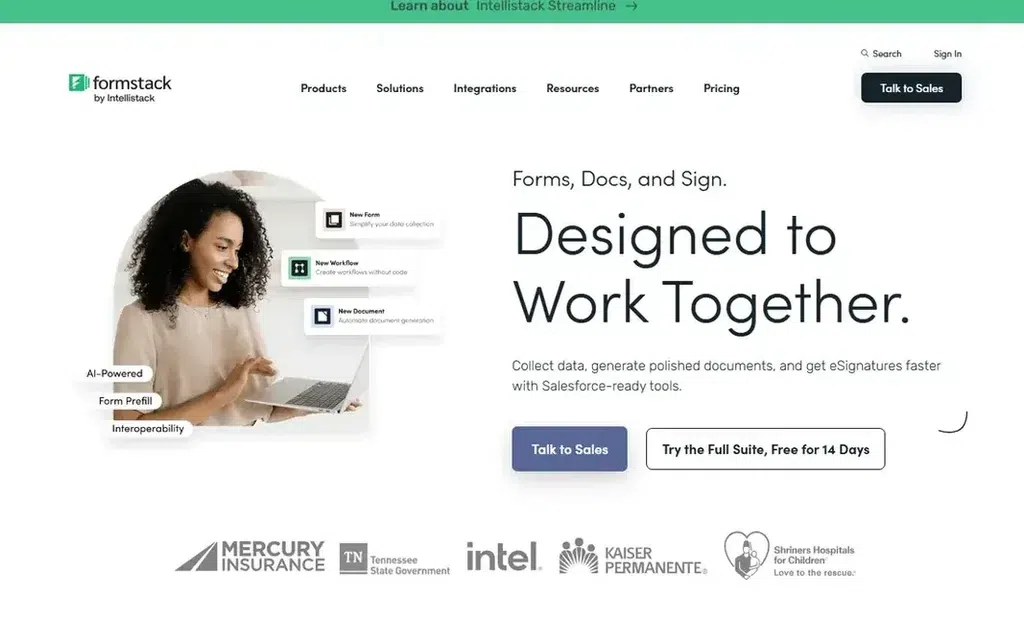
Formstack works best for Forms with documents and e-signatures. Pricing is not covered here, but advanced features are usually on higher levels. Formstack merges online forms with document generation and e-signature tools, making it a good match for architecture businesses that require to collect information and produce contracts, proposals, or approval documents.
It supports workflow automation, so responses can trigger the next step. Beyond that, consider Formstack when document workflows and signatures are central to your process. For straightforward contact forms, it may be overkill. What you pay to start with Formstack: $83 per month. Trial and free access: Free trial.
The main drawbacks: Higher ramp-up time.
- Document generation included
- E-signature support
- More than needed for straightforward forms
Typeform is aimed squarely at conversational, engaging client-facing forms. The product also supplies AI-powered automation to route responses and trigger follow-ups, which can help simplify lead handling without coding. Beyond that, choose Typeform when client engagement is the priority.
The conversational format is less efficient for long, complicated forms where users have to see numerous fields at once. Some automation and integration features are restricted on lower levels. Typeform shows no starting price here, so confirm the cost on the vendor site. Free options: Not stated.
Downsides: Some automation features need higher tiers.
- AI-powered automation features
- One-question-at-a-time layout
- Less suited to dense internal forms

Choose Jotform for general-purpose form building with templates. Jotform is a widely used online form builder with a drag-and-drop interface and a large collection of templates.
Limits to weigh: Advanced features need a premium level.
Worth adding: some advanced capabilities, for example higher upload limits or integrations, are tied to premium plans. If you need a very straightforward form and nothing more, a lighter tool may be simpler. Entry price for Jotform: $34 per month. Jotform includes a free tier.
- Large template library
- Drag-and-drop editor
- Can feel feature-heavy for straightforward forms
Gravity Forms
Best for: Advanced WordPress form workflows
Gravity Forms was built for advanced WordPress form workflows. Gravity Forms is a WordPress form plugin known for its advanced features and developer-friendly approach. Beyond that, architects who require complicated conditional logic, multi-step forms, or tight integration with other WordPress plugins may find it a good fit.
Limits to weigh: Needs more setup knowledge.
For straightforward forms, it may be more than necessary. Consider Gravity Forms when you need sophisticated logic and are comfortable managing a WordPress plugin. What you pay to start with Gravity Forms: $59 per year. Gravity Forms has no free tier.
- Developer-friendly hooks
- Feature-rich conditional logic
- No free version
How these tools were picked
For each of the 5 tools we noted price, free plan or trial, fit for online form builder for architects and the main limit, using vendor pages and documentation. Where a price is missing, the vendor does not list one publicly or ties it to a quote. Always confirm before budgeting. Order on the page follows fit for the typical buyer first, then price transparency and free access. Your own requirements should decide the final pick.
What to confirm before you sign up
- Ask Typeform for a written quote, since no starting price is shown.
- Read the fine print on the free plans from Cognito Forms and Jotform; seat, project and feature caps differ.
- Take the trial from Formstack and push a live task through it before you pay.
- Before choosing Cognito Forms, weigh its main limit: restricted template variety.
- Price Jotform for your actual team size; headline prices rarely include add-ons or overage.
- Confirm you can export your data from Formstack, so leaving later does not mean losing records.
FAQ
Do these tools publish their prices?
Not all of them. Typeform publishes no starting price, so expect a quote request for it. The rest, Cognito Forms included, show a starting price, though seats and billing terms still change the final cost.
Which options for online form builder for architects have a free plan?
On this list, Cognito Forms and Jotform include a free plan. Caps on seats, usage or features are common, so test the free plan against your real workload. One other tool offers a trial instead.
How are the tools for online form builder for architects ordered?
Cognito Forms sits first and Gravity Forms last because the order follows typical fit for online form builder for architects, then price clarity and free access. It is a judgement call, so read each profile for fit and limits.
What is the cheapest option for online form builder for architects in this list?
On published monthly entry prices, Cognito Forms is the lowest here at $24 per month. Entry price is only part of the cost, because seats, add-ons and billing terms can change the total. Prices, free plan details and limits for all 5 tools in this online form builder for Architects roundup sit on the individual cards above.
Do any of these tools contain e-signatures for contracts?
Jotform also provides signature fields. For formal contracts, confirm that the signature feature meets your legal requirements and connects with your document workflow.
Sources
- https://www.cognitoforms.com
- https://www.formstack.com
- https://www.typeform.com
- https://www.jotform.com
- https://www.gravityforms.com