Best Webinar Tools for Nonprofit Organizations for 2026: Our 5 Vetted Picks
Shortlisting the best webinar tools for nonprofit organizations? 5 products compared on cost, free access and ideal buyer. With pricing notes and limits.
- Editor's choice
 Zoom Events
Multi-session virtual events
Starts atSee websiteVisit events.zoom.usFull review - Great alternativeWorkCast
Managed and self-service events
Starts at£95 a monthVisit workcast.comFull review - Also considerMicrosoft Teams Webinars
Microsoft 365 integration
Starts at$4.00 per user a monthVisit microsoft.comFull review
Direct answer
Zoom Events is the first pick on this list for multi-session virtual events. Listed starting prices: WorkCast from £95 a month and Microsoft Teams Webinars from $4.00 per user a month. WorkCast fits managed and self-service events; Microsoft Teams Webinars fits Microsoft 365 integration. All 5 tools are compared below on price, free plan and limits.
TL;DR:
- Number one here is Zoom Events, a fit for multi-session virtual events.
- Check the limits for Zoom Events before you commit: may be complicated for straightforward webinars.
- Starting prices begin at $4.00 per user per month with Microsoft Teams Webinars.
- Zoom Webinars is the one to check for familiar, steady webinar hosting.
- None of the 5 tools, from Zoom Events to Zoom Webinars, has a free plan, so budget for a subscription or use a trial.
Last checked November 2026. Prices and plan details were read from the vendors' own pages in November 2026; vendors change plans often, so confirm the current price on the vendor site before you buy.
Quick comparison
| Tool | Best for | Starts at | Free plan? | |
|---|---|---|---|---|
| Zoom Events | Multi-session virtual events | See website | Not stated | Visit |
| WorkCast | Managed and self-service events | £95 a month | Free trial | Visit |
| Microsoft Teams Webinars | Microsoft 365 integration | $4.00 per user a month | Free trial | Visit |
 GoTo Webinar | Dedicated webinar system | See website | Free trial | Visit |
 Zoom Webinars | Familiar, steady webinar hosting | See website | Not stated | Visit |
The 5 tools in detail
LinkVetted compared 5 webinar tools for nonprofit organizations. The goal is a practical shortlist: published prices, free plan facts, best-fit use cases and honest limits for every entry.
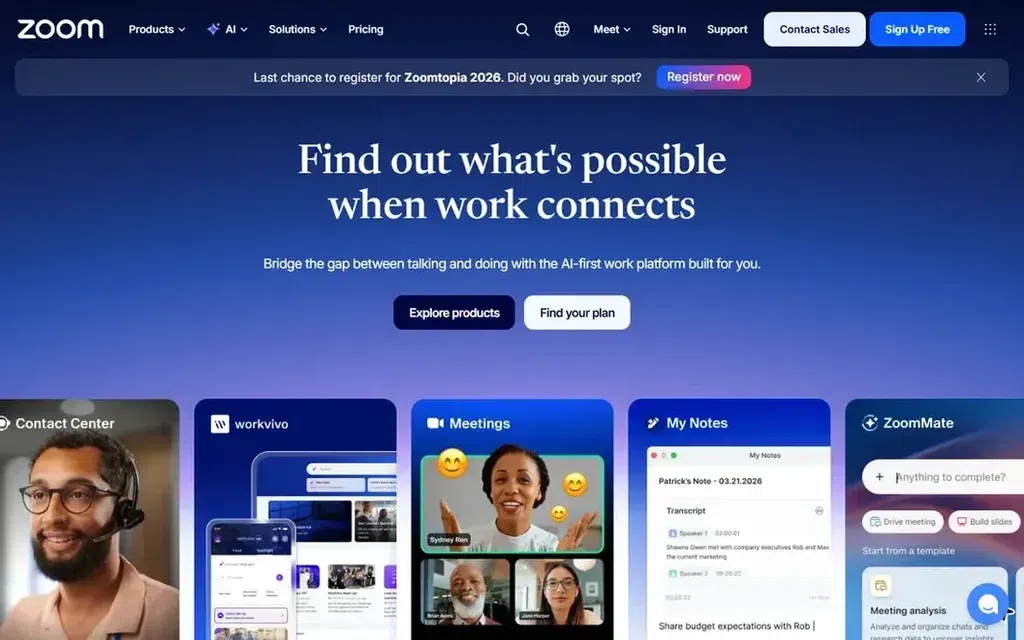
Where Zoom Events fits: multi-session virtual events. Zoom Events is an extension of Zoom Webinars made for bigger, multi-session virtual events. It comes with registration management, production tools and analytics, making it right for nonprofits hosting conferences or fundraising events with several sessions.
What to check first: Needs Zoom ecosystem.
Nonprofits with restricted technical resources might prefer more straightforward tools like Zoom Webinars or GoTo Webinar. For straightforward webinars, Zoom Events may offer more features than needed. This comparison lists no price for Zoom Events; ask the vendor. Trial and free access: Not stated.
- Registration and ticketing tools
- Analytics for event performance
- May be complicated for straightforward webinars
WorkCast
Best for: Managed and self-service events
In short, WorkCast is for managed and self-service events. The platform may be less familiar to North American audiences, which could affect user adoption.
Honest limits: Less known in North America.
Main advantages: Adaptable self-service or managed choices.
Starting cost for WorkCast: £95 per month. As for free access: Free trial.
- Simulive and on-demand
- UK-based with virtual event focus
- May be UK-centric for some users
Microsoft Teams Webinars
Best for: Microsoft 365 integration
Microsoft Teams Webinars makes the most sense for Microsoft 365 integration. Microsoft Teams Webinars is a webinar option built into Microsoft Teams, allowing organizations to host webinars straight from their Teams environment. It is a strong match for nonprofits already using Microsoft 365 that want a smooth experience for internal trainings and external events.
In daily use, nonprofits needing more solid webinar capabilities might consider Zoom Webinars or GoTo Webinar. For everyday use, the tool may lack some advanced features like in-depth analytics or custom branding available in dedicated products. Price to start with Microsoft Teams Webinars: $4.00 per user per month. Trial and free access: Free trial.
Honest limits: Needs Microsoft ecosystem.
- Familiar interface for Teams users
- Integrated with Microsoft 365
- Restricted advanced webinar features
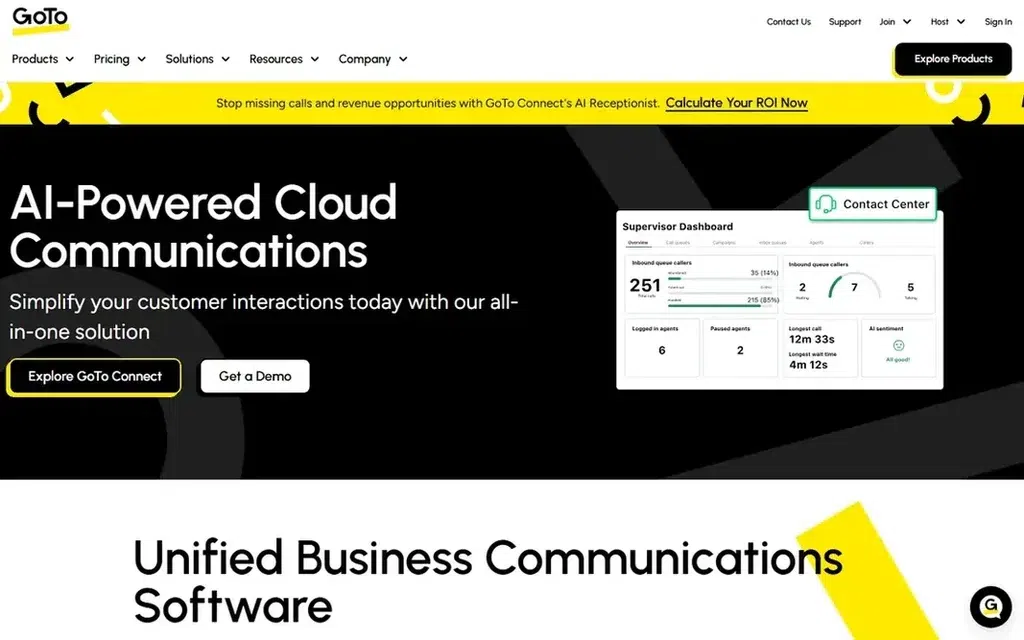
GoTo Webinar is designed for dedicated webinar system. GoTo Webinar is a standalone webinar product known for engaging virtual conferences and events. It supplies features like polling, surveys and recording, and is suitable for nonprofits that want a dedicated webinar solution separate from their meeting tools.
Points against: Can be expensive for small nonprofits.
For everyday use, organizations already using Microsoft 365 might find Microsoft Teams Webinars more cost-effective. Beyond that, the platform may be priced higher than some alternatives, which could strain small nonprofit budgets. This comparison lists no price for GoTo Webinar; ask the vendor. On free options: Free trial.
- Engagement features for audiences
- Customer-recommended system
- Interface may feel less modern
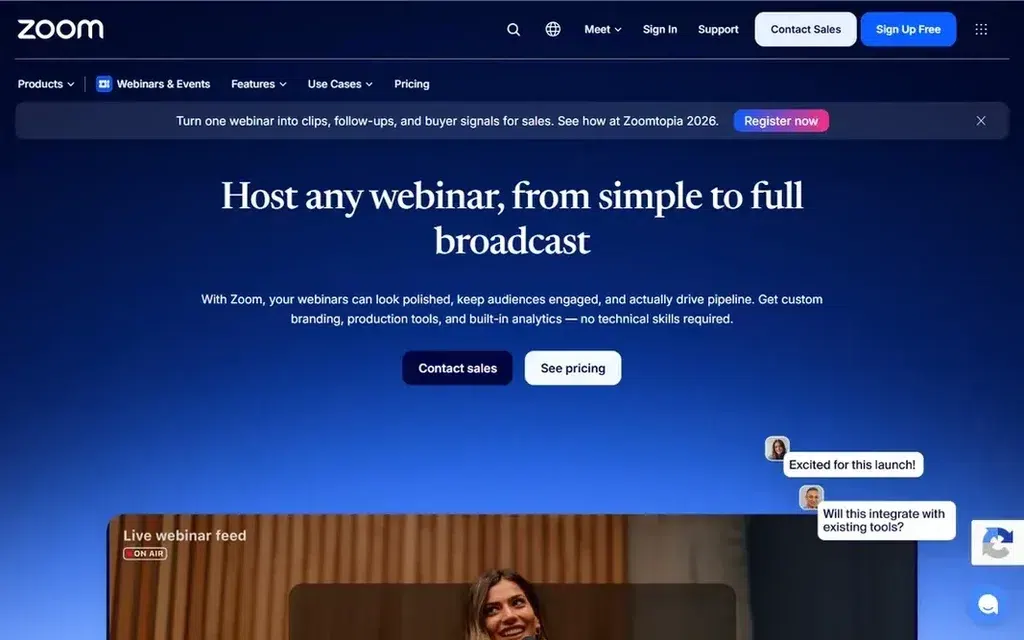
Zoom Webinars is designed for familiar, steady webinar hosting. The product may lack some advanced marketing automation found in specialized webinar tools.
Where it is weaker: Advanced features may need extras.
Worth adding: Zoom Webinars is a dedicated webinar product from Zoom that lets organizations host professional virtual events with features like registration, Q&An and reporting. No starting price is listed for Zoom Webinars here; confirm pricing on the vendor site. As for free access: Not stated.
- Professional webinar features
- Capable virtual event experience
- Restricted built-in marketing tools
What went into this list
We compared the tools on published pricing, free plan or trial availability, feature coverage for webinar tools for nonprofit organizations, and the limits each vendor documents. Where a vendor does not publish a price, the entry says quote. Where a price depends on seats or billing term, the entry says so. The ranking is editorial: typical fit first, then clear pricing, then free access. If your needs are unusual, read the profiles rather than relying on position.
Pre-purchase checklist
- Get a written quote from Zoom Events, GoTo Webinar and Zoom Webinars; the list shows no starting price for them.
- Run a trial of WorkCast, Microsoft Teams Webinars and GoTo Webinar with real work before paying for a year; your own workflow is the best test.
- Before choosing Zoom Events, weigh its main limit: may be complicated for straightforward webinars.
- Ask Zoom Webinars whether prices are locked for the first term and what happens at renewal.
- Find out whether the entry plan of Zoom Events covers your must-haves or only a trimmed-down version.
FAQ
What should nonprofits look for in a webinar tool?
Nonprofits should prioritize simplicity, reliability, and engagement features like Q&An and polling. Worth adding: consider whether you need advanced marketing features or just entry-level hosting.
How are the webinar tools for nonprofit organizations ordered?
Zoom Events sits first and Zoom Webinars last because the order follows typical fit for webinar tools for nonprofit organizations, then price clarity and free access. It is a judgement call, so read each profile for fit and limits.
Can I try these tools before paying?
Often, yes. WorkCast, Microsoft Teams Webinars and GoTo Webinar offer a free trial. Use your own data and a real task during the test, and check what the free tier or trial limits before you rely on it.
Does any tool for webinar tools for nonprofit organizations here have a free plan?
No tool in this list, Zoom Events and Zoom Webinars included, has a permanent free plan. WorkCast, Microsoft Teams Webinars, GoTo Webinar offer a trial. Trials and quotes are the usual route, so plan a short evaluation period.
What is the cheapest option for webinar tools for nonprofit organizations in this list?
On published monthly entry prices, Microsoft Teams Webinars is the lowest here at $4.00 per user per month. Entry price is only part of the cost, because seats, add-ons and billing terms can change the total. All 5 picks in this webinar tools for nonprofit organizations comparison list a starting price, free plan details and the main limits on their cards above.
Are there free webinar tools for nonprofits?
Some systems offer free versions or trials, but they commonly come with limitations on attendees or features. Nonprofits should check vendor websites for current offerings.
Sources
- https://events.zoom.us
- https://www.workcast.com
- https://www.microsoft.com/en-us/microsoft-teams/webinars
- https://www.goto.com/webinar
- https://zoom.us/webinar