Best Web Frameworks for Remote Teams in 2026: Prices, Free Plans and 5 Picks
Best web frameworks for remote teams: 5 contenders ranked by fit, with entry costs and free tiers. Each profile ends with a plain caveat. See the full list.
- Editor's choice
 React
Component-based UI with maximum adaptability
Starts atPricing on requestVisit react.devFull review - Great alternative
 Svelte
Light development with less boilerplate
Starts atPricing on requestVisit svelte.devFull review - Also considerAstro
Content sites and mixed rendering needs
Starts atPricing on requestVisit astro.buildFull review
Direct answer
React leads the list, best for Component-based UI with maximum adaptability. If your case is different, Svelte suits light development with less boilerplate and Astro suits content sites and mixed rendering needs. The full list of 5 tools follows, with free plan facts. None of these vendors publish plan prices, so pricing is on request for every option.
TL;DR:
- React takes the first slot, best suited to Component-based UI with maximum adaptability.
- A permanent free plan is missing from all 5 tools, React and Nuxt included; plan for a trial or a premium start.
- React, Nuxt and the 3 others all sell by quote; expect sales conversations before you see a price.
- For Vue teams wanting full-stack defaults, Nuxt is worth a look.
- The main caution on Next.js: tied to the React ecosystem.
Last checked November 2026. Pricing on request: vendors did not publish plan prices when this guide was last checked (November 2026), so ask each vendor for a written quote.
Quick comparison
| Tool | Best for | Starts at | Free plan? | |
|---|---|---|---|---|
| React | Component-based UI with maximum adaptability | Pricing on request | Not stated | Visit |
| Svelte | Light development with less boilerplate | Pricing on request | Not stated | Visit |
| Astro | Content sites and mixed rendering needs | Pricing on request | Not stated | Visit |
| Next.js | Full-stack React with built-in conventions | Pricing on request | Not stated | Visit |
| Nuxt | Vue teams wanting full-stack defaults | Pricing on request | Not stated | Visit |
Web Frameworks for Remote Teams profiles
LinkVetted compared 5 web frameworks for remote teams. The goal is a practical shortlist: published prices, free plan facts, best-fit use cases and honest limits for every entry.
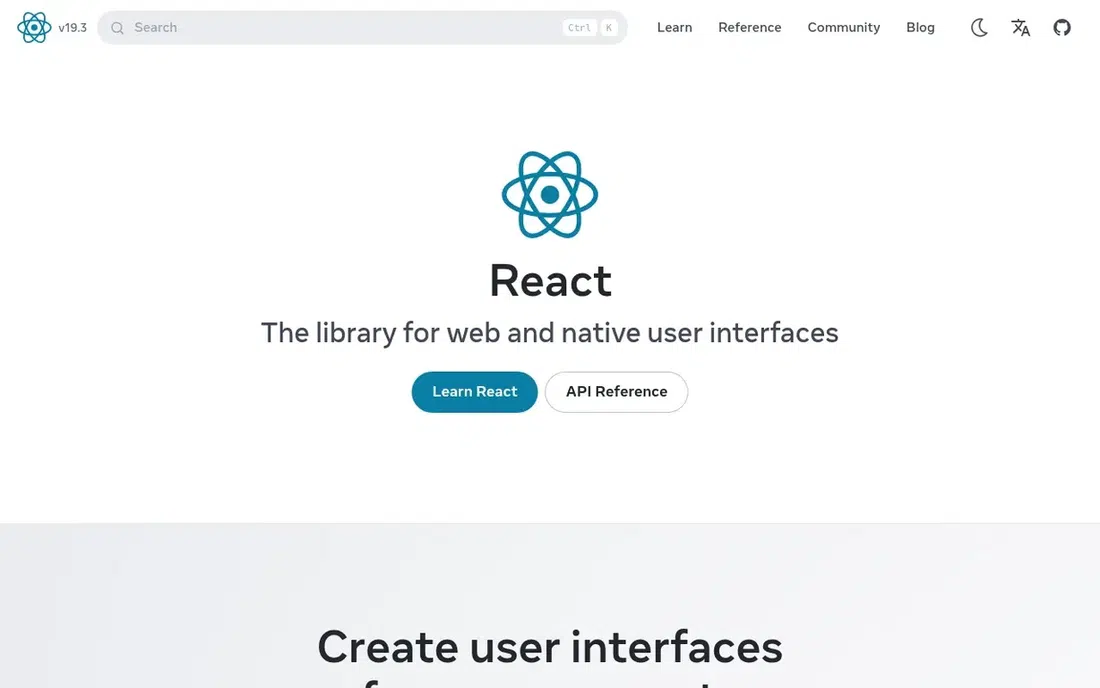
React targets Component-based UI with maximum adaptability. React describes itself as the library for web and native user interfaces, built around components written in JavaScript.
Downsides: Not a full framework on its own.
Teams wanting routing and rendering decisions handled upfront should look at Next.js or Nuxt instead. Since React is a library instead of a framework, distributed teams must document their own conventions or risk inconsistent codebases. This comparison lists no price for React; ask the vendor. Free plan details: Not stated.
- Large surrounding ecosystem
- Works for web and native interfaces
- Tooling choices fall to the team
Svelte targets lightweight development with less boilerplate. It suits smaller squads or product teams that prefer a focused tool over a wide product.
What works well: Approachable for small teams.
Check the vendor site for Svelte pricing; none is listed in this comparison. Free plan details: Not stated.
Drawbacks to consider: Fewer built-in full-stack conventions.
- Focused developer experience
- Compact
- Smaller surrounding ecosystem
Astro
Best for: Content sites and mixed rendering needs
Where Astro fits: content sites and mixed rendering needs. Astro states that it builds quick content sites, capable web applications, dynamic server APIs and everything in between.
Where it is weaker: Another tool to learn alongside UI libraries.
It suits teams whose work leans toward content and performance-sensitive delivery. This comparison lists no price for Astro; ask the vendor. Free access: Not stated.
- Deals with apps and server APIs
- Aimed at quick content sites
- Less centered on app state patterns
Next.js
Best for: Full-stack React with built-in conventions
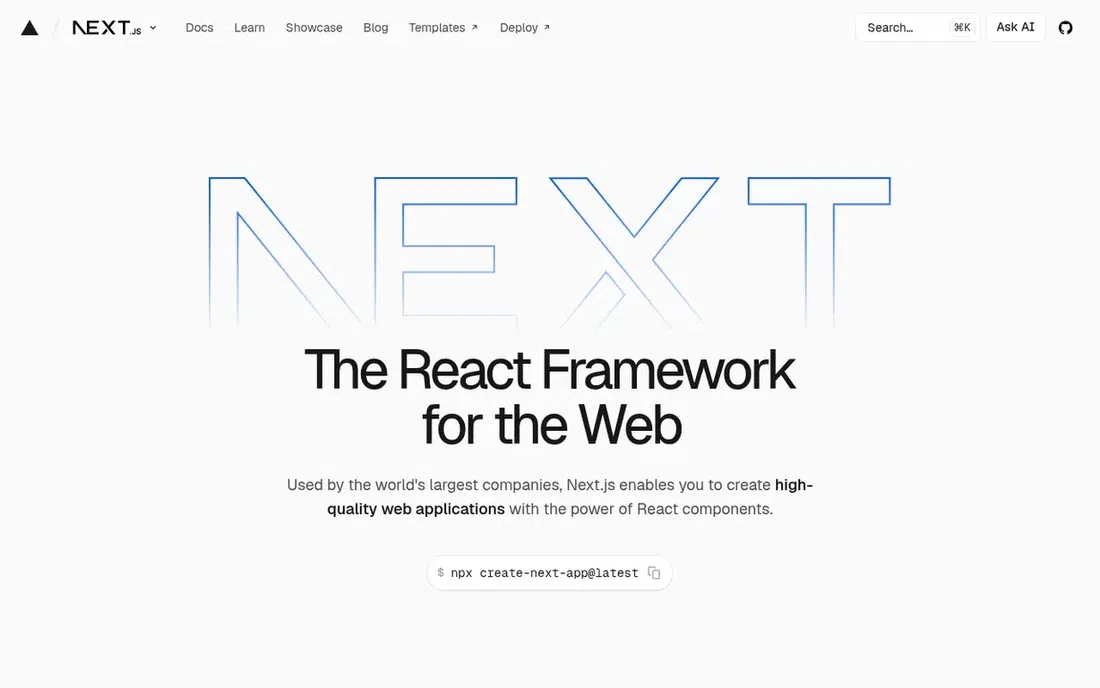
Next.js targets full-stack React with built-in conventions. Next.js is described by its vendor as the full-stack React framework for the web.
It suits teams already comfortable with React that want one framework to include both front end and back end concerns. This comparison lists no price for Next.js; ask the vendor. Free plan details: Not stated.
Watch-outs: Tied to the React ecosystem.
- Routing and rendering modes included
- Full-stack features in one framework
- Numerous features to learn at once
Nuxt
Best for: Vue teams wanting full-stack defaults
Where Nuxt fits: Vue teams wanting full-stack defaults. For remote teams already using Vue, that means fewer setup decisions to negotiate and more consistent project structure.
It fits groups that want production-ready defaults without assembling a stack by hand. No starting price is listed for Nuxt here; confirm pricing on the vendor site. As for free access: Not stated.
Where it falls short: Conventions can feel prescriptive.
- Server-side rendering configured by default
- Auto-imports cut boilerplate
- Vue-specific ecosystem
Selection criteria
Selection started from tools commonly considered for web frameworks for remote teams, then narrowed to 5 that have clear pricing information or a clear quote process. Figures are shown as the vendors publish them. Billing terms, seat minimums and add-ons can change the real cost. The order reflects how well each tool fits the most common buying scenario for web frameworks for remote teams, then price clarity, then free plan access. It is a starting point, not a verdict.
A buyer's checklist
- Confirm the entry price with every vendor: no tool from React to Nuxt shows a fixed starting price.
- Before choosing React, weigh its main limit: not a full framework on its own.
- Find out what support Svelte includes on your plan, and whether onboarding help costs extra.
- Before you load data into React, check what an export looks like and who can run it.
- Look at the renewal terms for Next.js: auto-renewal, notice periods and price changes can matter more than the first-year price.
FAQ
Can I try these tools before paying?
Not by default. None of the tools, from React to Nuxt, lists a free plan or a free trial here, so ask each vendor for a demo before committing.
How do Next.js and Nuxt differ for distributed teams?
Both supply full-stack conventions for example routing and server-side rendering, but Next.js builds on React whereas Nuxt builds on Vue. Pick the one that matches existing skills to cut onboarding friction.
Does any tool for web frameworks for remote teams here have a free plan?
No tool in this list, React and Nuxt included, has a permanent free plan. Trials and quotes are the usual route, so plan a short evaluation period.
Do these tools publish their prices?
No. None of the tools, from React to Nuxt, shows a fixed starting price here, so budget time for quotes.
Is React the right pick for everyone comparing web frameworks for remote teams?
No single tool suits every team. React comes first because it fits Component-based UI with maximum flexibility, while Svelte suits lightweight development with less boilerplate and Astro suits content sites and mixed rendering needs. Match the tool to your own size, budget and workflow before deciding.