Best Web Development Services for Software in 2026: Prices, Free Plans and 6 Picks
Best web development services for software in 2026: 6 tools with starting prices, free plans and limits. Every profile names its biggest catch. Details below.
- Editor's choice
 Netlify
Building and running apps at any scale
Starts at$9 a monthVisit netlify.comFull review - Great alternative
 Vercel
Quick deployment for apps and agents
Starts at$20 a monthVisit vercel.comFull review - Also consider
 AWS Amplify
Full-stack web and mobile apps on AWS
Starts atSee websiteVisit aws.amazon.comFull review
Direct answer
Start with Netlify if you need building and running apps at any scale. Listed starting prices: Netlify from $9 a month, Vercel from $20 a month and DigitalOcean from $4 a month. If your case is different, Vercel suits quick deployment for apps and agents and AWS Amplify suits full-stack web and mobile apps on AWS. The full list of 6 tools follows, with prices and free plan facts.
TL;DR:
- This list starts with Netlify, which is built for building and running apps at any scale.
- A free plan is offered by 6 of the 6 tools, including Netlify, Vercel, AWS Amplify and DigitalOcean.
- The lowest published monthly entry price here is $4 per month, from DigitalOcean.
- GitLab is the one to check for one product across the software lifecycle.
- A fair warning about AWS Amplify: tied to the AWS ecosystem.
Last checked November 2026. Prices and plan details were read from the vendors' own pages in November 2026; vendors change plans often, so confirm the current price on the vendor site before you buy.
Quick comparison
| Tool | Best for | Starts at | Free plan? | |
|---|---|---|---|---|
| Netlify | Building and running apps at any scale | $9 a month | Yes | Visit |
| Vercel | Quick deployment for apps and agents | $20 a month | Yes | Visit |
| AWS Amplify | Full-stack web and mobile apps on AWS | See website | Yes | Visit |
 DigitalOcean | Cloud infrastructure for AI products | $4 a month | Yes | Visit |
 GitHub | Source hosting and team collaboration | $4 per user a month | Yes | Visit |
 GitLab | One system across the software lifecycle | $15 per user a month | Yes | Visit |
Tool-by-tool breakdown
This LinkVetted guide covers 6 options for web development services for software. Each profile lists a starting price, free plan details, strengths and drawbacks, so you can drop poor fits quickly.
Netlify targets building and running apps at any scale. Netlify centers on building and running apps instead of governing the entire software lifecycle, so planning, code review, and compliance workflows typically come from other tools.
Netlify describes itself as the place where apps come to life, letting teams start with a prompt, an agent, or code and then create, share, and run the app at any scale. It is a practical fit for projects that change often. Price to start with Netlify: $9 per month. Netlify includes a free tier.
What to check first: Teams needing deep infrastructure control may look elsewhere.
- Produce, share
- Or code
- Not a full software lifecycle suite
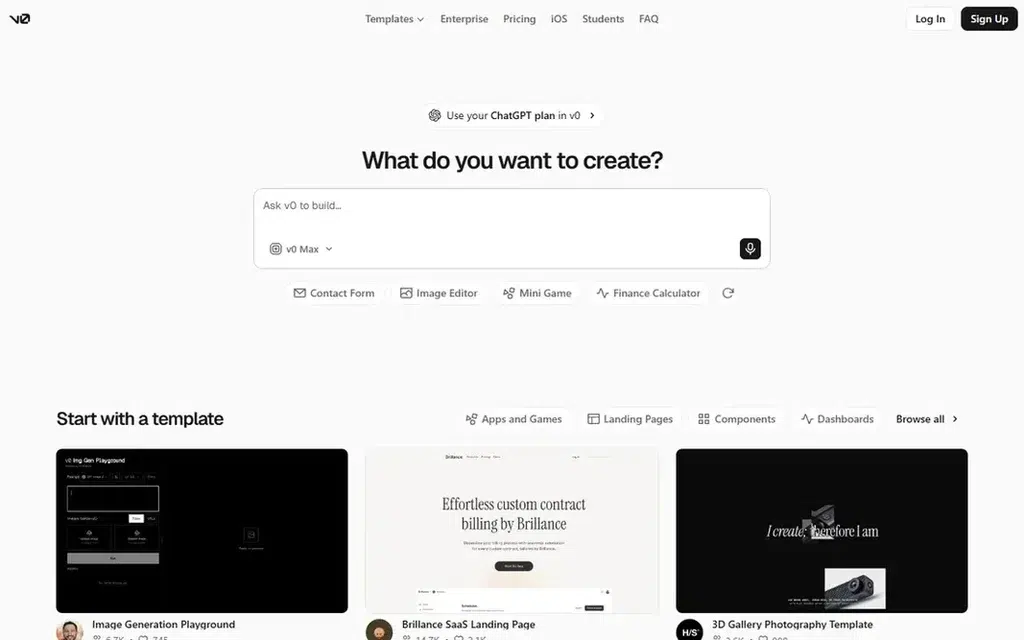
Where Vercel fits: quick deployment for apps and agents. Vercel markets an autonomous stack for every app and agent, positioning itself around deployment and delivery instead of code management.
Where it shines: simplified deployment workflow.
On top of that, teams that value a simplified path to production frequently shortlist it. In practice, Vercel is narrower than a full lifecycle product, so source management, governance, and general cloud infrastructure sit outside its core pitch. What you pay to start with Vercel: $20 per month. A free plan is available with Vercel.
Points against: Focused scope instead of full lifecycle tooling.
- Suits frontend-focused teams
- Autonomous stack for apps and agents
- Less suited to teams needing wide infrastructure control
In short, AWS Amplify is for full-stack web and mobile apps on AWS. AWS Amplify is described as a way to accelerate full-stack web and mobile app development, simple to start and simple to scale, with no cloud expertise needed. For everyday use, very complicated applications may still call for cloud knowledge beyond the simplified starting path.
Teams wanting a completely managed frontend deployment experience may prefer Vercel or Netlify. For everyday use, Amplify lives inside the AWS ecosystem, so teams planning to avoid AWS should look at other choices. No starting price is listed for AWS Amplify here; confirm pricing on the vendor site. A free plan is available with AWS Amplify.
Where it falls short: Complicated apps may still need cloud knowledge.
- No cloud expertise needed per vendor
- Accelerates full-stack app development
- Tied to the AWS ecosystem
Think of DigitalOcean for cloud infrastructure for AI products. It suits software teams that require cloud infrastructure and want to run AI workloads in production without stitching together many providers.
More specifically, teams with some infrastructure experience tend to get the most from it. What you pay to start with DigitalOcean: $4 per month. Free access exists with DigitalOcean.
The main drawbacks: Less concentrated on source collaboration.
- Unified stack for agents and inference
- Economics at scale
- Needs more infrastructure knowledge
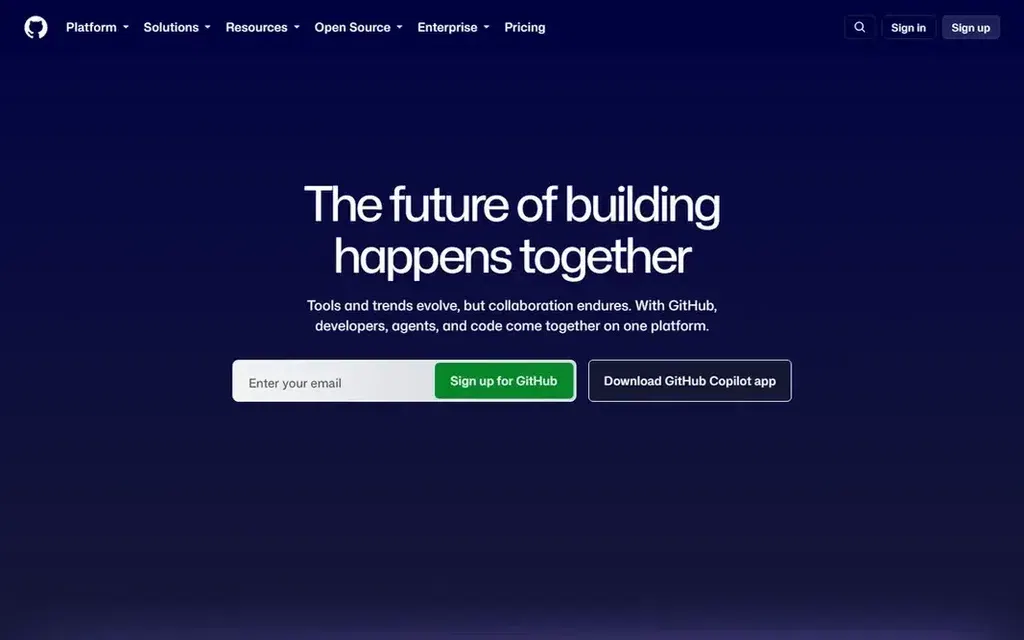
GitHub was built for source hosting and team collaboration. Since GitHub is so wide, teams new to it may need time to learn how its features fit together. It is not primarily a deployment or hosting product.
The main drawbacks: Deployment hosting is not its core focus.
In practice it is the place where code lives, gets reviewed, and moves through automatic workflows. For everyday use, if your central need is running production infrastructure instead of managing code and collaboration, a system like Vercel or DigitalOcean may serve you better alongside it. GitHub describes itself as an AI-powered developer system where developers, firms, and the open source community build software. Starting cost for GitHub: $4 per user per month. GitHub includes a free tier.
- Capable open source community
- AI-assisted development features
- Wide scope can overwhelm newcomers
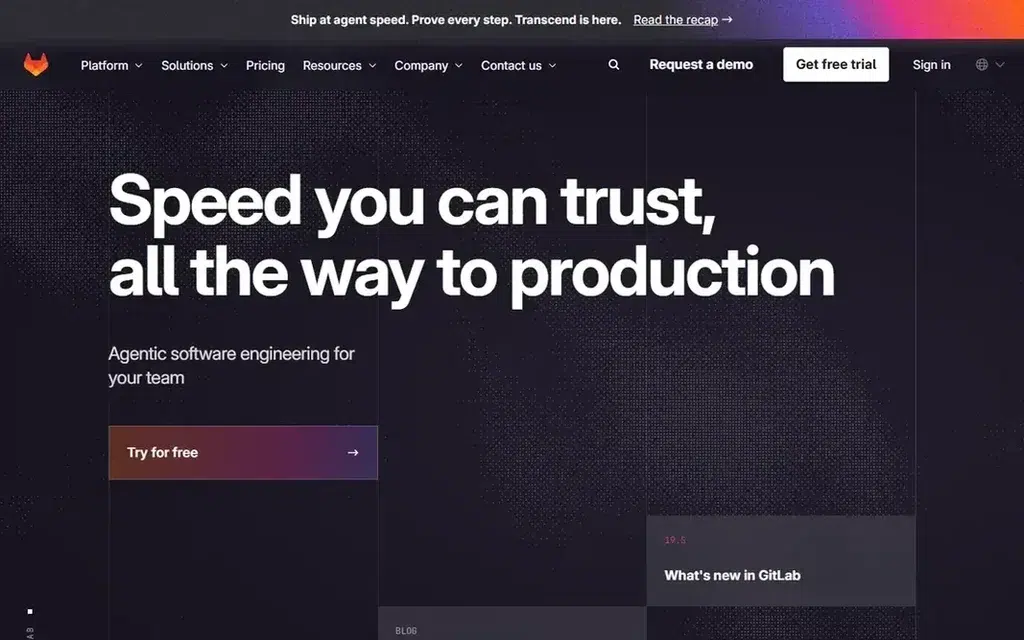
GitLab serves one platform across the software lifecycle. GitLab presents itself as an intelligent orchestration product with context and governance for the whole software lifecycle, geared toward helping teams and agents ship trusted software quicker.
Points against: Overlaps with tools you may already use.
As for the details, teams managing complicated delivery pipelines often find the unified approach appealing. GitLab starts at: $15 per user per month. Free access exists with GitLab.
- Handles the whole software lifecycle
- Built-in context and governance
- Feature depth can mean a ramp-up time
How these tools were picked
Questions to settle before buying
- Get a written quote from AWS Amplify; the list shows no starting price for them.
- Read the fine print on the free plans from Netlify, Vercel, AWS Amplify and others; seat, project and feature caps differ.
- Read the limits listed for Netlify first: not a full software lifecycle suite.
- Check the integration list for DigitalOcean against the tools you run today, and note which ones need a higher plan.
- Check whether the features you need in Vercel sit on the entry plan or only on higher tiers.
FAQ
Do these tools publish their prices?
Not all of them. AWS Amplify publishes no starting price, so expect a quote request for it. The rest, Netlify included, show a starting price, though seats and billing terms still change the final cost.
When does a cloud infrastructure provider make sense?
Choose a provider for example DigitalOcean when you need control over production infrastructure, including running AI workloads and inference. AWS Amplify suits teams already in the AWS ecosystem that want full-stack app development without deep cloud expertise.
What is the cheapest option for web development services for software in this list?
On published monthly entry prices, DigitalOcean is the lowest here at $4 per month. Entry price is only part of the cost, because seats, add-ons and billing terms can change the total. For the full picture, the cards above cover all 6 entries of this web development services for software list, including price, free plan and limits.
Can I try these options before paying?
Often, yes. Netlify, Vercel, AWS Amplify and others have a free plan. Use your own data and a real task during the test, and check what the free tier or trial limits before you rely on it.
Is Netlify the right pick for everyone comparing web development services for software?
No single tool suits every team. Netlify comes first because it fits building and running apps at any scale, while Vercel suits fast deployment for apps and agents and AWS Amplify suits full-stack web and mobile apps on AWS. Match the tool to your own size, budget and workflow before deciding.
Sources
- https://www.netlify.com
- https://vercel.com
- https://aws.amazon.com/amplify
- https://www.digitalocean.com
- https://github.com
- https://gitlab.com