Best Web Developers Software for Startups (2026): 5 Picks Checked on Vendor Pages
Weighing the best web developers software for startups? We lined up 5 products by cost, free access and fit. Concise write-ups of every option. Decide faster.

- Editor's choice
 GitLab
Full lifecycle governance in one system
Starts at$15 per user a monthVisit gitlab.comFull review - Great alternative
 Heroku
Completely managed app hosting
Starts at$5 a monthVisit heroku.comFull review - Also considerJetBrains WebStorm
JavaScript and TypeScript development
Starts atSee websiteVisit jetbrains.comFull review
Direct answer
GitLab comes first here, mainly for full lifecycle governance in one system. Listed starting prices: GitLab from $15 per user a month, Heroku from $5 a month and Vercel from $20 a month. If your case is different, Heroku suits completely managed app hosting and JetBrains WebStorm suits JavaScript and TypeScript development. Details, prices and limits for the rest of the 5 tools are below.
TL;DR:
- Number one here is GitLab, a fit for full lifecycle governance in one product.
- GitHub fits code hosting and team collaboration.
- The cheapest monthly starting price in the list is $4 per user per month, offered by GitHub.
- Free plans exist at 3 of 5 tools (GitLab, Vercel, GitHub).
Last checked November 2026. Prices and plan details were read from the vendors' own pages in November 2026; vendors change plans often, so confirm the current price on the vendor site before you buy.
Quick comparison
| Tool | Best for | Starts at | Free plan? | |
|---|---|---|---|---|
| GitLab | Full lifecycle governance in one system | $15 per user a month | Yes | Visit |
| Heroku | Completely managed app hosting | $5 a month | No | Visit |
| JetBrains WebStorm | JavaScript and TypeScript development | See website | Not stated | Visit |
 Vercel | Shipping front-end and agent apps quick | $20 a month | Yes | Visit |
 GitHub | Code hosting and team collaboration | $4 per user per month | Yes | Visit |
Tool-by-tool breakdown
This LinkVetted guide covers 5 web developers software for startups. Each profile lists a starting price, free plan details, strengths and drawbacks, so you can drop poor fits quickly.
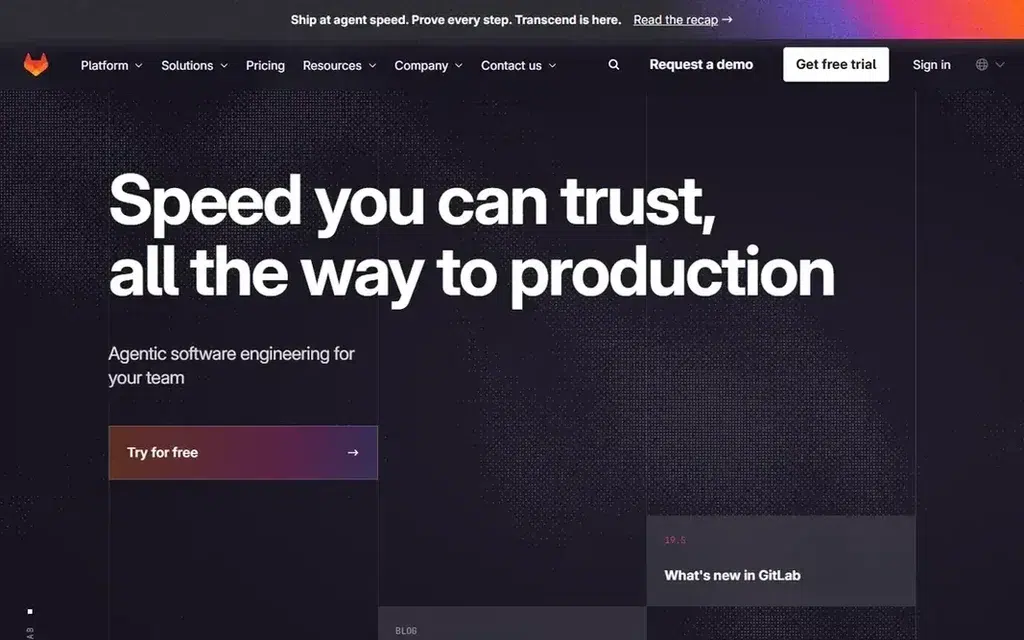
GitLab serves full lifecycle governance in one system. GitLab positions itself as an intelligent orchestration system with context and governance across the software lifecycle. It is a reasonable fit for teams expecting audits or regulated customers early.
In daily use, pick GitHub instead when community reach and a more straightforward code-first workflow matter more than bundled governance. Beyond that, the wider feature set means more to configure, which can slow a very small team that only needs repositories and reviews. GitLab starts at: $15 per user per month. You can start on GitLab without paying.
Drawbacks to consider: Broader surface to learn.
- Supports teams working with agents
- Handles the entire software lifecycle
- Configuration can feel heavy early
Heroku is aimed squarely at completely managed app hosting. It suits teams that value speed and simplicity over infrastructure customization.
Downsides: Less low-level control.
Managed hosting trades control for convenience, so teams needing custom networking or specialized infrastructure may feel constrained. On cost, Heroku starts like this: $5 per month. Heroku has no permanent free option.
- Managed hosting that just works
- Long-established developer product
- Custom infrastructure is restricted
JetBrains WebStorm
Best for: JavaScript and TypeScript development
Where JetBrains WebStorm fits: JavaScript and TypeScript development. WebStorm is the JetBrains JavaScript and TypeScript IDE, letting developers prompt an agent or write code themselves whereas verifying what ships.
Pricing for JetBrains WebStorm is not stated here, so ask the vendor for current figures. Free plan details: Not stated.
Limits to weigh: Editor ramp-up time.
- Helps verify code you ship
- Focused JavaScript and TypeScript IDE
- Heavier than a plain editor
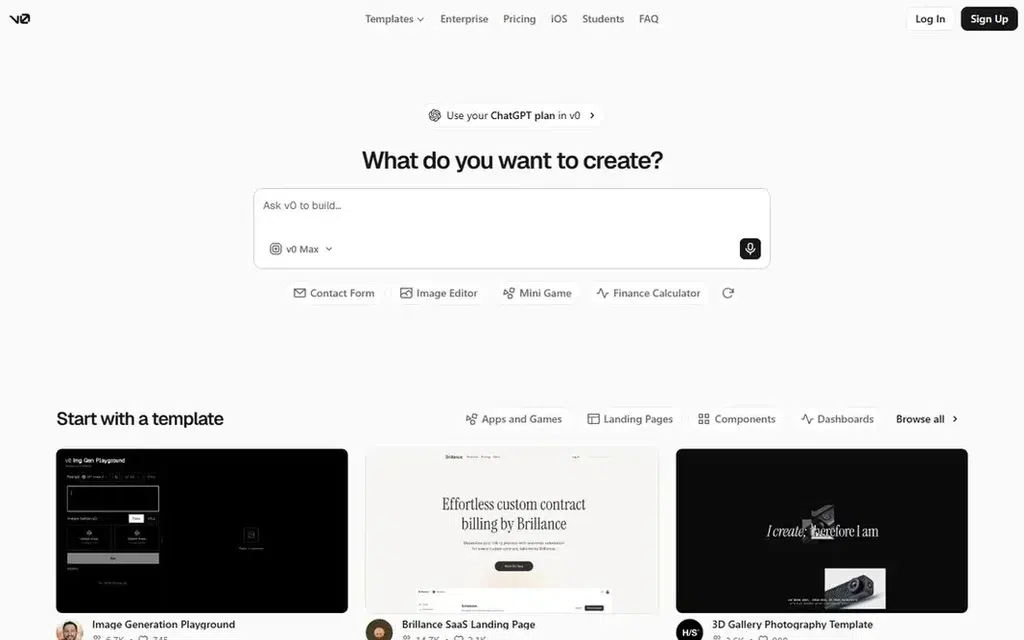
Think of Vercel for shipping front-end and agent apps quick. Vercel describes an autonomous infrastructure stack for every app and agent, geared toward teams that want deployment to stay out of the way.
It fits small product teams that prefer managed infrastructure over server administration. Price to start with Vercel: $20 per month. A free plan is available with Vercel.
What to check first: Specialized knowledge still needed.
- Solid fit for modern web front ends
- Autonomous stack for apps and agents
- Narrower than a full cloud
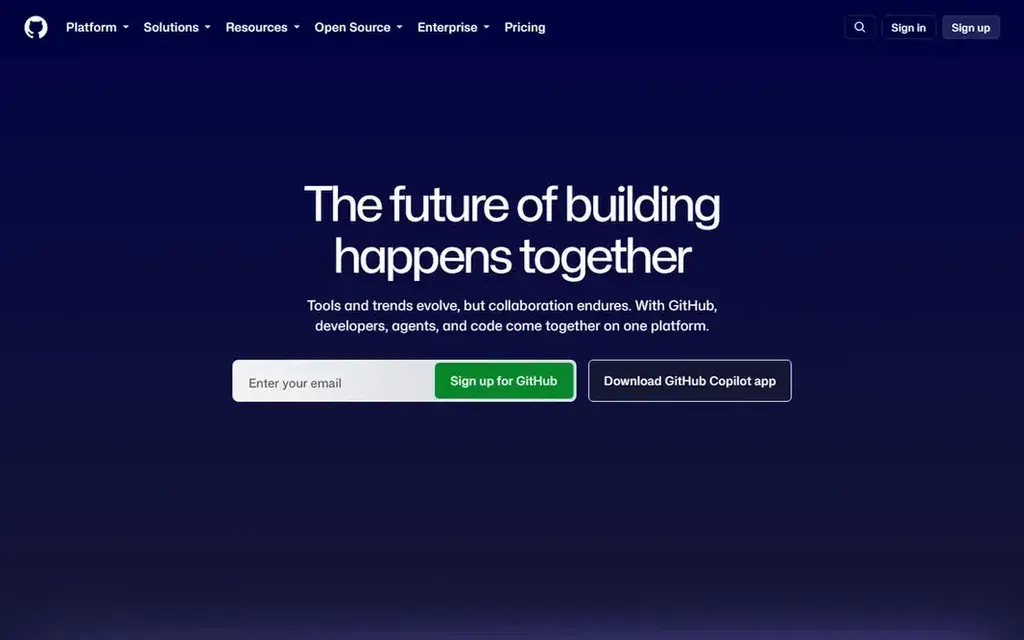
GitHub targets code hosting and team collaboration. Choose GitLab instead if you want lifecycle governance from a single vendor.
Downsides: Advanced controls need setup.
In daily use, GitHub is a code hosting and collaboration system where teams store repositories, review changes and coordinate work. Its AI-powered tooling and large open source community make it a natural starting point for startups that want hiring-friendly, widely understood workflows. Entry price for GitHub: $4 per user per month. GitHub includes a free tier.
- AI-assisted development features
- Solid open source community
- Less bundled lifecycle governance
What went into this list
Each tool was reviewed on what its vendor publishes: price, plan limits, core features and stated drawbacks. We did not run hands-on tests. Plan names, prices and limits change often. Treat the figures here as a starting point and verify them with the vendor. Tools are placed by general fit for web developers software for startups, with price clarity and free access as tie-breakers. A different team can reasonably rank them differently.
Questions to settle before buying
- Confirm the entry price on the vendor page. For JetBrains WebStorm that means a quote rather than a fixed price.
- Read the fine print on the free plans from GitLab, Vercel and GitHub; seat, project and feature caps differ.
- Before choosing GitLab, weigh its main limit: broader surface to learn.
- Look at the renewal terms for JetBrains WebStorm: auto-renewal, notice periods and price changes can matter more than the first-year price.
- Ask GitLab which support channels and response times come with the plan you would buy.
FAQ
Do these tools publish their prices?
Not all of them. JetBrains WebStorm publishes no starting price, so expect a quote request for it. The rest, GitLab included, show a starting price, though seats and billing terms still change the final cost. For the full picture, the cards above cover all 5 entries of this web developers software for startups list, including price, free plan and limits.
Can I try these tools before paying?
Often, yes. GitLab, Vercel and GitHub have a free plan. Use your own data and a real task during the test, and check what the free tier or trial limits before you rely on it.
Is a full IDE worth it for a small team?
A full IDE like WebStorm helps when your product is JavaScript or TypeScript heavy and you want deeper code understanding and verification. Lighter editors can work for small scripts, but bigger codebases frequently benefit from IDE tooling.
What is the cheapest option for web developers software for startups in this list?
On published monthly entry prices, GitHub is the lowest here at $4 per user per month. Entry price is only part of the cost, because seats, add-ons and billing terms can change the total. Prices, free plan details and limits for all 5 tools in this web developers software for startups roundup sit on the individual cards above.
How are the web developers software for startups ordered?
The order follows typical fit for web developers software for startups, with GitLab first and GitHub last, then price clarity and free access. It is editorial judgement, not a score, so another team could rank the tools differently.
Sources
- https://gitlab.com
- https://www.heroku.com
- https://www.jetbrains.com/webstorm
- https://vercel.com
- https://github.com