The 6 Best IOS Developers Software for Startups in 2026, Ranked
6 best ios developers software for startups, compared on pricing, free plans and best-fit use. Fit and flaws are laid out for each entry. Pick with confidence.
- Editor's choice
 Firebase
Managed backend for mobile apps
Starts at$9.37 per monthVisit firebase.google.comFull review - Great alternative
 Sentry
Error tracking and performance monitoring
Starts at$26 a monthVisit sentry.ioFull review - Also considerFastlane
Automating iOS release tasks
Starts atSee websiteVisit fastlane.toolsFull review
Direct answer
Firebase leads the list, best for managed backend for mobile apps. Listed starting prices: Firebase from $9.37 per month, Sentry from $26 a month and Bitrise from $89 per month. Sentry fits error tracking and performance monitoring; Fastlane fits automating iOS release tasks. Details, prices and limits for the rest of the 6 tools are below.
TL;DR:
- Firebase takes the first slot, best suited to managed backend for mobile apps.
- For the cheapest start, look at GitHub: $4 per user per month.
- Before buying Firebase, weigh this: deep integration ties the app to one vendor.
- GitHub is the one to check for code hosting and team collaboration.
Last checked November 2026. Prices and plan details were read from the vendors' own pages in November 2026; vendors change plans often, so confirm the current price on the vendor site before you buy.
Quick comparison
| Tool | Best for | Starts at | Free plan? | |
|---|---|---|---|---|
| Firebase | Managed backend for mobile apps | $9.37 per month | Yes | Visit |
| Sentry | Error tracking and performance monitoring | $26 a month | Yes | Visit |
| Fastlane | Automating iOS release tasks | See website | Not stated | Visit |
| Bitrise | Mobile DevOps for iOS and Android | $89 per month | Free trial | Visit |
 Xcode | Official Apple app development environment | See website | Not stated | Visit |
 GitHub | Code hosting and team collaboration | $4 per user per month | Yes | Visit |
The 6 tools in detail
If you are comparing ios developers software for startups, this page covers 6 tools in one place: what each is best for, what it costs to start, whether it has a free plan, and the main limit to know about.
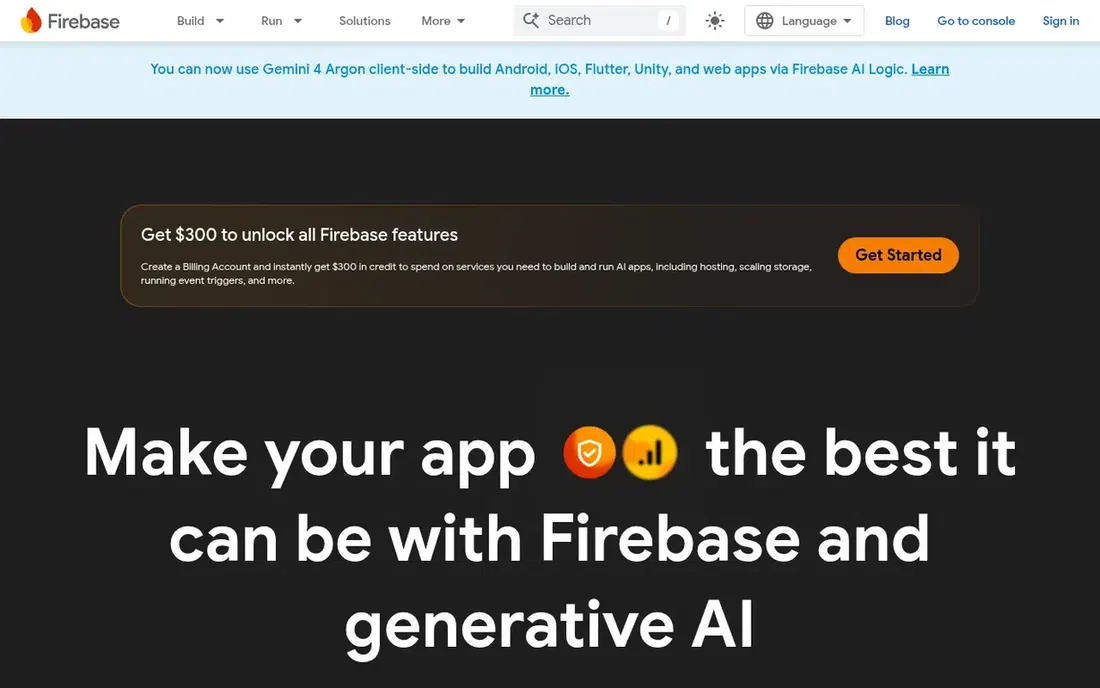
In short, Firebase is for managed backend for mobile apps. It suits early-stage products that want speed over full backend control.
What to check first: Deep integration ties the app to one vendor.
Beyond that, since Firebase is a managed product, teams provide up some control over how backend components are configured and scaled, and moving away later takes planning. Firebase pricing: $9.37 per month. Firebase offers a free plan.
- Suits games and apps alike
- Supports mobile and web app development
- Less control over backend internals
Sentry is aimed squarely at error tracking and performance monitoring. Sentry supplies application performance monitoring and error tracking, and its site says it helps developers and software teams see errors clearer and solve issues quicker. Worth adding: for an iOS startup, it surfaces crashes and performance problems from real usage so the team can fix issues before users complain.
In practice, capturing handy data needs deliberate setup and some configuration. In daily use, Sentry watches applications instead of building or deploying them, so it complements instead of replaces development and delivery tools. On cost, Sentry starts like this: $26 per month. Sentry offers a free plan.
Where it is weaker: Needs setup to capture handy data.
- Supports continuous learning from production data
- Presents errors and performance in one place
- Brings another tool to the stack
Fastlane
Best for: Automating iOS release tasks
Where Fastlane fits: automating iOS release tasks. Startups without engineering time for script upkeep may lean on a managed mobile DevOps product instead. Also, Fastlane describes itself as app automation done right.
It is widely known for scripting repetitive iOS release tasks for example screenshots, code signing and store uploads. As for the details, startups that already have a build process can use it to remove manual steps from each release. It works alongside continuous integration services instead of replacing them. It does not host builds or offer a dashboard on its own. This comparison lists no price for Fastlane; ask the vendor. Free plan details: Not stated.
Where it is weaker: Needs scripting knowledge.
- Suits into existing build workflows
- Automates repetitive release steps
- Needs continuing maintenance
Bitrise
Best for: Mobile DevOps for iOS and Android
Where Bitrise fits: mobile DevOps for iOS and Android. Startups with a small engineering team benefit from automating repetitive release steps rather than running builds manually on developer machines.
Upsides: Automates build.
Drawbacks to consider: Mobile-only focus limits general CI use.
Startups with very straightforward release needs might begin with lighter automation and move to Bitrise as release frequency grows. Bitrise starts at: $89 per month. Free options: Free trial.
- Purpose-built for mobile delivery
- Test and deploy steps
- Configuration takes initial effort
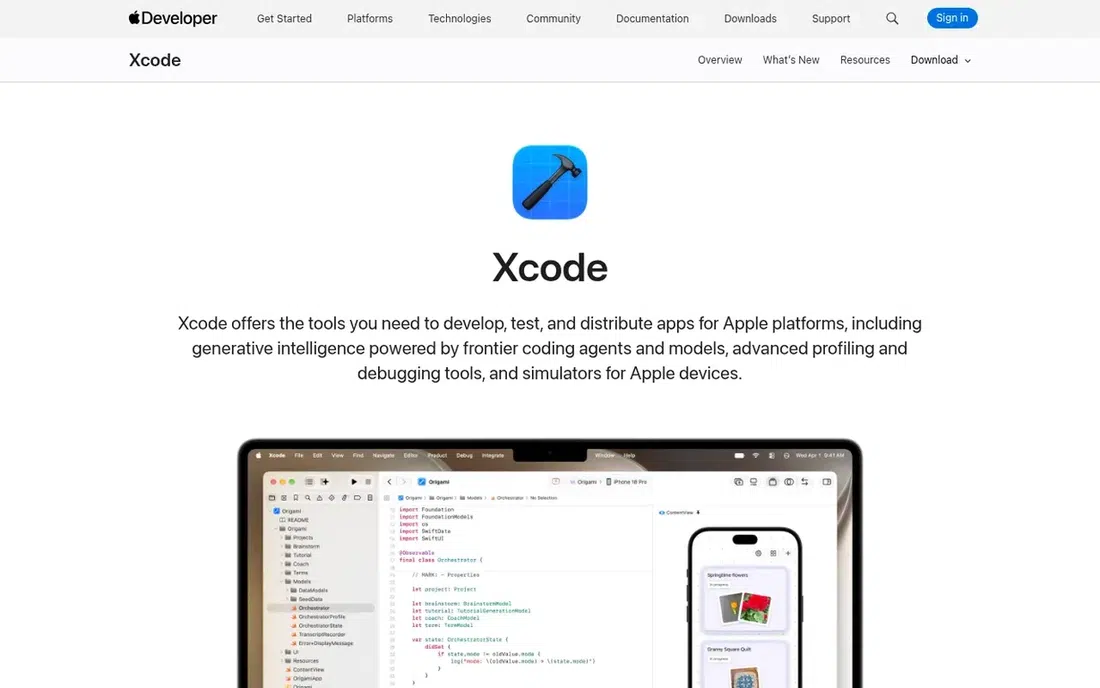
Think of Xcode for official Apple app development environment. Xcode runs only on Apple hardware, which raises the cost of equipping a team, and its project tooling can feel complicated for developers coming from other products. It does not handle backend services or continuous delivery by itself, so startups normally pair it with a backend product and an automation service for releases.
On top of that, for startups, it is the baseline tool for writing Swift or Objective-C code, designing interfaces, running simulators and preparing builds for distribution. Worth adding: teams building their first iOS product will spend most of their coding time here. Check the vendor site for Xcode pricing; none is listed in this comparison. As for free access: Not stated.
Main advantages: test and distribution for all Apple systems. Drawbacks to consider: Heavier ramp-up time for newcomers.
- Official Apple tooling with deep product integration
- Contains interface and debugging tools in one environment
- Needs Apple hardware to run
GitHub serves code hosting and team collaboration. GitHub describes itself as an AI-powered developer product where developers, companies and the open source community build software.
Teams that want a single platform handling both code and mobile delivery may add a mobile DevOps service, and startups should check how their chosen workflow links up with repositories before committing. From a buyer's view, GitHub is general purpose, so mobile build and release steps still need dedicated tools or configuration. GitHub pricing: $4 per user per month. Free access exists with GitHub.
The main drawbacks: Not a mobile-specific tool.
- Built-in collaboration and review workflows
- AI-assisted development features
- Advanced automation needs configuration
Our selection method
What to confirm before you sign up
- Ask Fastlane and Xcode for a written quote, since no starting price is shown.
- Read the fine print on the free plans from Firebase, Sentry and GitHub; seat, project and feature caps differ.
- Take the trial from Bitrise and push a live task through it before you pay.
- Read the limits listed for Firebase first: deep integration ties the app to one vendor.
- Confirm minimum seats and billing terms with GitHub before you commit to an annual plan.
- Before you load data into Sentry, check what an export looks like and who can run it.
FAQ
When should a startup add Sentry?
Sentry becomes valuable once the app has real users and production issues matter. It presents errors and performance problems so the team can fix them faster, and it complements instead of replaces development and delivery tools.
What is the cheapest option for ios developers software for startups in this list?
On published monthly entry prices, GitHub is the lowest here at $4 per user per month. Entry price is only part of the cost, because seats, add-ons and billing terms can change the total. Each of the 6 options in this iOS developers software for startups guide has its own card above with the price, free plan and limits.
How are the ios developers software for startups ordered?
Firebase sits first and GitHub last because the order follows typical fit for ios developers software for startups, then price clarity and free access. It is a judgement call, so read each profile for fit and limits.
Is Firebase the right pick for everyone comparing ios developers software for startups?
No single tool suits every team. Firebase comes first because it fits managed backend for mobile apps, while Sentry suits error tracking and performance monitoring and Fastlane suits automating iOS release tasks. Match the tool to your own size, budget and workflow before deciding.
Can I try these tools before paying?
Often, yes. Firebase, Sentry and GitHub have a free plan and Bitrise offers a free trial. Use your own data and a real task during the test, and check what the free tier or trial limits before you rely on it.
Sources
- https://firebase.google.com
- https://sentry.io
- https://fastlane.tools
- https://bitrise.io
- https://developer.apple.com/xcode
- https://github.com