Best IOS Developers Software for Remote Teams (2026): 5 Picks Checked on Vendor Pages
Best ios developers software for remote teams, compared. 5 tools with published prices, free plans and limits. Every entry states what it lacks. Clear verdicts.
- Editor's choice
 CircleCI
Automatic validation at scale
Starts at$15 a monthVisit circleci.comFull review - Great alternativeBitrise
Mobile-focused build and deploy
Starts at$89 per monthVisit bitrise.ioFull review - Also considerFastlane
Release task automation
Starts atSee websiteVisit fastlane.toolsFull review
Direct answer
This list puts CircleCI first for automatic validation at scale. Listed starting prices: CircleCI from $15 a month, Bitrise from $89 per month and GitHub from $4 per user per month. If your case is different, Bitrise suits mobile-focused build and deploy and Fastlane suits release task automation. All 5 tools are compared below on price, free plan and limits.
TL;DR:
- This list starts with CircleCI, which is built for automatic validation at scale.
- GitLab fits single product with governance.
- The main caution on Bitrise: narrower than full code products.
- The lowest published monthly entry price here is $4 per user per month, from GitHub.
- A free plan is available from 3 of the 5 tools: CircleCI, GitHub, GitLab.
Last checked November 2026. Prices and plan details were read from the vendors' own pages in November 2026; vendors change plans often, so confirm the current price on the vendor site before you buy.
Quick comparison
| Tool | Best for | Starts at | Free plan? | |
|---|---|---|---|---|
| CircleCI | Automatic validation at scale | $15 a month | Yes | Visit |
| Bitrise | Mobile-focused build and deploy | $89 per month | Free trial | Visit |
| Fastlane | Release task automation | See website | Not stated | Visit |
 GitHub | Code collaboration and review | $4 per user per month | Yes | Visit |
 GitLab | Single system with governance | $29 per user per month | Yes | Visit |
iOS Developers Software for Remote Teams compared in detail
If you are comparing ios developers software for remote teams, this page covers 5 tools in one place: what each is best for, what it costs to start, whether it has a free plan, and the main limit to know about.
CircleCI is built with automatic validation at scale in mind. Choose CircleCI when pipeline adaptability and validation depth matter most.
What to check first: Configuration needs expertise.
As for the details, CircleCI positions itself around autonomous validation for the AI era, helping teams validate, test and ship every change with intelligent automation. Remote iOS teams can use it to enforce consistent checks on pull requests so distributed contributors get quick feedback. What you pay to start with CircleCI: $15 per month. A free plan is available with CircleCI.
- Wide pipeline adaptability
- Intelligent automation for every change
- IOS setup is not mobile-first
Bitrise
Best for: Mobile-focused build and deploy
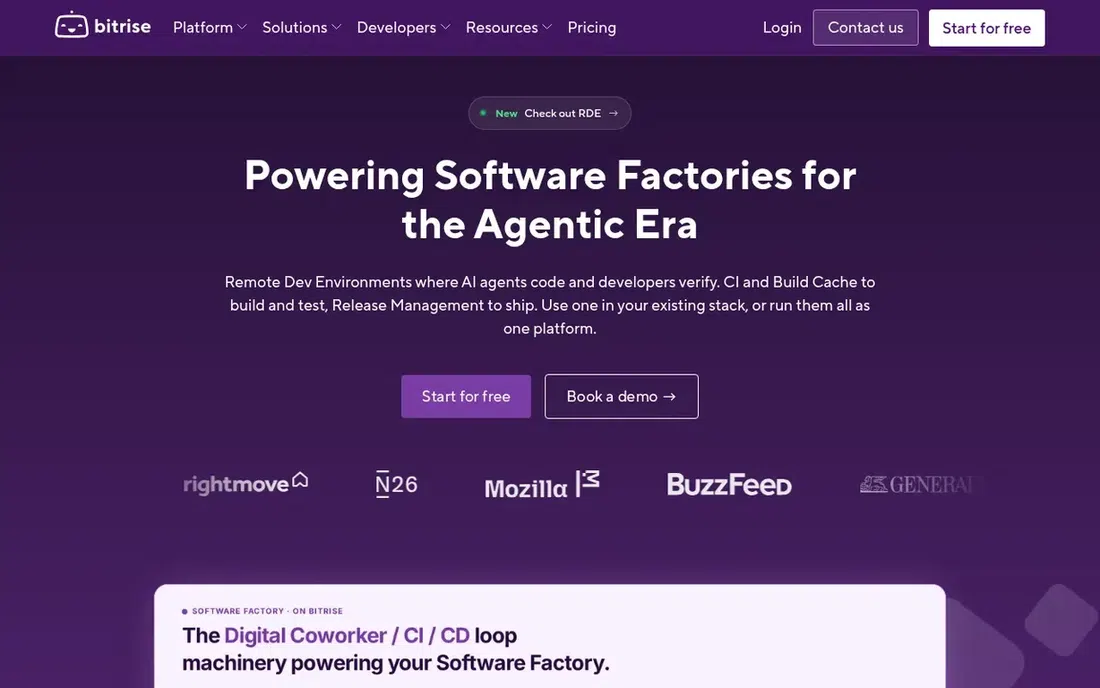
Bitrise serves mobile-focused build and deploy. Bitrise describes itself as a Mobile DevOps system that helps teams build, test and deploy apps rapidly and dependably for iOS and Android. Teams deeply invested in Apple's own tooling may prefer a native choice.
Remote iOS teams benefit since the workflow is centered on mobile concerns instead of general software delivery. Choose Bitrise when mobile release automation is the priority. Bitrise is not a full source control or project management suite, so it works alongside other tools instead of replacing them. The starting price for Bitrise: $89 per month. Free access: Free trial.
Honest limits: Narrower than full code systems.
Upsides: Made for iOS and Android; test and deploy.
- Simplifies build
- Aims at steady mobile releases
- Pipeline customization takes learning
Fastlane
Best for: Release task automation
In short, Fastlane is for release task automation. Fastlane is an automation tool for mobile app release tasks, often used to manage steps like screenshots, code signing and store uploads.
For everyday use, remote iOS teams use it to make releases repeatable and less dependent on one person's local setup. Choose Fastlane when your pipeline exists and you want release chores automatic consistently. Pricing for Fastlane is not stated here, so ask the vendor for current figures. As for free access: Not stated.
Limits to weigh: Not a full CI product.
- Suits alongside CI services
- Automates repetitive release steps
- Needs scripting knowledge

GitHub is a good fit for code collaboration and review. GitHub is a developer product centered on code hosting, collaboration and automation, and its homepage describes it as widely adopted and AI-powered.
Worth adding: choose GitHub when collaboration and ecosystem breadth matter more than turnkey iOS tooling. For everyday use, teams that want a mobile pipeline ready from day one may prefer a dedicated mobile DevOps system. The starting price for GitHub: $4 per user per month. GitHub has a free plan.
The main drawbacks: Advanced controls can overwhelm newcomers.
- Capable pull request review flow
- Automation through built-in workflows
- Mobile CI needs additional setup
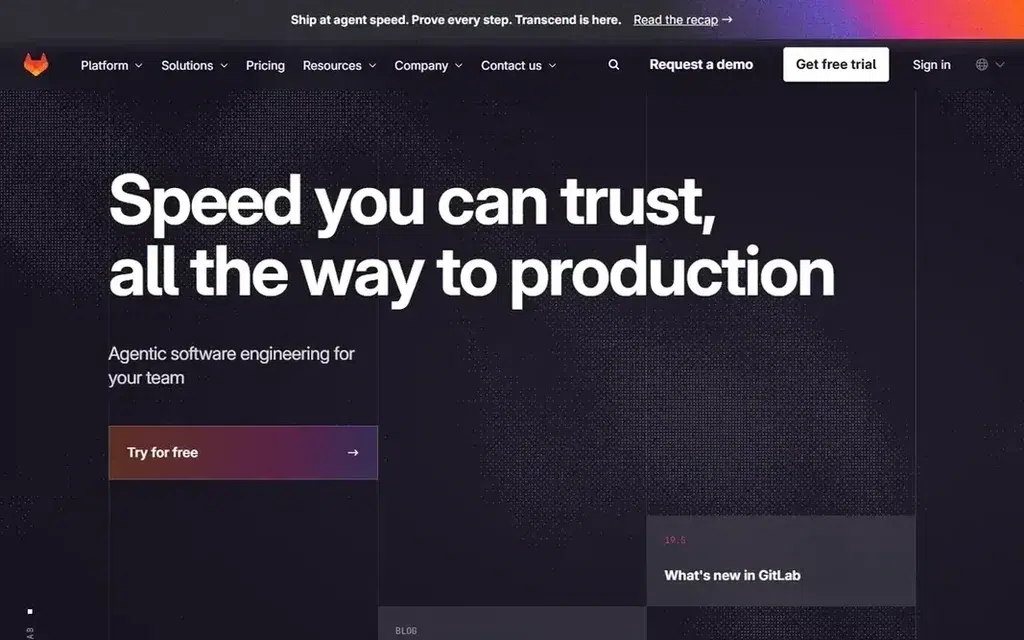
Choose GitLab for single product with governance. Pick GitLab when unified lifecycle control outweighs simplicity. Remote iOS teams can keep repositories, merge requests and pipelines in one application, which cuts the number of separate services to run.
What to check first: iOS specifics need configuration.
Smaller teams wanting a narrow mobile-focused tool may find it heavy. On top of that, the system spans plenty of capabilities. So setup and administration take effort, and iOS build and signing steps still need deliberate configuration. The starting price for GitLab: $29 per user per month. GitLab offers a free plan.
- Fits agent-assisted workflows
- Governance and context across lifecycle
- Wide surface area to learn
What went into this list
What to check before you buy
- Confirm the entry price on the vendor page. For Fastlane that means a quote rather than a fixed price.
- Check what the free option really includes: CircleCI, GitHub and GitLab offer a free plan, and usage caps differ.
- Run a trial of Bitrise with real work before paying for a year; your own workflow is the best test.
- Read the limits listed for CircleCI first: iOS setup is not mobile-first.
- Read the plan comparison for CircleCI carefully; key features often start on a higher tier.
- Look at the renewal terms for GitHub: auto-renewal, notice periods and price changes can matter more than the first-year price.
FAQ
Which ios developers software for remote teams have a free plan?
On this list, CircleCI, GitHub and GitLab include a free plan. Caps on seats, usage or features are common, so test the free plan against your real workload. One other tool offers a trial instead.
Where does Fastlane fit alongside CI products?
Fastlane automates release chores for example screenshots and store uploads and generally runs inside a CI pipeline. It complements instead of replaces a hosted CI service.
What is the cheapest option for ios developers software for remote teams in this list?
On published monthly entry prices, GitHub is the lowest here at $4 per user per month. Entry price is only part of the cost, because seats, add-ons and billing terms can change the total. For the full picture, the cards above cover all 5 entries of this iOS developers software for remote teams list, including price, free plan and limits.
Is CircleCI the right pick for everyone comparing ios developers software for remote teams?
No single tool suits every team. CircleCI comes first because it fits automated validation at scale, while Bitrise suits mobile-focused build and deploy and Fastlane suits release task automation. Match the tool to your own size, budget and workflow before deciding.
How are the ios developers software for remote teams ordered?
CircleCI sits first and GitLab last because the order follows typical fit for ios developers software for remote teams, then price clarity and free access. It is a judgement call, so read each profile for fit and limits.
Sources
- https://circleci.com
- https://bitrise.io
- https://fastlane.tools
- https://github.com
- https://about.gitlab.com