Best Virtual Desktop Software (2026): 5 Picks Checked on Vendor Pages
Comparing the best virtual desktop software? 5 contenders, each with entry cost, free tier and best-fit buyer. Fit, price and catches for every tool. No hype.
- Editor's choiceMicrosoft Remote Desktop Services
Windows-native desktop and app hosting
Starts atPricing on requestVisit learn.microsoft.comFull review - Great alternativeThinfinity Workspace
Clientless ZTNA and VDI access
Starts atPricing on requestVisit cybelesoft.comFull review - Also considerWorkspot
Managed DaaS with endpoint experience
Starts atPricing on requestVisit workspot.comFull review
Direct answer
This list puts Microsoft Remote Desktop Services first for Windows-native desktop and app hosting. If your case is different, Thinfinity Workspace suits Clientless ZTNA and VDI access and Workspot suits managed DaaS with endpoint experience. Free plan facts and limits for all 5 tools follow. None of these vendors publish plan prices, so pricing is on request for every option.
TL;DR:
- Top of the list is Microsoft Remote Desktop Services, which targets Windows-native desktop and app hosting.
- Pricing across the list, from Microsoft Remote Desktop Services to Cameyo, is by quote only.
- Just one of the 5 tools, Amazon AppStream 2.0, has a free plan.
- For web-first virtual app delivery, Cameyo is worth a look.
Last checked November 2026. Pricing on request: vendors did not publish plan prices when this guide was last checked (November 2026), so ask each vendor for a written quote.
Quick comparison
| Tool | Best for | Starts at | Free plan? | |
|---|---|---|---|---|
| Microsoft Remote Desktop Services | Windows-native desktop and app hosting | Pricing on request | Not stated | Visit |
| Thinfinity Workspace | Clientless ZTNA and VDI access | Pricing on request | Not stated | Visit |
| Workspot | Managed DaaS with endpoint experience | Pricing on request | Not stated | Visit |
| Amazon AppStream 2.0 | Streaming apps without managing infrastructure | Pricing on request | Yes | Visit |
| Cameyo | Web-first virtual app delivery | Pricing on request | Not stated | Visit |
Virtual Desktop Software, one by one
This LinkVetted guide covers 5 options for virtual desktop software. Each profile lists a starting price, free plan details, strengths and drawbacks, so you can drop poor fits quickly.
Microsoft Remote Desktop Services
Best for: Windows-native desktop and app hosting
Microsoft Remote Desktop Services is aimed squarely at Windows-native desktop and app hosting. Confirm the current supported versions and licensing details on the Microsoft documentation before designing the environment.
Points against: Infrastructure setup and maintenance needed.
Teams wanting a fully managed service may prefer a DaaS product instead. Pricing for Microsoft Remote Desktop Services is not stated here, so ask the vendor for current figures. Trial and free access: Not stated.
- Supports session-based desktop hosting
- Familiar to Windows administrators
- Needs Windows Server expertise
Thinfinity Workspace
Best for: Clientless ZTNA and VDI access
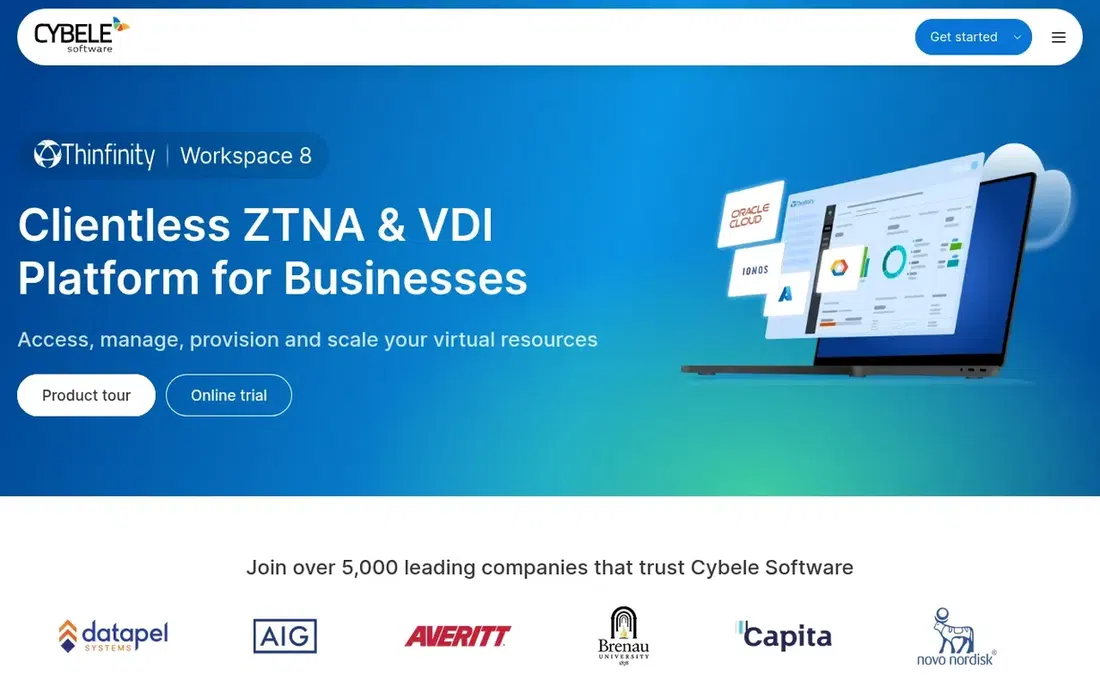
Thinfinity Workspace targets Clientless ZTNA and VDI access. Thinfinity Workspace is a system offering clientless Zero Trust Network Access and Virtual Desktop Infrastructure for secure, scalable remote access and application delivery.
Since access happens without installing a client, it fits organizations that want to publish desktops and apps to varied devices whereas applying Zero Trust principles. IT teams standardizing secure remote access across a mixed workforce are a natural fit. No starting price is listed for Thinfinity Workspace here; confirm pricing on the vendor site. Free plan details: Not stated.
Trade-offs to know: Feature set may be more than small teams need.
- Secure
- Clientless Zero Trust Network Access
- Needs planning around Zero Trust setup
Workspot
Best for: Managed DaaS with endpoint experience
Workspot targets managed DaaS with endpoint experience. Workspot is an intelligent, purpose-built product that brings together an enterprise browser, desktop as a service and digital employee experience in one offering.
Since it is positioned as an enterprise product, smaller teams or those wanting only entry-level screen sharing may find it heavier than needed. Also, organizations that just need straightforward remote control of a few machines should look at lighter VNC-style tools instead. Workspot does not show a starting price in this comparison, so check the vendor site for current pricing. Free access: Not stated.
Watch-outs: Less suited to straightforward single-machine remote access. Best features of Workspot: Brings together DaaS.
- Purpose-built product for reducing VDI costs
- Enterprise browser and DEX
- Enterprise-oriented positioning
Amazon AppStream 2.0
Best for: Streaming apps without managing infrastructure
Choose Amazon AppStream 2.0 for streaming apps without managing infrastructure. Amazon WorkSpaces applications, formerly AppStream 2.0, provides secure application streaming so users can reach Windows and Linux applications from any device without managing infrastructure. In practice, review regional availability and client requirements on the vendor page before planning a rollout.
Beyond that, the service supports multi-session hosting and a pay-as-you-go approach. Its emphasis is application streaming, so organizations wanting full persistent desktops may need a different AWS service or another system. As for the details, teams outside the AWS ecosystem may prefer a vendor-neutral choice. Amazon AppStream 2.0 does not show a starting price in this comparison, so check the vendor site for current pricing. Amazon AppStream 2.0 includes a free tier.
The main drawbacks: Tied to the AWS ecosystem.
- No infrastructure to run
- Pay-as-you-go model
- Focused on application streaming
Cameyo
Best for: Web-first virtual app delivery
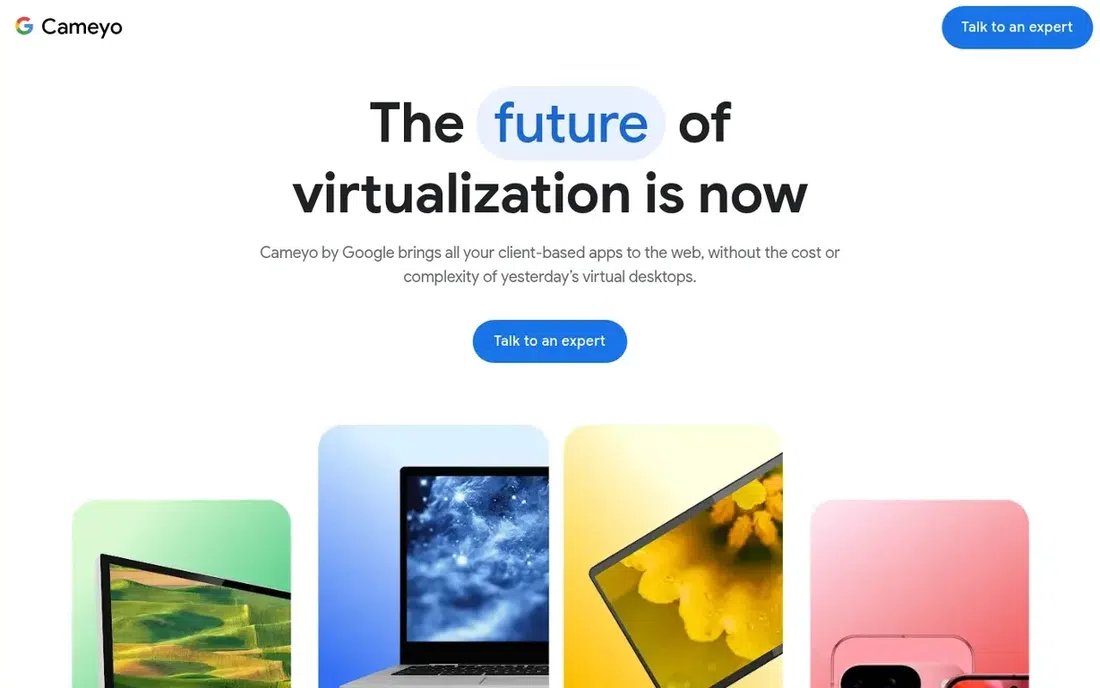
Choose Cameyo for web-first virtual app delivery. Instead of streaming an entire desktop, it centres on making individual Windows apps accessible through a browser.
Limits to weigh: Not a classic remote-control tool.
Check the supported app types and browser requirements on the vendor page before deciding. Beyond that, if your requirement is full virtual desktops or direct remote control of a machine, Cameyo's app-centric model may not include everything. This comparison lists no price for Cameyo; ask the vendor. On free options: Not stated.
- Web-first Virtual App Delivery approach
- Brings client-based apps to the browser
- Centered on app delivery instead of full desktops
How the list was put together
For each of the 5 tools we noted price, free plan or trial, fit for virtual desktop software and the main limit, using vendor pages and documentation. Where a vendor does not publish a price, the entry says quote. Where a price depends on seats or billing term, the entry says so. We ordered the tools by general fit, then by how clearly pricing is shown, then by free access. A buyer with unusual needs may reorder them.
What to confirm before you sign up
- Ask each vendor, from Microsoft Remote Desktop Services to Cameyo, for a written quote; none of them publishes a starting price.
- Test the free plan from Amazon AppStream 2.0 against your real workload before relying on it.
- Read the limits listed for Microsoft Remote Desktop Services first: needs Windows Server expertise.
- List the apps you already depend on and check that Amazon AppStream 2.0 supports each one on the plan you would buy.
- Total up the real monthly cost of Thinfinity Workspace, including add-ons, extra users and usage-based fees.
FAQ
What is the difference between VDI and app streaming?
VDI gives complete virtual desktops to users, whereas app streaming publishes individual applications to a device or browser. Tools like Workspot and Thinfinity Workspace lean toward desktop delivery, whereas Cameyo and Amazon WorkSpaces applications focus on app delivery.
Which options for virtual desktop software have a free plan?
Amazon AppStream 2.0 is the only tool in this list with a free plan. Free plans usually cap users, projects or features, so check the limits on the vendor page.
Is clientless access important for virtual desktops?
Clientless access lets users reach desktops or apps through a browser without installing software, which eases support for varied or personal devices. More specifically, if your users depend on managed devices only, clientless access may be less critical.
Can I try these options before paying?
Often, yes. Amazon AppStream 2.0 has a free plan. Use your own data and a real task during the test, and check what the free tier or trial limits before you rely on it.
How should I evaluate security before choosing?
Review authentication choices, encryption and access control models, and confirm how each vendor deals with Zero Trust principles. Check the vendor documentation for supported configurations instead of relying on summaries.
Is Microsoft Remote Desktop Services the right pick for everyone comparing virtual desktop software?
No single tool suits every team. Microsoft Remote Desktop Services comes first because it fits Windows-native desktop and app hosting, while Thinfinity Workspace suits Clientless ZTNA and VDI access and Workspot suits managed DaaS with endpoint experience. Match the tool to your own size, budget and workflow before deciding.
Sources
- https://learn.microsoft.com/en-us/windows-server/remote/remote-desktop-services/welcome-to-rds
- https://www.cybelesoft.com/thinfinity/workspace
- https://www.workspot.com
- https://aws.amazon.com/appstream2
- https://cameyo.com