Best Virtual Event Platforms in 2026: 8 Platforms Compared
Compare the best virtual event platforms for 2026, with pricing, networking, and hybrid features, so you can run a virtual or hybrid event that attendees enjoy.
- Editor's choice
 RingCentral Events
Large virtual and hybrid conferences
Starts atSee websiteVisit ringcentral.comFull review - Great alternative
 Airmeet
Interactive multi-track events
Starts atSee websiteVisit airmeet.comFull review - Also consider
 vFairs
Virtual expos and trade shows
Starts atSee websiteVisit vfairs.comFull review
TL;DR:
- RingCentral Events, Airmeet and vFairs suit large virtual and hybrid conferences, while Livestorm and Zoom Events suit webinars and multi-track events.
- Whova stands out for hybrid conferences that also need in-person tools such as agendas and attendee networking.
- Most enterprise platforms price by quote, so compare attendee limits and per-event costs, not just the monthly figure.
- Networking quality varies more than streaming quality, so test lounges, tables and matchmaking before you commit.
Quick comparison
| Tool | Best for | Starts at | Free plan? | |
|---|---|---|---|---|
| RingCentral Events | Large virtual and hybrid conferences | See website | Free trial | Visit |
| Airmeet | Interactive multi-track events | See website | Free trial | Visit |
| vFairs | Virtual expos and trade shows | See website | No | Visit |
 Whova | Hybrid conferences | See website | No | Visit |
 Zoom Events | Multi-track events on Zoom | See website | Free trial | Visit |
 ON24 | B2B webinars and analytics | See website | No | Visit |
 Bizzabo | Enterprise hybrid events | See website | No | Visit |
 Livestorm | Webinars and online events | Free | Yes | Visit |
The best virtual event platforms
A virtual event platform does more than stream video. It handles registration, agendas, networking, exhibitor booths, polls and analytics, and the best platforms make remote attendees feel like participants rather than viewers. The tools below cover webinars, conferences, expos and hybrid events, and the right one depends on event size and how much networking matters.
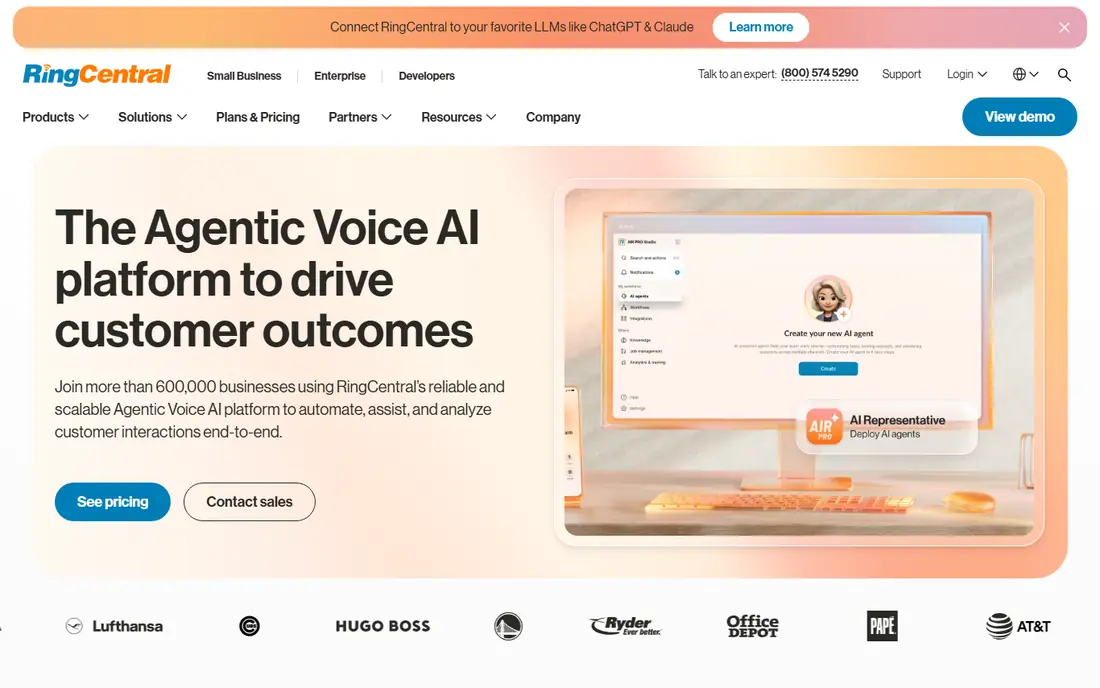
RingCentral Events, formerly Hopin, is our pick for a large virtual or hybrid conference that needs stages, sessions, networking and an expo in one place. Attendees can move between main stages, breakout rooms and exhibitor areas, which recreates more of a conference feel than a simple webinar link. Organisers get registration, agendas and analytics in the same system.
The trade is scale and cost. Pricing is per organiser and varies by plan, so a small team running a single webinar will find it more than necessary. For a multi-day conference with hundreds or thousands of attendees, though, the structure pays off, because attendees can choose their own path through the event instead of sitting through one long stream.
- Built for large virtual and hybrid conferences
- Breakout networking and expo areas
- Formerly Hopin, with a long event track record
- Pricing is per organiser and needs checking
- More platform than a small webinar needs
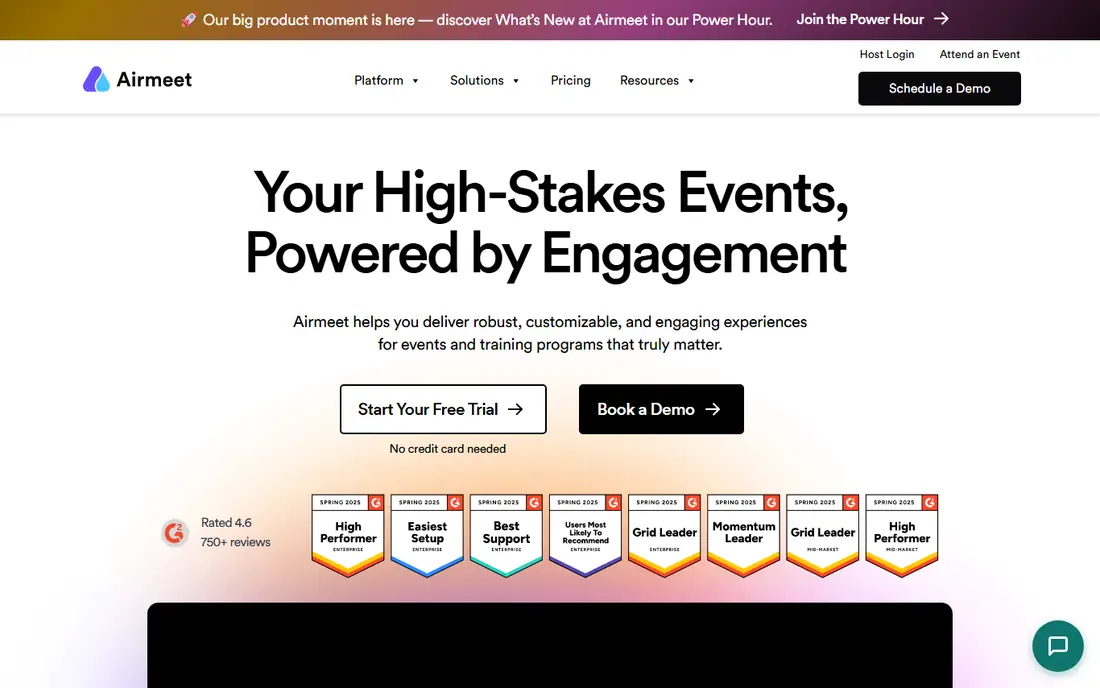
Airmeet suits a community or association event where networking matters as much as the talks. Its virtual lounges and tables let attendees join small group conversations, which feels closer to a real conference break than a chat box beside a video. Multi-track sessions, polls and Q and A keep larger audiences engaged across a full day.
Pricing needs care, because webinar plans and full event plans are priced differently, and attendee limits change by tier. Check the plan that matches your event format, not just the lowest published price. If your event lives or dies on attendees meeting each other, Airmeet is one of the strongest picks here, and the networking design is the reason to choose it over a plain webinar tool.
- Virtual lounges and tables for networking
- Multi-track sessions
- Strong audience interaction tools
- Webinar and event pricing differ, so confirm the plan for your event type
- Attendee limits vary by tier
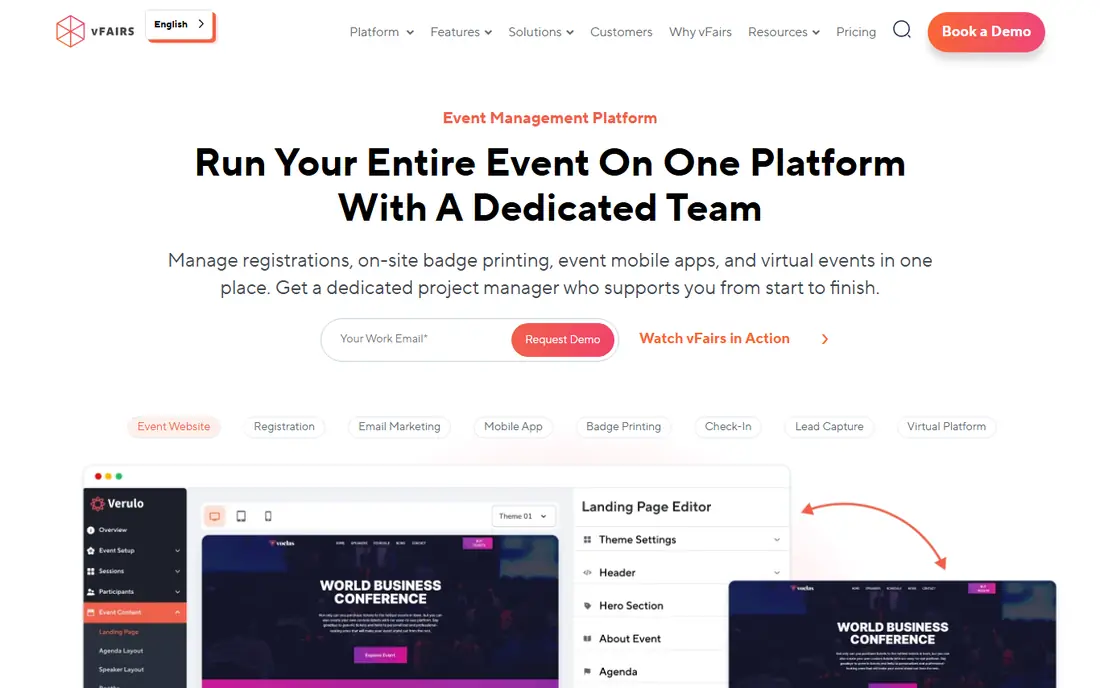
vFairs is the pick for a virtual expo, trade show or career fair, where exhibitor booths are the point of the event. Its 3D halls let attendees walk a virtual floor, visit booths, chat with exhibitors and collect information, which works far better than a list of sponsor logos on a webinar page. That structure also suits large job fairs and university events.
The setup and pricing reflect that scale. vFairs is quote based, and building a good virtual venue takes more preparation than scheduling a webinar. A small team running a single talk should not choose it. A team running an expo with dozens of exhibitors will find the booth and lead tools worth the extra work.
- Immersive 3D exhibition halls and booths
- Strong for career fairs and trade shows
- Networking and chat built in
- Quote based pricing
- More setup than a simple webinar platform
Whova is the best hybrid event platform here for a conference with both a room and a remote audience. It handles agendas, attendee profiles, networking, messaging and engagement for both groups, so remote attendees are not an afterthought. Associations and academic conferences use it widely, because it covers the full conference workflow from registration to post-event networking.
Pricing is quote based, which makes early budgeting slower, and setting up a full conference takes time to learn. The payoff is a single app for everyone, rather than one tool for the room and another for remote viewers. If your event is truly hybrid, with networking expected on both sides, Whova is the strongest shortlist candidate.
- Strong hybrid conference tools
- Agendas, networking and attendee engagement in one app
- Works for in-person and virtual audiences together
- Quote based pricing
- Learning curve for organisers setting up a full conference
Zoom Events suits a corporate team that already runs on Zoom and wants to turn meetings into a proper event. Attendees already know how to join, presenters already know the controls, and the platform adds registration, multi-track agendas, ticketing and analytics on top of the familiar video experience. That familiarity cuts support questions on event day, which is a real benefit.
The pricing is tied to Zoom plans and event tiers, so the total depends on your existing Zoom setup and attendee count. Zoom Events also has less expo and virtual venue depth than vFairs or RingCentral Events. Choose it when your audience is already comfortable on Zoom and your event is mainly sessions, not a trade show floor.
- Familiar Zoom experience for attendees
- Multi-session and multi-track support
- Strong for corporate teams already on Zoom
- Pricing depends on Zoom Workplace plans and event tiers
- Less expo depth than vFairs
ON24 is the pick for a B2B marketing team that treats webinars as a pipeline tool, not just a presentation. Its engagement tools, polls, Q and A and analytics show which attendees were most engaged, and its content hubs let on-demand viewers keep watching after the live event. Integrations with marketing automation platforms connect that engagement data to follow-up campaigns.
The price and complexity put it in the enterprise bracket, and a small team running occasional webinars will find it heavy. ON24 earns its place when webinar analytics drive sales follow-up, because few rivals match its reporting depth. If you only need to present to a live audience, a simpler tool will do the job for less.
- Powerful webinar analytics and engagement data
- Content hubs for on-demand viewing
- Strong marketing integrations
- Quote based pricing
- Interface feels complex for a simple event
Bizzabo suits an enterprise marketing team running polished hybrid events with a strong brand presence. It combines registration, agendas, networking, matchmaking and analytics in a clean interface, and it handles in-person and virtual audiences together. For a flagship company conference or a large association event, that polish matters, because the platform itself reflects the brand.
The cost is enterprise level and quote based, so smaller organisers should look elsewhere. Bizzabo also expects a team that will use its full event workflow, not just stream a talk. If your event budget supports an enterprise platform and the attendee experience is a priority, Bizzabo is a strong choice. If not, Airmeet or Livestorm will cover the essentials.
- Polished enterprise event experience
- Attendee matchmaking
- Strong hybrid and in-person event tools
- Quote based pricing aimed at enterprise budgets
- More than a small event needs
Livestorm is the easiest starting point for webinars and smaller online events. The free plan lets you run real events before paying, and the setup is far simpler than an enterprise conference platform. Polls, Q and A, chat and basic analytics are built in, which covers what most webinar hosts actually need.
The limits appear at scale. Very large expos and complex multi-track conferences need a platform such as RingCentral Events or vFairs, and Livestorm lower plans carry attendee limits. For a marketing team, a trainer or a small association running regular webinars, Livestorm is excellent value and the free plan removes the risk of paying before you know the format works.
- Free plan to start
- Easy webinar setup
- Polls, Q and A and analytics included
- Less suited to very large expos
- Attendee and feature limits on lower plans
How we picked these
We compared official feature pages, pricing models and public comparisons for virtual event platforms that are available in 2026 and cover registration, live sessions and attendee interaction, not just video streaming. We kept a mix of webinar tools, conference platforms and expo platforms, and we noted where pricing is quote based, because that affects budgeting for events. Where a platform offers a free plan or trial, we said so plainly.
Planning a virtual or hybrid event that works
Start with the attendee journey, not the stage design. How does someone register, join, find the right session, meet people and ask a question? Test that journey on a phone, because many attendees join from a phone and a platform that only works well on a desktop will lose them. Run a rehearsal with real presenters, real slides and real Q and A, and fix the parts that confuse people before event day.
For hybrid events, give remote attendees a job, not just a stream. Networking tables, live polls, dedicated Q and A and a remote host all help remote attendees feel included. If remote attendees only watch, they will leave early, and the event will feel like a recording rather than a conference. Budget for a remote host and for support staff who watch the chat, because those roles decide whether remote attendees stay.
Comparing event platform costs fairly
Event pricing is hard to compare, because some platforms charge per organiser, some per attendee, some per event, and some by quote. Build one comparison for your actual event: same attendee count, same session count, same networking needs, and same support level. Ask each vendor what happens if attendance exceeds the tier, whether recordings are included, and what support is available during the live event. The cheapest platform on a pricing page can become the most expensive one on event day if support is missing.
FAQ
What is the best virtual event platform?
RingCentral Events is the best pick for large virtual conferences, Whova is the best pick for hybrid conferences, and Livestorm is the best pick for regular webinars. The best virtual event platforms all handle registration, sessions and networking, not just streaming, so choose based on event type and size.
What is the best virtual event platform for a small event?
Livestorm is the best small event pick, because it offers a free plan and simple webinar setup. Zoom Events is also a good small event choice if your audience already uses Zoom. Avoid enterprise expo platforms for a small event, since their setup and pricing are built for much larger audiences.
What is the best platform for virtual events with networking?
Airmeet and RingCentral Events are the strongest networking picks, with lounges, tables and breakout rooms that let attendees meet in small groups. Whova also handles networking well for hybrid conferences. Test networking as an attendee before buying, because a networking feature that looks good in a demo can feel awkward in a real event.
What is the best hybrid event platform?
Whova and Bizzabo are the strongest hybrid picks, because both serve in-person and virtual audiences in one system. RingCentral Events also handles hybrid conferences well, especially for large virtual-first events with a physical element. Choose based on whether your event is in-person first or virtual first.
How much does a virtual event platform cost?
Costs vary widely, from free plans on Livestorm to quote based enterprise pricing on vFairs, ON24 and Bizzabo. Many platforms charge per organiser, per attendee or per event, so compare total cost for your actual attendee count rather than the headline monthly price. Always confirm attendee limits and overage charges before signing.
Do attendees need to download an app for virtual events?
It depends on the platform. Many platforms work in a browser, while some offer a mobile app for a better experience. Zoom Events works best with the Zoom app, while Livestorm, Airmeet and RingCentral Events work well in a browser. Tell attendees in advance what they need, and test joining from a phone before event day.