Best Typography Software for Web Designers for 2026: Our 6 Vetted Picks
Searching for the best typography software for web designers? Here are 6 options with prices and free plans. Hidden costs and gaps are flagged. Choose faster.
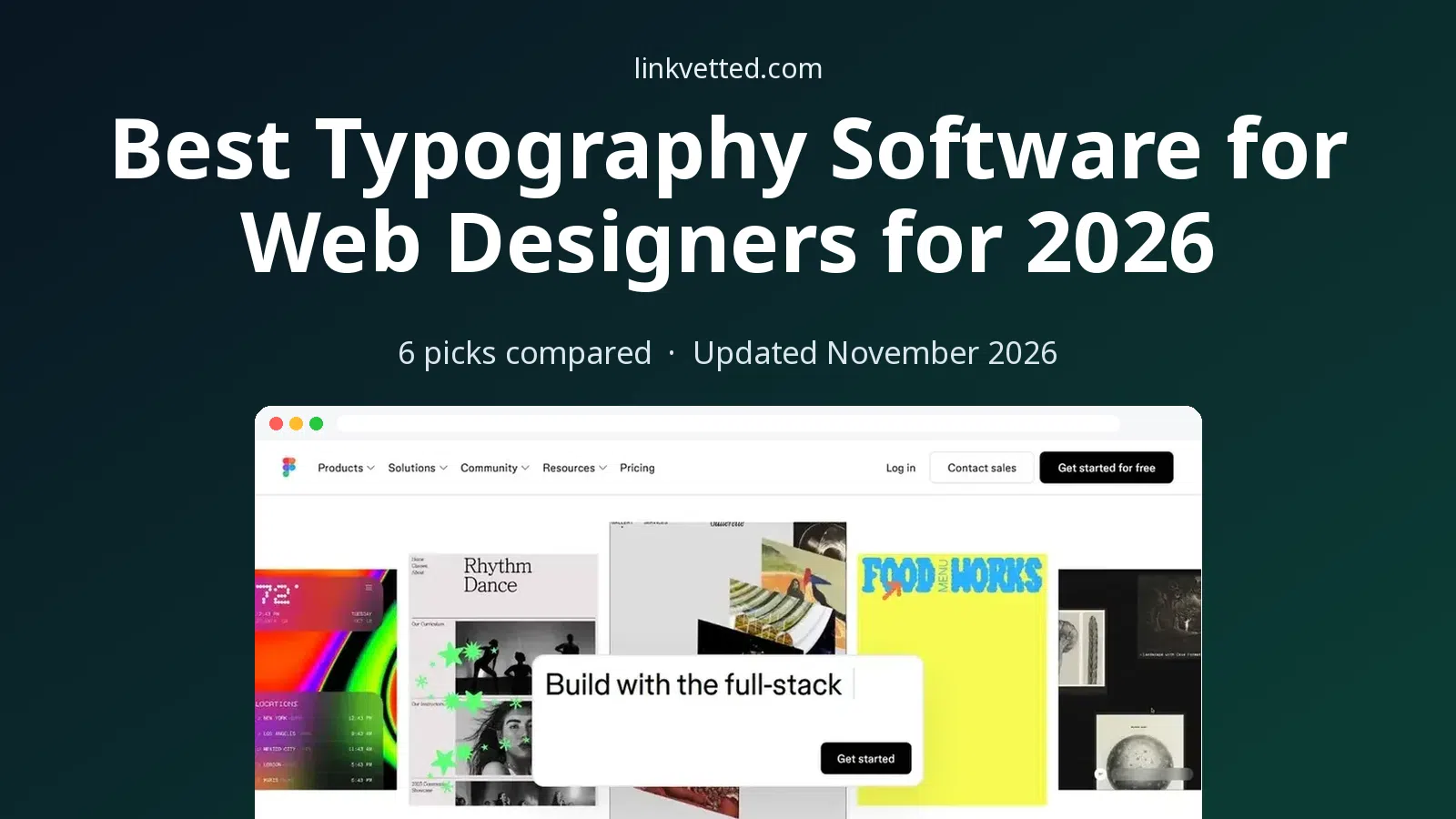
- Editor's choice
 Figma
Collaborative web typography and UI design
Starts at$3 a monthVisit figma.comFull review - Great alternative
 Affinity Designer
Precise vector typography on a budget
Starts atSee websiteVisit affinity.serif.comFull review - Also consider
 CorelDRAW
Vector illustration and typography
Starts atSee websiteVisit coreldraw.comFull review
Direct answer
If you need collaborative web typography and UI design, Figma is the first tool to look at here. Listed starting prices: Figma from $3 a month and Sketch from $12 per editor a month. Affinity Designer is the stronger choice for precise vector typography on a budget, while CorelDRAW suits vector illustration and typography. The other 3 tools in the list cover narrower or pricier cases.
TL;DR:
- Figma sits first on this list: collaborative web typography and UI design.
- Figma is the lowest-priced starter here at $3 per month.
- The main caution on Figma: restricted vector editing depth.
- For professional font editing and conversion, FontLab is worth a look.
- None of the 6 tools, from Figma to FontLab, has a free plan, so budget for a subscription or use a trial.
Last checked November 2026. Prices and plan details were read from the vendors' own pages in November 2026; vendors change plans often, so confirm the current price on the vendor site before you buy.
Quick comparison
| Tool | Best for | Starts at | Free plan? | |
|---|---|---|---|---|
| Figma | Collaborative web typography and UI design | $3 a month | Not stated | Visit |
| Affinity Designer | Precise vector typography on a budget | See website | Not stated | Visit |
| CorelDRAW | Vector illustration and typography | See website | Not stated | Visit |
 Sketch | Mac-based UI and web typography design | $12 per editor a month | Free trial | Visit |
 Adobe Illustrator | Custom lettering and vector typography | See website | Not stated | Visit |
 FontLab | Professional font editing and conversion | See website | Not stated | Visit |
Our 6 typography software for web designers
LinkVetted put together this guide to typography software for web designers for readers who want a clear shortlist without reading every vendor page. It compares 6 tools on starting price, free plans, who each one suits and where each one falls short.
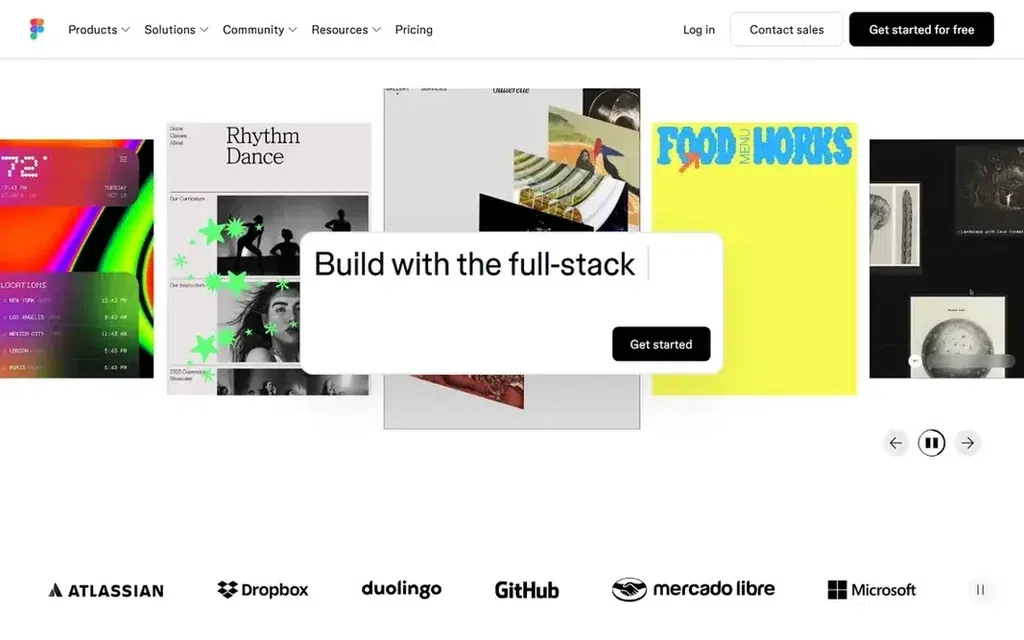
Figma is a good fit for collaborative web typography and UI design. Figma is a collaborative design product that brings design, code, and AI together in one canvas. It is a strong match for web designers working on typography systems, style guides, and responsive layouts, as several team members can edit and comment in live.
Honest limits: Needs internet for full features.
On top of that, the tool supports the whole process from concept to production. Figma's vector editing capabilities are less advanced than dedicated illustration tools like Illustrator, and it is not intended for font file creation. Choose Figma when collaboration and web-focused typography are priorities. The starting price for Figma: $3 per month. Free plan details: Not stated.
- Browser-based accessibility
- Integrated design and prototyping
- Restricted vector editing depth
Affinity Designer was built for precise vector typography on a budget. Affinity Designer is professional graphic and vector design software designed for precision, speed, and freedom. It is a strong match for web designers who require crisp vector typography and graphics without a subscription.
Trade-offs to know: Restricted font editing features.
More specifically, the tool supports both vector and raster work, making it versatile for creating web assets like icons and logos with type. Affinity Designer lacks live collaboration features and is not made for font file creation or editing. It also has a smaller ecosystem of plugins compared with Adobe. This comparison lists no price for Affinity Designer; ask the vendor. As for free access: Not stated.
- Precision tools for typography
- Smooth vector and raster workflow
- No live collaboration
CorelDRAW is built with vector illustration and typography in mind. CorelDRAW is a graphic design suite offering vector illustration and typography tools for logos, posters, and more.
Points against: Ramp-up time for beginners.
More specifically, for Mac-based teams or those needing live collaboration, Figma or Sketch may be more appropriate. For everyday use, the software bundles features for technical illustration and CAD, which can be handy for specialized projects. Pricing for CorelDRAW is not stated here, so ask the vendor for current figures. Trial and free access: Not stated.
- Wide format support
- Full vector tools
- Windows-centric
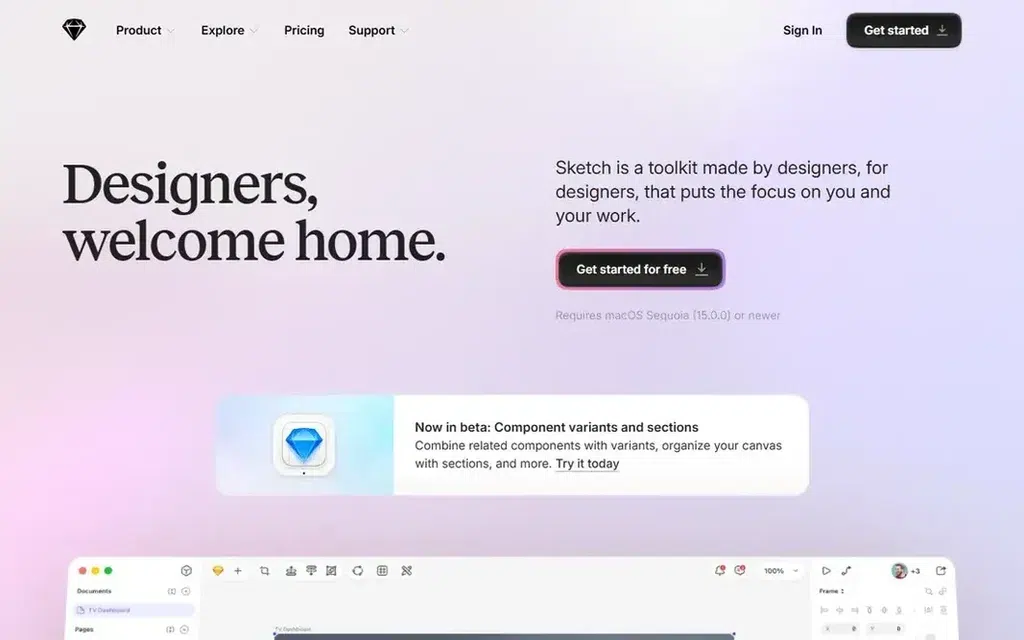
Pick Sketch if this describes you: Mac-based UI and web typography design. Sketch is a design tool made by designers for designers, focusing on UI, prototyping, and collaboration. It provides solid text style and symbol management, which helps web designers maintain typographic consistency across projects.
For everyday use, Sketch is exclusive to macOS, which limits team collaboration if some members use Windows. Its vector editing is less capable than Illustrator's, and it does not manage font file editing. As for the details, the tool is well-suited for Mac users who value a simplified design environment. The starting price for Sketch: $12 per editor per month. Free options: Free trial.
Drawbacks to consider: Restricted Windows support.
- Designer-friendly interface
- Solid symbol and text style management
- Mac only
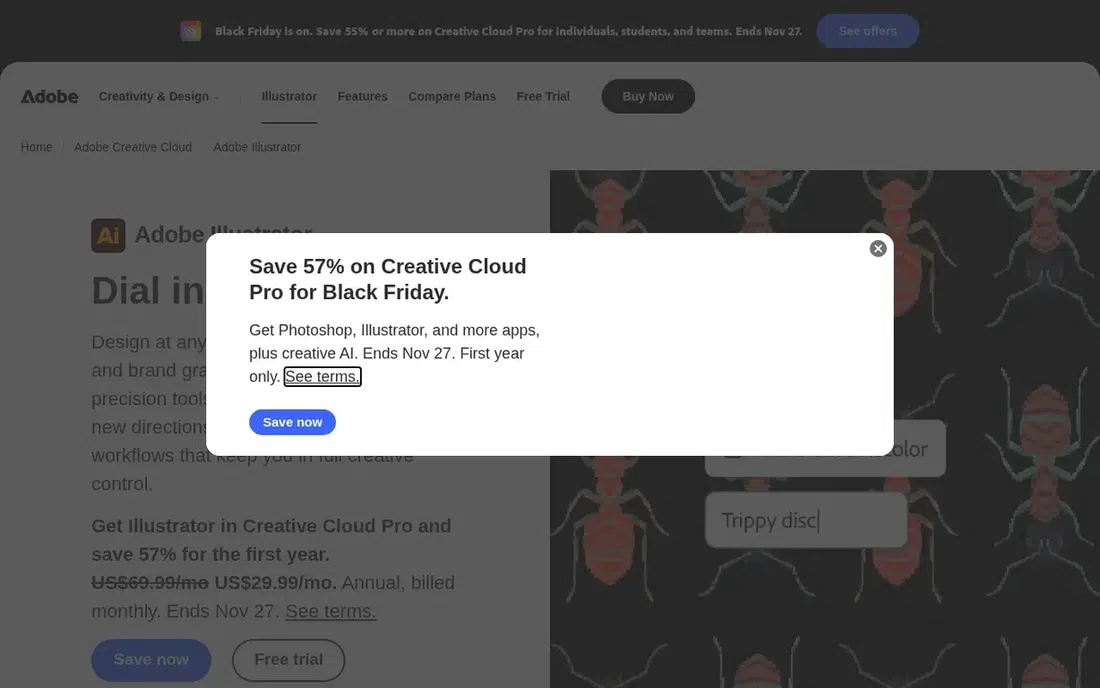
Adobe Illustrator was built for custom lettering and vector typography. Adobe Illustrator is a vector graphics editor widely used for creating custom lettering, logos, and typographic assets. Its generative AI feature can transform text prompts into editable vector graphics, which is handy for exploring type treatments.
Trade-offs to know: Steeper ramp-up time.
Web designers who require to craft unique typography or convert lettering into scalable assets will find it a good fit. In practice, Illustrator is less suited for collaborative UI design or font file editing. Adobe Illustrator shows no starting price here, so confirm the cost on the vendor site. As for free access: Not stated.
- Advanced vector editing tools
- Industry-standard integration
- Subscription-based model
FontLab was built for professional font editing and conversion. It is a strong match for web designers who require to modify or convert typefaces for web use, ensuring compatibility and performance.
Check the vendor site for FontLab pricing; none is listed in this comparison. As for free access: Not stated.
Honest limits: Steep ramp-up time.
- Cross-platform support
- Font conversion capabilities
- Not a design tool for layouts
What went into this list
What to confirm before you sign up
- Get a written quote from Affinity Designer, CorelDRAW, Adobe Illustrator and FontLab; the list shows no starting price for them.
- Take the trial from Sketch and push a live task through it before you pay.
- Read the limits listed for Figma first: restricted vector editing depth.
- Add up seats, add-ons and usage charges for CorelDRAW before comparing it with cheaper entries.
- Ask whether Figma integrates with your current software, and whether that comes standard or as an add-on.
FAQ
Does any tool for typography software for web designers here have a free plan?
A permanent free plan is not offered by Figma, FontLab or the other tools here. Sketch offer a trial. Plan a short evaluation period instead.
Can I use Figma for typography design?
It permits teams to build and maintain text styles, design responsive layouts, and prototype interactions. Even so, it is not intended for font file editing.
Are there free choices for typography software?
For professional web typography, most designers use premium tools like Figma, Sketch, or Adobe Illustrator. More specifically, check each vendor's site for current offerings.
Can I try these tools before paying?
Often, yes. Sketch offers a free trial. Use your own data and a real task during the test, and check what the free tier or trial limits before you rely on it. For the full picture, the cards above cover all 6 entries of this Typography software for web designers list, including price, free plan and limits.
How are the tools for typography software for web designers ordered?
The order follows typical fit for typography software for web designers, with Figma first and FontLab last, then price clarity and free access. It is editorial judgement, not a score, so another team could rank the tools differently.
Which tool is a good match for vector lettering and custom typography?
Start with Figma if you need collaborative web typography and UI design. Affinity Designer is the better match for precise vector typography on a budget, and CorelDRAW for vector illustration and typography. The best choice depends on budget, team size and workflow.
Sources
- https://www.figma.com
- https://affinity.serif.com/en-us/designer
- https://www.coreldraw.com
- https://www.sketch.com
- https://www.adobe.com/products/illustrator.html
- https://www.fontlab.com