Best TVPaint Animation Alternatives for 2026 (5 Compared)
Shortlisting TVPaint Animation alternatives? 5 products compared on cost, free access and ideal buyer. Caveats come with every verdict. Checked this month.
- Editor's choice
 Clip Studio Paint
Illustration, manga, and animation
Starts atPricing on requestVisit clipstudio.netFull review - Great alternative
 Cavalry
Live motion design and data-driven animation
Starts atPricing on requestVisit cavalry.scenegroup.coFull review - Also consider
 Procreate
IPad drawing and frame-by-frame animation
Starts atPricing on requestVisit procreate.comFull review
Direct answer
Clip Studio Paint is the first pick on this list for Illustration, manga, and animation. Cavalry is the stronger choice for live motion design and data-driven animation, while Procreate suits iPad drawing and frame-by-frame animation. Free plan facts and limits for all 5 tools follow. None of these vendors publish plan prices, so pricing is on request for every option.
TL;DR:
- Clip Studio Paint sits first on this list: Illustration, manga, and animation.
- Neither Clip Studio Paint nor Toon Boom Harmony, nor any of the other 3 tools, has a permanent free plan; trials and quotes are the norm.
- Toon Boom Harmony fits professional studio 2D animation.
- No starting price is shown for any of the 5 tools, Clip Studio Paint and Toon Boom Harmony included, so plan time for sales calls.
Last checked November 2026. Pricing on request: vendors did not publish plan prices when this guide was last checked (November 2026), so ask each vendor for a written quote.
Quick comparison
| Tool | Best for | Starts at | Free plan? | |
|---|---|---|---|---|
| Clip Studio Paint | Illustration, manga, and animation | Pricing on request | Not stated | Visit |
| Cavalry | Live motion design and data-driven animation | Pricing on request | Not stated | Visit |
| Procreate | IPad drawing and frame-by-frame animation | Pricing on request | Not stated | Visit |
 Moho | Efficient rigged 2D character animation | Pricing on request | Not stated | Visit |
 Toon Boom Harmony | Professional studio 2D animation | Pricing on request | Not stated | Visit |
Tool-by-tool breakdown
LinkVetted compared 5 tools for TVPaint Animation. The goal is a practical shortlist: published prices, free plan facts, best-fit use cases and honest limits for every entry.
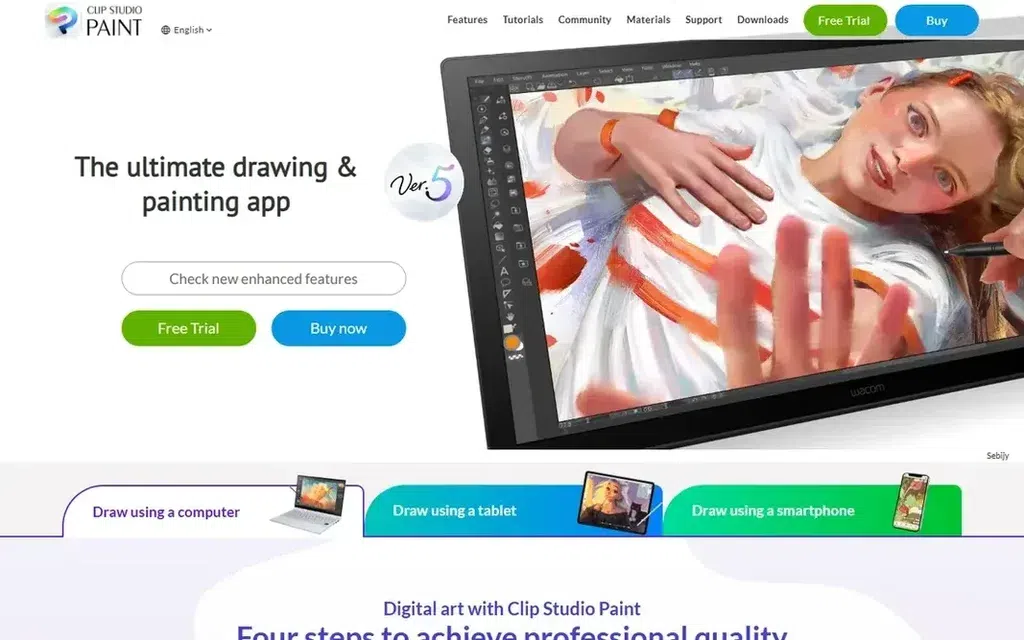
Clip Studio Paint works best for Illustration, manga, and animation. Artists who want a drawing-first environment with animation support in the same app will find it a natural fit. Its animation tools are secondary to its illustration strengths, so complicated production pipelines may need a dedicated animation package.
More specifically, choose it when drawing and manga work are central and animation is a supporting task. Beyond that, Clip Studio Paint is a paint app for digital illustration, manga, and animation production. Check the vendor site for Clip Studio Paint pricing; none is listed in this comparison. Free options: Not stated.
Downsides: Animation features are secondary.
- Available on PC, tablet, phone
- Includes illustration and animation
- Interface can feel busy
For live motion design and data-driven animation, Cavalry is a natural candidate. Cavalry is not a traditional drawing and frame-by-frame animation tool, so character animators may need a different app. Its strengths are in motion design systems instead of natural-media illustration.
Where it falls short: Motion design focus may not suit character animators.
Pick it when your work leans toward motion graphics and automatic workflows. Cavalry is 2D animation and motion graphics software for Mac and Windows. Check the vendor site for Cavalry pricing; none is listed in this comparison. On free options: Not stated.
- Data-driven workflows
- Designed for motion designers
- Not a traditional frame-by-frame drawing app
Procreate works best for iPad drawing and frame-by-frame animation. Procreate provides creative apps for iPad aimed at drawing and animation, made for both creative professionals and aspiring artists. Artists who prefer sketching straight on an iPad will feel at home.
Procreate is tied to the iPad, so teams working across desktop products may need extra tools. It is also less centred on studio-level pipeline management than dedicated animation suites. Procreate does not show a starting price in this comparison, so check the vendor site for current pricing. Free plan details: Not stated.
Best features of Procreate: Animation support on iPad.
Trade-offs to know: iPad-only product.
- No subscription
- Feature-rich and easy-to-use drawing apps
- Less suited to studio pipeline management
For efficient rigged 2D character animation, Moho is a natural candidate. Moho is a complete 2D animation program for creating movies, films, and commercials. It is positioned for hobbyists and professional animators looking for a more efficient way to produce quality animations.
Its rig-based approach helps simplify character animation and repeated movements. In daily use, consider a drawing-centric tool if your style relies on loose, frame-by-frame sketches. The software is built around efficient character animation instead of natural-media painting. Check the vendor site for Moho pricing; none is listed in this comparison. Free plan details: Not stated.
What to check first: Less emphasis on natural-media brushes.
- Suited to hobbyists and professionals
- Complete 2D animation program
- Rigging focus may not suit frame-by-frame purists
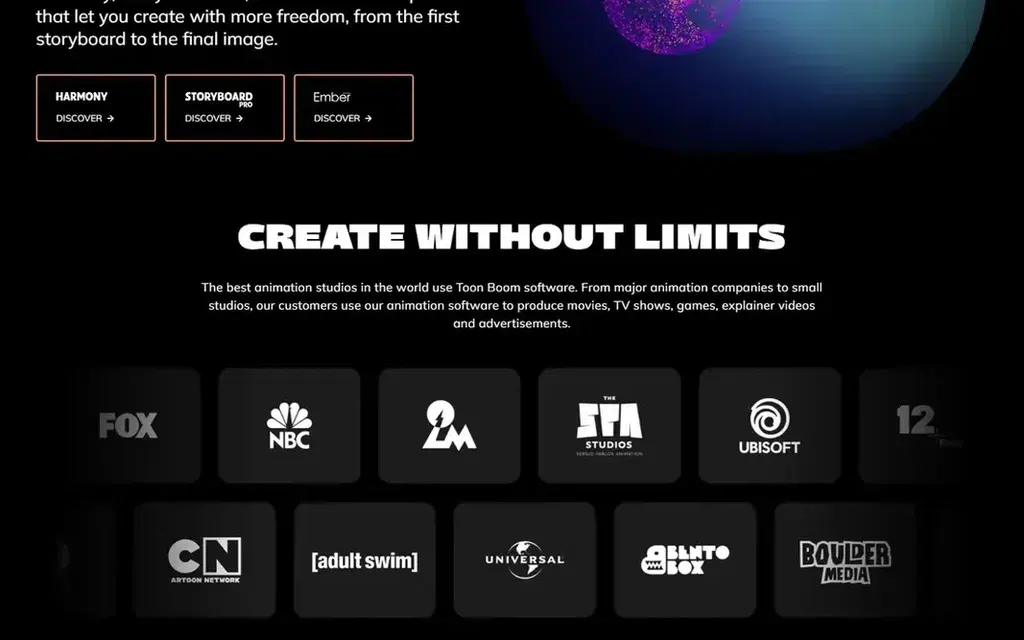
Toon Boom Harmony makes the most sense for professional studio 2D animation. It is geared toward professional animators and studios that require a complete end-to-end tool for series, films, and commercial work.
Where it is weaker: Heavier ramp-up time.
Its documented feature set spans drawing, rigging, and animation in a single environment. Toon Boom Harmony does not show a starting price in this comparison, so check the vendor site for current pricing. Trial and free access: Not stated.
- End-to-end 2D animation pipeline
- Established in studio workflows
- Can be complicated for beginners
Our selection method
LinkVetted looked at what each vendor publishes: pricing, plan limits, feature coverage for TVPaint Animation and stated drawbacks. No hands-on testing is claimed. Figures are shown as the vendors publish them. Billing terms, seat minimums and add-ons can change the real cost. Order on the page follows fit for the typical buyer first, then price transparency and free access. Your own requirements should decide the final pick.
Questions to settle before buying
- Confirm the entry price with every vendor: no tool from Clip Studio Paint to Toon Boom Harmony shows a fixed starting price.
- Before choosing Clip Studio Paint, weigh its main limit: animation features are secondary.
- Test the integrations you rely on with Toon Boom Harmony before committing; some connectors sit on upper tiers.
- Total up the real monthly cost of Clip Studio Paint, including add-ons, extra users and usage-based fees.
- Before you load data into Cavalry, check what an export looks like and who can run it.
FAQ
Do these tools publish their prices?
No. None of the tools, from Clip Studio Paint to Toon Boom Harmony, shows a fixed starting price here, so budget time for quotes. For the full picture, the cards above cover all 5 entries of this TVPaint Animation alternatives list, including price, free plan and limits.
Can I try these tools before paying?
Not by default. None of the tools, from Clip Studio Paint to Toon Boom Harmony, lists a free plan or a free trial here, so ask each vendor for a demo before committing. Prices, free plan details and limits for all 5 tools in this TVPaint Animation alternatives roundup sit on the individual cards above.
What is the best TVPaint Animation alternative for studio work?
This list starts with Clip Studio Paint, which fits Illustration, manga, and animation. For other needs, Cavalry is aimed at live motion design and data-driven animation, and Procreate at iPad drawing and frame-by-frame animation. Check each tool's price and main limit first.
How are the tools for TVPaint Animation ordered?
Clip Studio Paint sits first and Toon Boom Harmony last because the order follows typical fit for TVPaint Animation, then price clarity and free access. It is a judgement call, so read each profile for fit and limits.
Does any tool for TVPaint Animation here have a free plan?
No tool in this list, Clip Studio Paint and Toon Boom Harmony included, has a permanent free plan. Trials and quotes are the usual route, so plan a short evaluation period. Each of the 5 options in this TVPaint Animation alternatives guide has its own card above with the price, free plan and limits.
Sources
- https://www.clipstudio.net
- https://cavalry.scenegroup.co
- https://procreate.com
- https://moho.lostmarble.com
- https://www.toonboom.com/products/harmony