Best Thumbnail Design Software for Creators (2026): 5 Picks Checked on Vendor Pages
Need the best thumbnail design software for creators? We compare 5 tools on cost, free access and who each suits. Prices and drawbacks included. Easy to scan.
- Editor's choice
 Canva
Quick template-based thumbnail design
Starts atSee websiteVisit canva.comFull review - Great alternative
 Snappa
Prompt-driven social graphics
Starts at$10 per monthVisit snappa.comFull review - Also consider
 Figma
Collaborative thumbnail layout systems
Starts at$3 a monthVisit figma.comFull review
Direct answer
For quick template-based thumbnail design, Canva is where this list starts. Listed starting prices: Snappa from $10 per month and Figma from $3 a month. Snappa is better for prompt-driven social graphics, and Figma is better for collaborative thumbnail layout systems. All 5 tools are compared below on price, free plan and limits.
TL;DR:
- This list starts with Canva, which is built for fast template-based thumbnail design.
- For the cheapest start, look at Figma: $3 per month.
- Adobe Photoshop suits in-depth layered thumbnail editing.
- Snappa is the only tool of the 5 with a free plan.
Last checked November 2026. Prices and plan details were read from the vendors' own pages in November 2026; vendors change plans often, so confirm the current price on the vendor site before you buy.
Quick comparison
| Tool | Best for | Starts at | Free plan? | |
|---|---|---|---|---|
| Canva | Quick template-based thumbnail design | See website | Not stated | Visit |
| Snappa | Prompt-driven social graphics | $10 per month | Yes | Visit |
| Figma | Collaborative thumbnail layout systems | $3 a month | Not stated | Visit |
 CorelDRAW | Vector graphics and illustration work | See website | Not stated | Visit |
 Adobe Photoshop | In-depth layered thumbnail editing | See website | Not stated | Visit |
5 thumbnail design software for creators in detail
LinkVetted compared 5 thumbnail design software for creators. The goal is a practical shortlist: published prices, free plan facts, best-fit use cases and honest limits for every entry.
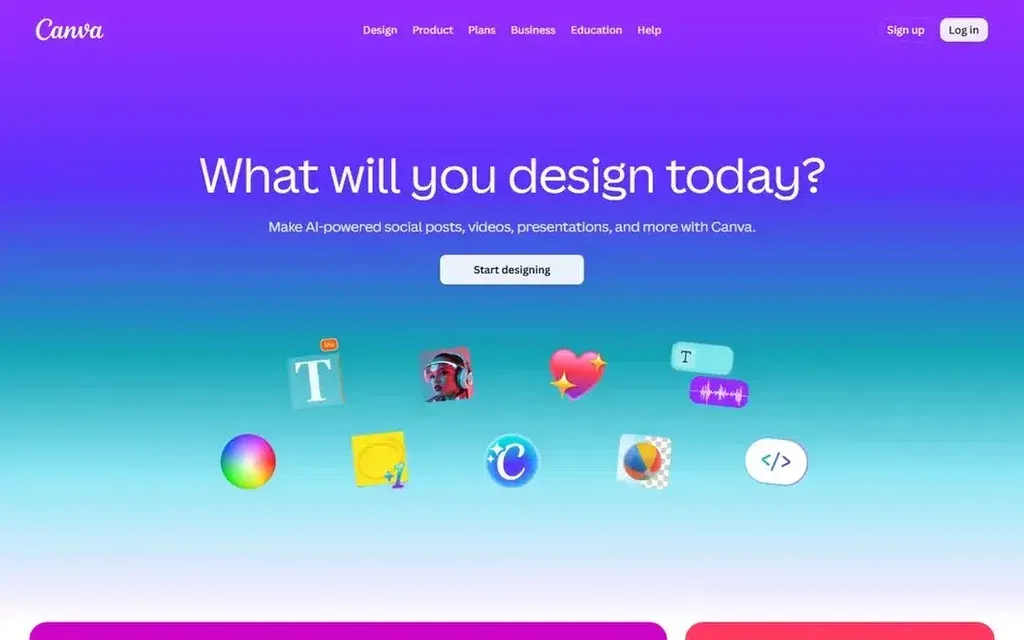
Canva is designed for quick template-based thumbnail design. For thumbnails, it fits creators who want to assemble text, images and layouts rapidly without advanced editing knowledge.
It suits channels that publish commonly and need consistent graphics produced in a short time. This comparison lists no price for Canva; ask the vendor. Free access: Not stated.
Downsides: Less precise image editing.
- Online graphic design suite
- Spans social posts and videos
- Template look can feel familiar
For prompt-driven social graphics, Snappa is a natural candidate. Creators with strict brand layouts may want more control.
Snappa is AI graphic design software that turns a single prompt into graphics for social media, ads, blogs and more. Entry price for Snappa: $10 per month. A free plan is available with Snappa.
Downsides: Less manual editing depth.
- Straightforward starting point
- Pitched at social and ads
- Narrower than full editors
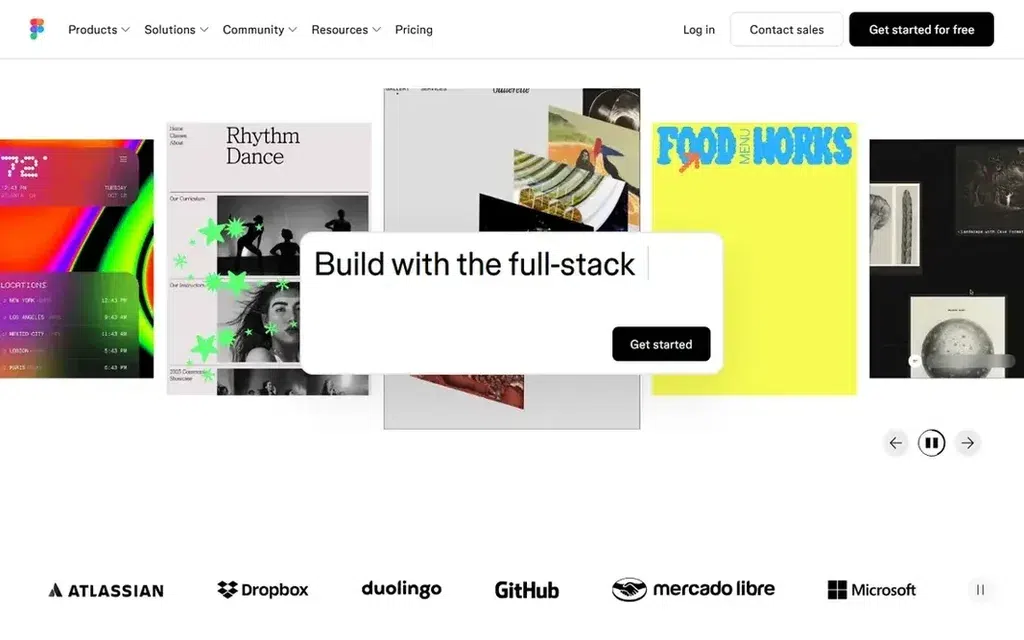
Figma is a good fit for collaborative thumbnail layout systems. Choose a photo editor if your thumbnails rely on advanced retouching.
Trade-offs to know: Setup takes some learning.
Figma is a collaborative canvas where design, code and AI come together from concept to production. The starting price for Figma: $3 per month. Free options: Not stated.
- Shared collaborative canvas
- Reusable design components
- Not a photo retouching tool
CorelDRAW works best for vector graphics and illustration work. CorelDRAW is graphic design software with vector, technical illustration and CAD choices for logos, posters, drafting and prototypes. In practice, choose a lighter design tool if you primarily combine photos and text.
CorelDRAW leans toward vector and illustration workflows, which can be more than a photo-based thumbnail needs. Its interface is denser than straightforward template apps. CorelDRAW shows no starting price here, so confirm the cost on the vendor site. Free options: Not stated.
What to check first: Vector focus may be overkill.
- Fits logos and posters
- Wide graphic design scope
- Denser interface
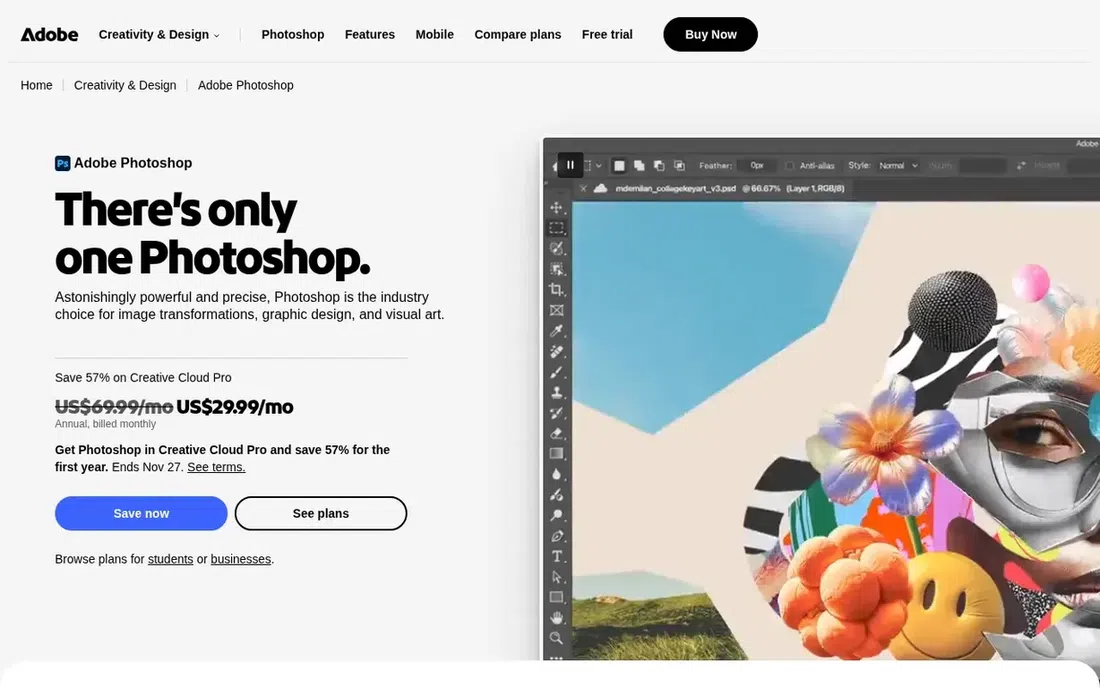
Adobe Photoshop is designed for in-depth layered thumbnail editing. Adobe Photoshop is a professional image editor for creators who want full control over layers, text and compositing in thumbnail art.
Pricing for Adobe Photoshop is not stated here, so ask the vendor for current figures. Free plan details: Not stated.
The main drawbacks: Ramp-up time for beginners.
- Capable custom scene creation
- Deep layer and compositing control
- Heavier than template tools
How we built this list
The comparison looks at four things: starting price, free access, how well the feature set matches thumbnail design software for creators, and the main limit of each tool. Treat prices as a snapshot: vendors change plans often, so check the vendor site for the figure that applies today. We ordered the tools by general fit, then by how clearly pricing is shown, then by free access. A buyer with unusual needs may reorder them.
A buyer's checklist
- Ask Canva, CorelDRAW and Adobe Photoshop for a written quote, since no starting price is shown.
- Look at the free plan from Snappa closely: its caps decide whether it is usable for real work.
- Before choosing Canva, weigh its main limit: less precise image editing.
- Ask the daily users to test Figma on a live task before you roll it out to everyone.
- Get the contract term, renewal terms and any onboarding fees from Canva in writing.
FAQ
Do these tools publish their prices?
Not all of them. Canva, CorelDRAW and Adobe Photoshop publish no starting price, so expect a quote request for those. The rest, Snappa included, show a starting price, though seats and billing terms still change the final cost.
Which tool is best for team thumbnail workflows?
Canva comes first here and is built for quick template-based thumbnail design. Buyers with other needs may prefer Snappa (for prompt-driven social graphics) or Figma (for collaborative thumbnail layout systems). Compare costs and limits first.
How are the tools for thumbnail design software for creators ordered?
Canva sits first and Adobe Photoshop last because the order follows typical fit for thumbnail design software for creators, then price clarity and free access. It is a judgement call, so read each profile for fit and limits.
What is the best thumbnail design software for beginners?
Start with Canva if you need quick template-based thumbnail design. Snappa is the better match for prompt-driven social graphics, and Figma for collaborative thumbnail layout systems. The best choice depends on budget, team size and workflow.
Is Canva the right pick for everyone comparing thumbnail design software for creators?
No single tool suits every team. Canva comes first because it fits fast template-based thumbnail design, while Snappa suits prompt-driven social graphics and Figma suits collaborative thumbnail layout systems. Match the tool to your own size, budget and workflow before deciding.
Can vector software like CorelDRAW work for thumbnails?
Yes, CorelDRAW can build vector shapes, custom lettering and bold graphics suited to thumbnail art. It is most useful when your thumbnails depend on illustration instead of photo editing.
Sources
- https://www.canva.com
- https://snappa.com
- https://www.figma.com
- https://www.coreldraw.com
- https://www.adobe.com/products/photoshop.html