6 Best Software to Screen Record with Audio for 2026, Vetted and Compared
Weighing the best software to screen record with audio? We lined up 6 products by cost, free access and fit. Each tool gets a one-line verdict. No filler.
- Editor's choice
 Screencastify
Browser-based recording and editing
Starts at$7 per user a monthVisit screencastify.comFull review - Great alternative
 Camtasia
Edited tutorials and software demos
Starts atSee websiteVisit techsmith.comFull review - Also consider
 Bandicam
Screen, gameplay and webcam capture
Starts atSee websiteVisit bandicam.comFull review
Direct answer
If you need browser-based recording and editing, Screencastify is the first tool to look at here. Listed starting prices: Screencastify from $7 per user a month and Loom from $18 per user a month. Camtasia is better for edited tutorials and software demos, and Bandicam is better for screen, gameplay and webcam capture. Prices, free plans and limits for all 6 tools follow.
TL;DR:
- Number one here is Screencastify, a fit for browser-based recording and editing.
- 3 of 6 tools offer a free plan: Screencastify, Vidyard, Loom.
- For the cheapest start, look at Screencastify: $7 per user per month.
- Check the limits for Vidyard before you commit: concentrated on business use cases.
- OBS Studio is the one to check for open source recording and streaming.
Last checked November 2026. Prices and plan details were read from the vendors' own pages in November 2026; vendors change plans often, so confirm the current price on the vendor site before you buy.
Quick comparison
| Tool | Best for | Starts at | Free plan? | |
|---|---|---|---|---|
| Screencastify | Browser-based recording and editing | $7 per user a month | Yes | Visit |
| Camtasia | Edited tutorials and software demos | See website | Not stated | Visit |
| Bandicam | Screen, gameplay and webcam capture | See website | Not stated | Visit |
 Vidyard | Sales and marketing video sharing | See website | Yes | Visit |
 Loom | Fast recording and simple sharing | $18 per user a month | Yes | Visit |
 OBS Studio | Open source recording and streaming | See website | Not stated | Visit |
Tool-by-tool breakdown
LinkVetted put together this guide to software to screen record with audio for readers who want a clear shortlist without reading every vendor page. It compares 6 tools on starting price, free plans, who each one suits and where each one falls short.
For browser-based recording and editing, Screencastify is a natural candidate. Pick it when convenience and classroom or training workflows matter most.
Where it is weaker: Less suited to heavy production work.
Screencastify is a browser-based screen recorder for recording, editing and sharing videos for lessons, how-tos, assignments, training and assessments. Screencastify starts at: $7 per user per month. Free access exists with Screencastify.
- Recording and editing in one place
- Runs in the browser
- Browser dependency
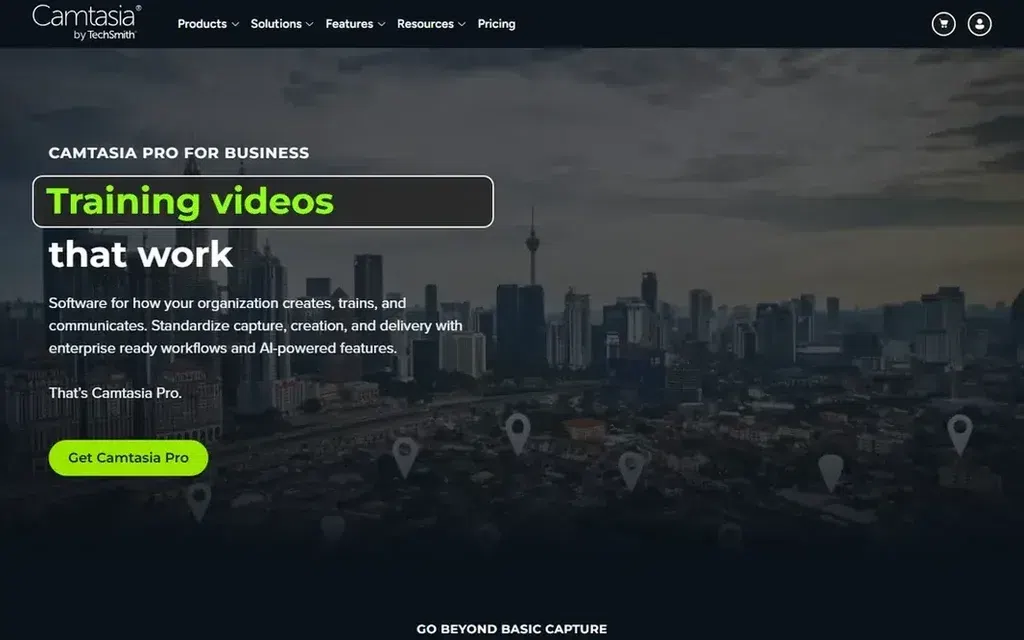
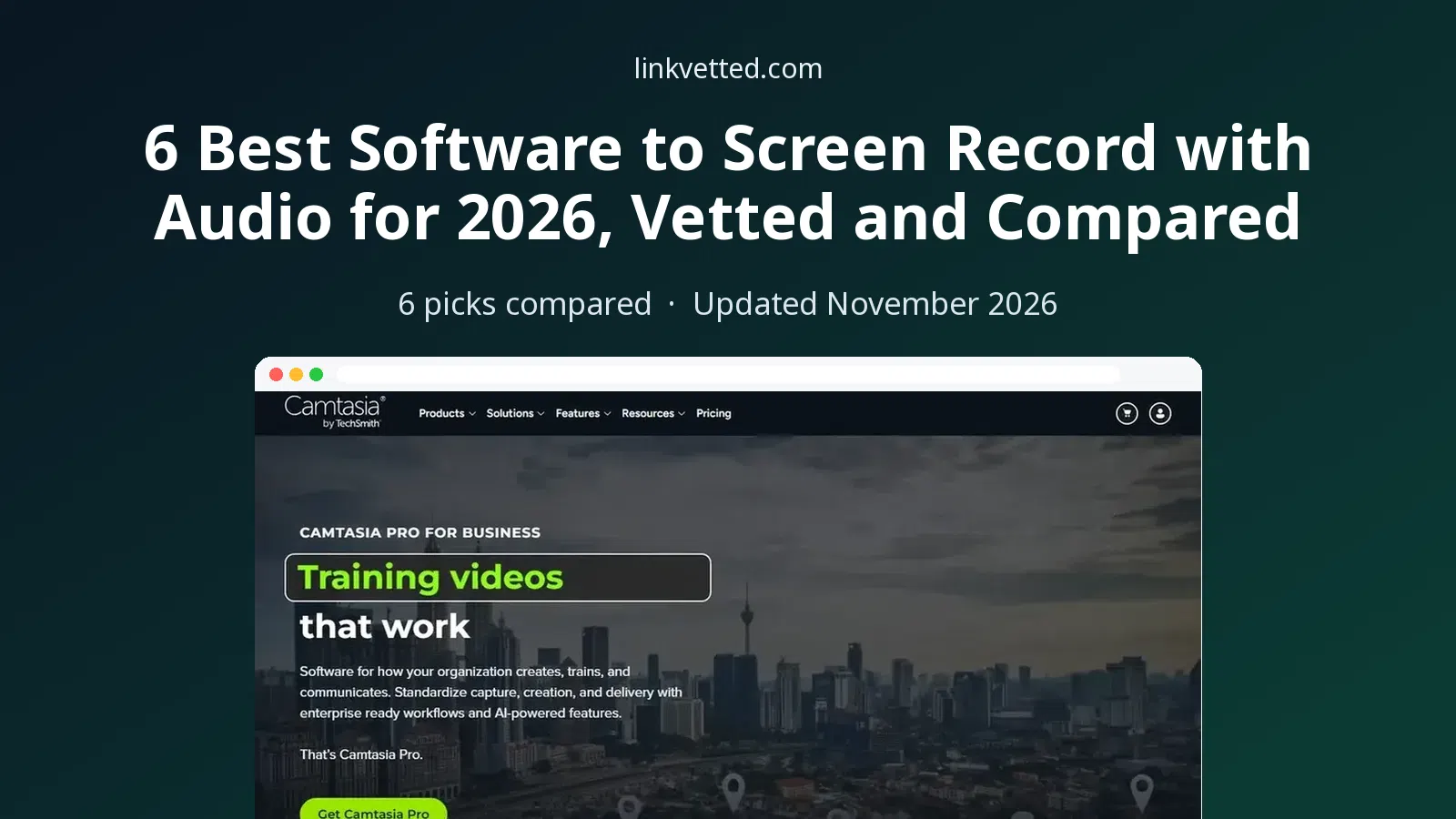
Camtasia makes the most sense for edited tutorials and software demos. Camtasia merges screen recording with a video editor targeted at professional tutorials, training videos and software demos.
For everyday use, since it is built around editing, Camtasia can feel heavier than a quick capture tool for straightforward clips. This comparison lists no price for Camtasia; ask the vendor. Free access: Not stated.
Watch-outs: Editor may be more than casual users need.
- Pitched at tutorials and training
- Deals with demos and presentations
- Ramp-up time for advanced editing
Bandicam is aimed squarely at screen, gameplay and webcam capture. If you primarily record fast tutorials, a more straightforward or browser-first choice could serve you better.
Downsides: Feature set can overwhelm new users.
Bandicam shows no starting price here, so confirm the cost on the vendor site. Free access: Not stated.
- Records gameplay and webcam
- Built-in editing and AI tools
- Windows-focused audience
Vidyard works best for sales and marketing video sharing. It suits teams that record screen-based messages or demos and want to host and share them as part of outreach and marketing efforts.
Vidyard is oriented toward business communication instead of general editing or gaming capture, so it may be overkill for personal recording projects. Vidyard shows no starting price here, so confirm the cost on the vendor site. Vidyard offers a free plan.
Trade-offs to know: Not a general purpose editor.
- Designed for business video
- Pitched at sales and marketing teams
- Centred on business use cases
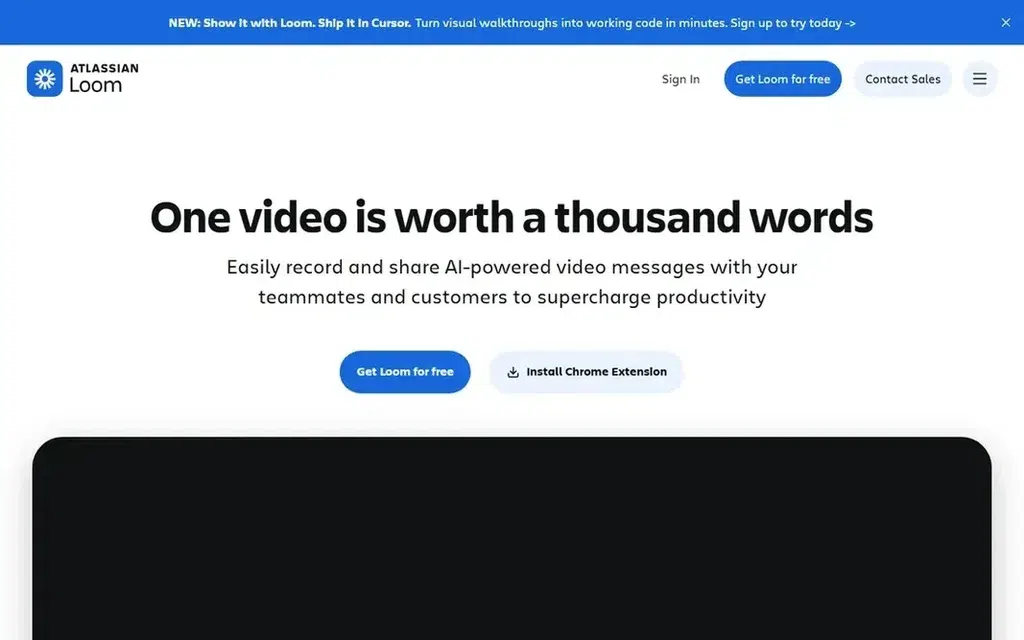
Choose Loom for quick recording and simple sharing. Loom is an online screen recording tool for Mac and PC that emphasizes advanced video editing and video storage alongside simple sharing.
Choose it when speed of sharing matters more than fine tuning. The starting price for Loom: $18 per user per month. Loom has a free plan.
Where it is weaker: Concentrated on short-form communication.
- Simple sharing from the site
- Simple recording on Mac and PC
- Less control over encoding settings
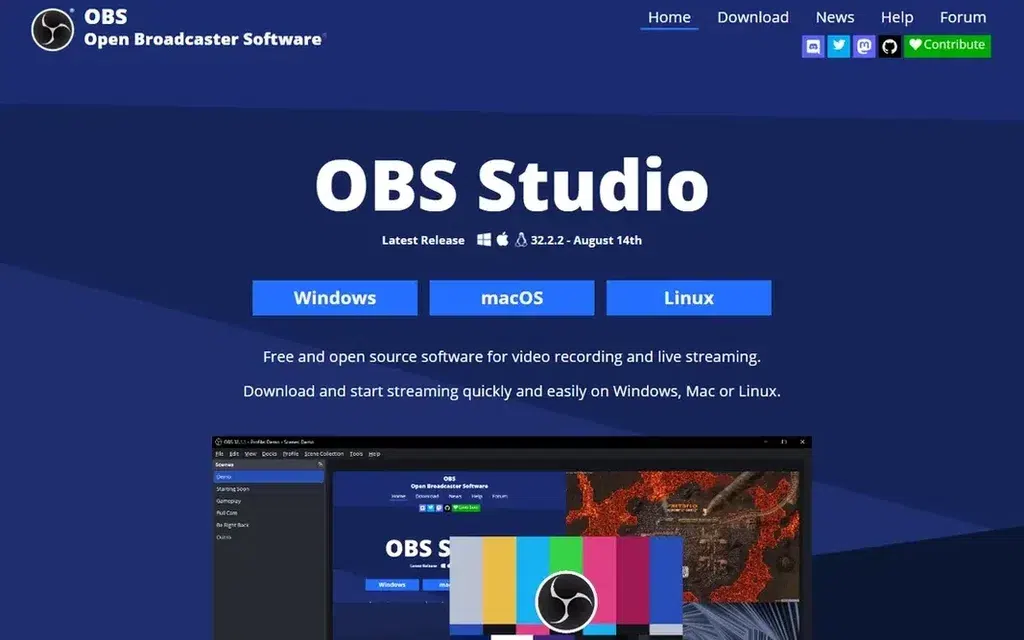
Where OBS Studio fits: open source recording and streaming. OBS Studio is free and open source software for video recording and live streaming. It records your screen with high quality H264 and AAC encoding and can stream to Twitch, YouTube and plenty of other providers.
Limits to weigh: Interface can feel dense.
In daily use, if you want a guided editor or instant sharing instead of manual configuration, a more straightforward recorder may suit you better. As for the details, the tradeoff is complexity: OBS Studio assumes some technical comfort and does not hold your hand through capture or audio routing. OBS Studio shows no starting price here, so confirm the cost on the vendor site. Free plan details: Not stated.
- Streams to plenty of providers
- Free and open source
- Steeper setup for beginners
How we chose
What to check before you buy
- Get a written quote from Camtasia, Bandicam, Vidyard and OBS Studio; the list shows no starting price for them.
- Look at free plan limits closely: Screencastify, Vidyard and Loom have one, and the caps decide whether it is usable for real work.
- Read the limits listed for Screencastify first: browser dependency.
- Read the plan comparison for Loom carefully; key features often start on a higher tier.
- Check whether Vidyard bills monthly or annually, and what cancelling early costs.
FAQ
Do these tools publish their prices?
Not all of them. Camtasia, Bandicam, Vidyard and OBS Studio publish no starting price, so expect a quote request for those. The rest, Screencastify included, show a starting price, though seats and billing terms still change the final cost.
Is Screencastify the right pick for everyone comparing software to screen record with audio?
No single tool suits every team. Screencastify comes first because it fits browser-based recording and editing, while Camtasia suits edited tutorials and software demos and Bandicam suits screen, gameplay and webcam capture. Match the tool to your own size, budget and workflow before deciding.
Which screen recorder is a good match for beginners?
Screencastify comes first here and is built for browser-based recording and editing. Buyers with other needs may prefer Camtasia (for edited tutorials and software demos) or Bandicam (for screen, gameplay and webcam capture). Compare costs and limits first.
Do I need a separate video editor after recording?
Camtasia and Bandicam bundle editing features, whereas Loom and Screencastify offer editing within their systems. OBS Studio centres on capture and streaming, so plenty of users pair it with a separate editor for refined results.
Which tool fits business or sales video?
Vidyard is built around business video for sales and marketing teams, including hosting and sharing. For tutorials and training, Camtasia and Screencastify are typical choices.
How are the tools for software to screen record with audio ordered?
Screencastify sits first and OBS Studio last because the order follows typical fit for software to screen record with audio, then price clarity and free access. It is a judgement call, so read each profile for fit and limits.
Sources
- https://www.screencastify.com
- https://www.techsmith.com/camtasia.html
- https://www.bandicam.com
- https://www.vidyard.com
- https://www.loom.com
- https://obsproject.com