Best AI Tool for Audio Editing in 2026: 8 Tools Compared
We compared the best ai tool for audio editing for podcasts, speech cleanup and music stems, with current pricing, free plans and honest trade-offs today.
- Editor's choice
 Descript
Text-based podcast editing
Starts at$16 per monthVisit descript.comFull review - Great alternative
 Adobe Podcast
Speech enhancement
Starts at$9.99 per monthVisit podcast.adobe.comFull review - Also consider
 Riverside
Remote recording and editing
Starts at$15 per monthVisit riverside.fmFull review
TL;DR:
- Descript is the best all-round pick for podcast and spoken-word editing, thanks to text-based editing and filler removal.
- Adobe Podcast and Auphonic are the cheapest ways to rescue and master speech, with useful free tiers.
- Riverside suits remote recording first, while iZotope RX suits detailed repair work that browser tools cannot match.
- AI voice tools need care with consent and disclosure, especially when cloning a voice or creating synthetic speech.
Quick comparison
| Tool | Best for | Starts at | Free plan? | |
|---|---|---|---|---|
| Descript | Text-based podcast editing | $16 per month | Yes | Visit |
| Adobe Podcast | Speech enhancement | $9.99 per month | Yes | Visit |
| Riverside | Remote recording and editing | $15 per month | Yes | Visit |
 Auphonic | Automatic mastering | $11 per month | Yes | Visit |
 iZotope RX | Detailed audio repair | $49 one-time | Free trial | Visit |
 Cleanvoice | Filler and mouth-sound removal | $11 per month | Free trial | Visit |
 Krisp | Live noise cancellation | $8 per month | Yes | Visit |
 LALAL.AI | Stem separation | See website | Yes | Visit |
The best AI tools for audio editing
AI audio editing covers several jobs that used to need different software: editing speech by editing text, cleaning a noisy recording, mastering loudness, removing fillers and separating music stems. We compared official pricing, feature pages and public reviews, favouring tools that are actively sold in October 2026 and that solve one of those jobs well.
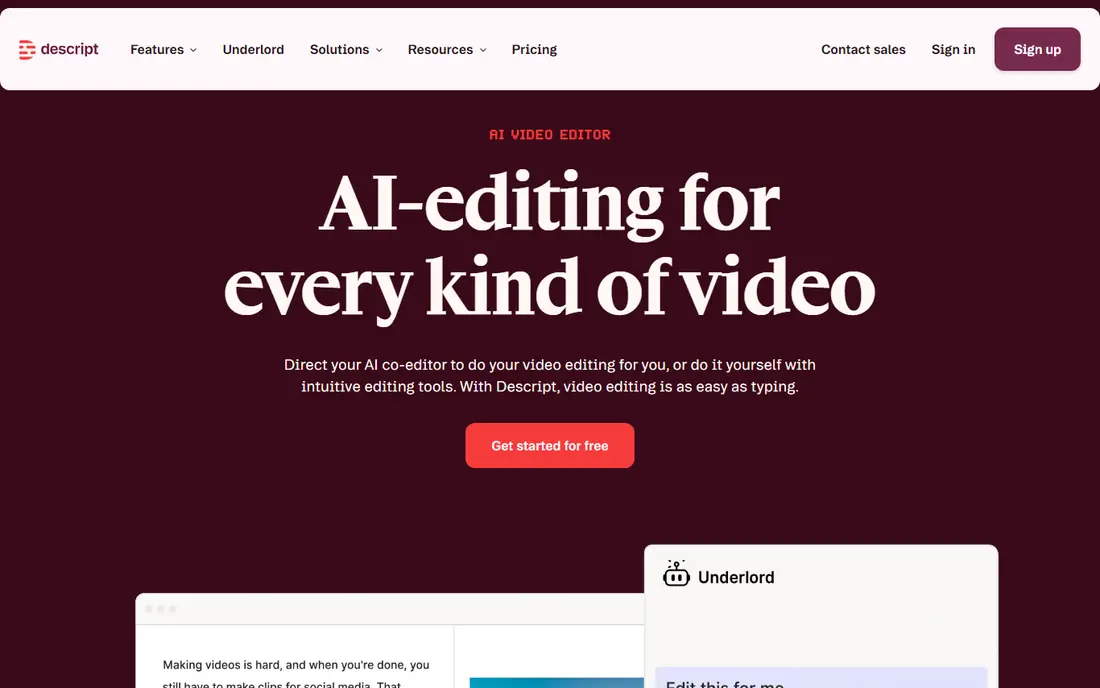
Descript changes podcast editing by letting you cut audio the way you edit a document. Delete a sentence in the transcript and the audio follows, which makes removing tangents, mistakes and filler words far faster than waveform editing. Studio Sound cleans up room tone and mic differences, and built-in publishing tools shorten the path from edit to episode.
The free plan is useful for testing, but transcription hours are limited and exports carry a watermark. Paid plans raise those limits and add AI credits and export options. If you edit spoken word weekly, Descript is the tool most likely to save you hours, even if you still use a second tool for final mastering.
- Edit audio by editing a transcript
- Filler removal and Studio Sound
- Video editing included
- Free plan limits transcription hours
- Watermark on free exports

Adobe Podcast does one job very well: making a poor recording sound like a studio recording. Enhance Speech removes background noise and room echo from speech with a single upload, which can rescue a guest track recorded on a laptop mic or in a noisy room. The web workflow needs no software install, and the premium price is low for what it fixes.
It is not a full editor. You cannot build a complete episode from multiple tracks here, and free use limits daily processing and file size. Think of Adobe Podcast as a repair step before Descript or your usual editor, not a replacement for them. For that repair job, its free tier alone is worth keeping.
- Strong Enhance Speech cleanup
- Low premium price
- Simple web workflow
- Limited editing depth
- Free tier limits daily use and file size
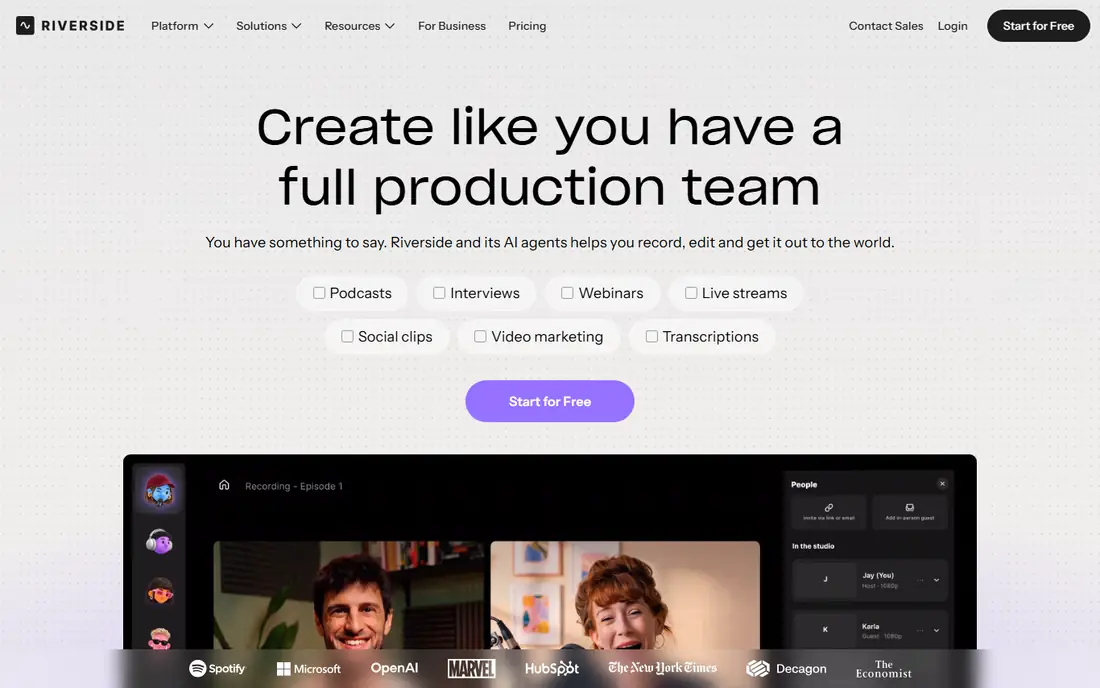
Riverside fixes audio problems at the recording stage, which is often better than fixing them later. Each guest records locally in high quality, so a weak internet connection does not ruin the final audio. The built-in text editor, clips and transcription then cover basic editing without exporting to another tool.
For detailed editing, Descript remains stronger, and Riverside recording hours rise with plan level. Remote shows that record often should check hours against their episode schedule. If your guests are remote and quality keeps breaking down, Riverside is the right first purchase.
- Local recording for each guest
- Text-based editing
- Video and audio in one studio
- Editing is lighter than Descript
- Higher plans needed for longer recording hours
Auphonic is the finishing step many podcasts need. Upload finished audio and it levels voices, applies loudness standards, reduces noise and hum, and outputs a consistent master for publishing. Multitrack support handles interviews with several speakers, and the free tier gives a small monthly allowance to test the result.
It does not replace an editor. You still need to cut content and arrange the episode elsewhere, and busy shows must track credits or hours against their publishing schedule. As a post-production layer after Descript or Riverside, Auphonic gives a professional, consistent sound with little manual work.
- Automatic levelling, loudness and noise handling
- Multitrack support
- Free monthly hours
- No full waveform editor
- Credit system needs tracking for busy shows
iZotope RX is the professional repair tool for audio that other tools cannot fix. Spectral editing lets you see and remove a cough, click, phone ring or hum from a specific moment and frequency, while Repair Assistant suggests fixes for common problems. That precision suits audio engineers, archivists and producers working with valuable recordings.
It is also the hardest tool here to learn, and the full edition costs far more than the entry Elements version. Casual podcasters will get faster results from Adobe Podcast or Auphonic. When a recording is important and damaged in a specific, localised way, RX is the tool that can save it.
- Spectral editing for precise repair
- Repair Assistant for common problems
- Industry-standard tool
- Learning curve
- Higher editions cost much more
- Desktop only
Cleanvoice works as a pre-pass before your main edit. It detects filler words, long pauses and mouth sounds, then produces a cleaned timeline you can review before exporting. That step shortens manual editing for interview-heavy shows, where um, uh and pauses otherwise take hours to remove by hand.
It is not a complete editor, so you still need Descript, Riverside or a traditional editor for arrangement and publishing. The trial also limits processing time, so test it on a real interview rather than a short sample. For shows with many interviews, Cleanvoice pays for itself in editing time saved.
- Automatic filler, pause and mouth-sound removal
- Timeline review
- Simple workflow
- No full episode editor
- Trial limits processing time
Krisp solves a different problem from the rest of this list: noise during a live call or recording. It filters background sounds in real time, so keyboard typing, traffic or household noise does not reach the other participants or the recording. It works across common meeting and recording apps without changing your workflow.
It cannot edit a finished recording, so it complements rather than replaces Descript or Adobe Podcast. The free tier limits daily minutes, which suits occasional calls but not all-day use. For remote workers and podcast guests who record in noisy rooms, Krisp improves source quality before any editing begins.
- Removes background noise live on calls
- Works with common meeting apps
- Echo control
- Live use only, not a post editor
- Free tier limits daily minutes
LALAL.AI unmixes a finished track into separate stems, such as vocals, drums, bass and instruments. That helps musicians practise, remixers isolate a part, and editors remove vocals for a backing track. Processing is fast, and a preview lets you hear separation quality before committing to a paid plan.
Separation quality depends on the mix. Dense or heavily processed songs separate less cleanly than simple recordings, and artefacts can appear on exposed vocals. Pricing also varies by minutes and whether you buy a pack or subscription, so check the current page for your volume. For stem work, it is the most accessible specialist tool here.
- Splits songs into vocals, drums, bass and other stems
- Preview before paying
- Fast processing
- Results vary by mix
- Pricing depends on minutes and plan type
How we picked these
We compared official feature pages, pricing pages and public reviews for AI audio tools that are actively sold in October 2026. We covered the main jobs creators face, including text editing, speech cleanup, remote recording, mastering, repair, filler removal, live noise control and stem separation, rather than ranking music generation tools alone. Where pricing depends on minutes, credits or editions, we gave the published entry figure and marked unclear cases as See website.
What to check before you choose
Name the job before the tool
A cleanup tool will not edit an episode, and an editor will not master loudness as well as a dedicated mastering tool. List your bottleneck first: recording quality, editing time, noise, loudness or stems. Most creators need two tools, such as Riverside for recording plus Descript for editing, rather than one tool that does everything poorly.
Test on your worst audio, not your best
AI tools look impressive on clean samples. Test each trial on your worst real recording: a noisy guest, a room with echo, or an interview full of fillers. That test reveals whether Enhance Speech, Cleanvoice or RX actually helps your show, and whether artefacts make the result unusable.
Check voice consent and disclosure
Voice cloning and synthetic speech raise consent questions. Only clone or recreate a voice with clear permission from the speaker, and disclose synthetic audio where listeners could be misled. For normal editing, filler removal and cleanup, consent is usually covered by the recording agreement, but check your guest release if you plan to alter meaning or create new lines.
Watch minutes, hours and credits
Audio pricing often hides in minutes, transcription hours or credits, not just the monthly fee. Add up weekly episode length, guest tracks and retries before choosing a plan. A low monthly price can become expensive if every episode needs extra minutes, while a higher plan with generous hours may be cheaper in practice.
FAQ
What are the best ai audio editing tools for podcasters?
Descript is the best all-round podcast editor, with Riverside best for remote recording and Auphonic best for final mastering. Adobe Podcast is the best cheap repair tool, and Cleanvoice helps most with filler-heavy interviews. Most podcasters get the best result from two tools, not one.
What is the best AI tool for cleaning up noisy audio?
Adobe Podcast Enhance Speech is the easiest free option for speech cleanup, while iZotope RX gives the most precise control for difficult repairs. Auphonic also handles noise as part of mastering. Try Adobe Podcast first on a bad track, and move to RX only when a specific noise needs spectral repair.
Can AI edit audio like a text document?
Yes, Descript and Riverside offer text-based editing, where deleting transcript text cuts the matching audio. That workflow suits spoken word, interviews and narration far better than waveform editing alone. Music and sound design still need a traditional editor or digital audio workstation for fine control.
Is there a free AI audio editing tool worth using?
Yes, Descript, Adobe Podcast, Riverside, Auphonic, Krisp and LALAL.AI all offer free tiers or trials with real limits. Free tiers suit testing and occasional episodes, while weekly shows usually need a paid plan for hours, exports or watermark removal. Start free on your worst episode, then upgrade if the time saved justifies it.
Does AI audio editing replace a human editor?
For routine cleanup, filler removal and levelling, AI now handles much of the work. For story structure, pacing, music choices and sensitive edits, a human editor still matters. The best workflow uses AI for repetitive tasks and keeps human judgment for decisions that affect meaning and listener experience.