6 Best Reverse Image Search Tools for Link Building for 2026, Vetted and Compared
A practical guide to reverse image search tools for link building in 2026, covering image lookup, credit monitoring and unlinked image use.
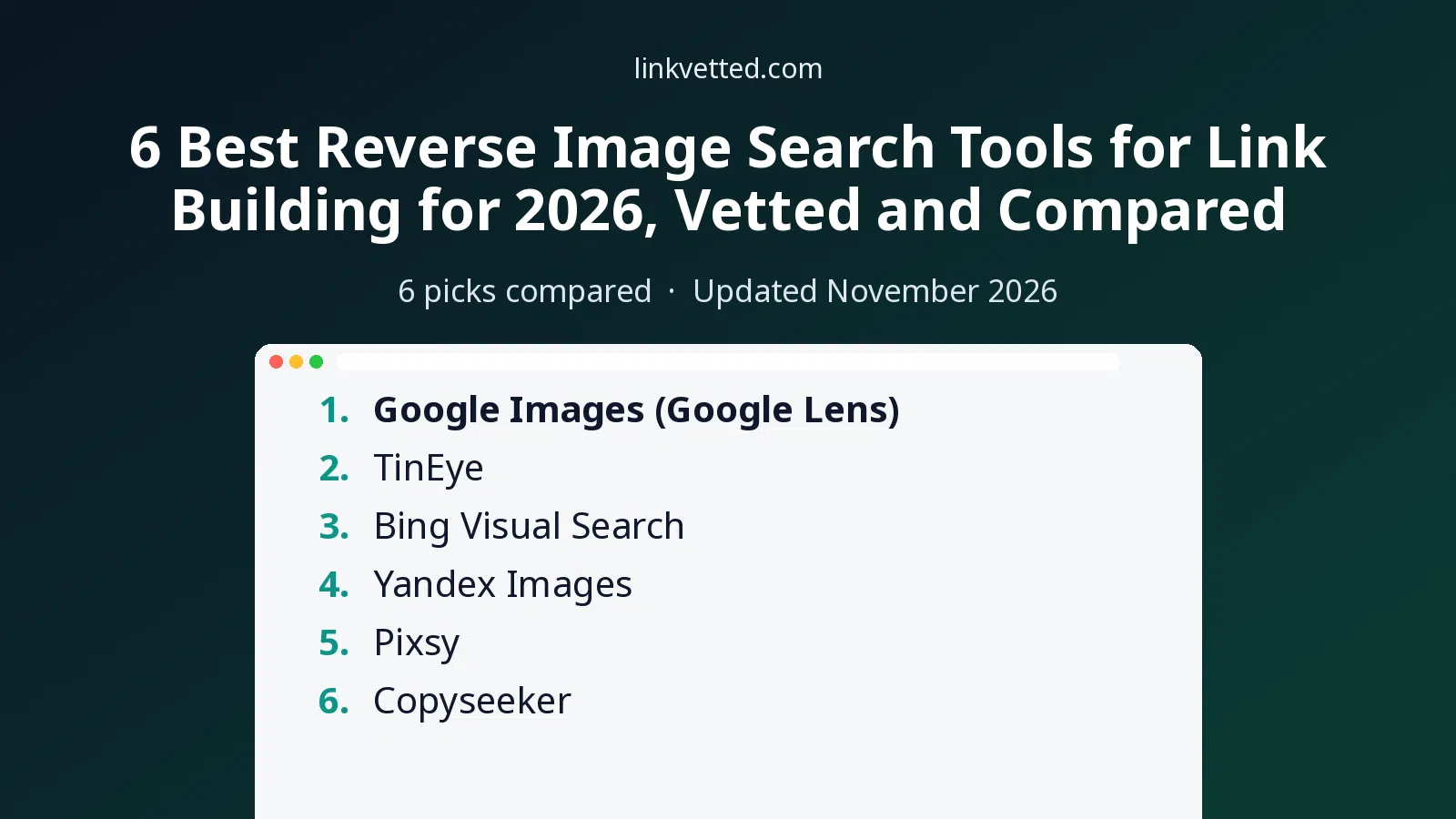
- Editor's choiceGoogle Images (Google Lens)
First-pass image lookup
Starts atSee websiteVisit images.google.comFull review - Great alternative
 TinEye
Finding modified image copies
Starts atSee websiteVisit tineye.comFull review - Also consider
 Bing Visual Search
Second opinion on image matches
Starts atSee websiteVisit bing.comFull review
Direct answer
My top pick is Google Images (Google Lens), because it is free, widely used and the first place most people look when they want to trace where an image appears. For broader coverage across other search engines I suggest TinEye, and for tracing where an image has been reused across the web I suggest Bing Visual Search. All three are general image lookup tools rather than link building software.
TL;DR:
- Reverse image search helps you find pages that use your images, which is a starting point for credit or resource link outreach.
- No single engine indexes everything, so checking two or three tools gives a more complete picture of where an image appears.
- Google Lens and Google Images are the most common starting point, but results vary by image type and language.
- TinEye is useful for finding modified or cropped versions of an image across many sites.
- Always confirm a match by opening the page, since image search results can include unrelated or duplicate copies.
Last checked November 2026. Plan prices are not quoted in this guide because they change often; see each vendor's own pricing page for current figures before you buy.
Quick comparison
| Tool | Best for | Starts at | Free plan? | |
|---|---|---|---|---|
| Google Images (Google Lens) | First-pass image lookup | See website | Free plan | Visit |
| TinEye | Finding modified image copies | See website | Free plan | Visit |
| Bing Visual Search | Second opinion on image matches | See website | Free plan | Visit |
 Yandex Images | Images popular in some regions | See website | Free plan | Visit |
 Pixsy | Monitoring unauthorised image use | See website | Free plan | Visit |
| Copyseeker | Quick multi-engine image checks | See website | Not stated | Visit |
The best reverse image search tools for link building compared
I compared these tools from vendor documentation and public sources rather than running my own hands-on tests. The goal is to help you find pages that use your images so you can decide whether a credit link, a resource mention or a simple correction is worth asking for. I have kept the list to tools I am confident exist and that have a public homepage.
Google Images (Google Lens)
Best for: First-pass image lookup
Google Images is the default starting point for most image searches, and Google Lens extends it to uploading a photo or pasting an image URL. For link building, it is the quickest way to see whether a page has reused a chart, product photo or illustration without a credit. It fits anyone who wants a free first check before spending time on outreach.
In practice, I upload the original image or paste its URL into Lens and scan the "visual matches" and "pages that include this image" style results. Each match is a candidate for a polite email asking for a source credit or a link. It is a discovery step, not an outreach tool, so you still need a spreadsheet and an email client to act on what you find.
The limit is coverage: Google only shows what it has indexed, and small or new sites may not appear. Skip it if you need to trace an image across many regional engines; use it as the first layer and add another tool for depth.
- Free to use
- large index
- Lens works from uploads and URLs
- Google index only
- results can be noisy
TinEye is a dedicated reverse image search engine that has been around for years. It is built specifically for finding where an image appears, including edited, cropped or resized copies. That makes it a useful second check after Google, especially for logos, infographics and press images that tend to get reused in many forms.
For link building, TinEye helps you spot pages that republished your graphic with changes, which Google may miss. You can sort matches and open each page to check for a credit. I treat the results as a lead list: confirm the page, note whether a link already exists, then decide if outreach is worth it.
The main drawback is that its index is smaller than a general search engine, so it will not catch everything. If you only need a broad first look, Google may be enough; TinEye earns its place when you suspect edited copies are circulating.
- Good at cropped and edited versions
- sortable results
- long-running service
- Smaller index than general engines
- limited free lookups
Bing Visual Search lets you upload an image or paste a URL and returns pages where Bing thinks the image appears, plus related visual matches. Because it draws on a different index from Google, it often surfaces pages that Google's results miss. I use it as a cross-check when a first pass on Google returns little.
For link building, the workflow is the same: upload the image, review the pages, and open each one to confirm use and check for an existing credit. It is handy for images that are popular on sites outside Google's strongest coverage, and it costs nothing to try alongside the other engines.
The limits are practical: the interface is simpler, filters are fewer, and match quality varies by image. If you need detailed sorting or bulk work, a dedicated tool may suit you better; Bing works well as a quick second opinion.
- Free to use
- different index from Google
- accepts uploads
- Fewer filters
- results can be inconsistent
Yandex Images includes a reverse search feature where you upload an image and see pages that contain it or similar pictures. It is well known for image search in some regions, so it can surface reuse that Google and Bing do not show. For link building, that means extra candidate pages, particularly for images shared on sites outside the main English-language web.
I add it to the rotation when a first pass on Google and Bing comes up short. Upload the image, review the matches, and open each result to check whether a credit link is missing. The results are leads, not proof, so confirmation on the page is always needed.
The drawback is inconsistency: results and interface vary by region, and some matches are loosely related. Skip it if your audience and image reuse are concentrated in one market where Google already covers you well.
- Free to use
- strong image search in some markets
- accepts uploads
- Regional result differences
- interface language varies
Pixsy is an image monitoring service built for photographers and rights holders. You upload images and it watches for matches across the web, then helps you act on unauthorised use. It is not an SEO tool, but the match data is useful for link building because every unauthorised use is also a page that could credit your source.
I see it as a monitoring layer rather than a lookup tool. If you publish original graphics, charts or photos, Pixsy can flag reuse you would otherwise miss, and you can then approach the site about a credit or link. That fits sites with a steady output of original visuals.
The limit is focus: it is designed around rights management, and full features sit behind paid plans. If you only need occasional lookups, the free engines above are simpler; Pixsy makes more sense when image monitoring is an ongoing job.
- Built for image rights monitoring
- tracks matches over time
- supports takedown workflows
- Aimed at rights holders, not SEO
- paid tiers for full use
Copyseeker
Best for: Quick multi-engine image checks
Copyseeker is a reverse image search tool that runs your image through several search engines and shows the combined results in one place. That saves the manual step of uploading the same file to Google, Bing, Yandex and others one by one. It suits people who want a quick overview before deciding which leads are worth pursuing.
For link building, the appeal is speed: one upload gives you a broader list of candidate pages, which you then confirm manually. I treat the combined results as a starting list and open each page to check for an existing credit before adding it to an outreach sheet.
The drawback is that it is a newer service with less public documentation, and combined results are only as good as the engines behind them. If you want a well-documented single engine, use Google or TinEye directly; Copyseeker is for convenience.
- Runs checks across several engines
- simple upload flow
- free basic use
- Newer service
- less documented coverage
How I chose
I picked these tools by reading vendor documentation and public sources, then judging each one on how it fits the specific job of finding image reuse for link building. I did not run hands-on tests, and I have not measured match rates or coverage. The criteria were simple: the tool must exist with a public homepage, it must accept an uploaded image or URL, and its results must be usable as outreach leads. I also weighed practical limits such as index size, regional bias and whether the tool is built for SEO or for image rights.
The second filter was fit. Some tools are general search engines, some are dedicated image search services, and one is a rights-monitoring platform. I kept the list mixed on purpose, because link building from image reuse usually needs a first-pass lookup plus a second opinion plus, sometimes, ongoing monitoring. I left out any vendor I could not verify or whose site I could not confirm, and I avoided tools that promise rankings or automated link placement, since those claims are not something I can stand behind.
What to check before you buy
- Confirm the tool accepts an image upload or URL, since some image search pages only work through a search box.
- Check whether results show the exact page URL, not just a thumbnail, so you can verify the use.
- Test one of your own images first to see how many real matches come back before relying on it.
- Look at whether the tool covers the regions and languages where your images are most likely to be reused.
- Decide if you need one-off lookups or ongoing monitoring, because those are different products.
- Read the terms on how matches are stored and whether you can export a list for outreach.
FAQ
What is reverse image search used for in link building?
It finds pages that use an image you own or published. You can then check whether the page credits the source. If it does not, a short, polite email asking for a credit or a link is a legitimate outreach angle. It is a discovery method, not a guarantee of links, and every match needs manual confirmation.
Is Google Images enough on its own?
Often it is a good start, but not always enough. Google only shows what it has indexed, and edited or region-specific copies can be missed. Many people run a second check on TinEye or Bing Visual Search. Using two engines is a reasonable balance between effort and coverage.
Can I use these tools for free?
Google Images, Bing Visual Search, Yandex Images and TinEye all offer free use, though limits and features vary. Pixsy has a free tier with paid plans for fuller monitoring. Copyseeker's free status is not clearly stated on its site, so check before relying on it. Always confirm current terms on the vendor's own page.
How do I turn image matches into link opportunities?
Open each matching page and check whether it already links to you. If not, note the page URL, the image used and the site owner. Then send a short message explaining that the image is yours and asking for a source credit. Keep the ask specific and skip pages where the use is clearly licensed.
Do these tools replace outreach software?
No. They only help you find candidate pages. You still need a way to record leads, find contact details and send emails. Some people manage this in a spreadsheet, others use a CRM or outreach tool. The image search step sits at the front of that workflow.
Sources
- https://images.google.com
- https://tineye.com
- https://www.bing.com/visualsearch
- https://yandex.com/images
- https://www.pixsy.com
- https://copyseeker.net