Best AI for Building Apps in 2026: 8 Tools Compared
Compare the best AI for building apps, from prompt-to-app builders to AI code editors, with pricing, code export, and real limits explained, updated for 2026.
- Editor's choice
 Lovable
Prompt-to-app web MVPs
Starts at$25 per monthVisit lovable.devFull review - Great alternative
 Bolt.new
Fast browser prototypes
Starts at$25 per monthVisit bolt.newFull review - Also consider
 Cursor
AI code editing for developers
Starts at$20 per monthVisit cursor.comFull review
TL;DR:
- Lovable and Bolt.new suit non-technical founders who want a working web app from a prompt, with hosting and a database included.
- Cursor suits developers who want AI help inside a real code editor, with full control over a production codebase.
- v0 by Vercel suits teams building React and Next.js interfaces that will ship on Vercel.
- Replit suits builders who want an AI agent, a full IDE, and deployment in one browser workspace.
- Bubble, Glide, and FlutterFlow suit no-code and low-code builders who want visual control and a longer-lived app, with different trade-offs on code export.
Quick comparison
| Tool | Best for | Starts at | Free plan? | |
|---|---|---|---|---|
| Lovable | Prompt-to-app web MVPs | $25 per month | Yes | Visit |
| Bolt.new | Fast browser prototypes | $25 per month | Yes | Visit |
| Cursor | AI code editing for developers | $20 per month | Yes | Visit |
 v0 by Vercel | React and Next.js interfaces | See website | Yes | Visit |
 Replit | All-in-one browser building | $20 per month | Yes | Visit |
 Bubble | Visual full-stack web apps | See website | Yes | Visit |
 Glide | Spreadsheet-to-app tools | See website | Yes | Visit |
 FlutterFlow | Apps with code export | See website | Yes | Visit |
The best AI tools for building apps
AI app builders split into two groups: prompt-to-app tools that generate a working app from words, and AI editors that help developers write and maintain code. The right group depends on whether you want a quick prototype, a product you can maintain for years, or a mobile app. The tools below cover both groups, with honest notes on credits, export, and limits.
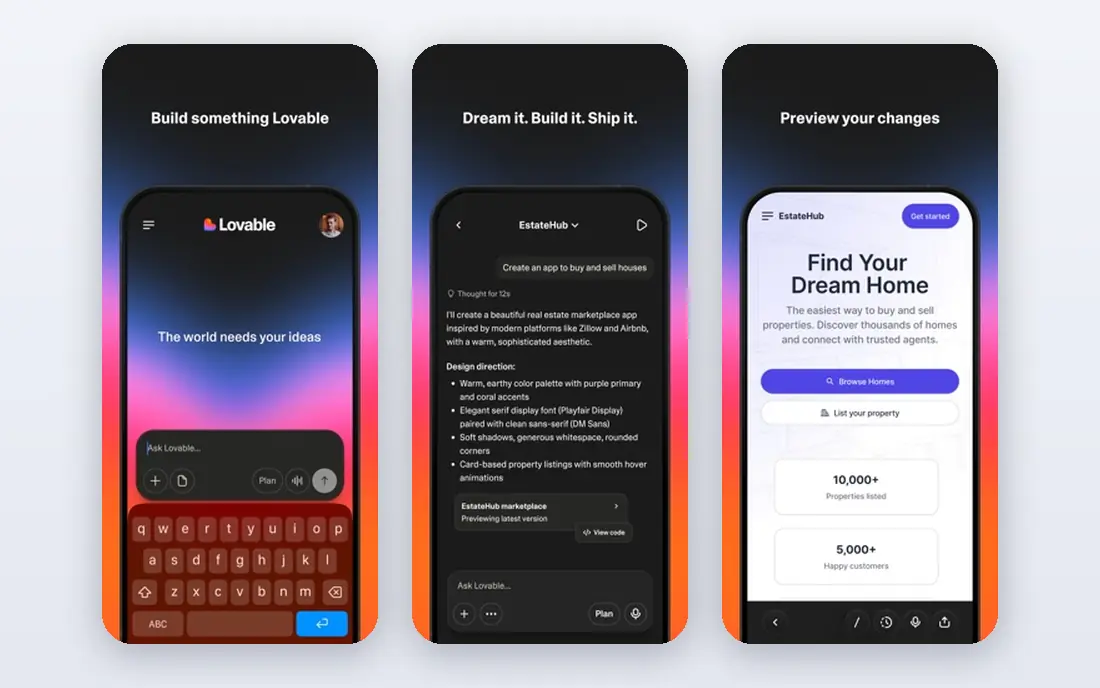
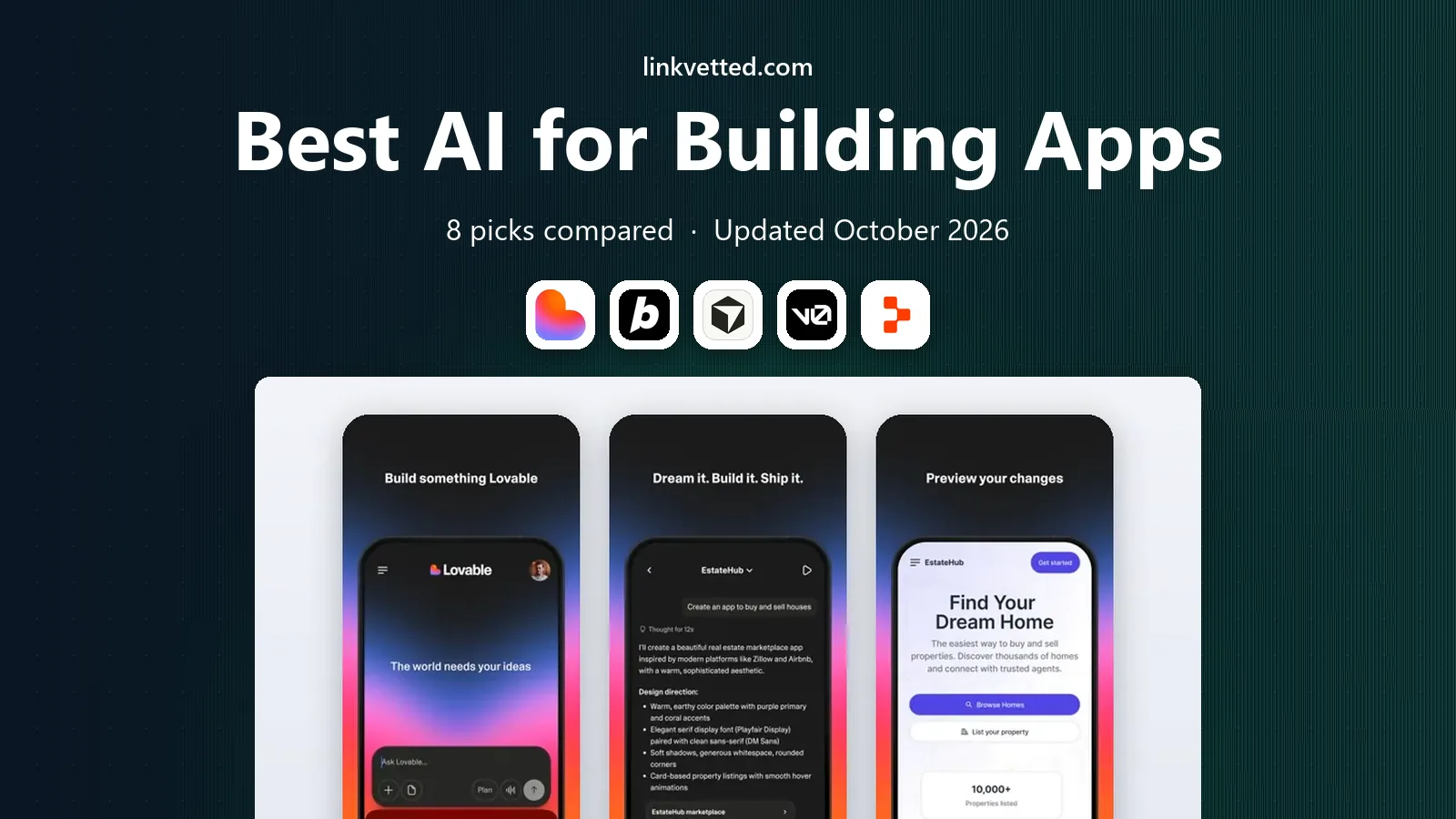
Lovable is the most approachable prompt-to-app builder on this list. You describe the app in plain words, and it generates a React app with a polished interface, a database, and auth, then hosts it for you. For a founder who needs a demo for users or investors, that speed is hard to match, and the output often looks like a real product rather than a wireframe.
The main cost is credits. Simple changes use few credits, while new features, database work, and debugging loops use more, so a full MVP can use a large share of a monthly allowance. Plan prompts carefully, test in small steps, and export code to GitHub early if you plan to maintain the app long term. Used that way, Lovable is an excellent way to test an idea before hiring a developer.
- Polished generated interfaces
- Full-stack apps with database and auth
- GitHub export
- Credit use can rise fast when debugging
- Complex features cost more credits
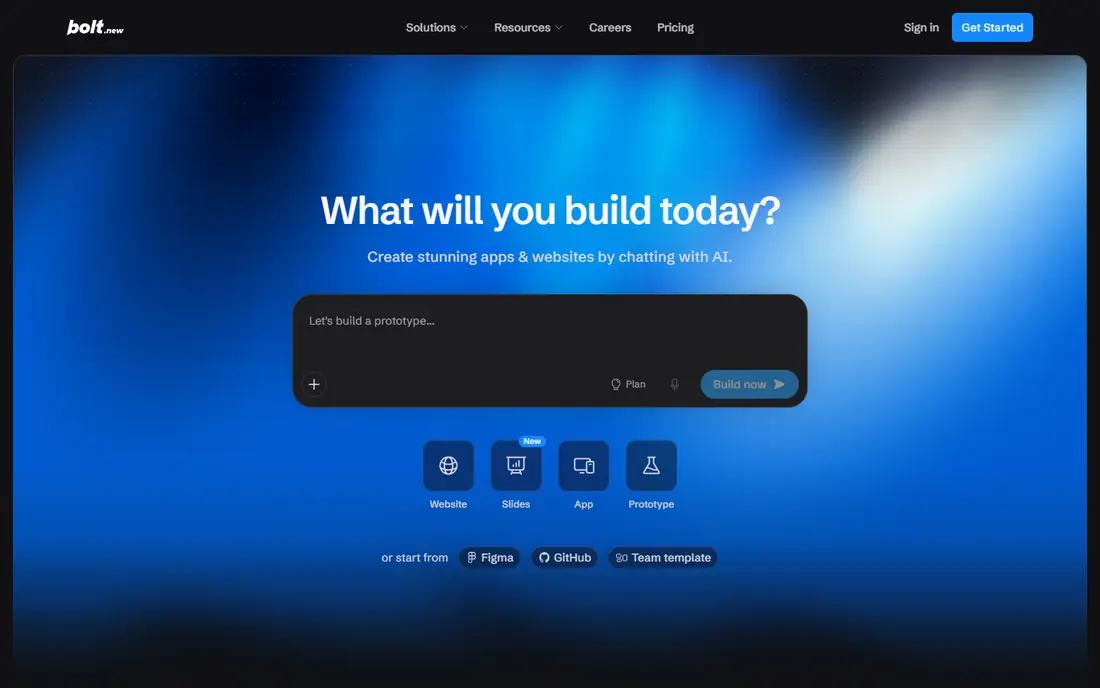
Bolt.new, from StackBlitz, lets you prompt an app and see it running in the browser with no local setup. That instant feedback suits hackathons, demos, and early prototypes, where speed matters more than long-term structure. The generated code can be exported, which helps when a prototype needs to become a real product.
Token-based pricing needs attention, since long prompts and repeated fixes use tokens quickly. Bolt.new is also less suited to complex backends without extra services, so plan database and auth early if your app needs them. For a fast, working prototype that you can show and test, Bolt.new is one of the quickest tools available.
- Runs fully in the browser
- Fast prototypes
- Full-stack apps with instant preview
- Token use can rise fast
- No built-in backend for complex apps without extra setup
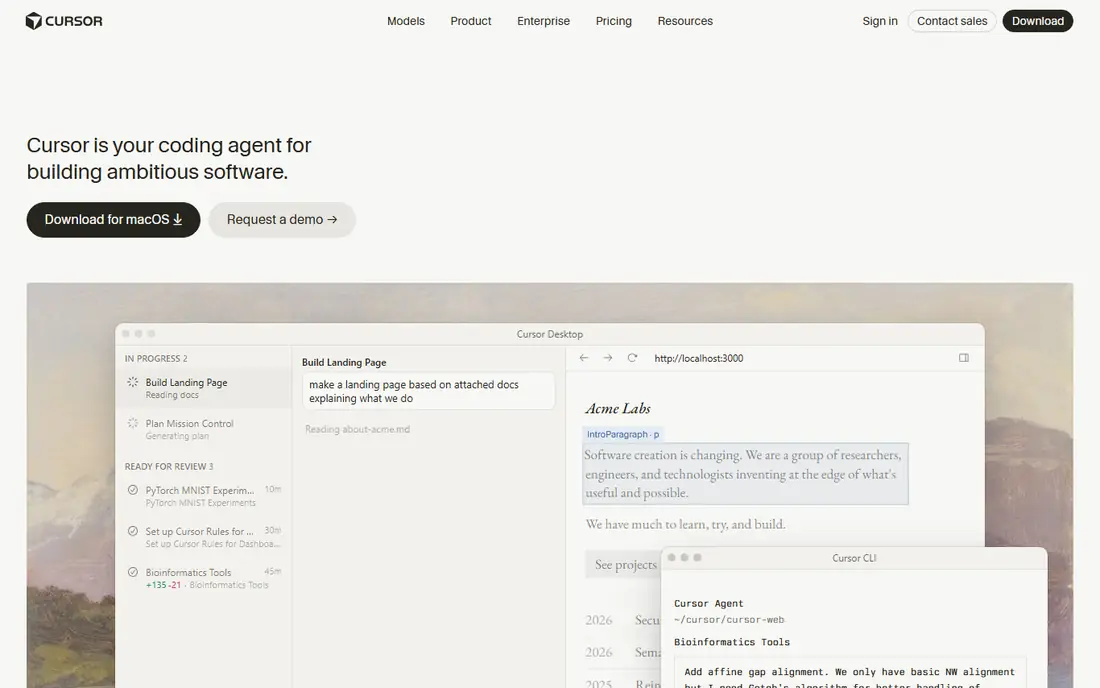
Cursor is not a prompt-to-app toy. It is an AI-powered code editor that helps developers write, edit, and understand real code in an existing project. You can ask it to explain code, fix a bug, add a feature, or refactor a file, while keeping full control over the codebase, tests, and deployment. That control is why developers trust it for production work.
Cursor is the wrong pick for non-technical founders who want an app without code. It assumes you can read code, review changes, and make technical decisions. For developers and small technical teams, though, Cursor is often the best AI tool on this list, because it improves the work you already do rather than hiding it behind a chat box.
- AI assistance inside a familiar editor
- Full control over code
- Good for existing codebases
- Needs coding knowledge
- Not a no-code builder
v0 by Vercel generates React and Next.js interfaces from prompts, with a clean path to deployment on Vercel. It suits product teams that need a landing page, a dashboard, or an app interface quickly, and who already work in the React ecosystem. The generated code is editable, so developers can refine it rather than starting from a screenshot.
v0 is less of a full-stack builder than Lovable or Replit, since database, auth, and complex backend logic often need separate setup. That is fine for UI-heavy work, but not ideal if you want a complete app from one prompt. For frontend work and Vercel-based products, v0 is a strong, focused choice.
- Strong React and Next.js UI generation
- Smooth deployment to Vercel
- Code you can edit
- UI-focused, so full backends need extra work
- Credit model needs budgeting
Replit combines an AI agent with a full cloud IDE and deployment, all in the browser. You can prompt an app, edit code, run it, and publish it without installing tools on your computer. That all-in-one setup suits students, solo builders, and small teams who want to move from idea to a live link quickly.
The cost model needs care, since the subscription sits alongside usage credits for agent work and hosting. Agent-generated code also needs review, especially for security, payments, and data handling. Used with that review step, Replit is a flexible builder for web apps, prototypes, and learning projects, with a clear path from prompt to deployment.
- AI agent plus full IDE in the browser
- Built-in deployment
- Many languages supported
- Usage credits add to the subscription
- Agent output needs review
Bubble is the most mature visual no-code platform for web apps. You design pages, data types, and workflows by dragging and dropping, then launch on Bubble hosting. That visual control suits founders who want a real product with user accounts, payments, and complex logic, but who do not want to write code for every feature.
The main trade-offs are lock-in and workload pricing. You cannot export full code to host elsewhere, and heavy use can raise workload costs, so budget for growth. If you plan to stay on Bubble and value visual control over code ownership, Bubble is a strong choice for a long-lived web app. If code export matters, choose Lovable, FlutterFlow, or Cursor instead.
- Visual logic, data, and workflows
- Build and test for free
- Large plugin ecosystem
- No full code export
- Workload-based pricing can rise with use
Glide turns a spreadsheet or database into a working app with lists, forms, and user access. That makes it ideal for internal tools, such as inventory trackers, field forms, client portals, and team dashboards, where the data already exists in a sheet. Non-technical teams can often build a useful tool in a day.
Glide is less suited to complex public apps with custom logic, heavy design needs, or large-scale consumer traffic. For internal and small business tools, though, its speed and simplicity are the point. Start with a real sheet, build one workflow, and test it with the team who will use it daily before adding more features.
- Turns spreadsheets into apps quickly
- Good for internal tools and portals
- Simple to learn
- Less suited to complex public apps
- Design and logic limits for large products
FlutterFlow is a visual builder for Flutter apps, which means one project can target iOS, Android, and web. You design screens, connect to Firebase for data and auth, and export Flutter code when you need to leave the platform or hand the project to developers. That export option is a major benefit over closed no-code tools.
FlutterFlow takes longer to learn than Glide or Lovable, and publishing to app stores still needs Apple and Google setup, testing, and review. For founders who want a real mobile app with a path to code ownership, FlutterFlow is the strongest visual option on this list. For a quick web MVP, Lovable or Bolt.new will be faster.
- Visual building for mobile and web apps
- Flutter code export
- Firebase integration
- Learning curve for full features
- Mobile publishing needs store setup
How we picked these
We compared official product pages, pricing pages, and public reviews for AI app builders that work in October 2026. We kept only tools that are currently offered, that generate or help build a real working app, and that fit a clear use, such as prototypes, web MVPs, mobile apps, or developer workflows. We left out tools that only generate text or images, tools with no current free or trial access, and done-for-you agencies with no builder product. Prices are starting prices where published, and you should confirm current credit, token, and workload pricing before purchase.
How to choose an AI app builder
Start with who will maintain the app in six months. If no one on the team writes code, choose a prompt-to-app or no-code tool with hosting included, and accept its limits. If a developer will maintain the app, choose Cursor or a tool with code export, so the app can grow beyond what AI generated on day one.
Next, budget for usage, not just the subscription. Prompt builders charge credits or tokens, and no-code tools charge workload or user-based fees. A cheap plan that runs out mid-project costs more in time than a higher plan chosen upfront. Build a small feature first, watch how much usage it takes, and then estimate the full app cost from that real test.
Finally, plan for security and data from the start. Check where user data is stored, how auth and payments work, and whether you can export code and data. Never put real payment details, health data, or sensitive personal data into an AI prototype without checking privacy, access controls, and compliance needs. A quick prototype is useful, but a live product needs the same care as any app.
FAQ
What is the best AI for building an app without coding?
Lovable and Bolt.new are the best starting points for building a web app without coding, since they generate a working app from a prompt. Glide suits internal tools from spreadsheets, while Bubble suits more complex visual web apps. Choose based on whether you need a public product, an internal tool, or a mobile app.
Which platform is best for AI app building with code export?
Lovable, Bolt.new, v0, Replit, and FlutterFlow all allow code export in some form, while Bubble does not offer full code export. FlutterFlow exports Flutter code, which suits mobile apps, while Lovable and v0 export web code. Check export terms before you build a large app.
What is the best AI app building software for developers?
Cursor is the best AI tool for developers who already write code, since it works inside a real editor on a real codebase. Replit suits developers who want a browser IDE plus an agent, while v0 suits React developers focused on interfaces. Non-developers should start with Lovable or Glide instead.
How much does AI app building cost?
Entry paid plans cluster around 20 to 25 dollars per month, but credits, tokens, and workload fees often add to the total. A simple prototype may fit a free or entry plan, while a full MVP can use several months of credits. Test a small feature first to estimate usage before budgeting for a full app.
Can AI builders make a mobile app?
Yes, FlutterFlow is built for mobile apps, and Glide can make mobile-friendly apps from data. Lovable, Bolt.new, and Bubble focus mainly on web apps, which can work on mobile browsers but are not native store apps. Check store publishing needs before promising a native app.
Are AI-built apps safe to launch?
AI-built apps can be launched, but they need the same checks as any app, including auth, data protection, payment security, and testing. Review generated code for security issues, test with real users, and avoid sensitive data in early prototypes. For regulated or payment-heavy apps, get a developer review before launch.