8 Best AI Tools for Building Websites in 2026 Compared
Compare 8 best AI tools for building websites in 2026, with pricing, design quality, and ecommerce limits to help you choose the right builder for you.

- Editor's choice
 Wix AI
All-round business sites
Starts at$17 per monthVisit wix.comFull review - Great alternative
 Framer AI
Design-led marketing sites
Starts at$10 per monthVisit framer.comFull review - Also consider
 Squarespace Blueprint
Design-first brands
Starts at$19 per monthVisit squarespace.comFull review
TL;DR:
- The best AI tool for building a website depends on whether you want speed, design polish, WordPress ownership, or a low price.
- Wix and Squarespace suit all-round business sites, Framer and Webflow suit design-led sites, and Durable suits fast service-business sites.
- Hostinger offers the lowest entry price with hosting included, but renewal prices and long prepay terms need checking.
- 10Web is the pick for builders who want a real WordPress site they can move, while other platforms keep sites on their own hosting.
Quick comparison
| Tool | Best for | Starts at | Free plan? | |
|---|---|---|---|---|
| Wix AI | All-round business sites | $17 per month | Yes | Visit |
| Framer AI | Design-led marketing sites | $10 per month | Yes | Visit |
| Squarespace Blueprint | Design-first brands | $19 per month | Free trial | Visit |
 Hostinger AI Builder | Lowest-cost hosted sites | $2.99 per month | No | Visit |
 Durable | Fast service-business sites | $25 per month | Yes | Visit |
 10Web | AI-built WordPress sites | $10 per month | Free trial | Visit |
 Jimdo | Simple sites with bookings | See website | Yes | Visit |
 Webflow | Designer-grade sites | $15 per month | Yes | Visit |
The best AI tools for building websites
AI website builders turn a short prompt or form into a finished site with pages, copy, images, and a contact form, and the best ones let you edit the result without starting over. We compared official pricing pages, feature pages, and public user feedback for the builders below, focusing on tools active in October 2026.
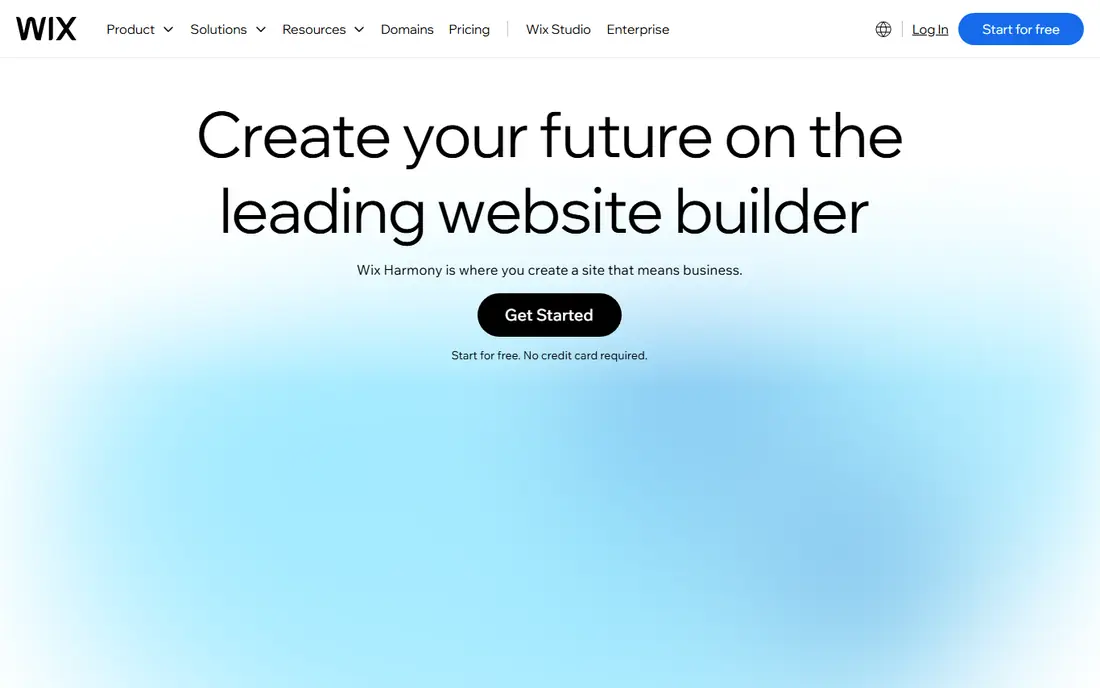
Wix AI suits small businesses that want everything in one place. Its AI chat builds a site from your answers, then the drag-and-drop editor lets you change layout, copy, and images without code. The app market adds bookings, stores, forms, and marketing tools, so a site can grow from a brochure page into a working business tool.
The limits are lock-in and plan tiers. A Wix site stays on Wix hosting, and selling online or taking payments needs a Core or higher plan. For businesses that accept those terms, Wix is the safest all-round pick in this list, with the deepest feature set for the price.
- Prompt-to-site plus drag-and-drop editing
- Large app ecosystem
- Free plan to start
- Sites cannot move to another host
- Payments and stores need higher plans
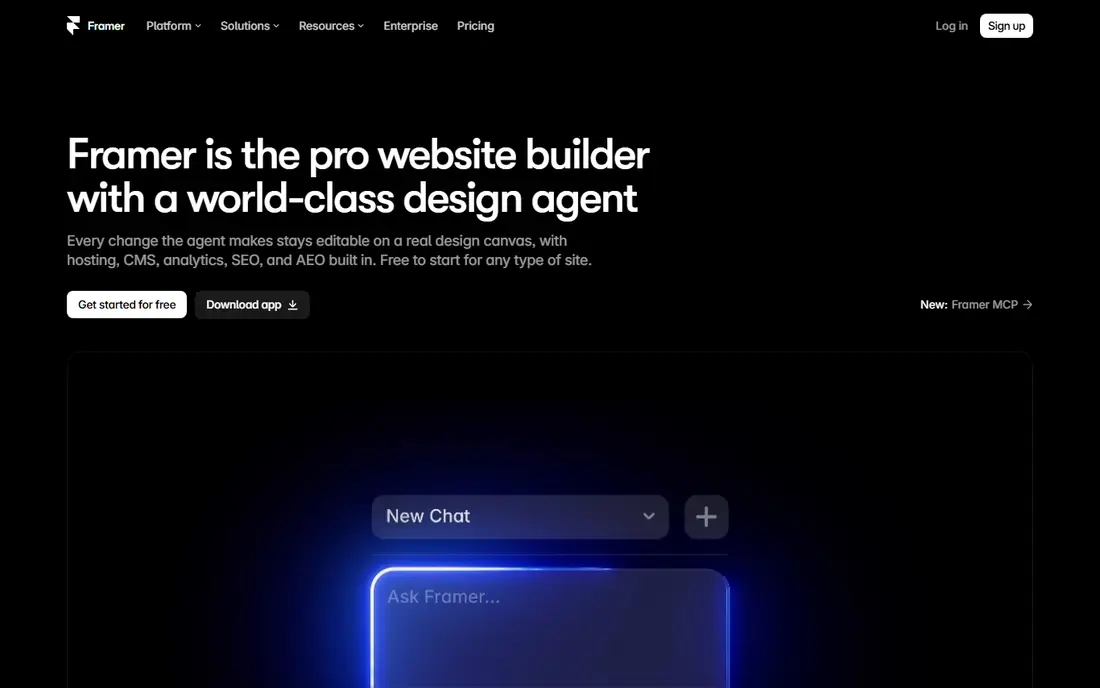
Framer AI suits startups and designers whose site must look like a studio made it. Its AI agent builds pages and CMS content, and the visual canvas gives precise control over layout, animation, and type. The free plan lets users test the tool on a Framer subdomain before paying for a custom domain.
Framer is not a full ecommerce platform, so businesses that need a complete store should look at Wix or Squarespace instead. AI credits also limit how much generation a plan includes, and non-designers may find the canvas busier than a simple form builder. For marketing sites where design matters most, Framer is a strong pick.
- High design quality
- AI agent for pages and CMS content
- Free plan with credits
- No native full store
- AI credits run out
- Learning curve for non-designers
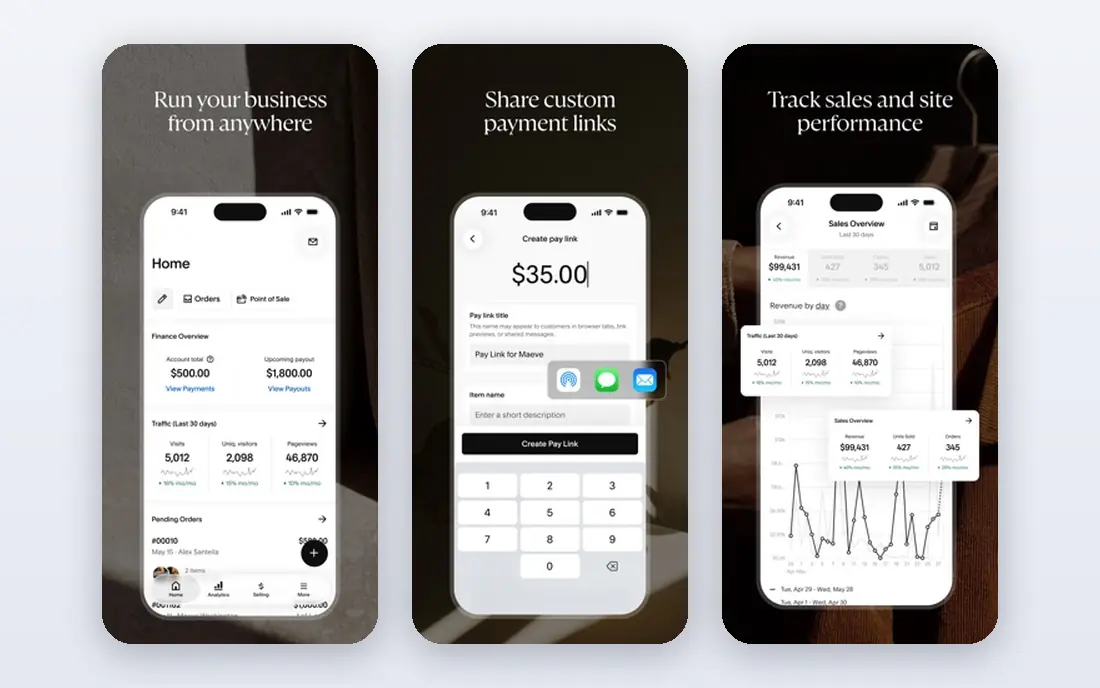
Squarespace Blueprint AI suits brands, portfolios, restaurants, and creatives that care about visual polish. Blueprint generates a multi-page site from your answers, and the templates remain among the most refined in this category. Built-in commerce, scheduling, and email tools help small businesses sell and book without many add-ons.
The trade-off is flexibility. Squarespace guides design more tightly than Framer or Webflow, so users who want pixel-level control may feel constrained. There is also no permanent free plan, only a 14-day trial, and the Basic plan adds a transaction fee on store sales. For design-led brands, those limits are acceptable.
- Polished templates
- Blueprint AI multi-page generation
- Built-in commerce tools
- Less flexible than canvas builders
- 14-day trial only, no free plan
Hostinger AI Builder is the cheapest route to a hosted AI-built site, with hosting, a free domain on many plans, and the AI builder in one bill. Its AI mode builds pages from prompts, and the drag-and-drop editor handles edits afterward. For freelancers and tiny businesses on a tight budget, that bundle is hard to beat.
The catch is renewal pricing. Introductory rates near $2.99 per month require long prepay terms, and renewal is shown around $10.99 per month, so buyers should budget for year two, not just year one. Design output is clean but less refined than Squarespace or Framer. For price-first buyers, Hostinger still wins on value.
- Very low introductory price
- Hosting and domain included
- AI builder in one plan
- Renewal price is much higher
- Best rates need long prepay terms
Durable suits local service businesses that need to be online today, such as plumbers, cleaners, consultants, and clinics. Type a business name and location, and Durable generates a site with services, contact details, and booking tools, plus a simple CRM for leads. That speed is its main advantage over every other tool here.
Design flexibility is thinner than canvas builders, and Durable is not built for large content sites or full stores. Businesses that need a distinctive, heavily customized site should choose Framer or Webflow instead. For a service business that needs a credible site fast, Durable is the fastest pick.
- Site in about 30 seconds
- Built-in CRM and bookings
- AI blog and review tools
- Less design flexibility
- Weak for large content sites and stores
10Web suits builders who want WordPress power without WordPress setup. Its AI builder creates a real WordPress site from a prompt, an existing URL, or a document, and managed hosting handles updates and performance. Because the output is WordPress, owners keep more control and can move or extend the site with plugins.
WordPress itself still brings complexity, such as plugin updates and settings that simpler builders hide. Introductory pricing also rises at renewal, so buyers should check the regular rate. For users who want ownership and the WordPress ecosystem, 10Web is the best AI tool for building a website in this list.
- Real WordPress output you own
- Managed hosting
- Builds from prompt, URL, or file
- WordPress complexity remains
- Renewal pricing is higher than intro offers
Jimdo suits solopreneurs and tiny businesses that need a simple site with bookings or payments fast. Its AI-assisted setup asks a few questions, then builds a site that can be edited without design skill. The free plan lets users test the builder before paying for a custom domain or store features.
Jimdo is not the pick for large sites, complex content, or highly custom design. Its strength is simplicity, and that simplicity becomes a limit as a business grows. For a one-person business that needs a clean site and booking tools quickly, Jimdo is a practical, low-stress choice.
- Simple setup for solopreneurs
- Bookings and payments
- Free plan to start
- Design depth is limited
- Less suited to large or complex sites
Webflow suits designers and marketing teams that want precise control over layout, content structure, and interactions without writing code. Its visual canvas builds production-grade sites, its CMS handles blogs and portfolios well, and its hosting includes performance and SEO tools. AI features help with starting points, while the canvas handles refinement.
The learning curve is steeper than Wix or Durable, and pricing separates site plans from workspace plans, which can confuse first-time buyers. Webflow is overkill for a simple brochure site, but for a design-led marketing site that a team will maintain, it is one of the strongest tools here.
- Precise visual design control
- Structured CMS
- Strong hosting and SEO tools
- Steeper learning curve
- Site and workspace charges can confuse
How we picked these
We compared official pricing pages, feature pages, and public user feedback for AI website builders active in October 2026. We favored builders with a working homepage, a current AI generation feature, and a distinct strength, from low cost to design polish to WordPress ownership. We excluded builders that appeared discontinued or that offered only templates without real AI generation.
What to check before you choose an AI website builder
Start with what the site must do in six months, not just on launch day. A brochure site, a store, a booking business, and a content site need different plans, and a builder that is cheap for a brochure page may charge more for a store. List those needs before you compare prices.
Test editing after the AI draft
Generate a draft, then try to change a headline, swap an image, add a page, and connect a domain. That editing test reveals more than the first draft does, because you will live with the editor long after the AI has finished. A builder with a smooth editor beats a builder with a flashy first draft and a frustrating editor.
Check domain, store, and renewal costs
Confirm whether a custom domain is included, what store transaction fees apply, and what the plan costs at renewal. Introductory prices, free domains for a first year, and AI credit limits all affect the real two-year cost, so price that full period before you commit.
FAQ
What is the best AI tool for building a website?
Wix is the best all-round pick for small businesses, Framer suits design-led marketing sites, and 10Web suits WordPress owners. The best AI tools for building websites and apps depend on whether you need a store, a booking system, or a content site, so shortlist by that job first.
Is there a free AI website builder?
Yes, Wix, Framer, Durable, Jimdo, and Webflow offer free plans, usually on a subdomain with platform branding. A paid plan is needed for a custom domain and for removing branding, and for store or booking features on most platforms.
Which AI website builder is cheapest?
Hostinger offers the lowest introductory price with hosting included, starting near $2.99 per month on long prepay terms. Check its renewal price before deciding, since renewal is higher than the introductory rate.
Can AI builders create a store?
Yes, Wix, Squarespace, Hostinger, and 10Web with WooCommerce can all support stores, while Framer and Durable are weaker for full ecommerce. Check transaction fees, payment options, and product limits on the exact plan you need.
Do I own my website with an AI builder?
With 10Web and WordPress, you own a portable WordPress site, while Wix, Squarespace, Framer, and Webflow sites stay on their platforms. If portability matters, choose WordPress or export-friendly tools from the start.