9 Best AI Tools for Building Mobile Apps
We compared 9 best ai tools for building mobile apps, from prompt builders like Lovable and Bolt to mobile-first tools, such as FlutterFlow and Adalo.
- Editor's choice
 Lovable
Founders building MVPs fast
Starts atFreeVisit lovable.devFull review - Great alternative
 Bolt
Fast prototypes in the browser
Starts atFreeVisit bolt.newFull review - Also consider
 Replit
Solo builders who want build and host together
Starts atFreeVisit replit.comFull review
TL;DR:
- Lovable and Bolt suit fast prototypes and MVPs from a prompt.
- FlutterFlow and Adalo suit true mobile apps for iOS and Android stores.
- Cursor suits developers who want full code control.
- Bubble suits complex multi-user apps without code.
- Check code export, app store publishing and credit costs before building.
Quick comparison
| Tool | Best for | Starts at | Free plan? | |
|---|---|---|---|---|
| Lovable | Founders building MVPs fast | Free | Yes | Visit |
| Bolt | Fast prototypes in the browser | Free | Yes | Visit |
| Replit | Solo builders who want build and host together | Free | Yes | Visit |
 Cursor | Developers building real mobile apps | Free | Yes | Visit |
 Bubble | Complex multi-user apps without code | Free | Yes | Visit |
 FlutterFlow | Native mobile apps without deep code | Free | Yes | Visit |
 Glide | Data-driven mobile web apps | Free | Yes | Visit |
 Adalo | Simple native mobile apps | Free | Yes | Visit |
 v0 | UI-first mobile web prototypes | Free | Yes | Visit |
The best AI mobile app builders
We looked for tools that work today, fit the topic clearly, and suit different budgets and skill levels. The list below mixes well-known leaders with smaller options that do a specific job well, so you can shortlist two or three and test them with real work.
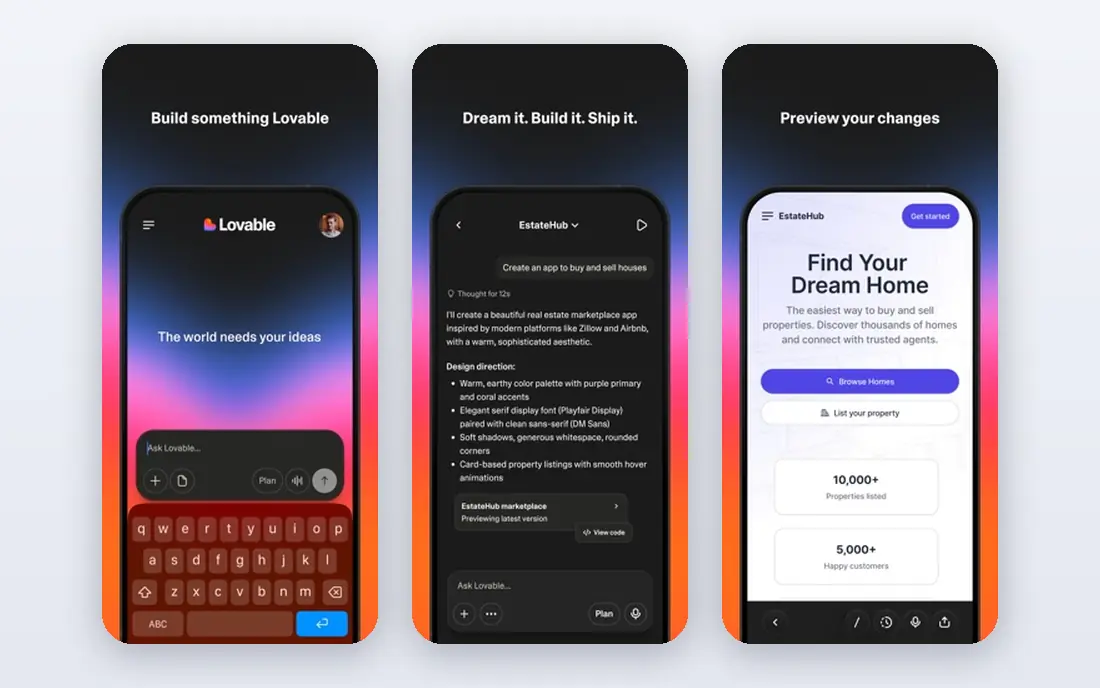
Lovable turns a written prompt into a working full-stack web app, with a frontend, backend and database. It suits founders who want a shareable MVP in days, not months.
Speed is its main strength. You describe the app, Lovable builds it, and you refine it with follow-up prompts. GitHub sync also helps developers take over later, which is rare for prompt builders.
Credits limit how much you can build and fix each month, and the output is web-first rather than native mobile. Complex apps often need manual fixes. Start with a narrow MVP and track credits closely.
- Prompt-to-app building
- Supabase backend
- GitHub sync
- Credit limits on low plans
- Web-first
- Complex apps need fixes
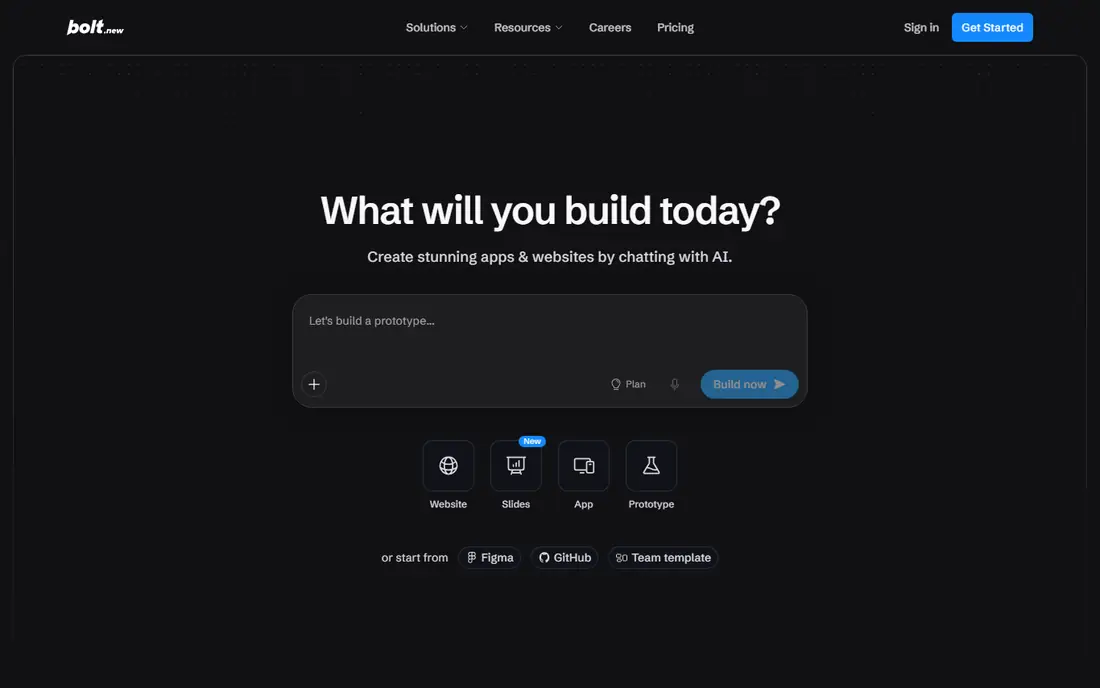
Bolt, from StackBlitz, builds full-stack apps in the browser from a prompt. You can preview, edit and deploy without setting up a local environment, which suits rapid prototypes.
Browser speed is its appeal. There is no install step, and you can share a working prototype link quickly. GitHub export also helps if you later move to a coded workflow.
Token costs are the main risk. Long sessions and repeated fixes can use a monthly allowance fast, and the output is web-first. Bolt suits demos and MVPs, not large native apps built in one go.
- Browser-based building
- Full-stack generation
- GitHub export
- Token costs rise fast
- Web-first
- Debugging can burn credits
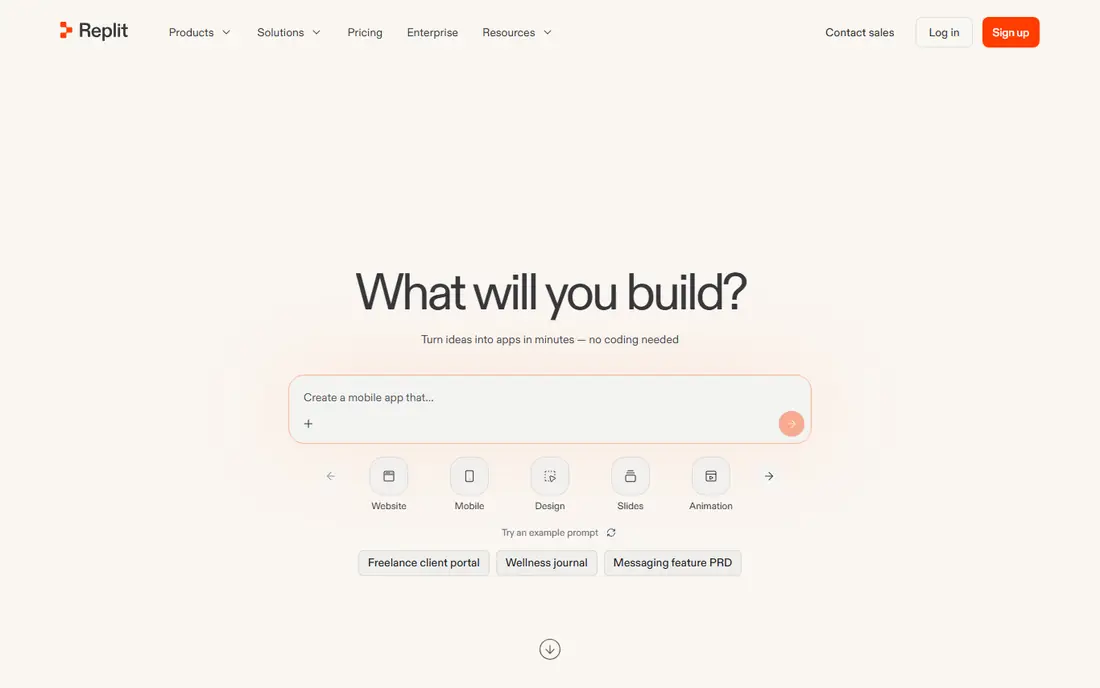
Replit combines a cloud coding environment with an AI agent and hosting. You can prompt an agent, edit code in the browser, and deploy the result without separate hosting.
Build and host together is its strength. Solo builders can go from prompt to live link in one place, with database and deployment tools included. That suits MVPs and internal tools.
Agent credits can run out fast on complex builds, and true native mobile apps still need extra work. Pricing also varies with usage, so track agent and hosting costs. Replit suits web and mobile web apps best.
- Cloud IDE with AI agent
- Hosting included
- Many languages
- Credit costs for agent work
- Mobile apps need extra work
- Pricing varies by use
Cursor is an AI-native code editor, not a prompt builder. Developers use it with frameworks such as React Native or Flutter to build real mobile apps with full code control.
Code ownership is its main strength. You own the code, choose the framework, and can publish native apps to stores. That suits professional developers and teams building a long-term product.
Cursor needs coding skill and does not offer a drag-and-drop builder. Heavy use also needs a paid plan. Non-coders should pick a visual builder first, then use Cursor later if they hire developers.
- AI agent inside a code editor
- Full code ownership
- Works with mobile frameworks
- Needs coding skill
- No drag-and-drop builder
- Paid plan needed for heavy use
Bubble lets you build complex apps visually, with a database, workflows, user roles and payments. It suits marketplaces, SaaS tools and internal apps that need multi-user logic without code.
Visual logic depth is its strength. You can build booking, marketplace and dashboard apps that prompt builders struggle with, using plugins for payments and maps. That suits founders with a complex idea.
There is no runnable code export, and mobile apps are web-based or wrapped, not fully native. Learning Bubble also takes time. Bubble suits complex web and mobile web apps, not native-first products.
- Visual logic and database
- Payments and auth
- Plugin library
- No code export
- Web and wrapped mobile only
- Learning curve
FlutterFlow is a visual builder for Flutter apps, with AI help for screens and code. It exports real Flutter code and publishes to iOS and Android stores, which sets it apart from web-only builders.
Native export is its main strength. You get a real mobile app with device features, plus code you can hand to developers later. Firebase integration covers auth, database and push notifications.
Flutter concepts still take learning, and some AI and advanced features need paid plans. Complex logic may need custom code. FlutterFlow suits teams that want a true store app without writing every screen by hand.
- Visual Flutter building
- Native iOS and Android export
- Firebase integration
- Learning curve for Flutter concepts
- AI features need paid plans
- Complex logic needs code
Glide turns spreadsheets or a prompt into a mobile-first web app. It suits internal tools, directories, booking forms and customer portals that need to work well on phones.
Speed from data is its appeal. If your app is mainly lists, forms and records, Glide can publish a polished mobile web app in hours. That suits operations teams and small businesses.
Glide apps are web and installable web apps, not native store apps. Data and user limits also rise with plan level. Glide suits data apps and internal tools, not games or complex native products.
- Spreadsheet or prompt start
- Mobile-first design
- Quick publishing
- Web and PWA only
- No native store app
- Data limits on low plans
Adalo is a drag-and-drop builder for mobile apps, with publishing to iOS and Android. It suits simple apps such as directories, booking apps and community tools without code.
Mobile-first simplicity is its strength. You design screens for phones, add lists and forms, and publish to stores. That helps non-technical founders who want a real store app for a simple idea.
Performance and scale are limits, and AI features are fewer than prompt builders. Publishing also needs a paid plan. Adalo suits simple store apps, not large or highly complex products.
- Drag-and-drop mobile builder
- IOS and Android publishing
- Component library
- Performance limits at scale
- Fewer AI features
- Paid plans for publishing
v0 by Vercel generates React interfaces from prompts, with clean code you can export and deploy. It suits designers and developers who need polished mobile web screens fast.
UI quality is its main strength. Screens look polished, use modern components, and export as React code for a larger project. That helps teams that need a strong frontend prototype.
v0 is UI-focused, not a full app builder. Backend, auth and database work need extra tools, and credits limit monthly use. Use v0 for frontend work, then pair it with a backend or a full builder.
- Fast React UI generation
- Vercel deployment
- Code export
- UI-focused, not full apps
- Backend needs extra work
- Credits limit use
How we picked these
We started with the topic and the main keyword, then checked vendor websites, app store listings and recent comparison guides for products that still exist and fit the topic. We removed tools that were discontinued, too narrow, or padded with features that did not match the job. Prices and free plans reflect vendor pages and listings checked in October 2026, and we used See website where a price was not public or varied by plan.
We also weighed fit for different users, not just feature counts. A free tool that covers one job well can beat a paid tool that covers many jobs poorly, and a polished paid tool can be worth it when support, sharing or recovery matter. That is why each list mixes free, low-cost and paid options, with strengths and weaknesses stated plainly.
How to choose an AI mobile app builder
Decide whether you need a real native app
Many prompt builders create web apps that work on phones, not native iOS and Android apps. If you need App Store and Google Play listings, push notifications and device features, shortlist FlutterFlow, Adalo or a coded approach with Cursor. Web-first tools suit internal tools and MVPs.
Check code ownership and export
Some tools let you export code to GitHub, others keep your app hosted on their platform. Export matters if you plan to hire developers later or move hosting. Ask what export includes, whether it is full code, and what happens if you stop paying.
Watch credit and token costs
Prompt builders charge by credits or tokens, and complex apps can burn through a monthly allowance fast. Start with a small prototype, track credits per feature, and budget for fixes. A low headline price can rise quickly on a real app.
Test publishing and device features early
Build a tiny app with login, a list and a device feature such as camera or location, then test it on a real phone. Publishing to stores, handling updates and testing on Android and iOS reveal limits early. Do this before building your full product.
FAQ
What are the best AI tools for building mobile apps?
FlutterFlow and Adalo are the most mobile-first in this list, Lovable and Bolt suit fast web and mobile web MVPs, and Cursor suits developers who want full code. Bubble suits complex multi-user apps, while Glide suits data-driven mobile web apps.
What is the best AI for building mobile apps without coding?
FlutterFlow offers visual building with AI help and native app export, Adalo offers simple drag-and-drop mobile apps, and Lovable and Bolt offer prompt-based building for web apps. For a true store app without code, FlutterFlow is usually the stronger pick.
Can Lovable or Bolt build a native mobile app?
Lovable and Bolt mainly build web apps that can work on mobile browsers and, with extra work, be wrapped for stores. They are best for MVPs and prototypes, not for complex native apps with deep device features. Check their export and publishing docs for your exact case.
Which platform is best for building AI mobile apps?
The best platform depends on your skills. Developers should use Cursor with a mobile framework, non-coders should try FlutterFlow or Adalo, and founders validating an idea should try Lovable or Bolt first. All of them can connect to AI APIs for features such as chat or image tools.
How much does it cost to build a mobile app with AI?
Most tools offer a free tier, with paid plans from about $20 to $32 per month for builders in this list, plus credit or token top-ups. App store fees, backend hosting and AI API costs are extra. Budget for several months of building and testing, not just the first month.