Best AI Fashion Design Tools in 2026: 8 Tools Compared
Compare the best AI fashion design tools in 2026, from 3D pattern software to AI model photos and trend forecasting for brands of all sizes today. and key picks
- Editor's choice
 CALA
Small brands managing design to delivery
Starts atSee websiteVisit cala.comFull review - Great alternative
 CLO 3D
Realistic 3D garment design
Starts atSee websiteVisit clo3d.comFull review - Also consider
 Browzwear
Technical 3D design for larger teams
Starts atSee websiteVisit browzwear.comFull review
TL;DR:
- CALA is our pick for small brands that want design, sourcing, and production in one place.
- CLO 3D and Browzwear suit teams that need realistic digital samples before cutting fabric.
- Botika and ZMO help stores create model photos without booking a full photo shoot.
- YesPlz and Heuritech focus on trend data, so they fit buyers and planners more than designers.
- Prices range from free starting tiers to custom enterprise quotes, so check the vendor site before budgeting.
Quick comparison
| Tool | Best for | Starts at | Free plan? | |
|---|---|---|---|---|
| CALA | Small brands managing design to delivery | See website | Yes | Visit |
| CLO 3D | Realistic 3D garment design | See website | Free trial | Visit |
| Browzwear | Technical 3D design for larger teams | See website | No | Visit |
 Designovel | Enterprise trend and design automation | See website | No | Visit |
 Botika | AI fashion model photos | $20 per month | Yes | Visit |
 ZMO | AI product and model imagery | Free | Yes | Visit |
 YesPlz | Fashion trend and product discovery data | See website | No | Visit |
 Heuritech | Trend forecasting for brands and retailers | See website | No | Visit |
The best AI fashion design tools
AI fashion tools now cover very different jobs. Some generate images, some build 3D garments, and some predict what shoppers will want next season. The right choice depends on where your bottleneck sits, in design, sampling, photography, or buying.
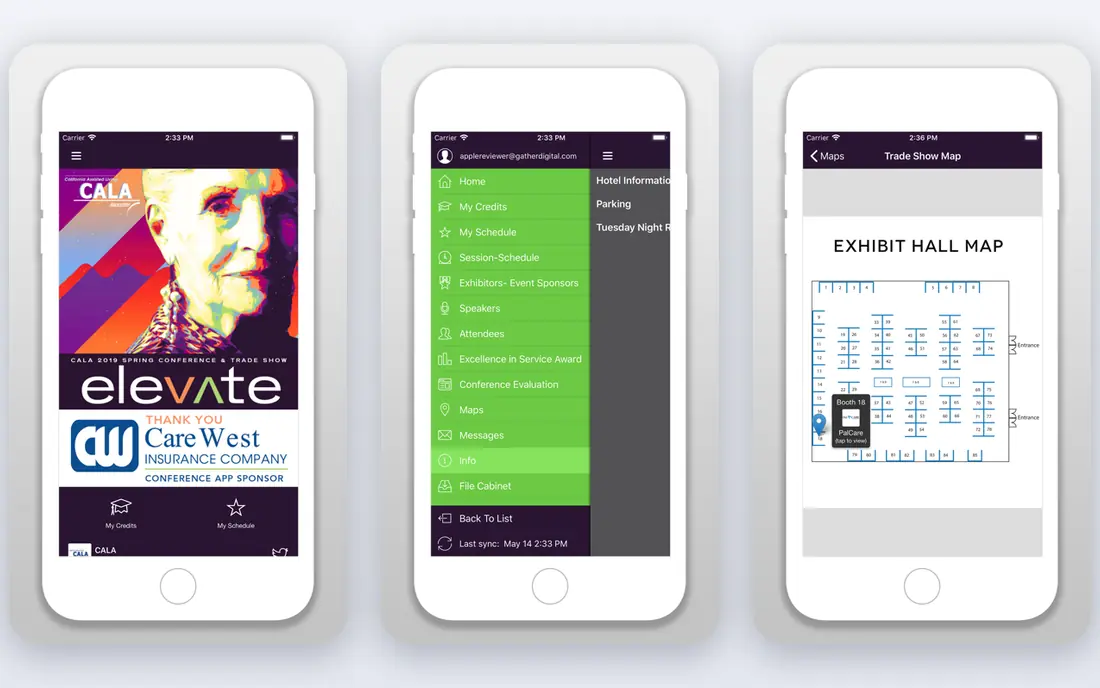
CALA works best for a founder who has a clothing idea but no factory contacts. You can work on designs, share them with collaborators, and move approved items toward production without juggling separate spreadsheets and email threads. That single workflow is the main reason it leads this list for independent brands.
The trade-off is that CALA is a business platform, not just a sketching app. Expect to spend time setting up products, sizes, and supplier details. If you only want quick outfit images for social media, a simpler image tool will feel faster.
- Covers design, development, production, and logistics in one platform
- Access to designers and suppliers
- Mobile-friendly workflow
- Service fees can add up on paid tiers
- Smaller brands may need time to learn the supply chain tools
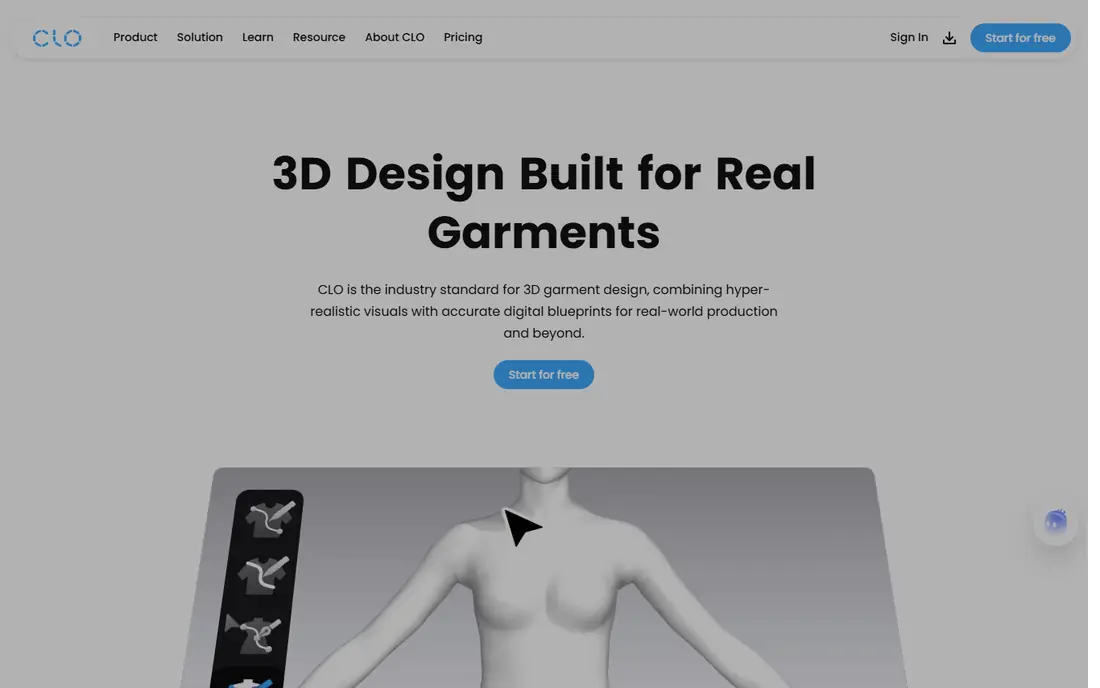
CLO 3D lets designers build garments from patterns and see how fabric moves, folds, and fits on a digital body. That can cut down on physical samples, which saves fabric, shipping time, and cost for teams that iterate often. It also helps pattern makers spot fit problems before production.
This is not a casual design toy. New users should expect tutorials and practice before results look polished. Teams that already work with patterns will get value much sooner than a first-time designer.
- Detailed pattern tools and fabric simulation
- Realistic drape and fit previews
- Widely used by fashion teams
- Learning curve is steep for beginners
- Full pricing is not always simple to compare
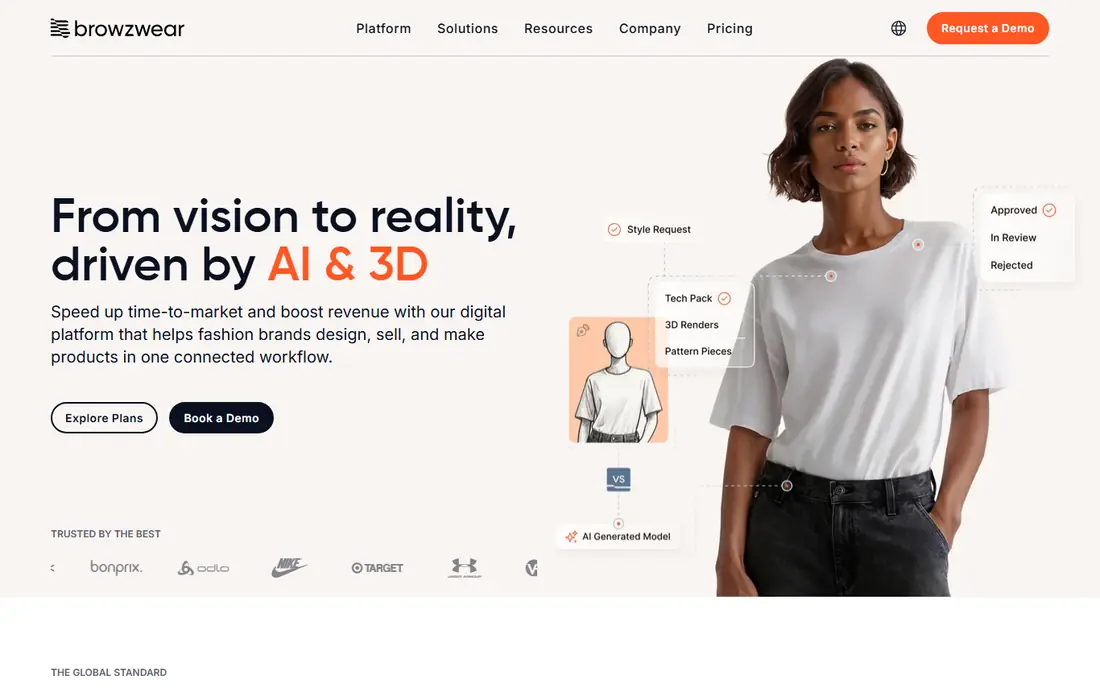
Browzwear suits brands that need digital garments to be accurate enough for buying and production decisions, not just pretty renders. Designers, technical designers, and suppliers can review the same garment and agree on changes before samples are made. That shared view can reduce revisions later.
Smaller labels may find the cost and onboarding hard to justify. If your team is still proving a first collection, start with a lighter tool and move here when volume and technical needs grow.
- Strong tools for true-to-life digital twins of garments
- Built for collaboration across design and production
- Supports detailed technical review
- Enterprise focus and pricing
- Heavier setup than consumer design apps
Designovel is aimed at retailers and large brands that sit on large amounts of sales, social, and product data. Its tools look for patterns in that data and turn them into design and assortment suggestions. For a large team, that can speed up seasonal planning.
For an independent designer, the lack of public pricing and self-serve access is a real barrier. Treat this as a shortlist option for bigger operations, and ask for a demo that uses your own product categories before committing.
- Combines trend analysis with generative design ideas
- Built for large retail data sets
- Automation for repetitive merchandising work
- No public pricing
- Enterprise focus leaves small brands with few entry options
Botika is practical rather than flashy. Upload a product photo, pick a model look, and generate images that show the item worn. Stores with many similar items, such as dresses or jackets in several colors, can update listings much faster than by scheduling repeated shoots.
The catch is input quality. Clean, well-lit product photos give better results, and unusual fabrics or complex fits may still need human review. Use it to expand a catalog quickly, and keep a traditional shoot for hero products.
- Creates on-model photos from flat product shots
- Works with Shopify
- Faster than a traditional shoot for large catalogs
- Results vary by garment type and photo quality
- Credits limit how many images you can make each month
ZMO gives small sellers a low-risk way to test AI imagery. You can try model photos and product visuals before paying, which matters when every dollar counts. It also suits marketplaces and small brands that need fresh images for new drops.
Paid plans are where the math matters. If you generate hundreds of images a month, compare the credit cost against a local photographer. ZMO wins on speed and variety, but not always on cost at high volume.
- Free starting tier for testing
- Model and product image generation in one place
- Useful for small stores
- Higher tiers get costly as volume grows
- Style control takes practice
YesPlz is for teams that want evidence behind a trend claim. Instead of guessing which print will sell, planners can look at attribute-level data and see what is appearing across fashion imagery. That can sharpen range planning and product descriptions.
Designers looking for a sketching or 3D tool will not find that here. Pair YesPlz with a design platform if you need both trend insight and garment creation in the same workflow.
- Detailed fashion attribute data from images
- Helps teams spot colors, prints, and silhouettes gaining attention
- Useful for buying decisions
- Pricing is custom
- More of a data tool than a design studio
Heuritech focuses on the question every buyer dreads: what will shoppers want in 12 to 24 months. Its forecasts draw on social images and other signals to estimate demand for styles, colors, and details. For large brands, even a modest improvement in sell-through can justify the cost.
Smaller brands should be cautious. A forecast is a guide, not a guarantee, and the price puts it out of reach for many startups. Use its public trend summaries for direction, and invest in a forecasting platform only when buying volume makes the risk real.
- Long-range trend forecasts from social and runway signals
- Used by major fashion houses
- Helps with inventory planning
- Enterprise pricing
- Forecasts still need human judgment before buying
How we picked these
We compared official feature pages, pricing pages, app store listings, and public reviews for tools that cover design, 3D sampling, AI imagery, or forecasting. We favored products that are still active in 2026 and that fit a clear fashion job, rather than general image generators with no fashion workflow. Where a vendor did not publish a price, we wrote See website instead of guessing.
What to check before you buy
Start with the job you need done this season. A 3D tool will not fix weak product photos, and an AI photo tool will not fix a pattern that fits poorly. List your top three tasks, then test only tools built for those tasks.
Check output rights and realism
Ask who owns generated images and whether you can use them in ads and on product pages. Check model diversity, skin tones, and garment accuracy in your own test images. A tool that looks good on simple items may struggle with prints, sheer fabric, or layered outfits.
Count the full cost
Credits, seats, and service fees can matter more than the headline price. A free tier is useful for testing, but check how many images or garments it allows. For 3D tools, also count training time. A cheaper tool that your team avoids using is the most expensive option.
Keep a human review step
AI can speed up first drafts, samples, and photos, but final approval should stay human. Check fit, fabric behavior, color accuracy, and brand consistency before anything goes to production or to customers. That review step protects quality and avoids costly returns.
FAQ
What are the best AI tools for fashion design?
The best choice depends on the task. CALA suits small brands managing the full process, CLO 3D and Browzwear suit 3D garment work, Botika and ZMO suit model photos, and YesPlz and Heuritech suit trend planning. Pick by job, not by headline features.
Can AI replace a fashion designer?
No, not in full. AI can generate ideas, speed up samples, and create photos, but designers still make taste, fit, and brand decisions. The strongest results come from using AI for drafts and data, then refining with human judgment.
Do AI fashion model photos look real enough for a store?
Often yes for standard garments and clean product photos, but results vary. Test your own products, check fabric detail and fit, and keep traditional photos for hero items. Shoppers notice errors in hands, fabric edges, and sizing cues.
How much do AI fashion design tools cost?
Costs range widely. Some tools offer free tiers or plans from $20 per month, while enterprise forecasting and 3D platforms use custom quotes. Check credits, seats, and service fees on the vendor site before you budget.
Is 3D fashion design worth it for a small brand?
It can be if you make many samples or sell complex garments. Digital samples can reduce fabric waste and shipping time. If you make a small, simple range, start with AI photos and move to 3D when sample costs become a real problem.