Best AI App for Exterior Home Design in 2026: 8 Apps Compared
This best ai app for exterior home design guide for 2026 compares 8 tools for siding, paint, roofs and yards, with prices, free plans and limits for readers.

- Editor's choice
 REimagineHome
Photo exterior restyles
Starts at$19 per monthVisit reimaginehome.aiFull review - Great alternative
 HomeDesignsAI
Many exterior styles fast
Starts at$27 per monthVisit homedesignsai.comFull review - Also consider
 Remodel AI
Quick exterior concepts
Starts at$29 per monthVisit remodelai.comFull review
TL;DR:
- REimagineHome and HomeDesignsAI are the strongest photo-based picks for exterior restyles from a single photo.
- Planner 5D and Homestyler suit people who want editable plans, not just a rendered photo.
- Free credits run out fast, so test one photo across two tools before paying for a full plan.
- AI renders are ideas, not construction plans, and colors look different in real daylight and on real materials.
Quick comparison
| Tool | Best for | Starts at | Free plan? | |
|---|---|---|---|---|
| REimagineHome | Photo exterior restyles | $19 per month | Yes | Visit |
| HomeDesignsAI | Many exterior styles fast | $27 per month | Free trial (7 days) | Visit |
| Remodel AI | Quick exterior concepts | $29 per month | Yes | Visit |
 Planner 5D | Editable 2D and 3D plans | $19.99 per month | Yes | Visit |
 Homestyler | 3D planning and renders | $4.90 per month | Yes | Visit |
 RoomStaging | Exterior and staging photos | $19 per month | Yes | Visit |
 Spacely AI | Targeted exterior edits | $25 per month | Yes | Visit |
 Collov AI | Listing-ready exterior photos | $19 per month | Yes | Visit |
The best ai exterior home design apps
Exterior tools fall into two groups. Photo tools restyle a picture of your house in seconds, while plan tools let you move walls, decks and planting around. Start with a photo tool for ideas, then use a plan tool when you need measurements.
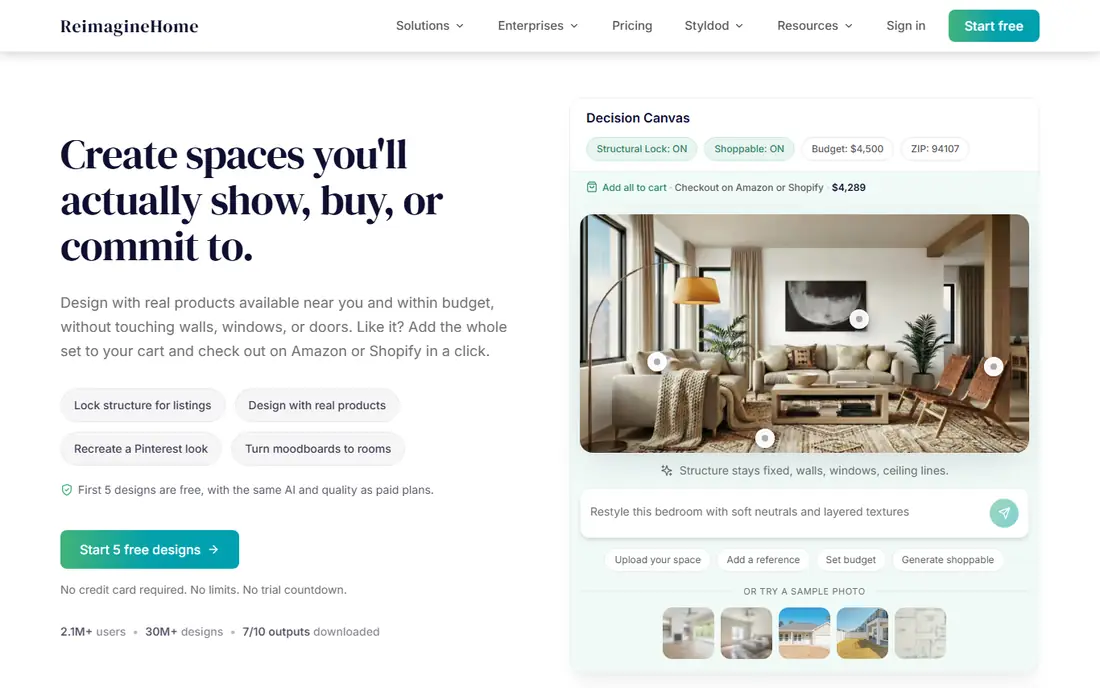
REimagineHome is our pick for most homeowners because it handles the whole outside of a house, not just paint. Upload a front photo and try new siding, roof tones, trim, doors, paths and planting, then compare versions side by side. The free designs give a fair test before you pay.
The entry plan uses older tools and lacks chat editing, so complex changes may need the Pro plan at $36 per month. Treat every render as a direction for a contractor, not a final specification. Take the winning look to a paint or siding supplier and check samples on your own house in daylight.
- Dedicated exterior redesign
- Chat editing on higher plans
- Shoppable products on Pro
- Best editing sits above the entry plan
- Results need checking against real materials
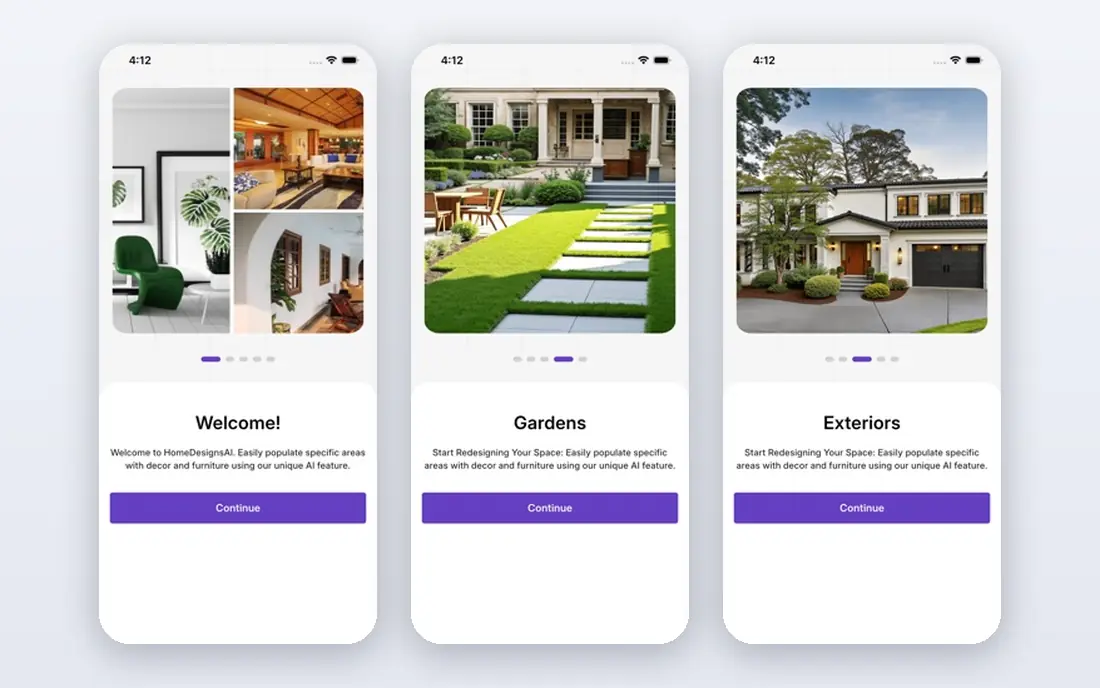
HomeDesignsAI suits people who want a wide set of looks in one sitting. You can run the same house photo through modern, farmhouse, coastal, craftsman and other styles and quickly rule out directions that do not suit the roofline or neighborhood. That breadth helps at the early stage, when you are still deciding what you like.
The trial requires payment details, so set a reminder if you only want a test. Also watch for renders that change windows, rooflines or proportions in ways a builder cannot copy cheaply. Keep the structure the same across versions when you want a realistic comparison.
- More than 75 design styles
- Fast photo restyles
- Garden and exterior modes
- Trial needs payment details
- Style count matters less than accurate structure
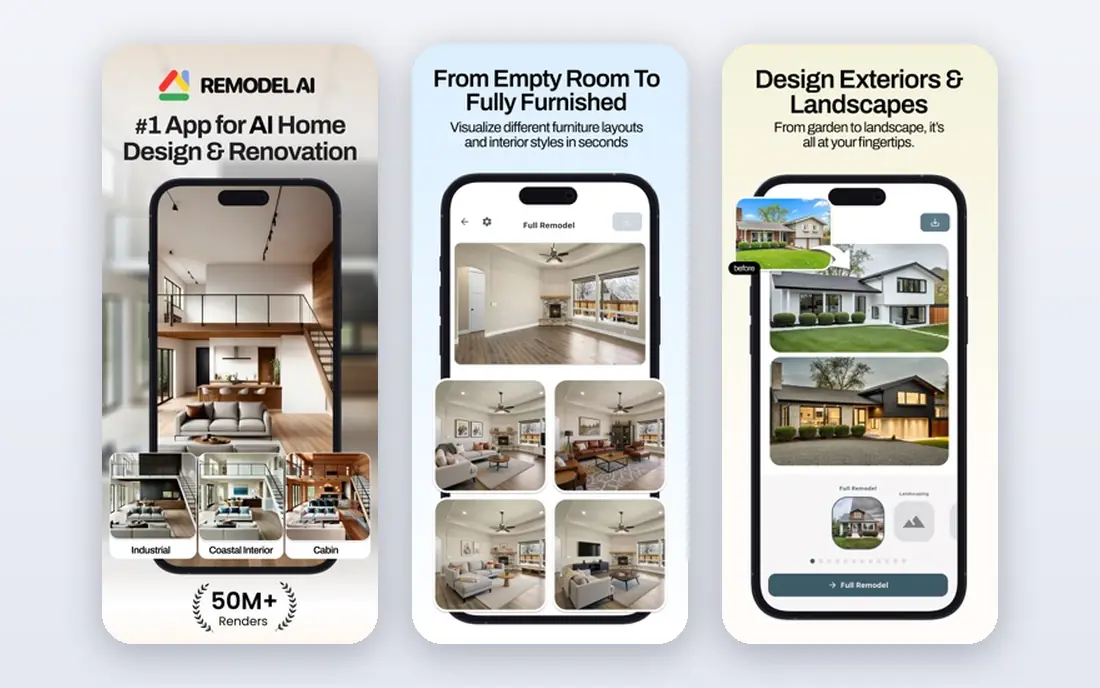
Remodel AI is the simplest tool on this list to try. Upload a photo, pick a style or change, and get a concept in under a minute. That speed makes it useful for a first conversation with a partner or contractor, when you want to show an idea rather than describe it.
It is not a planning tool, so you cannot move a porch, resize a deck or test exact paint codes with confidence. Use it for direction, then confirm paint names, siding products and costs with suppliers. The free allowance is small, so use your best daylight photo first.
- Simple photo workflow
- Interior and exterior modes
- Fast results
- Free designs are limited
- Less control than plan-based tools
Planner 5D is the pick when you want to design an outdoor space, not just restyle a photo. You can draw a yard, place a deck, patio, paths and planting, then view it in 3D and adjust sizes. That control matters for seating areas, gates, steps and access, where a photo render cannot show scale.
The tradeoff is time. A good plan takes longer than a one-tap render, and the free catalog is partial. It still beats a photo tool for practical questions such as whether a table fits, whether a path is wide enough, and how shade falls at different times.
- Editable floor and outdoor plans
- Large item catalog
- Works on phone and web
- AI features are less central than in photo tools
- Full catalog needs a paid plan
Homestyler offers a low-cost route into 3D design, with a free basic tier and renders at higher quality on paid plans. It works well for patios, porches and garden rooms, where you want to test furniture, shade and layout before buying anything. The model library helps you see scale, not just style.
Exterior finishes are less photorealistic than the best photo tools, so use it for layout and proportion rather than final color choices. Pair a Homestyler plan with a photo tool when you need both a workable layout and a realistic finish preview.
- Low starting price
- 3D planning and rendering
- Large model library
- Exterior detail varies
- Some advanced renders sit on higher plans
RoomStaging is useful for sellers and homeowners who need a clean, appealing exterior photo. It can refresh a facade, tidy a yard in the image, and change seasons or lighting for a listing photo. The free credits let you test it without a card, which is a fair way to judge quality.
It is a photo tool, so it will not tell you whether a deck fits or a fence meets local rules. For a sale, that is often enough, since the goal is a strong first impression. For a build, take the image to a contractor and ask what is practical and permitted.
- Exterior redesign plus virtual staging
- Free credits with no card
- Clear credit pricing
- Credit costs add up for many versions
- Not a measured plan tool
Spacely AI suits people who know what they want to change. Instead of restyling the whole house, you can target siding, a door, a driveway or planting and keep the rest of the photo intact. That control reduces the odd results that full restyles sometimes produce, such as changed windows or roof shapes.
Trial credits are generous enough for a real test, but regular use needs a paid plan. As with all photo tools, check that materials and colors exist in your area and price range. A render of stone cladding or a custom door can look great and still be far beyond budget.
- Targeted edits to parts of a photo
- Trial credits with no card
- Fast variations
- Smaller brand presence than leaders
- Credit limits shape heavy use
Collov AI is aimed at agents and sellers, but homeowners can use it for the same job: a better exterior photo. Twilight conversion, season changes and lawn cleanup can make a listing stand out, and batch tools help when several photos need the same treatment. Standard pricing starts at $19 per month on yearly billing.
The free trials carry watermarks, so they work for testing, not for a final listing. It also focuses on photos rather than build planning, so pair it with a contractor or plan tool before committing to structural work. For presentation, though, it is one of the more polished options here.
- Staging and exterior photo tools
- Twilight and season changes
- Batch processing
- Built mainly for listings
- Free trials are watermarked
- Deeper editing needs higher plans
How we picked these
We compared official feature pages, pricing pages and recent 2026 roundups for tools with a real exterior mode, not just interior design. We kept only products that work in October 2026 and that accept a house photo or support outdoor planning. We favored tools with free credits or trials, clear credit or subscription pricing, and exterior-specific features such as siding, roofing, doors, patios and planting.
How to get a render you can actually build
Use a straight, daylight photo taken from the street, with the whole front of the house visible and no cars blocking the view. Run the same photo through your shortlist, and keep the roofline, windows and lot shape fixed while you change finishes. That makes comparisons honest.
Next, turn the winning render into a short spec list: siding material and color, trim color, door style, roof tone, path material and planting type. Take that list to suppliers for samples and prices, and check local rules for fences, setbacks and historic districts before ordering. A render that ignores those limits can waste a whole budget.
Finally, budget for the parts a render hides, such as prep work, flashing, drainage and disposal of old materials. Get at least two contractor quotes for the same spec list, and ask each one what the render gets wrong. That conversation usually saves more money than any app subscription.
FAQ
What is the best ai exterior home design app?
REimagineHome is our pick for most homeowners because it has a dedicated exterior mode, free designs to test, and chat editing on higher plans. HomeDesignsAI is a close second when you want many styles from one photo.
Can AI design my house exterior for free?
Partly. Most tools here offer free credits or a trial, which is enough for a few concepts. A full project with many versions, high-resolution downloads and chat editing usually needs a paid plan.
Will AI exterior designs work as building plans?
No. Renders show ideas, not measurements, structural details or code compliance. Use a plan tool for layout and a contractor or architect for anything structural, electrical or load-bearing.
How accurate are AI paint and siding colors?
They are a guide, not a match. Screen color, lighting and material texture all shift the result. Always check physical samples on your house in daylight before ordering paint or siding.
What is the best ai exterior home design app for a home sale?
RoomStaging and Collov AI are built for listing photos, with season, lighting and cleanup tools. For a sale, a clean photo matters more than a full redesign, so start there before paying for a plan tool.