AI Receptionist for Home Services Alternatives in 2026: 8 Products Compared
Compare 8 ai receptionist for home services alternatives for plumbers, HVAC, and electricians, with pricing, booking, and after-hours coverage explained.
- Editor's choice
 Smith.ai
Low-volume shops wanting a free start
Starts atFreeVisit smith.aiFull review - Great alternative
 Rosie
Small shops with steady call volume
Starts at$49 per monthVisit heyrosie.comFull review - Also consider
 Goodcall
Shops with many repeat callers
Starts at$79 per monthVisit goodcall.comFull review
TL;DR:
- Per-minute plans suit shops with long calls, while per-call and per-caller plans suit shops with many short calls.
- A receptionist that books straight into your calendar saves more time than one that only takes messages.
- Emergency calls need a clear rule, such as an immediate transfer or a text to the on-call technician.
- Check overage rates before you sign up, because a busy month can cost far more than the starting price.
- A free trial or a low starting plan is a sensible way to test call quality before you move your main number.
Quick comparison
| Tool | Best for | Starts at | Free plan? | |
|---|---|---|---|---|
| Smith.ai | Low-volume shops wanting a free start | Free | Yes | Visit |
| Rosie | Small shops with steady call volume | $49 per month | Free trial | Visit |
| Goodcall | Shops with many repeat callers | $79 per month | Free trial | Visit |
 Dialzara | Budget-conscious small teams | $29 per month | Free trial | Visit |
 Jobber AI Receptionist | Existing Jobber users | $29 per month | Free trial | Visit |
 Housecall Pro CSR AI | Housecall Pro users wanting one system | See website | Free trial | Visit |
 RingCentral AI Receptionist | Businesses already using RingCentral | $49 per month | Free trial | Visit |
 My AI Front Desk | Shops wanting calls plus texts | $99 per month | Free trial | Visit |
The best AI receptionist for home services alternatives
We looked for tools that answer calls around the clock, qualify jobs, and book work for trades such as plumbing, HVAC, and electrical work. The best fit depends on how you already run your business and how your customers usually call.
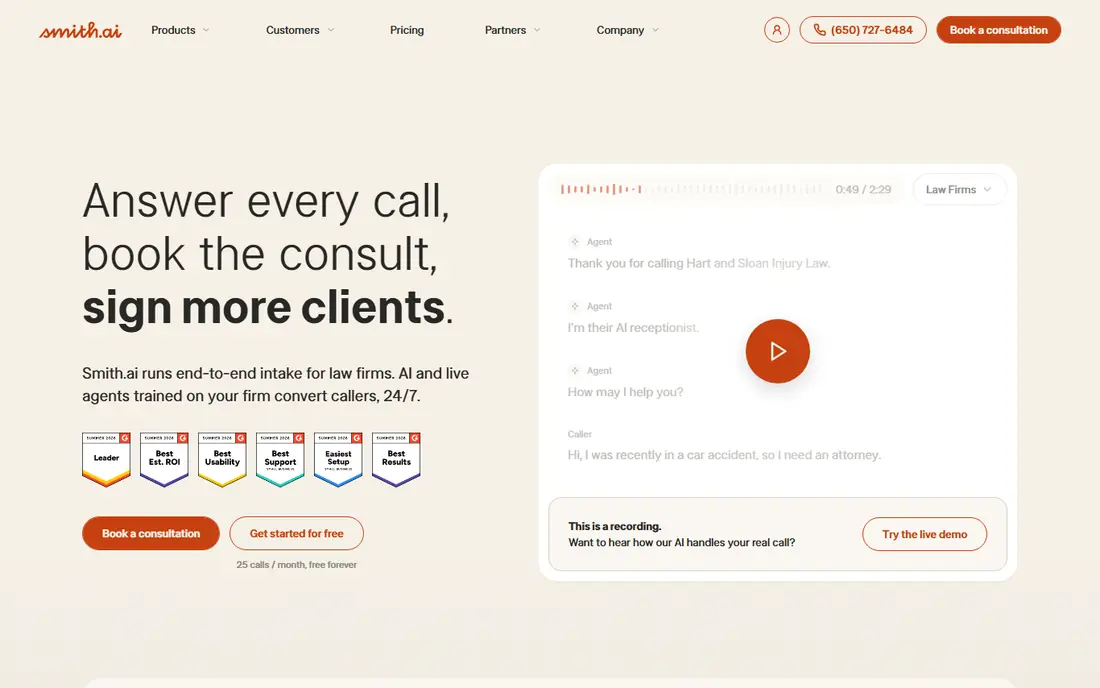
Smith.ai gives a small shop a low-risk way to stop missing calls. The free AI plan covers 25 calls a month, which may be enough for a one-van business in a quiet period, and paid plans add more calls and scheduling. Callers can be qualified with questions about the job, location, and timing before a booking is made. The honest catch is the billing model. Because Smith.ai charges per call rather than per minute, a month with many short calls can still add up, and overage charges need watching. If you already use a CRM, check that call summaries land where your office staff will actually see them. For a shop testing AI answering for the first time, though, the free tier makes it easy to hear how the service sounds before spending much.
- Free plan with 25 calls per month
- Live-agent handoff when a call needs a person
- Appointment scheduling included
- Paid AI plans rise quickly with call volume
- Per-call pricing can punish long or repeat calls
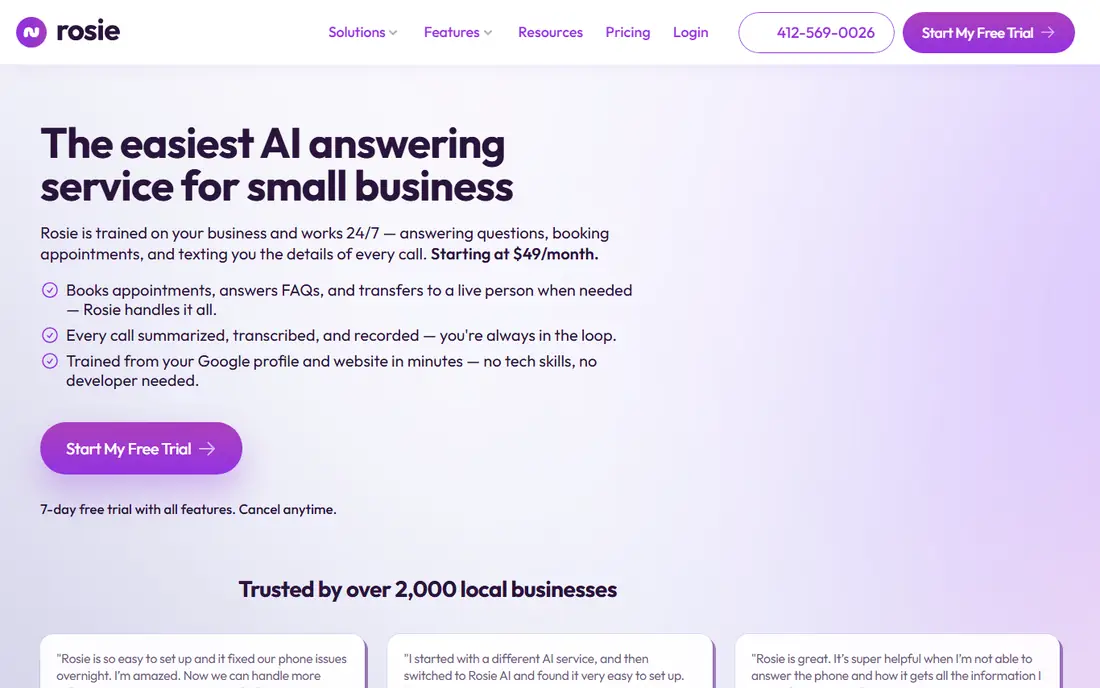
Rosie is built around a simple idea, which is that a small home services business should know what a month of answering will cost. The entry plan includes 250 minutes, and larger plans cover 1,000 or 2,000 minutes. Calls can be answered, screened for spam, and booked, with a summary sent to the business afterward. That clarity helps with budgeting, but it also means you need a rough count of your monthly minutes before choosing a tier. A storm week or a busy heating season can push you into the next plan. Rosie works best for shops with fairly steady demand and a team that wants call details in writing rather than a voicemail to chase down.
- Clear minute bundles starting at 250 minutes
- Spam screening
- Booking and text summaries
- Overage rates are not always published clearly
- Higher plans are needed for very busy months
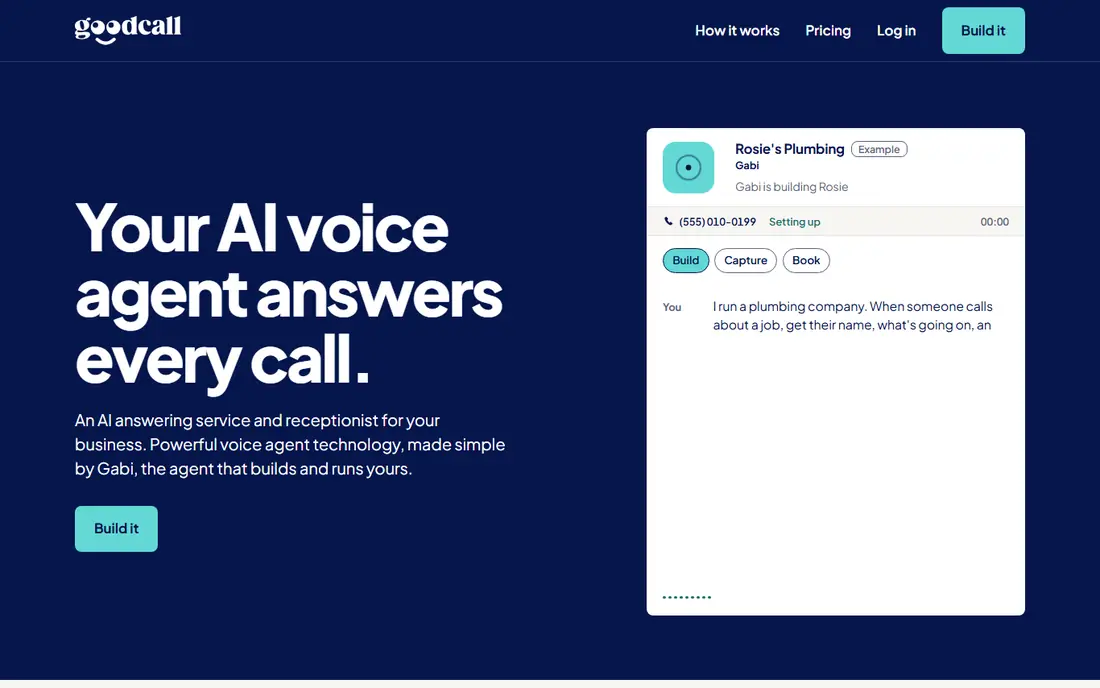
Goodcall takes a different approach to billing, and that approach matters for trades with loyal customers. Instead of counting minutes, it counts unique callers, with unlimited minutes for those callers on its plans. A long call about a complex repair does not cost more than a short booking call, which removes one common billing worry. The trade-off appears when many new people call in the same month, such as after a local ad campaign or a storm. Each caller beyond the allowance adds a charge, so growth months need a plan check. Goodcall fits a shop that serves a stable local customer base and wants staff to stop watching the clock during calls.
- Unlimited minutes on caller-based plans
- Predictable cost for repeat customers
- Per-agent pricing
- Extra unique callers cost extra
- Per-agent pricing adds up for larger teams
Dialzara appeals to owners who want AI answering without a large monthly commitment. The entry plan starts at $29 per month for 60 minutes, and higher plans scale to 500 or 1,000 minutes. For a solo tradesperson or a two-person crew, that low starting point makes it possible to cover after-hours calls and lunch breaks without hiring office help. Sixty minutes does not go far, though, if calls run long or volume spikes. You will need to watch usage in the first month and move up a tier if the entry plan runs out early. Dialzara is a good test bed, and it stays affordable as long as you pick a bundle that matches real call length, not just call count.
- Low entry price
- Minute bundles up to 1,000 minutes
- Simple setup for small teams
- Small entry bundle of 60 minutes
- Add-ons such as SMS cost extra
Jobber AI Receptionist makes most sense if your business already runs on Jobber. The add-on answers calls, qualifies jobs, and books them into the schedule your team already uses, so there is no second calendar to check. Customer details can be matched to existing records, which cuts down on repeated questions. The catch is that the $29 price is an add-on, not a standalone product, and it sits on top of a Jobber plan. The entry allowance covers 30 conversations a month, with extra conversations charged after that. If you are not already a Jobber user, the total cost is higher than the add-on price suggests. For current users, though, the fit is hard to beat.
- Books directly into Jobber schedules
- Works with existing customer records
- Low add-on price
- Requires a paid Jobber plan
- Conversation allowance is limited on the entry add-on
Housecall Pro CSR AI is the matching option for businesses that already use Housecall Pro for scheduling and invoicing. Calls and chats can be answered around the clock, and the job details flow into the same system used for estimates and payments. That single record matters when a dispatcher, a technician, and an office manager all need the same job notes. Pricing is the weak point for comparison shopping. Housecall Pro publishes its main plan prices, but CSR AI pricing is handled through a demo or quote, so you cannot compare it line by line without talking to sales. If you already pay for Housecall Pro, ask for that add-on price in writing. If you do not use it, a standalone receptionist will usually be cheaper and simpler.
- Ties calls to scheduling, estimates, and invoicing
- 24/7 call and chat answering
- Familiar system for existing users
- Add-on pricing is not published on the main pricing page
- Switching systems just for this feature would be costly
RingCentral AI Receptionist fits businesses that already make and receive calls through RingCentral. As an add-on to a RingEX plan, it starts at $39 per month, while the standalone price is $49 per month for 100 minutes. The assistant can answer, route calls, and handle common questions, with extra minutes billed after the bundle. That phone-system link is both the strength and the limit. If your team already uses RingCentral numbers, extensions, and voicemail, adding AI answering keeps everything in one place. If you use a different phone provider, you would be paying for a new system as well as the receptionist. Check how emergency calls are routed, because a generic answer is not enough for a gas leak or a burst pipe.
- Lower price as an add-on to RingEX
- Clear 100-minute starting bundle
- Call routing and voicemail in one system
- Standalone price is higher than the add-on price
- Extra minutes are charged per minute
My AI Front Desk pairs voice answering with text follow-up, which suits customers who call once and then prefer to confirm by text. The business plan includes 200 voice minutes and text credits, with extra minutes charged at a published rate. That mix helps when a customer needs a reminder, a rescheduled time, or a link to confirm a booking. The starting price is higher than the cheapest options on this list, so it makes sense mainly for shops that will use both calls and texts every week. Take time during setup to teach it your service area, your emergency rules, and the questions that separate a quote visit from an urgent repair. Done well, it can handle routine booking while your team stays on the job.
- Voice minutes plus text credits
- Lower annual price
- Appointment booking and follow-up texts
- Entry business plan is pricier than some rivals
- Setup takes care to match trade-specific questions
How we picked these
We compared official pricing pages, feature lists, and plan details for AI receptionist tools that mention home services, contractors, or trades. We also checked app store listings and public reviews for signs of billing complaints, setup problems, or gaps in booking and emergency handling. Products made this list only when they answer calls, offer scheduling or message capture, and publish enough plan detail to compare fairly. Where pricing was not published, we say so rather than guessing.
What to check before you move your phone number
Start with your call record, not with a sales demo. Count calls from the last three months, note the busiest week, and estimate average call length. A shop with 40 short calls needs a different plan than a shop with 40 long diagnostic calls, even though the call counts match.
Booking and emergency rules
Ask each vendor how bookings land in your calendar and what happens when a caller reports an emergency. A good setup sends urgent calls to a person right away, records the address and callback number, and texts the on-call technician. Test this with a practice call before you go live.
Voice, scripts, and spam
Listen to a sample call, or use the trial to place test calls at different times of day. Check whether the voice sounds natural, whether it asks for the service address and job details, and whether spam calls are filtered. A receptionist that books spam jobs into your calendar will create more work, not less.
Total monthly cost
Add the base plan, overage charges, add-ons, and any setup fee, then compare that total across vendors for your busiest month. Ask for overage rates in writing, and ask whether unused minutes or calls roll over. A plan that looks cheap at the entry tier can become the most expensive option in a storm week.
FAQ
How much does an AI receptionist cost for a small home services business?
Prices in this list start at $29 to $99 per month for entry plans, with free or trial options for some tools. The total depends on whether the vendor charges per minute, per call, per conversation, or per unique caller, plus overage rates. Always price your busiest month, not an average month, before you commit.
Can an AI receptionist book jobs into my existing schedule?
Many of these tools can book appointments, but the depth of the link varies. Jobber and Housecall Pro options book into their own systems, while standalone tools often connect to common calendars or send booking details by text and email. Confirm the exact booking flow during a trial, and test a reschedule as well as a new booking.
Will customers know they are talking to an AI?
Most vendors let you disclose that the caller is speaking with an AI assistant, and telling callers upfront is the honest approach. A clear opening line, plus an easy way to reach a person, tends to work better than trying to pass the assistant off as a human employee. Customers are usually more concerned with getting booked quickly than with who answers.
What happens with emergency calls?
Emergency handling should be set up as a separate rule, not left to a general script. Urgent reports such as a gas smell, a burst pipe, or no heat in freezing weather should transfer to a person or alert the on-call technician at once. Ask the vendor how it flags these calls, and test the rule before relying on it.
Should I keep my old phone number?
Yes, in most cases you should keep the number customers already know. Ask how number porting or call forwarding works, how long it takes, and what happens if you cancel. Avoid moving your main number until test calls sound right and bookings land correctly in your calendar.