Best AI App Design Generator in 2026: 8 Tools Compared
Compare the best ai app design generator tools for 2026, from prompt to screen tools to code ready prototypes, with current prices and free limits today.
- Editor's choice
 Uizard
Prompt to editable screens
Starts at$12 per monthVisit uizard.ioFull review - Great alternative
 Figma
AI inside a design system
Starts at$16 per monthVisit figma.comFull review - Also consider
 Framer
Prompt to live site
Starts at$10 per monthVisit framer.comFull review
TL;DR:
- Uizard is our top pick for turning a text prompt, screenshot, or sketch into editable app screens quickly.
- Figma is best for teams that need AI help inside a full design system, while Framer is best for turning a design into a live site.
- Visily suits non designers who need wireframes and flows, and Google Stitch is the best free starting point for a first pass.
- v0 is best when you want code, not just a mockup, and Relume and Builder.io suit structured sites and production workflows.
- AI output is a strong first draft, not a finished product. Plan a human review for branding, accessibility, and real user flows.
Quick comparison
| Tool | Best for | Starts at | Free plan? | |
|---|---|---|---|---|
| Uizard | Prompt to editable screens | $12 per month | Yes | Visit |
| Figma | AI inside a design system | $16 per month | Yes | Visit |
| Framer | Prompt to live site | $10 per month | Yes | Visit |
 Visily | Wireframes and flows | $14 per month | Yes | Visit |
 v0 | Prompt to React code | $30 per month | Yes | Visit |
 Google Stitch | Free first pass designs | Free | Yes | Visit |
 Relume | Sitemaps and wireframes | See website | Yes | Visit |
 Builder.io | Design to production code | See website | Yes | Visit |
The best ai design generator tools
We compared official pricing, free credit limits, output types, and export options. The tools below split into three groups: editable designs, live sites, and code, and we state which group each tool belongs to.

Uizard is our pick for most non designers who need app screens fast. Type a description, upload a screenshot, or sketch a layout, and it returns editable screens you can adjust, link into a prototype, and hand to a developer. That speed matters when you are testing an idea with users or pitching a concept internally. The free plan limits AI generations, so use it for a first version and save paid generations for revisions. Generated screens also need a human pass for brand colors, spacing, and accessibility. For idea to prototype in an afternoon, no other tool in this list is as direct.
- Turns prompts, screenshots, and sketches into editable screens
- Fast prototyping
- Figma plugin for handoff
- Free generations are limited
- Generated screens need a designer pass before shipping
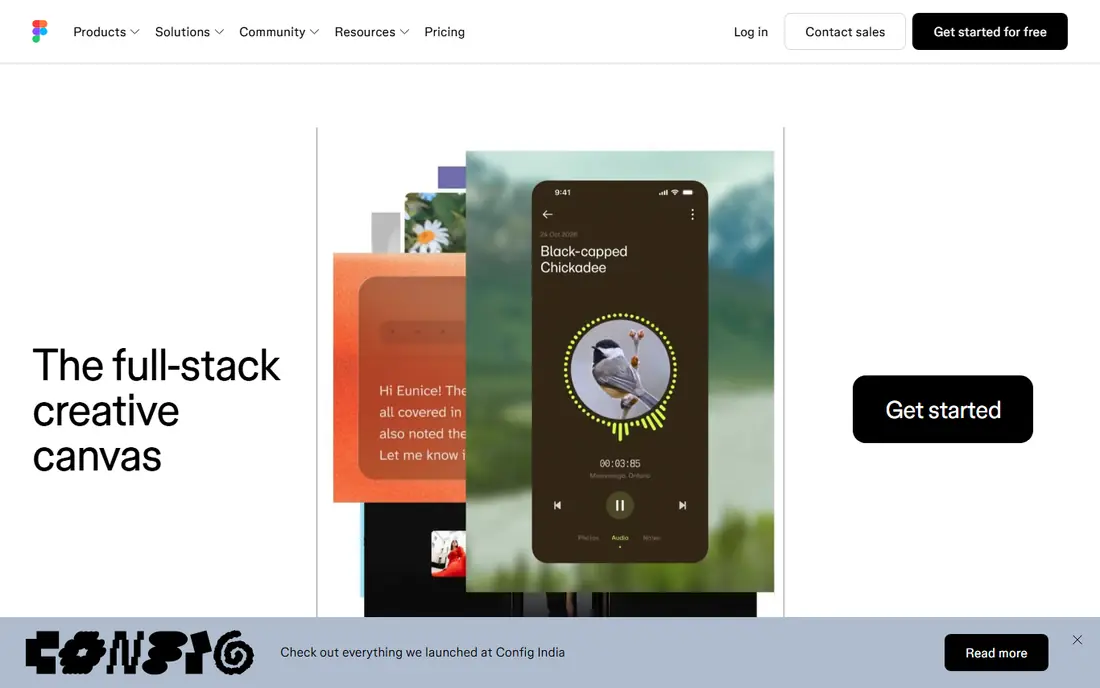
Figma is the safe choice for teams that already design in Figma and want AI help without switching tools. Its AI features can generate placeholder copy, rename layers, edit images, and, through Figma Make, turn prompts into working prototypes inside your files. That integration with components and shared libraries is the real advantage. New users face a learning curve, and AI credits can run out on heavy days, so check the current credit terms on the vendor site. If your team already pays for Figma, AI inside it beats a separate generator for long term work. If you only need a one off mockup, Uizard is faster to learn.
- AI features inside the industry standard tool
- Strong collaboration
- Design system support
- AI credits are limited daily on some plans
- Learning curve for new designers
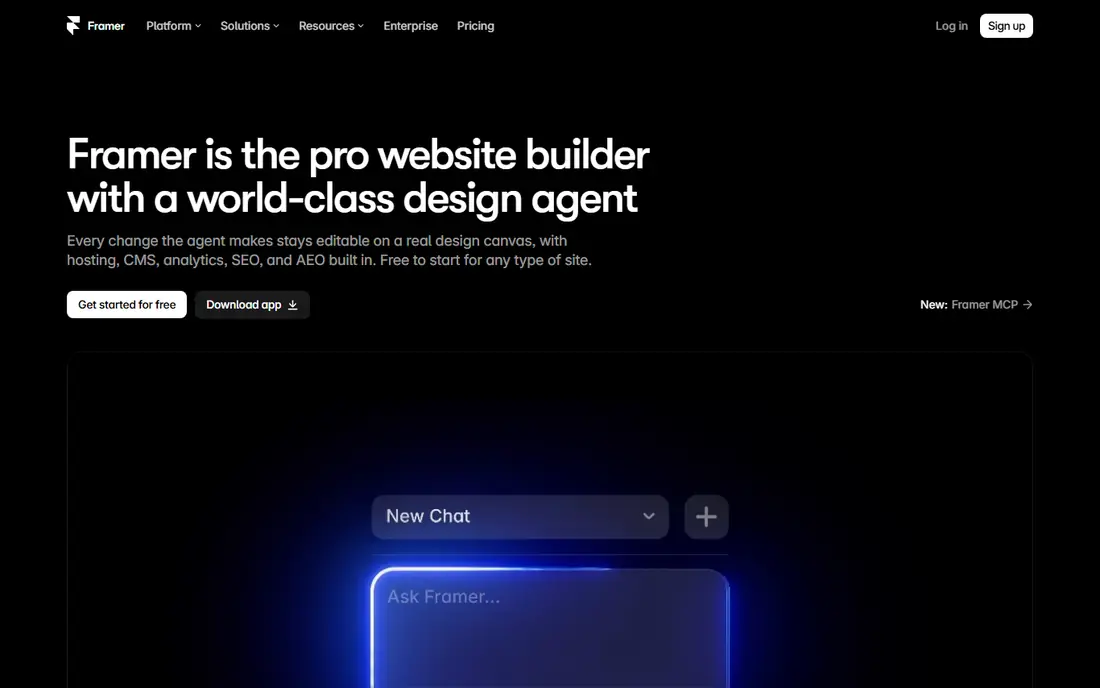
Framer suits founders who want a live page, not just a design file. Describe the page, generate a layout, edit text and images visually, and publish to a live address. That loop is ideal for landing pages, portfolios, and marketing sites that need to look finished quickly. The catch is per site pricing, so several client sites add up, and Framer is a website tool first, not a native app builder. If your app is really a web app or a marketing site, Framer is excellent. If you need iOS and Android apps, pair a design tool here with FlutterFlow or a similar builder.
- Generates a full page from a prompt
- One click publishing
- Responsive layouts included
- Pricing is per site
- Best for websites, not native mobile apps
Visily is the tool we suggest when a team needs to agree on structure before debating colors. Paste a written brief or upload a screenshot, and it builds editable multi screen flows that a product manager, engineer, and designer can discuss. That clarity early saves rework later, especially for internal tools and dashboards. It is not a replacement for Figma for final branding, and free outputs can carry limits that make them better for internal review than client delivery. Use Visily to settle the flow, then move to Figma or Framer for polish. For spec to wireframe work, it is one of the clearest tools available.
- Turns requirements and screenshots into flows
- Easy for non designers
- Figma export
- Focus is wireframes, not high fidelity branding
- Free credits are limited and watermarked on some exports
v0, by Vercel, is for people who want code at the end, not a picture of an app. Describe a screen or component, and it returns React code you can edit, test, and deploy. That makes it a strong pick for developers and technical founders who prototype in code and want a working interface the same day. The paid plan is the priciest entry point in this list, and generated code is a first draft that needs review for state handling, security, and performance. Non coders will find Uizard or Framer easier. For a developer led prototype, v0 shortens the path from idea to a clickable, code backed demo.
- Generates React and Tailwind code you can edit and deploy
- Fast for UI components
- Vercel deployment
- Highest entry paid price here
- Code needs review before production use
Google Stitch is the best free starting point in this list, built on technology from Galileo AI. It generates UI designs from text, sketches, or screenshots, builds multi screen flows, and exports to Figma or front end code. For a first pass at no cost, it is hard to beat. As a newer tool, its features and limits change, and prompt quality matters: vague prompts give generic screens. Write a clear brief with audience, main action, and screens needed, and you will get far better results. Use Stitch to explore directions free, then refine the winner in Figma or Uizard.
- Free with generous monthly generations
- Multi screen flows
- Code and Figma export
- Newer tool with evolving features
- Output quality varies by prompt
Relume starts one step earlier than most generators: it plans the structure of a site before designing screens. Give it a description, and it builds a sitemap and wireframes from a large component library, which you can export to Figma or Webflow. That structure first approach suits agencies and teams that need client approval on scope before design. It is website focused, so mobile app screens are not its strength, and some pricing details require signing in to view. For a website project with many pages, Relume prevents the common problem of designing screens before agreeing what pages exist. Pair it with Figma for final design.
- AI sitemap and wireframe generation
- Large component library
- Figma and Webflow export
- Pricing requires sign in for some tiers
- Best for websites, not mobile apps
Builder.io suits teams that want visual editing without losing control of production code. Designers and marketers can edit pages visually, while developers keep the underlying code and data connections intact. Its AI features can generate sections and content, which speeds up marketing pages and product sites. It is more technical to set up than a pure generator, so small teams without a developer may find Uizard or Framer simpler. For a company site that must stay in sync with a codebase, Builder.io is the most production minded pick here. Check the current free tier and pricing on the vendor site before committing a team to it.
- Visual editing tied to real code
- Good for production sites
- AI generation included
- More technical than Uizard or Visily
- Pricing should be checked on the vendor site
How we picked these
We compared official pricing pages, free tier terms, and export options, and we required that each tool generate app or web screens from a prompt, sketch, screenshot, or brief. We excluded pure image generators and pure code editors with no design generation. We favored tools that are still maintained, offer an editable output rather than a flat image, and state their credit limits, since credit limits decide real cost.
How to choose an AI design generator
Start with the output you need. If you need editable screens to discuss, pick Uizard, Visily, or Google Stitch. If you need a live site, pick Framer or Relume plus Webflow. If you need code, pick v0 or Builder.io. If you already work in Figma, stay in Figma and use its AI features. That single decision removes half the list. Next, run the same brief through two tools. Write one paragraph covering audience, main action, and three screens, then compare time to first usable screen, how well the tool understood the brief, and how easy edits are. Check credit use: a cheap plan that burns credits fast can cost more than a higher plan. Finally, review the winner for accessibility, such as text contrast, tap target size, and logical reading order, since AI tools do not guarantee those details.
FAQ
What is the best ai design generator for mobile apps?
Uizard is our top pick for mobile app screens, since it turns prompts, screenshots, and sketches into editable app layouts. Figma is best if you need a full design system, while v0 is best if you want code. The best ai design generator for your project depends on whether you need a mockup, a live site, or code.
Are AI generated designs ready to ship?
No, AI designs are a strong first draft that still needs a human review for branding, accessibility, real content, and user flows. Generated screens often use placeholder text and generic layouts that do not match a real product. Treat AI output as a starting point, then refine it with a designer or a careful review pass.
Can AI design tools replace a designer?
For early prototypes and simple pages, AI tools can replace much of the initial design work. For production products with complex flows, brand rules, and accessibility needs, a designer still adds judgment that AI cannot. The best results come from AI for speed plus a human for strategy and polish.
How much do AI design generators cost?
Entry paid plans in this list run from about 10 dollars to 30 dollars per month, with free tiers limited by credits or generations. Framer starts around 10 dollars per site, Uizard around 12 dollars, Visily around 14 dollars, Figma around 16 dollars per seat, and v0 around 30 dollars. Check vendor pricing before budgeting, since credit systems change the real cost.
What is the difference between a wireframe generator and a vibe coding tool?
A wireframe generator such as Visily or Uizard produces editable screens and flows for discussion and handoff. A vibe coding tool such as v0 produces working code from a prompt, which is closer to a prototype but still needs review. Use wireframes when a designer or developer works downstream, and code tools when a clickable prototype matters most.