8 Best AI Avatar Generator Apps for Photos and Profiles
Compare the best ai avatar generator app options for photos and profiles, with styles, pricing, export quality, and privacy controls compared in 2026.

- Editor's choice
 Lensa
Stylized avatar packs from your own selfies
Starts atSee websiteVisit lensa.appFull review - Great alternative
 Remini
Photo enhancement plus AI avatars in one app
Starts atSee websiteVisit remini.aiFull review - Also consider
 Fotor
AI avatars inside a full web and mobile editor
Starts atFreeVisit fotor.comFull review
TL;DR:
- Lensa and Photoleap lead for stylized avatar packs from your own selfies.
- Remini and Fotor suit users who also want photo enhancement and editing in the same app.
- Dawn AI and ToonMe are best for playful cartoon and illustrated avatar styles.
- Use only photos of yourself or photos you have permission to use, and check how each app stores uploads.
- Avatar packs vary in style and quality, so check sample styles and refund terms before paying.
Quick comparison
| Tool | Best for | Starts at | Free plan? | |
|---|---|---|---|---|
| Lensa | Stylized avatar packs from your own selfies | See website | Yes, limited editing | Visit |
| Remini | Photo enhancement plus AI avatars in one app | See website | Yes, limited | Visit |
| Fotor | AI avatars inside a full web and mobile editor | Free | Yes | Visit |
 Photoleap | Creative avatar styles with deeper photo editing | See website | Yes, limited | Visit |
 Dawn AI | Fun illustrated avatar packs | See website | Yes, limited | Visit |
 ToonMe | Cartoon and caricature avatars | See website | Yes, limited | Visit |
 AI Mirror | Anime and art-style avatars | See website | Yes, limited | Visit |
 Facetune | Polished profile avatars with retouching controls | See website | Yes, limited | Visit |
The best AI avatar generator apps
AI avatar apps turn your selfies into stylized portraits, cartoons, or professional-looking profile images. The best ones offer varied styles, clear pricing for avatar packs, and usable exports for social profiles. We compared official feature pages, pricing pages, app store listings, and public reviews. Use these apps with your own photos or photos you have permission to use, and review each app's privacy policy for upload storage and deletion options.
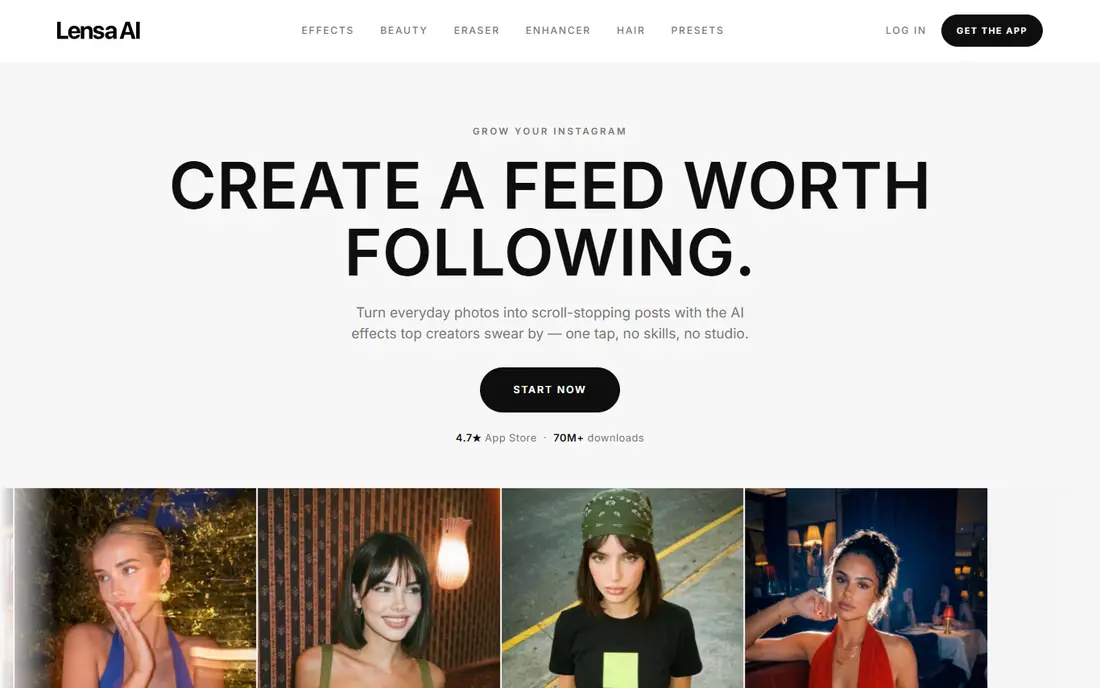
Lensa became well known for its Magic Avatars feature, which builds a set of stylized portraits from uploaded selfies. Styles range from fantasy and sci-fi to professional headshots, and the app guides you to upload varied angles for better results. Exports work well for profile pictures and social posts, and the editor also covers basic retouching. Avatar packs cost extra beyond any subscription, so check current pack pricing before uploading. Results also depend on lighting and variety in your selfies, and some styles suit certain photos better than others. For a broad set of stylized avatars from one upload session, Lensa remains a leading pick.
- Wide range of avatar styles from a small selfie set
- Polished, share-ready exports
- Avatar packs are paid
- Results vary by photo quality and style
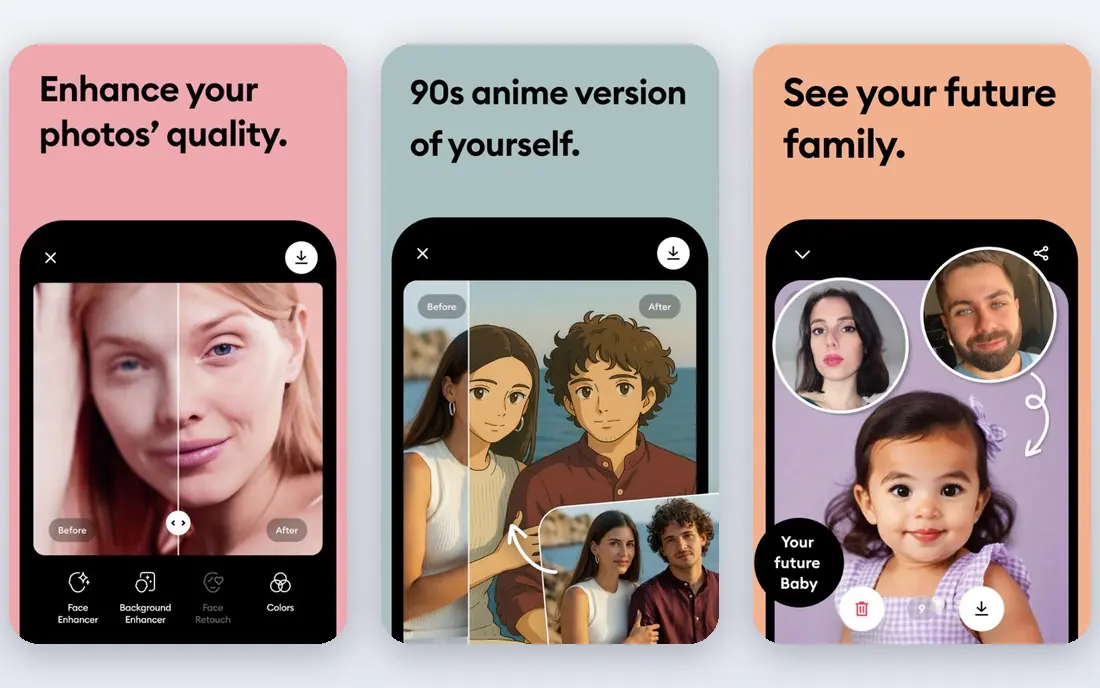
Remini started as a photo enhancer and now includes AI avatar features, which makes it useful when your source photos need help first. Old, blurry, or low-light selfies can be improved before avatar generation, and the app also handles color and detail restoration. That combination suits users who want both a better photo and a stylized version. Full features need a subscription, and free use is limited. Processing times vary with demand. If your selfies are older or imperfect, Remini's enhancement step gives it an edge over avatar-only apps.
- Strong enhancement for old or blurry photos
- Avatar tools alongside editing
- Subscription needed for full features
- Processing can take time at peak use
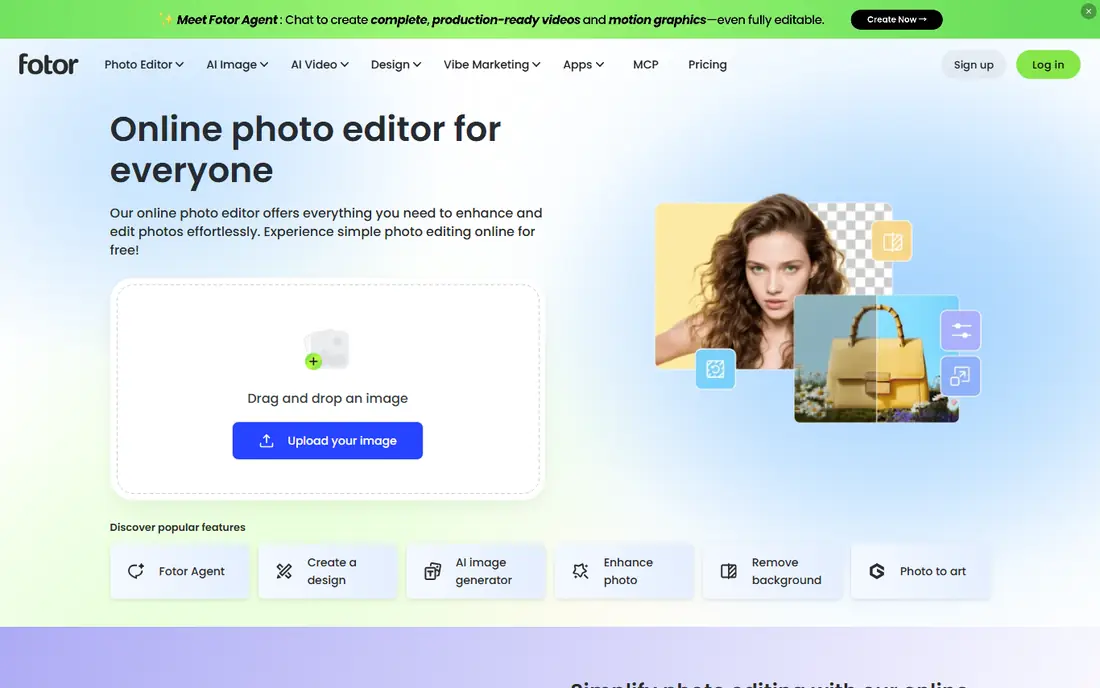
Fotor brings AI avatar generation into a broader editor, so you can create an avatar, then place it in a design, banner, or social post without switching apps. The web editor suits desktop users, while the mobile app covers quick creation. Templates and background tools add flexibility for creators who use avatars in content. Free AI credits are limited, and some styles and high-resolution exports need Pro. The breadth of Fotor can also feel busy if you only want avatars. For creators who need avatars plus design tools, Fotor is a practical all-in-one option.
- AI avatar generator plus templates, background tools, and batch editing
- Free tier limits AI credits and exports
- Best styles may need a Pro plan
Photoleap, from Lightricks, pairs AI avatar generation with a capable mobile editor. You can generate an avatar, then refine it with layers, filters, and text for a finished profile image. Style variety is a strength, with artistic, futuristic, and portrait looks among the options. The app suits creators who enjoy tweaking results rather than accepting the first output. Full AI access needs a subscription, and the many editing options can overwhelm a first-time user. If you like creative control after generation, Photoleap rewards the extra taps. For a single quick avatar, a simpler app may be faster.
- Varied AI styles plus layers, filters, and creative editing tools
- Subscription needed for full AI features
- Interface has many options for beginners
Dawn AI focuses on illustrated avatars with a playful, shareable feel. Upload selfies, pick a style pack, and receive a set of portraits that work well as profile pictures or social avatars. Generation is quick, and the app keeps the process simple for users who do not want a full editor. The style catalog is narrower than larger rivals, and heavier use needs paid packs or credits. Results also vary with selfie quality. For fun illustrated avatars without a complex workflow, Dawn AI is an easy trial.
- Playful illustrated styles with quick generation from selfies
- Style range is narrower than Lensa
- Packs and credits cost extra
ToonMe turns photos into cartoons and caricatures, with a simple flow that suits casual users. The cartoon look is distinct from the painterly styles of Lensa, which helps when you want a clearly illustrated avatar rather than a near-photo portrait. Exports suit messaging apps and social profiles. Realistic or professional styles are not the focus here, so users who want a headshot should look elsewhere. Some features and higher-quality exports need payment. For a fun cartoon avatar, ToonMe is a clear specialist.
- Distinct cartoon styles with a simple upload flow
- Good for social profiles
- Cartoon focus limits realistic styles
- Full features need payment
AI Mirror specializes in art styles, including anime, fantasy, and painterly looks. It can generate from a single photo in many modes, which lowers the upload burden compared with apps that need a full selfie set. That speed suits users who want to try several styles quickly. Artistic styles can drift from your actual likeness, so results vary as portraits. Free credits are limited, and the best styles may need payment. For anime and art avatars, AI Mirror is a fun specialist worth trying.
- Strong anime and art styles
- Quick generation from a single photo in many modes
- Art styles can drift from likeness
- Credits limit free use
Facetune pairs AI avatar generation with detailed retouching, which helps when you want a polished profile image rather than a purely artistic one. You can adjust lighting, smoothness, and details, then generate avatar styles from the refined photo. That control suits professionals who need a clean LinkedIn or portfolio image. Full tools need a subscription, and heavy retouching can look unnatural if overdone. Facetune is best when you want a refined, believable profile avatar with control over the final look.
- Detailed retouching plus AI avatar styles
- Good for professional-looking profiles
- Subscription needed for full tools
- Retouching options can be overused
How we picked these
We compared official feature pages, pricing pages, app store listings, and public reviews. We favored apps that generate avatars from user photos, offer varied styles, and export usable profile images. We also weighed free access, pack pricing clarity, and privacy controls for uploaded photos. No app paid for placement, and we did not claim hands-on testing.
What to check before you choose
Start with style. Stylized packs, cartoons, anime, and professional headshots are different products, and no single app leads in all of them. Browse sample styles in the app before paying, and check whether packs are one-time purchases or tied to a subscription. Photo quality matters too: varied, well-lit selfies give better results than a single dark photo. Next, check privacy and exports. Read how long uploads are stored, whether you can delete them, and whether exports carry watermarks on free tiers. Use only your own photos or photos you have permission to use, and avoid generating avatars of other people without their consent. A good avatar app should make deletion and export terms easy to find.
FAQ
What is the best AI avatar generator tool for profile pictures?
Lensa and Facetune are strong for profile pictures, with Lensa offering varied stylized packs and Facetune offering polished retouching. Fotor suits creators who also need design tools. Pick based on whether you want artistic styles or a believable professional look.
Are AI avatar generator apps free?
Most apps offer free editing or limited trials, but avatar packs and full AI features usually cost extra. Check whether pricing is a one-time pack, credits, or a subscription before uploading. Free tiers are best for testing styles, not for large avatar sets.
How many selfies do I need for an AI avatar?
Many apps ask for 10 to 20 varied selfies with different angles, expressions, and lighting. Some art-style apps work from a single photo. Follow the in-app guidance, since varied photos give more accurate and diverse results.
Can I use an AI avatar commercially?
Terms vary by app and plan. Some plans allow commercial use of generated avatars, while free tiers may restrict it. Check the license terms for your plan before using an avatar in ads, branding, or client work.
Do AI avatar apps keep my photos?
Storage policies vary, and some apps keep uploads for processing or improvement unless you delete them. Read the privacy policy, use the deletion option when available, and avoid uploading sensitive photos you would not want stored. Use only photos you have the right to share.
Why do my avatars look different from me?
AI styles interpret features through an artistic filter, so likeness varies by style and photo quality. Realistic and professional styles stay closer to your appearance than cartoon or fantasy styles. Try varied selfies and several styles to find the closest match.
Sources
https://lensa.app https://remini.ai https://www.fotor.com https://www.photoleapapp.com https://www.dawnai.app https://toonme.com https://www.aimirror.fun https://www.facetuneapp.com