6 Best Comprehensive AI App Building Software for 2026, Vetted and Compared
Searching for the best comprehensive AI app building software? Here are 6 options with prices and free plans. Short verdicts, no fluff. Costs up front.
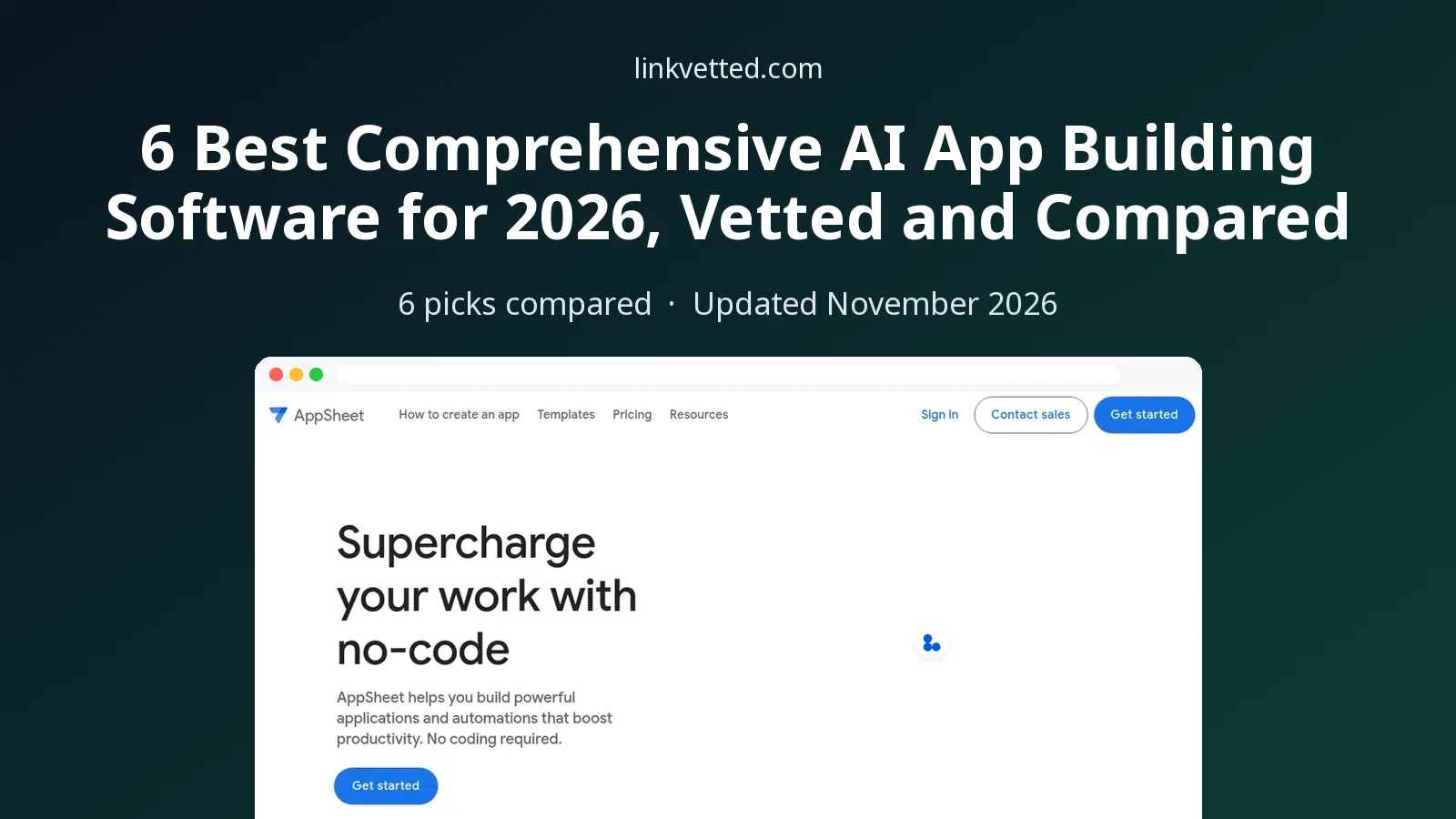
- Editor's choice
 OutSystems
Enterprise app and AI agent development
Starts atSee websiteVisit outsystems.comFull review - Great alternative
 Appian
AI process orchestration
Starts atSee websiteVisit appian.comFull review - Also considerGoogle AppSheet
No-code app development
Starts at$5 per user a monthVisit about.appsheet.comFull review
Direct answer
For enterprise app and AI agent development, OutSystems is where this list starts. Listed starting prices: Google AppSheet from $5 per user a month and Retool from $10 per builder a month. Alternatives: Appian for AI process orchestration, and Google AppSheet for no-code app development. The other 3 tools in the list cover narrower or pricier cases.
TL;DR:
- Top of the list is OutSystems, which targets enterprise app and AI agent development.
- One limit worth knowing about Microsoft Power Apps: needs Microsoft ecosystem familiarity.
- Google AppSheet is the lowest-priced starter here at $5 per user per month.
- ServiceNow AI Agents suits boosting productivity with AI agents.
- A free plan is available from 2 of the 6 tools: Microsoft Power Apps, Retool.
Last checked November 2026. Prices and plan details were read from the vendors' own pages in November 2026; vendors change plans often, so confirm the current price on the vendor site before you buy.
Quick comparison
| Tool | Best for | Starts at | Free plan? | |
|---|---|---|---|---|
| OutSystems | Enterprise app and AI agent development | See website | Not stated | Visit |
| Appian | AI process orchestration | See website | Not stated | Visit |
| Google AppSheet | No-code app development | $5 per user a month | Free trial | Visit |
 Microsoft Power Apps | Low-code business app creation | See website | Yes | Visit |
 Retool | Building internal tools with AI | $10 per builder a month | Yes | Visit |
 ServiceNow AI Agents | Boosting productivity with AI agents | See website | Not stated | Visit |
The best comprehensive AI app building software
Choosing comprehensive AI app building software usually comes down to price, fit and limits. This LinkVetted guide sets 6 tools side by side on those three points, with the facts kept short and checkable.
OutSystems serves enterprise app and AI agent development. It suits large organizations needing a solid product for full app development.
Drawbacks to consider: Enterprise-focused approach.
If you need a more straightforward low-code tool, consider Microsoft Power Apps instead. This comparison lists no price for OutSystems; ask the vendor. Free plan details: Not stated.
- Meets regulatory demands
- Build apps and AI agents
- May be complicated for straightforward apps
Pick Appian if this describes you: AI process orchestration. Appian offers AI automation for critical processes, orchestrating AI agents, systems, and people on an enterprise system without replacing your systems.
Drawbacks to consider: May be complicated for straightforward apps.
Appian does not show a starting price in this comparison, so check the vendor site for current pricing. Free options: Not stated.
- Orchestrates AI agents and systems
- Integrates without replacing systems
- Focus on process orchestration
Google AppSheet
Best for: No-code app development
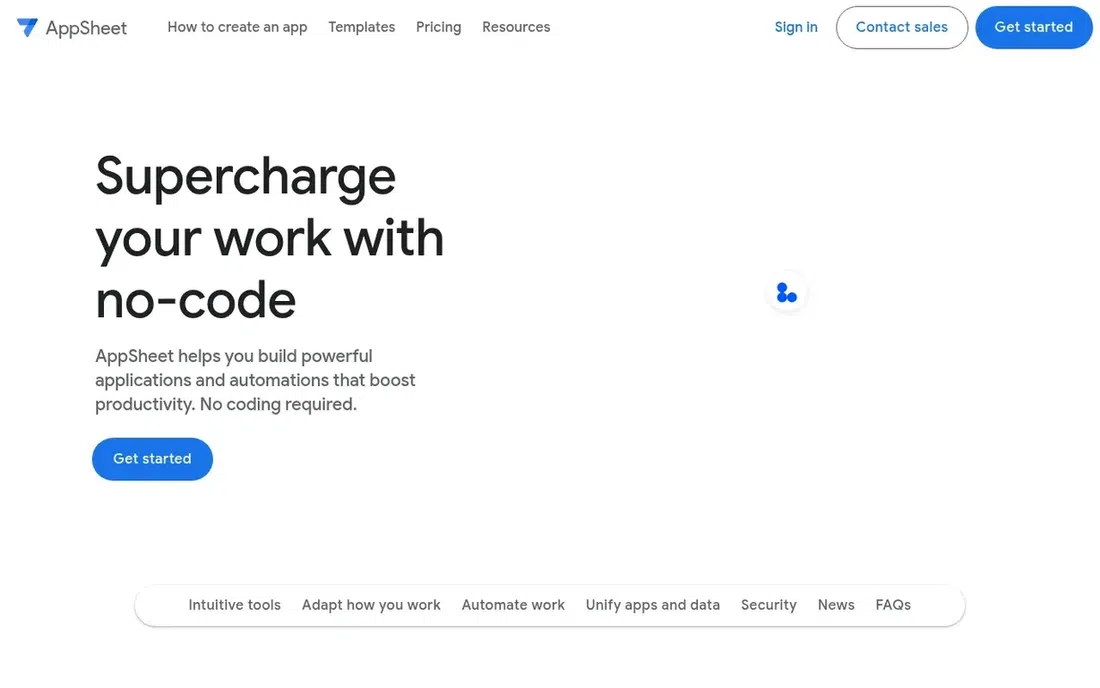
Google AppSheet is aimed squarely at no-code app development. If you need more control, consider Retool or Microsoft Power Apps instead.
Limits contain fewer advanced customization choices compared with low-code products. Google AppSheet pricing: $5 per user per month. Trial and free access: Free trial.
The main drawbacks: Restricted to Google AppSheet capabilities.
- No-code app building
- Transforms business processes
- May lack advanced customization
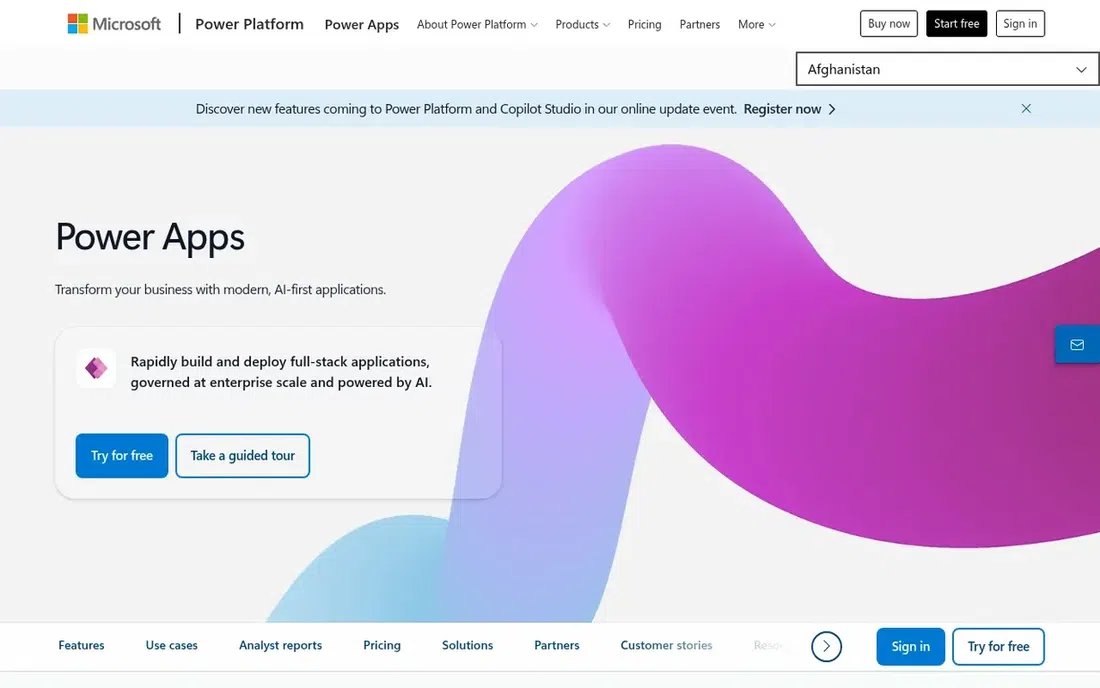
Microsoft Power Apps targets low-code business app creation. It suits teams already using Microsoft services and those seeking a low-code path to AI-assisted app development.
Limits to weigh: May need governance for large deployments.
More specifically, if you need a no-code tool or deeper customization, consider Google AppSheet or Retool instead. Check the vendor site for Microsoft Power Apps pricing; none is listed in this comparison. Microsoft Power Apps includes a free tier.
- Simplifies business processes
- Low-code app builder
- Needs Microsoft ecosystem familiarity
Think of Retool for building internal tools with AI. It is primarily for internal tools instead of customer-facing apps and may need technical skills.
Drawbacks to consider: May need technical knowledge.
Worth adding: if you need a no-code option, consider Google AppSheet instead. Retool starts at: $10 per builder per month. Retool has a free plan.
- Links to databases, APIs, LLMs
- Uses AI throughout
- Centred on internal tools
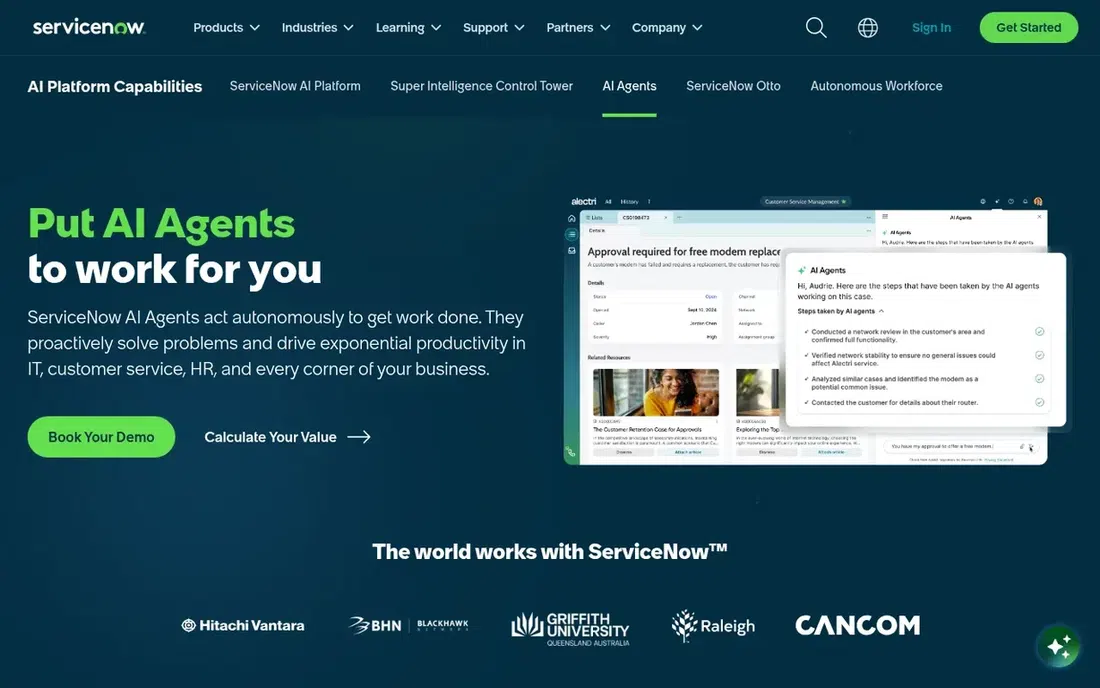
ServiceNow AI Agents is aimed squarely at boosting productivity with AI agents. ServiceNow AI Agents are built to boost productivity across your business, with resources for example expert insights and demos.
Limits to weigh: Needs ServiceNow familiarity.
This tool fits organizations already using ServiceNow or those looking to integrate AI agents into existing workflows. ServiceNow AI Agents shows no starting price here, so confirm the cost on the vendor site. As for free access: Not stated.
- Expert insights available
- AI agents for productivity
- May be less centred on full app building
How we compared the tools
LinkVetted looked at what each vendor publishes: pricing, plan limits, feature coverage for comprehensive AI app building software and stated drawbacks. No hands-on testing is claimed. Treat prices as a snapshot: vendors change plans often, so check the vendor site for the figure that applies today. The order reflects how well each tool fits the most common buying scenario for comprehensive AI app building software, then price clarity, then free plan access. It is a starting point, not a verdict.
Things to verify first
- Ask OutSystems, Appian, Microsoft Power Apps and ServiceNow AI Agents for a written quote, since no starting price is shown.
- Look at free plan limits closely: Microsoft Power Apps and Retool have one, and the caps decide whether it is usable for real work.
- Take the trial from Google AppSheet and push a live task through it before you pay.
- Read the limits listed for OutSystems first: may be complicated for straightforward apps.
- Involve the people who will use Appian daily; a short pilot beats a long feature checklist.
- Ask whether ServiceNow AI Agents integrates with your current software, and whether that comes standard or as an add-on.
FAQ
Which tool is best for no-code app building?
The first pick on this list is OutSystems, because it suits enterprise app and AI agent development. Appian is better for AI process orchestration, and Google AppSheet for no-code app development. Check price and limits against your own needs before choosing.
Is OutSystems the right pick for everyone comparing comprehensive AI app building software?
No single tool suits every team. OutSystems comes first because it fits enterprise app and AI agent development, while Appian suits AI process orchestration and Google AppSheet suits no-code app development. Match the tool to your own size, budget and workflow before deciding.
Do these tools publish their prices?
Not all of them. OutSystems, Appian, Microsoft Power Apps and ServiceNow AI Agents publish no starting price, so expect a quote request for those. The rest, Google AppSheet included, show a starting price, though seats and billing terms still change the final cost.
Can I try these options before paying?
Often, yes. Microsoft Power Apps and Retool have a free plan and Google AppSheet offers a free trial. Use your own data and a real task during the test, and check what the free tier or trial limits before you rely on it.
How do I choose between low-code and no-code systems?
Consider your team's technical skills and the complexity of your apps. More specifically, low-code systems like Microsoft Power Apps offer more adaptability, whereas no-code tools like Google AppSheet are simpler for non-developers.
What is thorough AI app building software?
It is a product that merges app development tools with AI capabilities to help build, deploy, and handle applications. These products frequently contain low-code or no-code interfaces and AI assistance for automation and productivity.
Sources
- https://www.outsystems.com
- https://appian.com
- https://about.appsheet.com
- https://powerapps.microsoft.com
- https://retool.com
- https://www.servicenow.com/products/ai-agents.html