Best SEO Search Tools in 2026: 10 Tools Compared
Our guide to the best seo search tools compares keyword research, rank tracking and site audits, with current pricing, strengths and honest limits today.

- Editor's choice
 Ahrefs
Backlink and competitor research
Starts at$129 per monthVisit ahrefs.comFull review - Great alternative
 Semrush
All-in-one SEO and content research
Starts at$139 per monthVisit semrush.comFull review - Also consider
 Moz Pro
Beginner-friendly research and tracking
Starts at$49 per monthVisit moz.comFull review
TL;DR:
- Ahrefs and Semrush remain the broadest suites, but both now start above $120 per month, so smaller sites should check the cheaper picks first.
- SE Ranking and Mangools cover keyword research, rank tracking and audits at a lower price, with limits on projects and tracked keywords.
- Screaming Frog is the best value for technical audits, since its free version crawls up to 500 URLs and its paid licence is annual, not monthly.
- No single tool replaces Google Search Console, which shows your own clicks and queries for free and pairs well with any paid tool here.
Quick comparison
| Tool | Best for | Starts at | Free plan? | |
|---|---|---|---|---|
| Ahrefs | Backlink and competitor research | $129 per month | Yes, limited | Visit |
| Semrush | All-in-one SEO and content research | $139 per month | Yes, limited | Visit |
| Moz Pro | Beginner-friendly research and tracking | $49 per month | Free trial | Visit |
 SE Ranking | Affordable all-in-one SEO for small teams | $129 per month | Free trial | Visit |
 Mangools | Simple keyword research on a budget | See website | Yes, limited | Visit |
 Serpstat | Multi-market keyword and competitor data | See website | Free trial | Visit |
 Screaming Frog SEO Spider | Technical site audits | $279 per year | Yes, limited | Visit |
 Surfer SEO | Content optimisation based on top results | See website | No | Visit |
 SpyFu | Competitor keyword and ad research | $39 per month | No | Visit |
 Majestic | Deep backlink and trust metrics | See website | No | Visit |
The best SEO search tools
Search tools differ more than their home pages suggest. Some are built for finding keywords, others for tracking rankings, and a few for crawling a site to find technical faults. We compared official feature pages, pricing pages and public documentation, then picked tools that cover at least one of those jobs well.

Ahrefs is our pick for most people who need to understand why a competitor ranks. Its backlink data is deep, its keyword explorer gives search volume and difficulty in one view, and its audit flags broken links, redirect chains and thin pages without much setup. For a small business, the Lite plan covers a handful of projects, which is often enough to start.
The catch is cost control. Ahrefs uses credits for many reports, and adding a second user raises the bill. If you only need rank tracking, a cheaper tracker may suit you better. If you need to study competitors and links every week, Ahrefs earns its price.
- Very large backlink index
- Clear keyword difficulty scores
- Useful Site Audit and Rank Tracker
- Credits and extra seats add cost
- Weekly rank updates on lower plans can feel slow
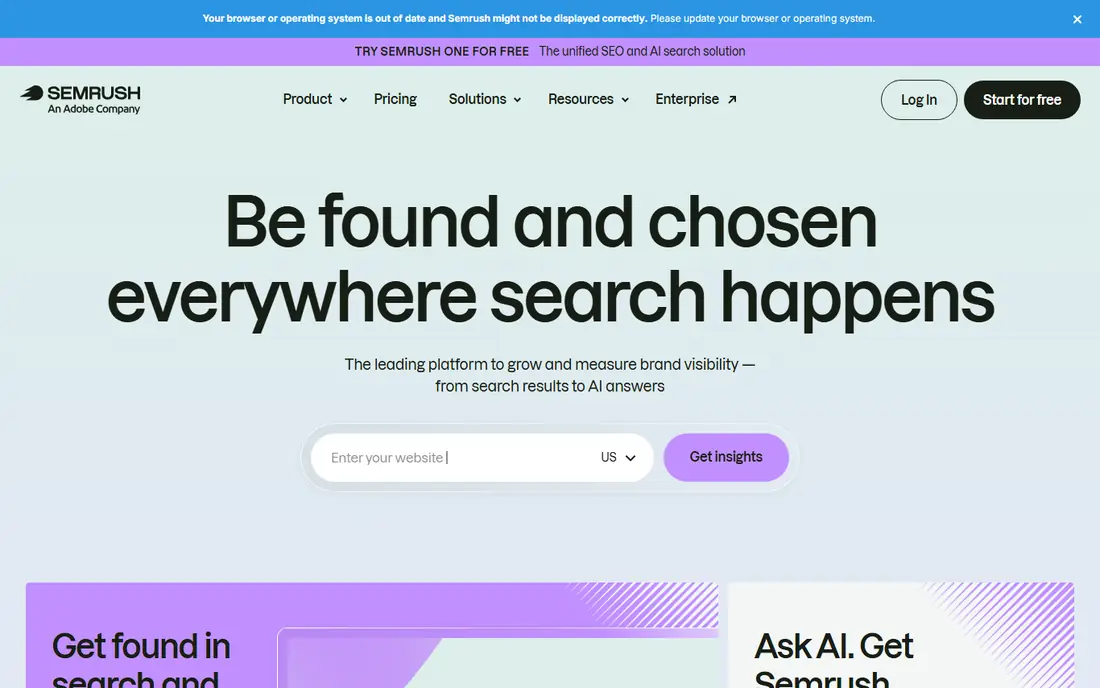
Semrush suits teams that want one login for research, tracking, audits and content briefs. Its keyword gap tool shows terms competitors rank for that you do not, which is a practical starting point for new pages. Daily position tracking also makes it easier to spot a sudden drop after a site change.
The trade-off is breadth against focus. A solo site owner may pay for advertising, social and PR tools that never get opened. Check the project and keyword limits before subscribing, and keep Google Search Console connected so you can compare paid estimates with real clicks.
- Broad toolkit covering SEO, content and advertising
- Daily rank tracking
- Strong keyword gap reports
- High entry price
- Many tools inside the suite go unused by small teams
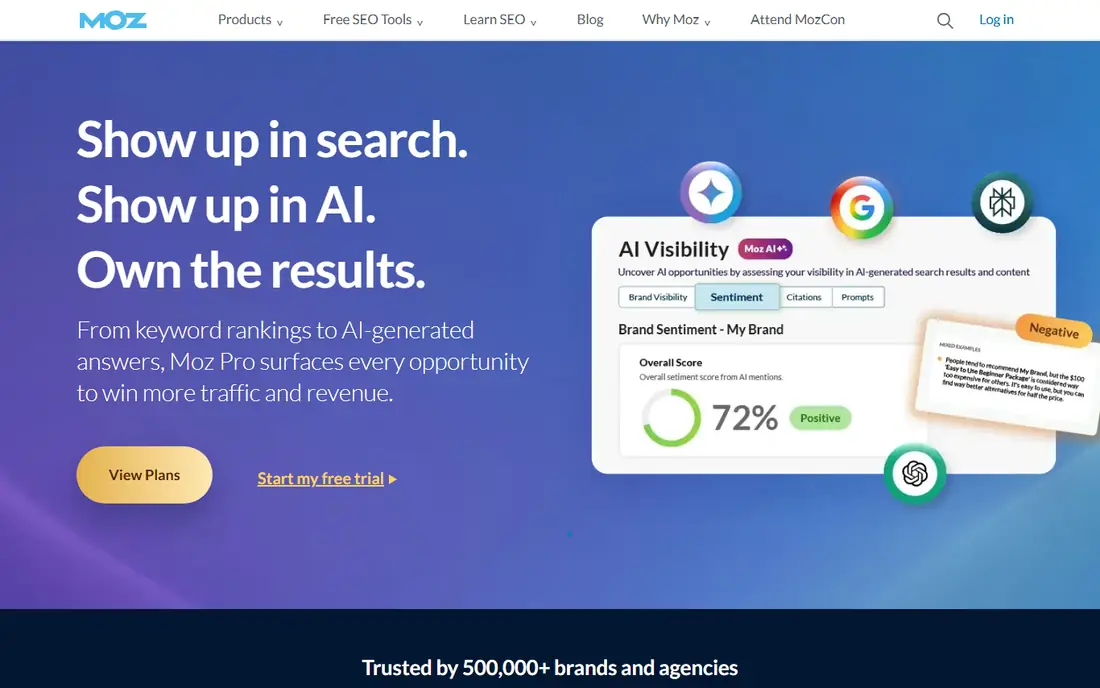
Moz Pro is a calm place to start with SEO. Its dashboard explains issues in plain terms, its keyword explorer groups related terms, and its rank tracker is simple to read. For a business owner who does SEO part of the week, that clarity matters more than having the largest database.
The honest limit is scale. Entry plans track few sites and keywords, so growing agencies outgrow it. Moz also works best as a research and tracking tool, not as a content writer or a technical crawler for very large sites.
- Easy to learn
- Domain Authority is widely referenced
- Clear site crawl reports
- Smaller keyword and site limits on entry plans
- Backlink data is less deep than Ahrefs
SE Ranking gives small teams a full suite without the enterprise feel. You can research keywords, track positions daily, run site audits and send client reports from the same account. That combination is useful for freelancers who need to show progress each month.
Pricing needs a careful read. The headline plan covers a set number of projects and keywords, and extra capacity comes through add-ons. Map your client count and keyword list before choosing a tier, so the monthly bill stays predictable.
- Daily rank tracking
- Audits, backlink checks and reporting in one plan
- White-label reports for clients
- Some features are metered with add-ons
- Interface takes time to learn
Mangools is built for people who mainly need keyword ideas and a quick sense of ranking difficulty. KWFinder returns related terms, volume and difficulty in a clean layout, and SERPWatcher tracks positions without a steep setup. It is a good fit for bloggers and small shops.
It is not a replacement for a deep backlink suite. Daily lookup limits can frustrate heavy research days, and agencies tracking many clients will hit the caps. For one or two sites, though, it is one of the easiest tools to use well.
- Very easy keyword tool
- SERPChecker shows real results pages
- Low learning curve
- Tight daily lookup caps
- Backlink data comes from a partner, not its own index
Serpstat appeals to teams working across more than one country or language. Its databases cover many markets, its batch tools handle long keyword lists, and its competitor reports show shared and missing keywords. That makes it practical for content planning at scale.
New users should expect a learning curve. The dashboard packs many modules into one screen, and daily rank checks sit on higher plans. If you work in one market only, a simpler tool may be faster day to day.
- Good value for multi-country research
- Batch analysis for large keyword lists
- API access on higher plans
- Interface feels busy
- Rank update frequency varies by plan
Screaming Frog is the tool we reach for when a site has a technical problem. It crawls your pages and lists status codes, missing titles, duplicate headings and redirect chains in a sortable table. You can export the results and hand them to a developer with clear priorities.
It is a specialist, not a suite. It will not suggest keywords or track rankings, and it runs on your computer rather than in a browser. Pair it with Search Console and one research tool, and most technical audits are covered for a modest annual cost.
- Finds broken links, redirects and duplicate content fast
- Free version crawls up to 500 URLs
- One annual licence
- Desktop software, not a cloud dashboard
- No keyword research or rank tracking built in
Surfer SEO helps writers shape a page around what already ranks. It compares top results for a query, suggests terms, headings and word counts, and scores a draft as you edit. For teams publishing regularly, that feedback loop improves briefs and revisions.
Treat the score as guidance, not a target to chase at all costs. A page can score highly and still read poorly, so keep an editor in charge of sense and tone. Surfer also does not replace keyword research, so budget for a second tool if you do not already have one.
- Clear content scores based on ranking pages
- Audit tool for existing articles
- Outline builder for new posts
- Needs a separate keyword and rank tool for full SEO
- Scores can tempt writers to over-optimise
SpyFu is a smart buy when competitor research is the main job. It shows which keywords a rival ranks for, which ads they run, and how that mix has changed over time. For a small team planning content or paid search, that history is genuinely useful.
It is less strong as a daily rank tracker or a technical auditor. Weekly updates are fine for strategy, but not for spotting a sudden ranking drop the day it happens. Use it alongside Search Console for current performance data.
- Low entry price
- Long competitor history
- Shows organic and paid keywords side by side
- Rank tracking is weekly on lower plans
- Data depth varies by market
Majestic is for link analysis first and everything else second. Its Trust Flow metric helps separate strong, topical links from weak ones, and its historic index shows links that other tools may have dropped. Link builders and auditors use it to judge a domain before pitching or buying.
That focus is also its limit. Majestic will not help you pick keywords, write content or audit page speed. Buy it when link quality decisions matter to your work, and pair it with a broader suite for the rest of SEO.
- Trust Flow and Citation Flow give a quick link quality read
- Large historic link index
- Useful link context reports
- Narrow focus on links
- Interface feels dated
- No keyword research or content tools
How we picked these
We compared official feature pages, pricing pages and public documentation for each tool, and favoured tools that are actively sold and maintained in October 2026. We looked for a clear job each tool does well, current pricing or a clear path to it, and an honest limit that buyers should know before subscribing. Tools with only vague claims, or with no working official site, were left out.
What to check before you pay
Start with the job, not the brand. If you need keywords, pick a research tool. If you need to watch rankings after a redesign, pick a daily tracker. If pages are broken or slow, pick a crawler first. Buying a full suite for one job wastes money, and buying a narrow tool for five jobs wastes time.
Count keywords, projects and seats first
Entry plans differ most in limits, not features. Write down how many sites you manage, how many keywords you must track, and how many people need access. Then match those numbers to the plan, including credit systems and add-ons, before the trial ends.
Keep Search Console in the mix
Google Search Console is free and shows real impressions, clicks and queries for sites you verify. Paid tools estimate volume and rankings, so use both. When a paid estimate and Search Console disagree, trust Search Console for your own site and use the paid tool for competitor context.
Trial with a real task
Use a trial to complete one real job, such as auditing your site or building a keyword list for your next ten pages. If the tool does not finish that job clearly, a longer subscription will not fix it. Cancel before the trial ends if the fit is poor.
FAQ
What are the best SEO search tools for beginners?
Mangools and Moz Pro are the easiest starting points, because their keyword tools explain difficulty and volume without a wall of extra modules. Pair either one with Google Search Console, which is free, and add Screaming Frog for technical checks. That combination covers research, tracking and audits at a modest cost.
Do I need both Ahrefs and Semrush?
Most small teams do not. Both are broad suites with overlapping research, tracking and audit features, so paying for both usually duplicates cost. Pick the one whose interface you prefer and whose limits fit your keyword count, then add a specialist only for a gap, such as Screaming Frog for crawling.
How accurate are keyword search volumes?
Volumes are estimates based on models and sampled data, not exact counts from Google. Treat them as a way to compare terms, not as a promise of traffic. Check Search Console after publishing to see which queries actually bring clicks, and adjust your content from that real data.
Is a free SEO tool enough for a small site?
For a very small site, Google Search Console plus the free tier of Screaming Frog or Mangools can be enough to find faults and pick keywords. Paid tools become worth it when you track many keywords, study competitors often, or report to clients. Start free, then upgrade when a limit blocks real work.
How often should I check rankings?
Weekly checks suit most small sites, since rankings move slowly and daily noise can distract from content work. Daily tracking helps after a redesign, a migration or a sudden traffic drop, when you need to see recovery quickly. Either way, look at trends over weeks, not single-day jumps.
What is the difference between a rank tracker and a keyword research tool?
A keyword research tool finds terms people search for and estimates volume and difficulty. A rank tracker watches where your pages sit for a chosen list of terms over time. Many suites include both, but narrow tools do one job better, so check which job you actually need before buying.
Sources
- https://ahrefs.com/pricing
- https://www.semrush.com/pricing
- https://moz.com/products/pro/pricing
- https://www.seranking.com/pricing.html
- https://mangools.com/pricing
- https://serpstat.com/pricing
- https://www.screamingfrog.co.uk/seo-spider/pricing/
- https://surferseo.com/pricing/
- https://www.spyfu.com/pricing
- https://majestic.com/plans-pricing