Choosing Chrome Extensions for Link Building in 2026: 6 Options Compared
A practical guide to the best Chrome extensions for link building in 2026, covering prospecting, outreach, SEO metrics and link checks from vendor docs.
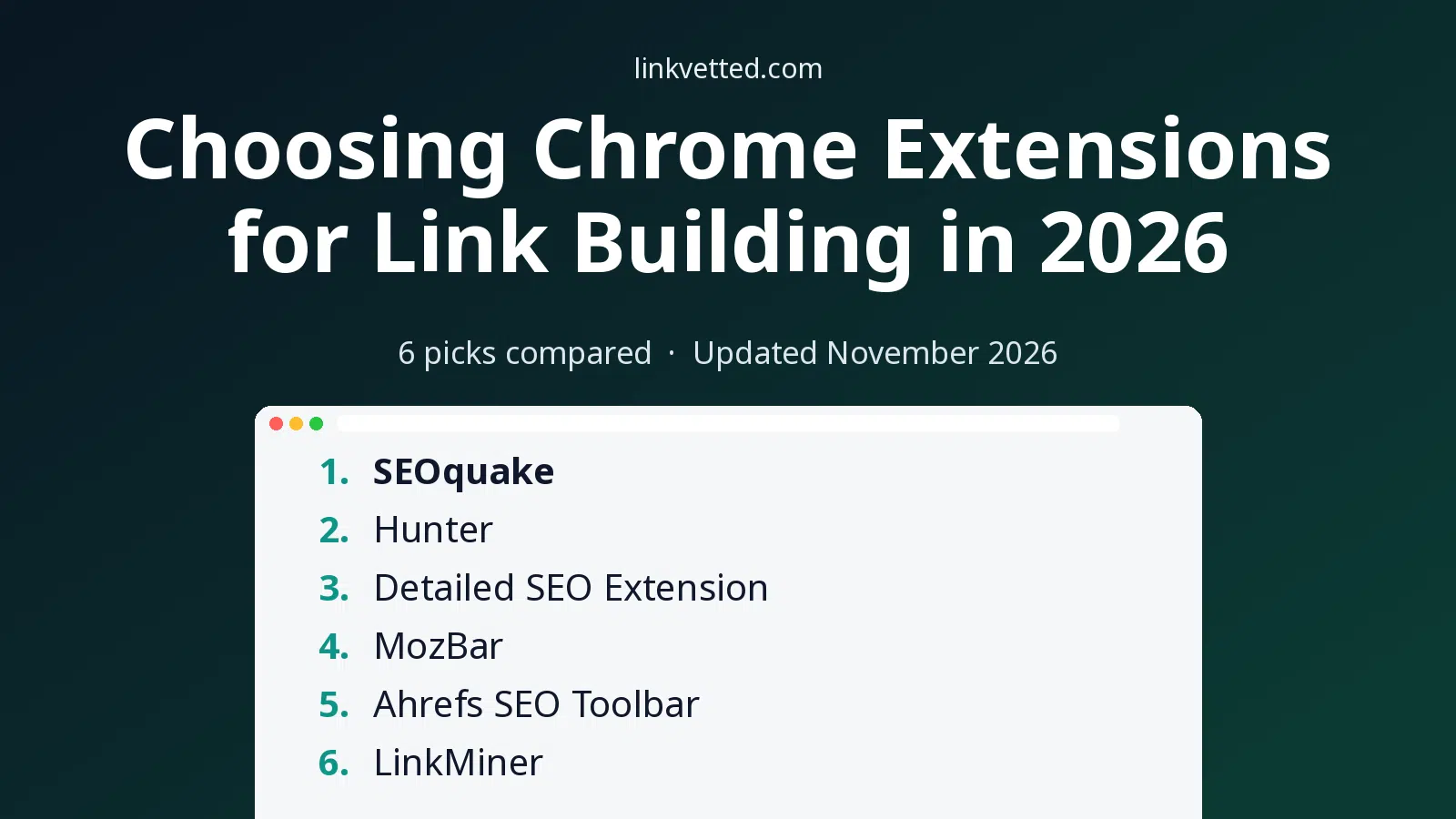
- Editor's choice
 SEOquake
Quick domain and link metrics
Starts atSee websiteVisit seoquake.comFull review - Great alternative
 Hunter
Finding outreach email addresses
Starts atSee websiteVisit hunter.ioFull review - Also consider
 Detailed SEO Extension
One-click on-page and link checks
Starts atSee websiteVisit detailedseo.comFull review
Direct answer
My top pick is the SEOquake extension, because it puts link and domain metrics from Semrush on the page you are already viewing, which speeds up prospecting. For outreach and contact research, Hunter works well, and for checking whether a link is live or nofollowed, the Detailed SEO Extension is the simplest option. Each one covers a different part of the link building workflow, so many people end up using two or three together.
TL;DR:
- Chrome extensions help most with prospecting, contact finding and quick link checks, not with writing content or sending campaigns.
- SEOquake is the most useful single extension for reading domain and link metrics without leaving a page.
- Hunter is built for finding email addresses and is a natural fit for outreach research.
- The Detailed SEO Extension answers basic on-page and link questions in one click.
- No extension replaces a proper backlink tool or a CRM, so treat these as helpers rather than the whole stack.
Last checked November 2026. Plan prices are not quoted in this guide because they change often; see each vendor's own pricing page for current figures before you buy.
Quick comparison
| Tool | Best for | Starts at | Free plan? | |
|---|---|---|---|---|
| SEOquake | Quick domain and link metrics | See website | Free plan | Visit |
| Hunter | Finding outreach email addresses | See website | Free plan | Visit |
| Detailed SEO Extension | One-click on-page and link checks | See website | Free plan | Visit |
 MozBar | Reading Moz metrics on any page | See website | Free plan | Visit |
 Ahrefs SEO Toolbar | Ahrefs users checking pages | See website | No free plan | Visit |
| LinkMiner | Quick backlink looks on a page | See website | Free plan | Visit |
The best Chrome extensions for link building compared
I put this list together from vendor documentation and public sources, and I did not run hands-on tests of each extension. The aim is to show what each tool is documented to do, where it fits in a link building workflow, and where its limits are, so you can decide which ones are worth adding to your browser.
SEOquake is a browser extension from Semrush that adds an SEO toolbar to Chrome. When you open a page, it can show domain-level and page-level metrics, including link-related figures, without you switching tabs. For link building, that makes it useful during prospecting, when you are scanning a list of sites and want a fast sense of whether a domain is worth pursuing.
The workflow is simple. You open a prospect page, read the metrics in the toolbar, and decide whether to keep or drop the site. Because the data comes from Semrush, the extension is most useful if you already use that platform or plan to. It does not send outreach or manage a pipeline.
The main limit is that it is a reading tool, not a link database you can query in depth. If you need full backlink reports, you will still use the main Semrush app. Skip it if you do not use Semrush and do not want another metrics source in your browser.
- Shows metrics on the page you are viewing
- includes link and domain data from Semrush
- has a toolbar with several SEO checks
- Data depends on the Semrush index
- some features need a Semrush account
Hunter is an email finding and outreach tool with a Chrome extension. You open a company website, and the extension looks for publicly available email addresses linked to that domain. For link building, this fits the step after prospecting, when you have a target site and need a contact to approach.
In practice, I use a tool like this to turn a list of prospect domains into a list of possible contacts. The extension saves you from copying domains into a separate search tool one at a time. It is a helper for the contact research stage, not a replacement for a CRM or an email sending platform.
The limit is that email discovery is never complete, and some sites publish no addresses at all. You should still verify addresses before sending anything. Skip it if your outreach is handled entirely by an agency or a platform that already includes contact data.
- Finds email addresses from a company domain
- works as a Chrome extension
- helps with contact research
- Results can be incomplete
- email finding is not the same as link prospecting
The Detailed SEO Extension is a Chrome extension that shows on-page SEO details for the page you are viewing. It covers headings, meta information, links and other elements in a single panel. For link building, it is handy when you want to check how a page links out, whether a link is present, and what the surrounding structure looks like.
I find it most useful for quick checks rather than research. If a partner says a link is live, you can open the page and confirm it. If you are reviewing a target page before pitching, the panel gives you a fast read on its structure and outbound links.
Its limits are clear: it is an on-page inspector, not a backlink index. It will not tell you who links to a domain. Skip it if you only need domain metrics and never check individual pages.
- Shows on-page details in one panel
- helps check links and headings
- simple interface
- Not a backlink database
- focused on the page you are viewing
MozBar is Moz's Chrome extension. It displays Moz metrics for the page and domain you are viewing, including link-related figures such as domain authority and page authority. For link building, it gives you a quick read on a prospect's strength while you browse, without opening the Moz app.
The extension fits naturally into a prospecting session. You open candidate sites, read the metrics, and note the ones that look worth pursuing. Because the numbers are Moz's own, they are best used for relative comparison rather than as an absolute measure.
The main drawback is that the most useful parts sit behind a Moz account, and the free version is limited. If you already pay for Moz, the extension is a sensible add-on. If you use a different backlink platform, you may not need a second metrics source.
- Shows Moz metrics while browsing
- includes link-related figures
- familiar to long-time SEO users
- Full features need a Moz account
- metrics are Moz's own
The Ahrefs SEO Toolbar is Ahrefs' Chrome extension. It shows Ahrefs metrics for the page and domain you are viewing, including link-related data, so you can assess a prospect without leaving the page. It is built for people who already use Ahrefs as their main backlink tool.
For link building, the extension streamlines prospecting. You can open a site, read the metrics, and decide whether to add it to a list. Because the data matches what you see in the Ahrefs app, there is no second set of numbers to reconcile.
The obvious limit is that it needs an Ahrefs subscription, and there is no free plan for the extension. If you do not use Ahrefs, skip it. If you do, it saves a lot of tab switching during prospecting.
- Shows Ahrefs metrics while browsing
- includes link and page data
- useful for Ahrefs subscribers
- Requires an Ahrefs subscription
- not useful without an account
LinkMiner
Best for: Quick backlink looks on a page
LinkMiner is a backlink tool from Mangools, and it has a Chrome extension that shows backlink data for the page you are viewing. For link building, it lets you check a prospect's backlinks quickly, which can help you judge whether a site is relevant and active.
The extension fits the prospecting and review stages. You open a page, look at its backlink profile, and decide whether it is worth pursuing. Because it is part of Mangools, it works best if you already use that suite for keyword and SEO research.
The main limit is that it is tied to the Mangools ecosystem and its index is smaller than the largest platforms. If you need very broad backlink coverage, you will want a larger database. If you already use Mangools, the extension is a convenient addition.
- Part of the Mangools suite
- shows backlink data for the page you are viewing
- simple interface
- Tied to the Mangools ecosystem
- smaller index than larger platforms
How I chose
I chose these extensions by reading vendor documentation and public sources, then mapping each one to a specific step in a link building workflow: prospecting, contact research, link checking and metrics review. I did not run hands-on tests, so the notes here describe what each vendor says the tool does and where it is documented to fit, not measured results from my own use.
I also weighed limits. An extension that only works with one paid platform is less useful if you do not use that platform, and a tool that only reads on-page details will not replace a backlink index. The list favors tools that do one job clearly and are documented to work inside Chrome, rather than tools that promise to handle the whole link building process.
What to check before you buy
- Confirm the extension is published by the official vendor and installed from the Chrome Web Store listing linked from the vendor site.
- Check which data source the metrics come from, because figures differ between platforms and are best used for relative comparison.
- Confirm whether the extension needs a paid account on the vendor's main platform to show useful data.
- Review the permissions the extension requests, especially access to all sites and browsing data.
- Check whether the extension covers the specific step you need, such as contact finding, link checking or domain metrics.
- Look at the vendor's update history and support documentation to see whether the extension is actively maintained.
FAQ
Do I need a Chrome extension to build links?
No. Extensions are convenience tools that save tab switching during prospecting and checks. The core work, which is finding relevant sites, reviewing them and approaching them, can be done with the vendor's web app. Extensions help most when you spend a lot of time browsing prospect sites.
Which extension is best for finding outreach contacts?
Hunter is the most direct fit because it is built for finding email addresses from a company domain. It works as a Chrome extension and fits the contact research step. Results can be incomplete, so verify addresses before sending. Some outreach platforms also include contact data, which may remove the need for a separate extension.
Can these extensions replace a backlink tool?
No. Most of them show metrics or on-page details for the page you are viewing, but they do not replace a full backlink index or a link management workflow. Use them alongside a backlink platform and a CRM or outreach tool. The extension is the quick check, not the database.
Are free versions enough for link building?
For light use, yes. Several of these extensions have a free plan that shows basic metrics or on-page details. The free versions are usually limited in depth or require an account on the vendor's platform for full data. If you prospect every day, a paid plan on the main platform is usually the better fit.
Do these extensions work outside Chrome?
Some vendors offer versions for other browsers, but availability varies. Check the vendor's site for the current list of supported browsers. The workflow described here assumes Chrome, since that is the focus of this guide. If you use another browser, confirm the extension is available before relying on it.
Sources
- https://www.seoquake.com
- https://hunter.io
- https://detailedseo.com
- https://moz.com/products/pro/mozbar
- https://ahrefs.com/seo-toolbar
- https://mangools.com/linkminer