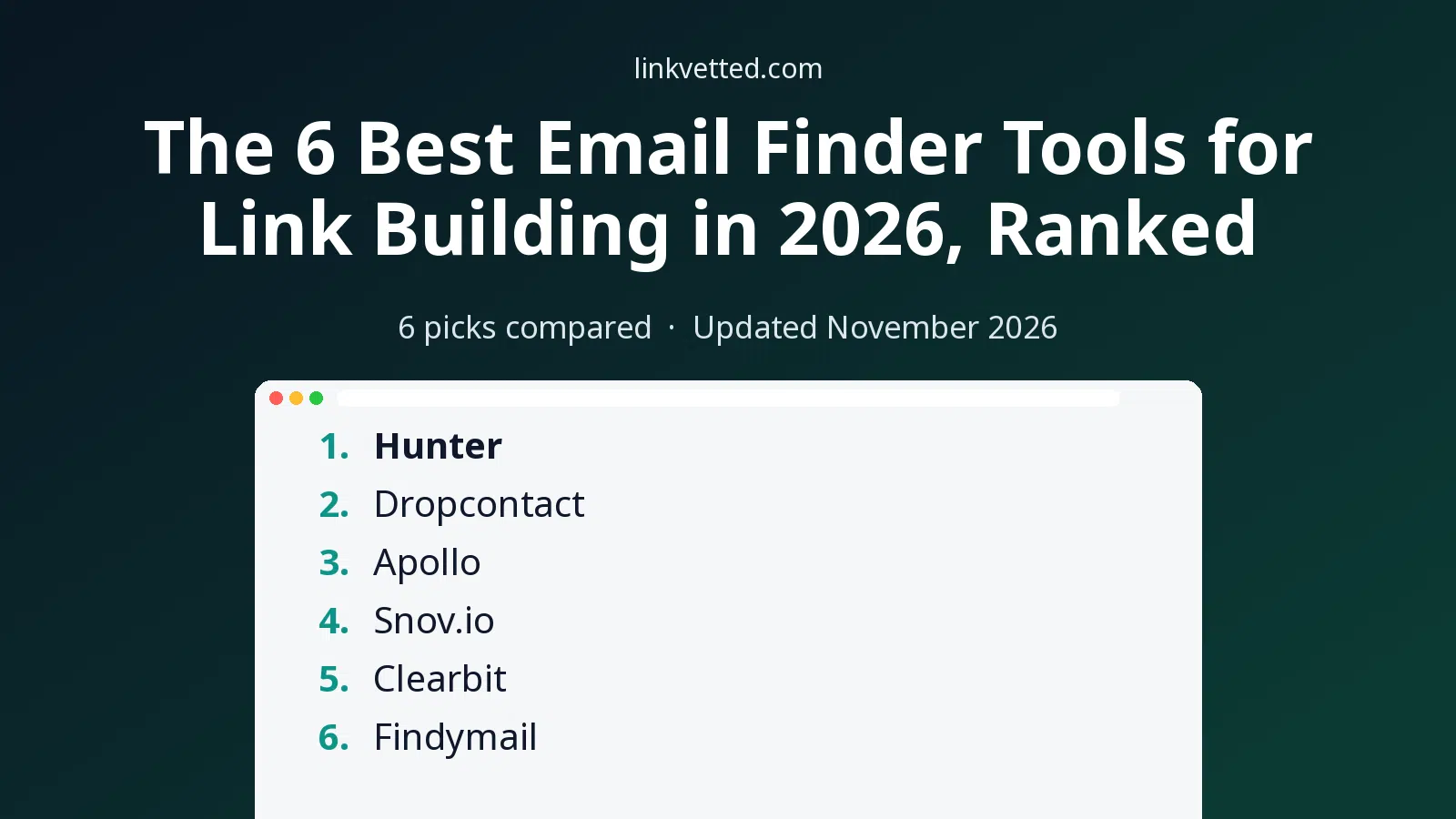
The 6 Best Email Finder Tools for Link Building in 2026, Ranked
A practical comparison of the best email finder tools for link building in 2026, covering how each one fits outreach workflows and where it falls short.
- Editor's choice
 Hunter
Finding contacts from a target website
Starts atSee websiteVisit hunter.ioFull review - Great alternativeDropcontact
Enriching existing prospect lists
Starts atSee websiteVisit dropcontact.comFull review - Also consider
 Apollo
Building large prospect lists
Starts atSee websiteVisit apollo.ioFull review
Direct answer
Hunter is my first pick for most link building outreach because it combines domain search, a verification step and a simple campaign feature in one place, which suits small teams sending targeted pitches. If you work mostly from prospect lists in a spreadsheet, Dropcontact is a strong alternative for European contacts and enrichment. If you need a large contact database to build lists from scratch, Apollo is the better fit. I based this on vendor documentation and public sources.
TL;DR:
- The best email finder for link building depends on whether you start from a website, a list or a database search.
- Verification matters as much as finding, because a bounced pitch wastes the outreach slot and can hurt sender reputation.
- Tools that export directly to CSV or your CRM save time when you send hundreds of personalised pitches.
- Coverage differs by region, so check country-level support before committing to a tool for non-English markets.
- Most tools offer a free tier or trial, so you can test coverage on your own prospect list first.
Last checked November 2026. Plan prices are not quoted in this guide because they change often; see each vendor's own pricing page for current figures before you buy.
Quick comparison
| Tool | Best for | Starts at | Free plan? | |
|---|---|---|---|---|
| Hunter | Finding contacts from a target website | See website | Free plan | Visit |
| Dropcontact | Enriching existing prospect lists | See website | Free trial | Visit |
| Apollo | Building large prospect lists | See website | Free plan | Visit |
 Snov.io | Finding emails and running outreach together | See website | Free plan | Visit |
 Clearbit | Enriching CRM records at scale | See website | Free trial | Visit |
 Findymail | Quick lookups with a simple interface | See website | Free trial | Visit |
The best email finder tools for link building compared
I compared these tools from vendor documentation and public sources, looking at how each one fits a link building workflow rather than running my own hands-on tests. The notes below focus on where you start your search, how verification works and what you get for outreach follow-up.
Hunter is built around a domain search: you enter a company website and it returns email addresses it has found publicly, along with the person's role and the source. For link building this fits the common workflow of finding a specific editor or content manager at a site you want to pitch. It also has a verifier you can run on addresses before sending.
In practice, I would use Hunter when I already know the target site and need a named contact. The campaign feature lets you send a short sequence from inside the tool, which is useful for small batches. The main limit is database size: for very large list building you will likely need a second source.
Skip Hunter if you need to build thousands of contacts from scratch or if your outreach is mostly in languages other than English, where coverage is thinner.
- Domain search returns named contacts with roles
- built-in verification step
- simple campaign feature for outreach
- Smaller database than dedicated sales platforms
- campaign features are basic
Dropcontact
Best for: Enriching existing prospect lists
Dropcontact is an enrichment tool rather than a search engine. You upload a list of names and companies, and it fills in verified email addresses in bulk. For link building, that suits the workflow where you have already collected target sites and contact names from a prospecting sheet and just need the addresses.
The tool is particularly relevant if you pitch European publishers, where its coverage is a common reason people choose it. It integrates with spreadsheets and CRMs, so the enriched list flows into whatever you use for outreach. It does not give you a database to search, so it is a complement to, not a replacement for, a finder.
Skip it if you have no list yet or if you want outreach sending inside the same tool.
- Strong European coverage
- enriches lists in bulk
- works well with spreadsheets and CRMs
- Less useful for building lists from zero
- fewer outreach features
Apollo is a sales intelligence platform with a large searchable contact database. For link building, its value is list building: you can filter by job title, industry and location to find content managers, editors and marketing leads at sites in your niche, then export the list.
Because it is designed for sales teams, it also includes sequencing and CRM features, which means you can move from list to pitch without leaving the platform. The trade-off is accuracy: public sources note that data quality varies by region and company size, so verification before sending is still needed.
Skip Apollo if your outreach is small and highly targeted, where a domain search tool is faster, or if you work mainly in regions where its coverage is weak.
- Large searchable database
- filters by role, industry and location
- includes outreach sequencing
- Accuracy varies by region
- data can be stale for smaller sites
Snov.io bundles email finding, verification and outreach into one platform. For link building, that means you can search for a contact at a target site, verify the address and add it to a sequence without switching tools. The browser extension helps when you are browsing a publisher site and want to check for a contact quickly.
The combination is useful for small agencies that want one subscription instead of three. The downside is that the interface carries a lot of features, and some of the more advanced sending options sit on higher plans, so check what your plan includes before relying on it.
Skip it if you already have a separate outreach tool you like, or if you only need occasional lookups.
- Combines finder, verifier and email sequences
- browser extension for LinkedIn and sites
- drip campaigns included
- Interface can feel crowded
- some features gated by plan
Clearbit is a data enrichment platform used mainly by sales and marketing teams to keep CRM records complete. In a link building context, it is most useful if you already store prospects in a CRM and want contact details filled in automatically as records are created.
It is not a search tool for finding new target sites, so it fits the later stage of a workflow: you have the prospect, and Clearbit supplies the missing contact data. The pricing and positioning are aimed at teams with a sales stack, which makes it a poor fit for a solo SEO doing occasional outreach.
Skip it if you do not use a CRM or if your outreach volume is low.
- Strong enrichment for company and contact data
- integrates with common CRMs
- useful for keeping records current
- Priced for sales teams
- overkill for small link building campaigns
Findymail is a focused email finder with a clean interface for single lookups and bulk list processing. For link building, it suits the moment when you have a target site or a short list and want the address quickly without navigating a large platform.
It includes verification, which matters for keeping bounce rates down, and it can process lists you upload. The trade-off is scale and ecosystem: as a newer provider it has fewer integrations and a smaller footprint than the larger platforms, so check coverage on your own prospects before committing.
Skip it if you need deep CRM integration or a very large searchable database.
- Simple, focused interface
- verification included
- works with lists and single lookups
- Newer and smaller provider
- fewer integrations than larger platforms
How I chose
I selected these tools by reading vendor documentation and public sources, then mapping each one to the stages of a link building workflow: finding target sites, identifying the right contact, verifying the address and sending the pitch. I did not run hands-on tests, so the notes describe documented features and positioning rather than my own benchmark results.
The main filters were fit and limits. A tool made the list if it clearly supports at least one link building stage and if its public documentation explains coverage, verification and export options. I left out platforms where the public information was too thin to describe honestly, and I noted the drawback for each pick so you can judge whether it matters for your volume and region. Where a tool is aimed at sales teams rather than SEO agencies, I said so.
What to check before you buy
- Whether the tool starts from a domain, a list or a database search, and which of those matches how you prospect.
- Verification: confirm the tool checks deliverability and shows a confidence signal before you export.
- Regional coverage: test a handful of target sites in your main markets before paying for a plan.
- Export and integration: check CSV export and whether it connects to your CRM or outreach tool.
- Sending limits and sequence features if you plan to pitch from inside the same platform.
- Terms of use around data collection, so your outreach stays within the provider's rules and applicable law.
FAQ
What is the best email finder for link building?
There is no single best for every workflow. Hunter suits domain-based lookups and small campaigns, Dropcontact suits enriching an existing list, and Apollo suits building large lists from a searchable database. Match the tool to whether you start from a website, a spreadsheet or a database search.
Can I find outreach emails for free?
Several tools offer a free plan or trial with limited lookups, which is enough to test coverage on a small prospect list. Free tiers usually cap searches or exports, so for regular outreach you will likely need a paid plan. Always verify addresses before sending.
How do I avoid high bounce rates in outreach?
Run every address through a verifier before sending and remove addresses with low confidence. Send in small batches and watch bounce rates, then pause and clean your list if bounces rise. A finder with built-in verification, like Hunter or Snov.io, makes this step easier.
Are these tools accurate for non-English markets?
Coverage varies by region and provider. Dropcontact is often chosen for European contacts, while others may be thinner outside English-speaking markets. The practical approach is to test each tool on a sample of your actual target sites before committing to a plan.
Do I need a CRM to use these tools?
No. Hunter, Snov.io and Findymail work without a CRM, and CSV export covers most small campaigns. Clearbit is most useful if you already store prospects in a CRM. For a solo SEO doing targeted outreach, a finder plus a spreadsheet is usually enough.
Sources
- https://hunter.io
- https://www.dropcontact.com
- https://www.apollo.io
- https://snov.io
- https://clearbit.com
- https://www.findymail.com