Best Email Finder Tools in 2026: 8 Tools Compared
Compare the best email finder tools for verified business contacts, with free tiers, credit pricing and privacy notes for sales and recruiting teams now.

- Editor's choice
 Hunter
Domain based email search
Starts at$49 per monthVisit hunter.ioFull review - Great alternative
 Apollo
Prospecting plus outreach
Starts at$49 per monthVisit apollo.ioFull review - Also consider
 RocketReach
Executive contact data
Starts atSee websiteVisit rocketreach.coFull review
TL;DR:
- Hunter is the simplest starting point for domain based searches, while Apollo suits teams that also want outreach in one place.
- RocketReach and Lusha are stronger for executive and phone data, but credits cost more per contact.
- Always verify addresses before sending, because a found address is not proof that the inbox is monitored or that outreach is welcome.
- Use contact data only for legitimate business outreach, respect opt outs and privacy laws, and never use these tools to harass or spam people.
Quick comparison
| Tool | Best for | Starts at | Free plan? | |
|---|---|---|---|---|
| Hunter | Domain based email search | $49 per month | Yes | Visit |
| Apollo | Prospecting plus outreach | $49 per month | Yes | Visit |
| RocketReach | Executive contact data | See website | Yes | Visit |
 Lusha | Email plus phone data | See website | Yes | Visit |
 Snov.io | Finder plus email campaigns | $39 per month | Yes | Visit |
 UpLead | Verified contacts with guarantee | $99 per month | Free trial | Visit |
 Prospeo | Verified emails per valid result | See website | Yes | Visit |
 Tomba | Domain search plus verification | $49 per month | Yes | Visit |
The best email finder tools
The best email finder tools help sales, recruiting and marketing teams reach the right person at a company, without guessing at address patterns. These eight tools differ in coverage, verification, credit rules and price, so the best pick depends on how many contacts you need and how you will use them. A short note on consent and privacy: these tools list business contact data, but that does not give you permission to send unlimited messages. Follow anti spam laws, honor unsubscribe requests, and use a clear reason for contacting each person.
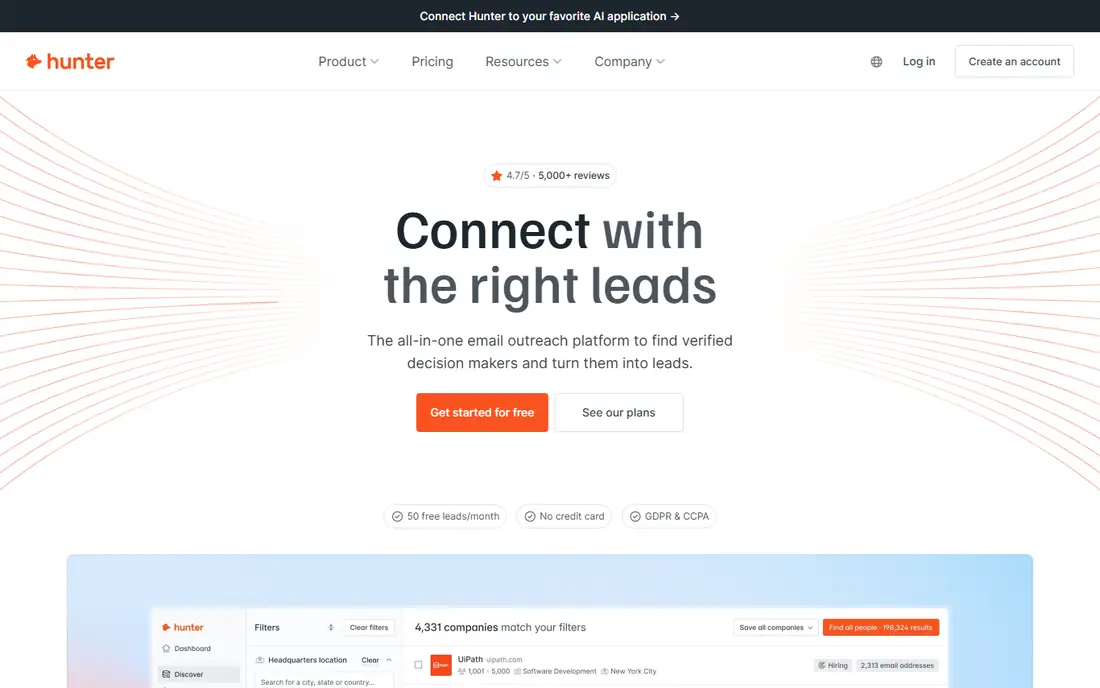
Hunter is the easiest email finder to understand. Enter a company domain and it returns publicly listed addresses linked to that domain, with confidence scores and source pages where available. Its verifier checks if an address looks deliverable, which helps keep bounce rates down. The Chrome extension lets you find addresses while browsing a company site or a profile page.
Hunter is less suited to teams that need phone numbers or deep company data, since its core strength is email. Free users get a small monthly allowance, and paid plans start around $49 per month in recent listings, with annual billing often lower. For a small team that mainly needs domain based email lookup, Hunter is a clean first choice.
- Simple domain search
- Email verifier
- Chrome extension for prospecting
- No phone data in core plans
- Credit use varies by search type

Apollo combines an email finder with prospecting and outreach, so a team can find contacts, build lists and send sequences without switching tools. Its database covers many companies and roles, and filters help narrow by industry, company size and job title. The free tier lets small teams test coverage for their own market before paying, which is valuable because accuracy varies by sector.
The downside is complexity. Credits, seats and export caps interact in ways that need careful reading before you buy. Paid plans are listed from around $49 per user per month in recent comparisons. If you want one platform for finding and contacting prospects, Apollo is hard to ignore, but test it with your real target list first.
- Large contact database
- Sequences and CRM sync
- Generous free tier for testing
- Credits and export limits can confuse
- Accuracy varies by industry and region
RocketReach is a favorite for recruiters and teams that need senior contacts. It aggregates professional profiles and contact details, and its extension works while browsing profile pages. Coverage for executives and hard to find roles is often better than budget finders, which is why recruiters keep it in their stack even when it costs more.
That cost is the catch. Paid plans are priced higher than Hunter or Snov.io in most listings, and the free allowance is small. Use RocketReach for high value contacts where one correct address matters more than bulk volume, and use a cheaper tool for larger lists. Check current pricing on the vendor site, since tiers change often.
- Broad professional coverage
- Useful for recruiters and executives
- Browser extension
- Higher cost per lookup than budget tools
- Free lookups are very limited
Lusha suits sales teams that need both email and phone data. Its extension reveals contact details on profile and company pages, and higher plans add company insights and buying signals. For teams that call as well as email, having both data types in one credit system is convenient, and the interface is easy for new reps to learn.
Phone credits are the main watch out. A phone reveal can cost far more credits than an email, so a team that needs many numbers can burn through a plan quickly. Recent listings put paid plans from around $37 to $40 per user per month, with higher tiers for larger teams. Plan your credit budget around phone use, not just email volume.
- Email and direct dial data in one tool
- Good extension
- Buying signals on higher plans
- Phone reveals cost many more credits than emails
- Pricing varies by plan
Snov.io is a good all in one option for cold email teams. It finds addresses by domain or by name, verifies them, and lets you run drip campaigns from the same account. Bulk tools help teams process lists, and integrations with common CRMs keep data in sync. The free tier gives a small credit allowance for testing.
Credits are the trade off, since finding and verifying can each cost credits, so one contact can cost more than one credit. Paid plans start around $39 per month in recent listings. For a team that wants finder, verifier and sending in one bill, Snov.io is a practical pick, provided you track credit use closely.
- Email finder, verifier and drip campaigns in one place
- Bulk search tools
- CRM links
- Verification uses extra credits
- Accuracy varies by region
UpLead targets teams that will pay more for verified data and a guarantee. It promises a high accuracy rate and offers credits back for bad data in many cases, which reduces the cost of bounces. Filters cover company technology, revenue and headcount, which helps teams build precise lists rather than broad ones.
The entry price, listed around $99 per month, is higher than Hunter or Snov.io, and the trial allowance is small. That makes UpLead a better fit for established sales teams than for a solo user testing the waters. If bad data has cost you domain reputation before, the guarantee may be worth the premium.
- Verified email guarantee
- Detailed company filters
- No long contract on some plans
- Higher entry price
- Smaller free allowance than rivals
Prospeo stands out for its focus on verified results. It uses multi step verification and, on some plans, charges mainly for valid emails rather than every attempt. That model can lower the effective cost per usable contact, especially for teams that have burned credits on dead addresses elsewhere. The free tier offers a useful monthly allowance for testing.
Prospeo is less well known than the leaders, and phone data is not its strength. Teams that need mobile numbers should pair it with another tool or choose Lusha or RocketReach instead. For email accuracy on a budget, Prospeo deserves a trial with your own list.
- Pay per valid email model on some plans
- Multi step verification
- Free monthly emails
- Smaller brand recognition than Apollo or Hunter
- Phone data is limited
Tomba combines an email finder, verifier and API in one subscription, which suits teams that want to automate lookup inside their own tools. Its domain search returns addresses linked to a company, and its verifier flags catch all domains separately, which helps avoid risky sends. Bulk verification is useful before a campaign.
The interface is functional rather than polished, and coverage can vary outside major markets. Paid plans start around $49 per month in recent listings, with a free tier for small monthly use. For a team that values finder plus verifier plus API access, Tomba is a solid, no fuss option.
- Domain finder plus verifier and API
- Catch all handling
- Bulk tools
- Interface is plainer than rivals
- Database depth varies by region
How we picked these
We compared official feature and pricing pages, credit models, verification claims and public comparisons for email finder tools, and we favored products that are actively sold in 2026 and that truly find business email addresses. We included budget tools, all in one platforms and verified data providers, and we noted where prices vary by billing period or plan. We did not claim hands on testing. Because credit rules change often, confirm the current free allowance and paid price on the vendor site before buying.
How to use email finders responsibly
Start with a clear, legitimate reason for each outreach, such as a relevant product, a job opening or a partnership that fits the recipient's role. Use only business contact data for business purposes, and do not use these tools to find personal addresses for non business harassment. Respect privacy laws in your region, including rules on consent, opt outs and data subject requests, and keep a record of where each contact came from.
Next, verify before you send. Run addresses through a verifier, remove catch all and risky addresses for sensitive campaigns, and warm up new sending domains slowly. Keep daily volume modest, personalize the first line, and include a clear way to opt out. If someone asks to be removed, remove them promptly and do not add them back from another tool.
Finally, track results by source. Test two or three finders with the same 100 contacts you already know, and compare how many correct addresses each one returns. That simple test tells you more than any marketing claim, because coverage varies by industry, company size and country. Choose the tool that wins for your market, not the tool that wins in general.
FAQ
What is the best free email finder tool?
Hunter, Apollo, Snov.io, Lusha, Prospeo and Tomba all offer free tiers, but allowances are small and vary by tool. Hunter is best for simple free domain searches, while Apollo gives the most free credits for testing prospecting. For ongoing use, a paid plan is usually needed.
What is the best email lookup tool for recruiters?
RocketReach is a strong pick for recruiters, thanks to its executive coverage and profile extension. Lusha is useful when you also need phone numbers. Test both with the roles you hire for most, since coverage differs by industry and seniority.
How do email finder credits work?
Most tools charge credits per search, per email revealed or per verification, and definitions differ by vendor. Some tools charge one credit per email and ten for a phone number, while others charge for verification separately. Always read the credit rules and test with a small list before buying an annual plan.
Are email finder tools legal?
These tools generally aggregate publicly available business contact data, but legality depends on how you use the data and on local privacy laws. Use data for legitimate business outreach, honor opt outs, and follow rules for your region. If you are unsure, check with a legal adviser before a large campaign.
What is the best email finder software for small teams?
Hunter is simplest for small teams that need domain search, while Snov.io suits teams that also want campaigns. Apollo suits teams that want prospecting and outreach together. Start with free tiers, test accuracy on your own market, and upgrade only when volume demands it.
How can I reduce bounce rates from found emails?
Verify every address before sending, avoid catch all domains for important campaigns, and remove hard bounces immediately. Keep list sizes modest, warm up new domains, and monitor sender reputation. A bounce rate above a few percent is a sign to pause and clean the list.