Best Email Mailing List Service in 2026: 8 Products Compared
We compared the best email mailing list service for small businesses and creators, covering free plans, list limits, automation, deliverability, and growth.
- Editor's choice
 Mailchimp
Beginners and small business
Starts at$13 per monthVisit mailchimp.comFull review - Great alternative
 Kit
Creators and newsletters
Starts at$29 per monthVisit kit.comFull review - Also consider
 MailerLite
Budget friendly lists
Starts at$10 per monthVisit mailerlite.comFull review
TL;DR:
- Mailchimp is our pick for beginners who want one familiar tool for lists, forms, and campaigns.
- Kit and MailerLite suit creators and small teams that want simple list growth without heavy setup.
- Brevo is strong when you send by volume and want transactional email in the same account.
- ActiveCampaign fits teams that need deeper automation and customer data in one place.
- Free plans vary a lot, so compare contact limits and monthly send limits, not only the zero price.
Quick comparison
| Tool | Best for | Starts at | Free plan? | |
|---|---|---|---|---|
| Mailchimp | Beginners and small business | $13 per month | Yes | Visit |
| Kit | Creators and newsletters | $29 per month | Yes | Visit |
| MailerLite | Budget friendly lists | $10 per month | Yes | Visit |
 Brevo | Volume sending and transactional | $9 per month | Yes | Visit |
 Constant Contact | Events and local business | $12 per month | Free trial | Visit |
 ActiveCampaign | Advanced automation | $15 per month | Free trial | Visit |
 GetResponse | Funnels and webinars | $19 per month | Yes | Visit |
 AWeber | Simple small business lists | $15 per month | Yes | Visit |
The best email mailing list services
A mailing list service should help you collect subscribers, keep the list clean, send good looking campaigns, and show what worked. We focused on tools that US small businesses and creators can set up without a marketing team.
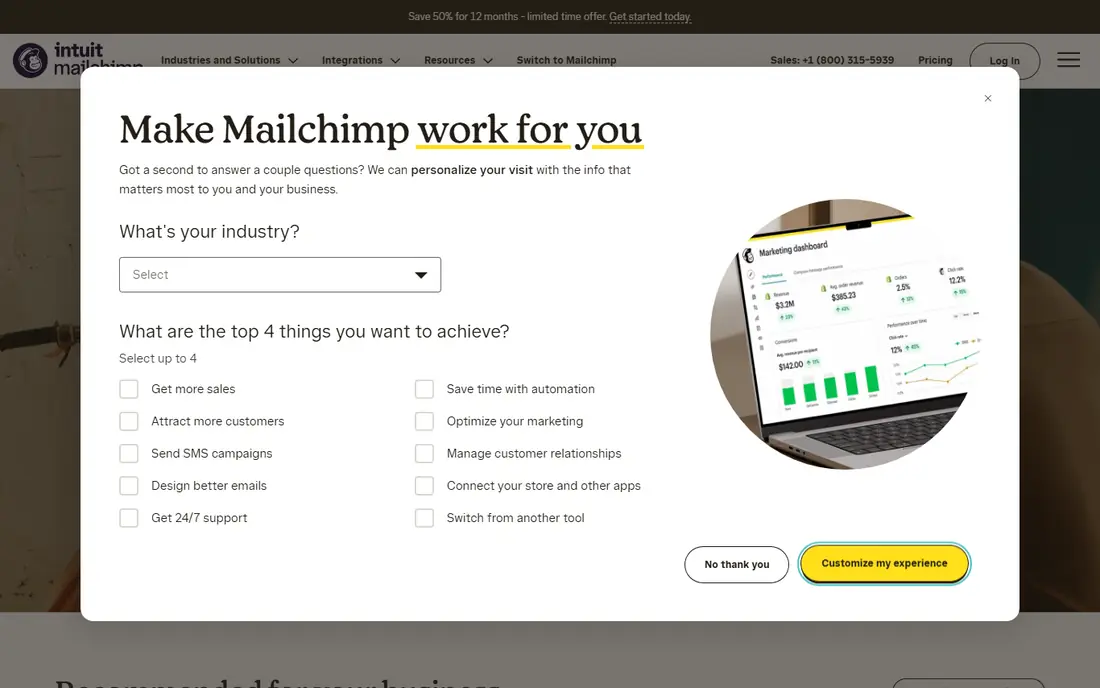
Mailchimp remains the easiest recommendation for a first list. Its editor, templates, and signup forms are straightforward, and most website and store tools connect to it without extra work. We place it first because a beginner can go from no list to a first campaign in an afternoon. The limit is cost at scale: as contacts grow, the monthly price climbs faster than with some rivals, and the free plan is now modest in contacts and sends. Use it when ease matters more than the lowest price at large list sizes.
- Familiar editor and templates
- Signup forms and landing pages
- Broad integrations
- Costs rise fast as contacts grow
- Free plan limits contacts and sends
Kit, formerly ConvertKit, is built for creators, bloggers, podcasters, and course sellers. Its tag system lets one subscriber sit in several groups without paying twice for the same person, which is a real advantage for creators with many interests. The free plan covers up to 10,000 subscribers for broadcasts, though automation needs a paid plan. We like it for newsletters and simple funnels where plain, personal feeling email works best. If you need heavy design or ecommerce automation, a broader platform may fit better.
- Tag based subscriber system
- Clean editor for creators
- Free plan covers many subscribers
- Paid automation needs a paid plan
- Design options are simpler than Mailchimp

MailerLite is the budget pick for small teams that want real features without a large monthly bill. Its paid plans start low, and automation, landing pages, and a drag and drop editor are part of the package. We think it fits small businesses and nonprofits that send regular newsletters and want predictable costs. The free plan now covers a smaller contact count than in past years, so check the current limit before you plan growth around it. The approval review for new accounts can also add a short delay at signup.
- Low paid starting price
- Automation and landing pages included
- Clean interface
- Free plan is smaller than it once was
- New accounts go through an approval review
Brevo, formerly Sendinblue, suits senders who care about volume. Its pricing is based largely on emails sent, and its free plan allows a daily send amount with unlimited contacts, which is unusual. It also handles transactional email, such as order confirmations, in the same account, which can replace a separate sender. We like it for stores and apps with frequent sends. The drawback is complexity: with email, SMS, and chat tools in one place, the interface takes longer to learn than a simple newsletter tool.
- Priced by emails sent, not only contacts
- Transactional email included
- Free daily send allowance
- Contact caps apply on lower tiers
- Interface has many tools to learn
Constant Contact fits local businesses, nonprofits, and event organizers that send newsletters, invitations, and reminders. Its templates and event tools make it easy to promote a sale, a class, or a fundraiser without design help. We include it for teams that value support and simple campaigns over advanced automation. The main limit is price structure: there is a trial, not a free plan, and costs grow with list size. It is best when you send regularly and use the event features, not for a list you rarely email.
- Event and survey tools
- Strong templates for local business
- Helpful support options
- No lasting free plan
- Costs rise with contacts
- Automation is less deep than ActiveCampaign
ActiveCampaign is the choice when a list needs to do more than send a newsletter. Its automation builder can trigger sequences from tags, purchases, site visits, and form actions, and its CRM features help sales teams follow up in the same system. We think it fits growing businesses with a clear funnel, such as trial to paid conversion or lead nurture over weeks. The trade off is complexity and cost: there is no free plan, only a trial, and a small team may pay for depth it does not yet need.
- Deep automation builder
- Customer data and CRM features
- Strong segmentation
- No free plan
- Learning curve is steeper
- Small teams may not use the full depth
GetResponse suits businesses that want email plus funnels and webinars without stitching three tools together. You can build a landing page, capture a list, run a webinar, and follow up by email in one account. That breadth helps course sellers and service businesses that run live sessions. We rank it below the simpler picks for pure newsletters, since the starting price is higher and the interface covers a lot. If webinars are core to your list growth, though, the combined tool can save money overall.
- Landing pages, funnels, and webinars in one tool
- Automation templates
- Free plan for small lists
- Higher starting price than budget rivals
- Some features are best on higher tiers
AWeber is a long running small business email tool with a simple approach to lists, broadcasts, and autoresponders. It is easy to set up, and its free plan covers a small list with a monthly send limit, which suits a new business testing email. We include it for owners who want a stable, no fuss tool and do not need deep automation. The weakness is modern feel: templates and automation are less polished than Mailchimp or ActiveCampaign, so design focused brands may prefer a newer editor.
- Simple setup for small lists
- Autoresponders included
- Landing pages and forms
- Design and automation feel dated next to newer rivals
- Paid price is mid range
How we picked these
We reviewed official pricing pages, free plan limits, feature pages, and public user reviews for email list tools in 2026. We favored services with signup forms, list management, automation, and deliverability basics such as authentication guidance and unsubscribe handling. We kept a mix of beginner tools, creator tools, and automation platforms, and we noted where free plans changed in recent years. Prices are starting monthly figures from public pages, and they rise with contacts or sends, so check your list size before budgeting.
How to grow and manage a mailing list well
A tool alone does not build a list. Growth comes from a clear offer, a simple signup, and emails people actually want to open. Use these practices to get value from any service above.
Offer something clear at signup
People join lists for a reason, such as a guide, a discount, a newsletter, or early access to a product. State that reason on the form in one sentence, and deliver it right away. A vague promise to receive updates rarely converts, while a specific benefit does. Keep the form short, since each extra field lowers signup rates.
Keep the list clean and permission based
Only email people who opted in, and make unsubscribing easy. Remove or re engage subscribers who never open after several months, since a stale list hurts deliverability and inflates cost. Use double opt in when your audience is cold or when signup comes from a public form, to reduce spam traps and fake addresses.
Send on a steady schedule with useful content
A regular cadence, such as weekly or twice monthly, builds habit better than bursts followed by silence. Each email should have one main point and one clear next step, whether that is reading an article, booking a call, or using a discount. Track opens, clicks, and unsubscribes over time, and adjust topics based on what readers actually click, not only what you planned to send.
FAQ
What is the best free email mailing list service?
For a small new list, MailerLite, Kit, and Brevo all offer useful free plans, but with different limits. Kit covers many subscribers for broadcasts, Brevo allows a daily send amount with unlimited contacts, and MailerLite covers a smaller list with automation. Pick based on your list size and whether you need automation on the free plan.
How many emails can I send on a free plan?
It depends on the service. Some free plans limit contacts, some limit monthly sends, and some limit daily sends. Always check both numbers, since a plan with many contacts but few sends can still block a regular newsletter. Paid plans usually raise both limits together.
Will my emails land in spam?
Deliverability depends on permission, list hygiene, authentication, content, and sender reputation. Set up domain authentication as your provider guides, avoid purchased lists, and keep engagement healthy by emailing people who asked to hear from you. No legitimate provider can guarantee inbox placement for every recipient.
Should I use tags or separate lists?
Tags are usually better than separate lists, since they let one subscriber belong to several groups without duplicate billing or duplicate emails. Separate lists make sense only when audiences are fully distinct, such as separate brands with separate senders. Most modern tools favor tags and segments.
Can I move my list to another service later?
Yes, most services let you export subscribers and import them elsewhere, though automation and templates do not transfer cleanly. Keep a backup export of your list, and check import rules for consent records. Plan a short overlap period so forms and automations can be rebuilt before you cancel the old tool.
How often should I email my list?
Once a week works well for many newsletters, while stores and news driven lists may send more often around sales or events. Less than once a month risks being forgotten, while daily email needs very strong content to avoid unsubscribes. Test cadence with your own audience and watch unsubscribe and spam complaint rates.