Best Email Management Software in 2026: 8 Tools Compared
Looking for the best email management software? We compare 8 inbox tools for individuals and teams, covering AI help, shared inboxes, cleanup, and pricing.

- Editor's choice
 Superhuman
Fast keyboard-first inbox
Starts at$30 per monthVisit superhuman.comFull review - Great alternative
 Spark Mail
Value all-rounder
Starts atFreeVisit sparkmailapp.comFull review - Also consider
 Shortwave
AI Gmail client
Starts at$18 per monthVisit shortwave.comFull review
TL;DR:
- Superhuman suits professionals who want the fastest keyboard-first inbox and are willing to pay for speed.
- Spark Mail is the best value all-rounder, with a free plan, cross-platform support, and team features.
- Shortwave suits Gmail users who want AI search, summaries, and automated workflows in one client.
- Missive and Front suit teams that share an inbox, assign messages, and track replies together.
- SaneBox suits people who do not want a new client, because it cleans up the inbox you already use.
Quick comparison
| Tool | Best for | Starts at | Free plan? | |
|---|---|---|---|---|
| Superhuman | Fast keyboard-first inbox | $30 per month | No | Visit |
| Spark Mail | Value all-rounder | Free | Yes | Visit |
| Shortwave | AI Gmail client | $18 per month | Free trial | Visit |
 Missive | Shared team inboxes | $14 per user per month | Free trial | Visit |
 Front | Customer-facing team inboxes | $19 per seat per month | Free trial | Visit |
 SaneBox | Inbox cleanup without a new client | $7 per month | Free trial | Visit |
 Gmail | Free built-in inbox with AI help | Free | Yes | Visit |
 Canary Mail | Secure AI email client | Free | Yes | Visit |
The best email management software
Email management software has to solve a specific problem: too much mail, too little time, and messages that need action from more than one person. Some tools do that with speed, some with AI, and some with shared inboxes and assignment. The eight tools below cover individuals, small teams, and customer-facing teams, and they differ mainly in price, platform support, and how much they change your existing workflow.
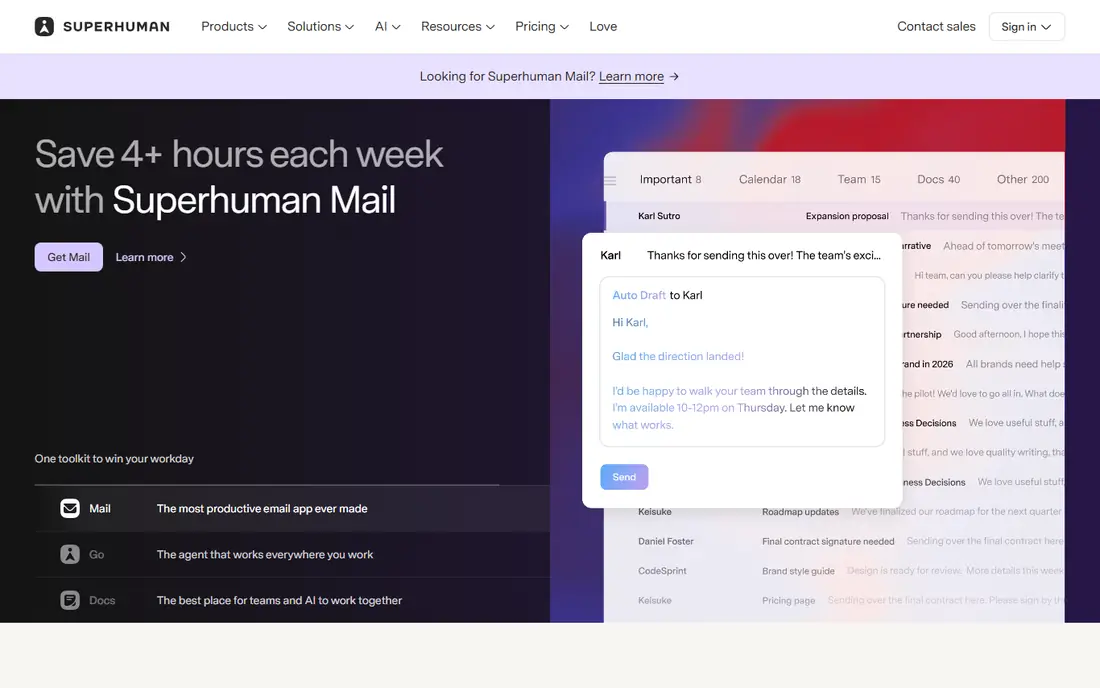
Superhuman is built for people who spend hours in email every day and want every action to take seconds, not clicks. The interface is keyboard-first, with shortcuts for triage, snoozing, sending later, and scheduling meetings. Split inboxes let you separate VIP messages, team mail, and newsletters, and AI features help with drafting, summarising, and labelling. The result is an inbox that feels less like a chore and more like a fast workflow.
The price is the main barrier. At $30 per month for the starter plan, Superhuman costs far more than most email clients, and there is no free plan. It also works only with Gmail and Outlook, so users on other providers are out of luck. For executives, founders, and sales professionals who live in email, the time saved can justify the cost. For casual users, Spark or Shortwave will cover most needs for less.
- Very fast interface
- Strong keyboard shortcuts
- Split inboxes and auto triage
- High price
- No free plan
- Gmail and Outlook only
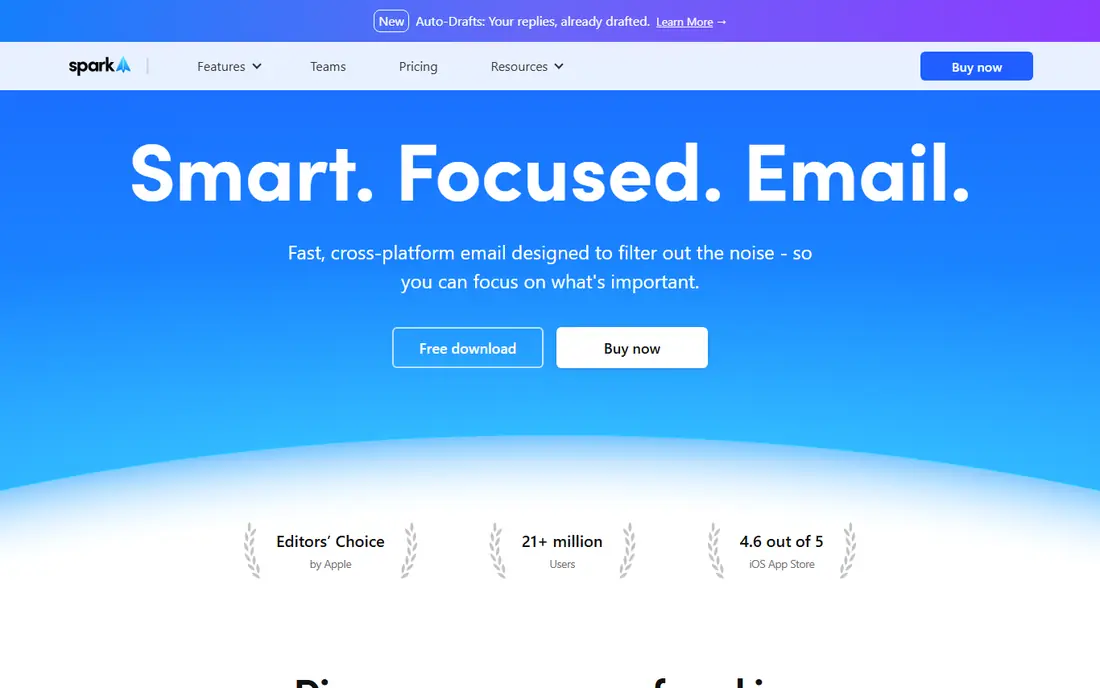
Spark Mail, from Readdle, is the best value email client for most people. The free plan includes a smart inbox that separates personal mail, notifications, and newsletters, plus basic AI summaries and writing help. Paid Plus and Pro plans add more AI, larger team features, and priority support. It works across Mac, Windows, iPhone, Android, and the web, and it connects to Gmail, Outlook, iCloud, Yahoo, and IMAP accounts in one place.
Team features are a useful bonus. Colleagues can comment on an email privately, share drafts, and delegate messages without forwarding threads. That makes Spark a good choice for a small team that shares client mail but does not need a full helpdesk. The main caution is that a couple of headline Pro features have been marked as coming soon, so check the current feature page before you pay for Pro specifically for those features.
- Free plan with smart inbox
- Works with Gmail, Outlook, iCloud, and IMAP
- Team comments and shared drafts
- Some Pro features are still marked as coming soon
- AI features need a paid plan for full use

Shortwave is an AI-first email client built by former Google engineers, and it is designed for Gmail users who want search and automation to do more of the work. You can search years of mail in plain language, get AI summaries of long threads, and set up workflows that label, archive, or draft replies automatically. Bundles group similar messages together, so newsletters and notifications do not crowd out important mail.
The main limit is Gmail only. If your work mail is on Outlook or another provider, Shortwave will not help. Pricing has also changed over time, with free plans and trial terms shifting, so check the current Shortwave pricing page before you commit. For a Gmail power user who wants the deepest AI features in a dedicated client, Shortwave is the most ambitious option here.
- Strong AI search and summaries
- Automated workflows
- Bundles and smart triage
- Gmail only
- Pricing has changed often
- No free plan on current paid structure in some reports
Missive turns email into a team workspace. Multiple people can work from the same inbox, assign messages, comment privately on a thread, and draft replies together in real time, without forwarding or copying messages around. It also brings SMS and social messages into the same inbox, which helps small teams that handle customer messages across several channels.
Missive is priced per user and built for teams, so a solo user will pay for features they do not need. Setup also takes care, because you need to decide who owns which inbox and how assignments work. For a support, sales, or operations team of two or more people who share customer mail, Missive is one of the clearest and most focused shared inbox tools available.
- Shared inboxes for email, SMS, and social
- Live co-drafting
- Internal chat on threads
- Priced for teams, not solo users
- Setup takes time for larger teams
Front is aimed at customer-facing teams that need to track response times, assign messages, and keep a clear record of who handled what. Shared inboxes, internal comments, collision detection, and SLA tracking help a support or sales team avoid duplicate replies and missed messages. Integrations with CRMs and helpdesk tools mean customer context can sit next to the email thread.
Front is more expensive and more complex than Missive or Spark for a small team, and it is overkill for personal mail. It makes sense when email is a core customer channel and response time matters to the business. If your team handles support, sales, or account mail at volume, Front gives you the controls and reporting that a personal client cannot.
- Shared inboxes with assignment and SLAs
- Strong integrations
- AI drafting and triage
- Higher price for small teams
- More complex than a personal client
- Overkill for solo users
SaneBox is different from the other tools here, because it is not an email client at all. It works in the background with the client you already use, sorting less important mail into folders such as SaneLater, so your main inbox shows only the messages that need attention. It analyses email headers rather than reading message bodies, which is a privacy advantage as AI tools move deeper into inbox content.
Because SaneBox is a background service, it will not give you a new interface, AI drafting, or team collaboration features. What it does, it does quietly and well, and many users find that a cleaner inbox is enough. If you like your current client and just want less noise, SaneBox is the lowest-friction way to get there.
- Works with your existing client
- Header-based sorting for privacy
- No app to learn
- Not a full email client
- AI features are more limited than dedicated AI clients
- Monthly cost for a background service
Gmail is the inbox most people already have, and for many users it is enough, especially with recent AI features. Search is excellent, spam filtering is strong, and Gemini AI can summarise threads, draft replies, and help with writing for many users. Labels, filters, snoozing, and scheduled sending cover the core email management features without a new app or a new bill.
The downside is that Gmail is a general inbox, not a specialised management tool. It lacks the keyboard speed of Superhuman, the shared inbox depth of Missive and Front, and the background cleanup focus of SaneBox. Advanced Gemini features may also require a paid Google AI plan. If you are happy with Gmail and your main problem is volume, a tool like SaneBox or Shortwave may help more than switching clients.
- Free and widely used
- Strong search
- Gemini AI features for many users
- Excellent spam filtering
- Interface is familiar but not specialised
- Advanced AI needs a paid Google plan
- Google ecosystem lock-in
Canary Mail is a cross-platform email client with a focus on security and AI assistance. It connects to Gmail, Outlook, iCloud, and IMAP accounts, and its AI Copilot can draft replies, summarise threads, and help with writing. Encryption options, including PGP support, appeal to users who want more control over message privacy than a standard client offers.
Canary is less well known than Spark or Superhuman, so there are fewer tutorials and community answers, and the interface can feel less polished in places. Paid plans add more AI and advanced features, so check the current pricing page for what is included. For users who want a secure, AI-assisted client across several providers without Superhuman price, Canary is a solid alternative.
- Works with Gmail, Outlook, iCloud, and IMAP
- AI Copilot for drafting and summaries
- Encryption options
- Smaller community than Spark or Superhuman
- Some features need a paid plan
- Interface is less polished in places
How we picked these
We compared official pricing pages, feature lists, platform support, and public reviews for email management tools available in October 2026. We included personal clients, AI clients, shared inbox tools, and a background cleanup service, so readers can match a tool to whether they work alone or in a team. We left out tools that have shut down, including Notion Mail, which closed in September 2026, and tools with no clear pricing or homepage. Prices change often, so check the vendor page before you buy.
How to choose an email management tool
Start with the problem you actually have. If your inbox is full of newsletters and notifications, a cleanup tool or a smart inbox may be enough. If you spend hours replying, an AI client with drafting and summaries will help more. If messages need action from several people, a shared inbox with assignment is the right category, and a personal client will not solve that problem no matter how fast it is.
Check provider support next. Gmail-only tools are a dead end if your work mail is on Outlook, and Outlook-only tools are a dead end for Gmail users. Also check mobile apps, because email management happens on a phone as much as on a desktop. A tool with a weak mobile app will push you back to your old client for half the day.
Privacy and AI in your inbox
AI email tools need access to your messages to summarise, search, and draft replies, so read the privacy policy before you connect a work inbox. Check how long data is stored, whether it is used to train models, and whether you can delete it. SaneBox header-only approach is a useful contrast here, and it shows that not every tool needs full message content to be useful. For sensitive work mail, prefer tools with clear data controls and, where possible, business or enterprise privacy terms.
Trying a tool without breaking your workflow
Most email clients work alongside your existing inbox, so you can trial one without moving mail. Connect one account first, use it for a week of real work, and measure what changes: time to inbox zero, messages missed, and replies delayed. A tool that looks good in a demo but slows you down in real use is not worth keeping, no matter how many AI features it lists.
FAQ
What is the best email management software for individuals?
Spark Mail is the best value for most individuals, because it offers a free plan, a smart inbox, and cross-platform support. Superhuman suits professionals who want maximum speed and can justify $30 per month. Shortwave suits Gmail users who want deep AI search and automation. Pick based on provider, budget, and how much time you spend in email.
What is the best email management software for teams?
Missive suits small teams that share an inbox and need assignment and private comments. Front suits larger customer-facing teams that need SLA tracking, reporting, and CRM integrations. Spark also works for small teams that want shared drafts and comments without a full helpdesk. The right choice depends on team size and whether email is a customer support channel.
Is Superhuman worth $30 per month?
Superhuman can be worth it if you spend several hours a day in email and the keyboard speed, split inboxes, and AI triage save you meaningful time each week. For casual users, or users who check email a few times a day, the saving is unlikely to justify the price. Try the trial, measure time saved, and compare with Spark or Shortwave before you commit.
Can I manage email without switching clients?
Yes. SaneBox works in the background with your existing client, sorting less important mail into folders so your main inbox stays focused. Gmail filters and labels can also help, though they need manual setup. A background tool is the lowest-friction option if you like your current client.
Does email management software work with Gmail and Outlook?
Most tools work with Gmail, and many also work with Outlook, but not all. Superhuman, Spark, Missive, Front, and Canary support both Gmail and Outlook. Shortwave is Gmail only, and SaneBox works with most providers through IMAP. Check provider support on the vendor page before you buy.
Is AI email safe for work messages?
AI email tools need access to message content to summarise and draft replies, so check the vendor privacy policy, data retention, and model training terms before connecting a work inbox. For sensitive mail, prefer tools with clear business privacy terms, and avoid connecting personal AI tools to confidential work accounts without your employer approval.