Top 6 Email Management Software for Teams for 2026 (Prices and Free Plans)
6 best email management software for teams, compared on pricing, free plans and best-fit use. Every pick includes one clear drawback. Full profiles inside.

- Editor's choice
 Spark
Unified inbox across accounts
Starts at$10 per user a monthVisit sparkmailapp.comFull review - Great alternativeHiver
Support teams with ticketing and workflows
Starts at$25 per user a monthVisit hiverhq.comFull review - Also consider
 Missive
Light inbox collaboration
Starts at$14 per user a monthVisit missiveapp.comFull review
Direct answer
Start with Spark if you need unified inbox across accounts. Listed starting prices: Spark from $10 per user a month, Hiver from $25 per user a month and Missive from $14 per user a month. Look at Hiver for support teams with ticketing and workflows, and at Missive for light inbox collaboration. Prices, free plans and limits for all 6 tools follow.
TL;DR:
- This list starts with Spark, which is built for unified inbox across accounts.
- A fair warning about Gmelius: tied closely to Gmail environments.
- Spark stands alone as the one tool in this list with a free plan.
- Spark has the lowest monthly starting price in this list: $10 per user per month.
- Front suits shared inboxes with AI customer service.
Last checked November 2026. Prices and plan details were read from the vendors' own pages in November 2026; vendors change plans often, so confirm the current price on the vendor site before you buy.
Quick comparison
| Tool | Best for | Starts at | Free plan? | |
|---|---|---|---|---|
| Spark | Unified inbox across accounts | $10 per user a month | Yes | Visit |
| Hiver | Support teams with ticketing and workflows | $25 per user a month | Free trial | Visit |
| Missive | Light inbox collaboration | $14 per user a month | Free trial | Visit |
| Gmelius | Shared inboxes inside Gmail | $19 per user per month | Free trial | Visit |
 SaneBox | Automatic inbox triage | See website | Not stated | Visit |
 Front | Shared inboxes with AI customer service | $25 per seat a month | Free trial | Visit |
6 email management software for teams in detail
Choosing email management software for teams usually comes down to price, fit and limits. This LinkVetted guide sets 6 tools side by side on those three points, with the facts kept short and checkable.
Think of Spark for unified inbox across accounts. Spark is a designed email client with meeting notes, calendar, smart inbox and CLI, unifying Gmail, Outlook and iCloud accounts in one place.
Where it is weaker: Feature set varies across products.
Teams that require assignment, service workflows and shared ownership should consider a dedicated product. Spark cost at the entry level: $10 per user per month. Spark offers a free plan.
- Outlook and iCloud
- Meeting notes and CLI included
- Team collaboration is lighter than shared inbox tools
Hiver
Best for: Support teams with ticketing and workflows
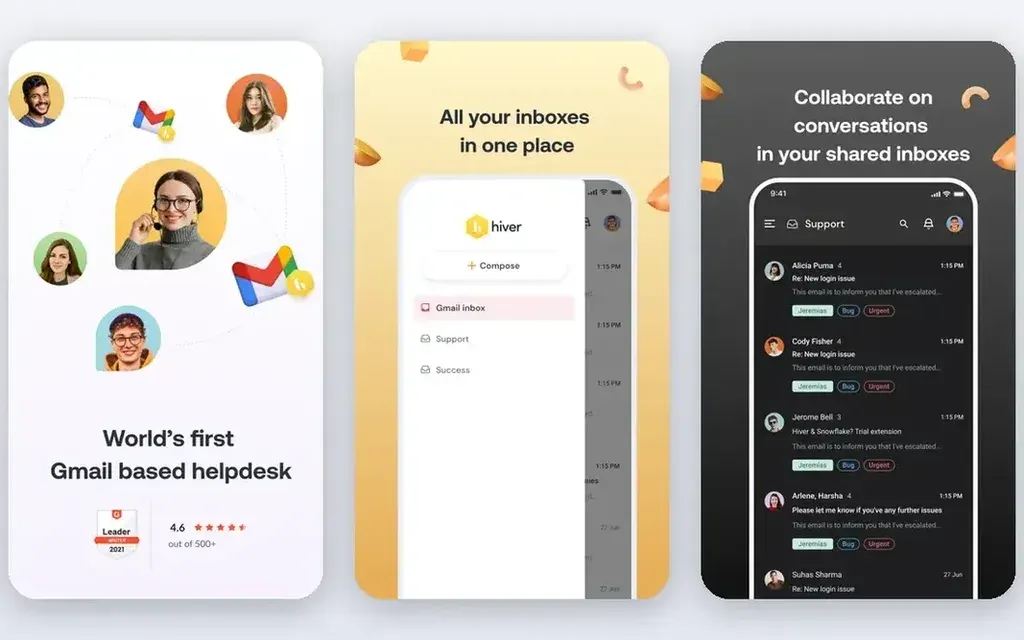
For support teams with ticketing and workflows, Hiver is a natural candidate. Hiver leans toward customer service, so internal teams that just want shared mailboxes may find the structure unnecessary. In practice, Hiver is an agentic customer service product for tackling complicated customer issues across channels with AI, ticketing, cross-team collaboration and workflows.
What to check first: May be more structure than internal teams need.
It is targeted at support and service teams that require more structure than plain shared email, including assignment, tracking and process automation. For everyday use, choose Hiver when ticketing, workflows and cross-team service collaboration are the central requirements. On cost, Hiver starts like this: $25 per user per month. On free options: Free trial.
- Cross-team collaboration features
- Shared inboxes with ticketing
- Concentrated on service use cases
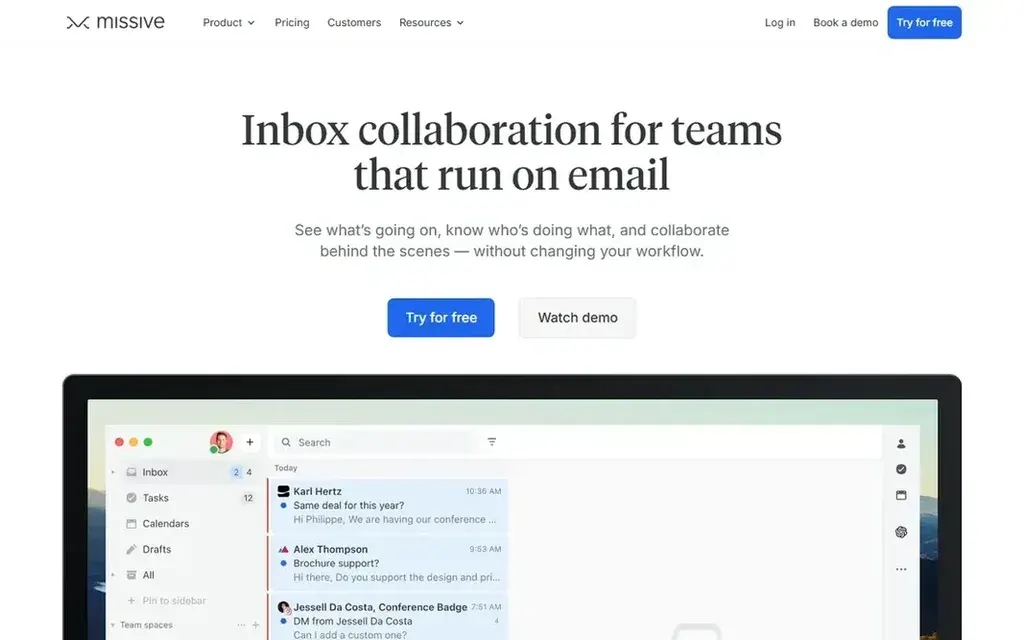
Missive makes the most sense for light inbox collaboration. Missive is built around inbox collaboration for teams that run on email.
The main drawbacks: Advanced service workflows may need another tool.
Beyond that, if your team needs structured ticketing, service-level workflows or heavy automation, Missive may feel restricted compared to dedicated support products. Beyond that, teams with very straightforward shared inbox needs may also find it more than required. Entry price for Missive: $14 per user per month. Free plan details: Free trial.
- Collaboration behind the scenes
- Works without changing your workflow
- Less ticketing depth than support systems
Gmelius
Best for: Shared inboxes inside Gmail
Gmelius is designed for shared inboxes inside Gmail. Gmelius is an AI-powered inbox for teams working in Gmail. Its AI assistants sort emails and draft replies, whereas shared inboxes help a team take over conversations so individuals do not have to manage everything alone.
Where it shines: Layers shared inboxes onto Gmail.
Choose Gmelius when your team lives in Gmail and wants shared inboxes plus AI assistance with minimal disruption. For everyday use, since Gmelius is built around Gmail, teams on other email platforms are not a natural fit. Automatic sorting and drafting are useful but still need human judgment on important threads. Gmelius pricing: $19 per user per month. On free options: Free trial.
Honest limits: AI drafting still needs human review.
- Team takeover of conversations
- AI assistants sort email and draft replies
- Tied closely to Gmail environments
SaneBox is a good fit for automatic inbox triage. SaneBox is email management for any inbox, targeted at cutting a team's email management time and moving toward a cleaner inbox and more productive day. It works alongside your existing email account to sort and filter messages so important mail stands out.
Worth adding: SaneBox concentrates on triage instead of shared inboxes or team assignment, so it does not replace collaboration products. More specifically, choose SaneBox when reducing inbox clutter is the priority and you want to keep your current email setup. No starting price is listed for SaneBox here; confirm pricing on the vendor site. Free options: Not stated.
Where it falls short: Triage relies on rules and training.
- Works with any inbox
- Aims to cut email management time
- Not a shared inbox collaboration tool
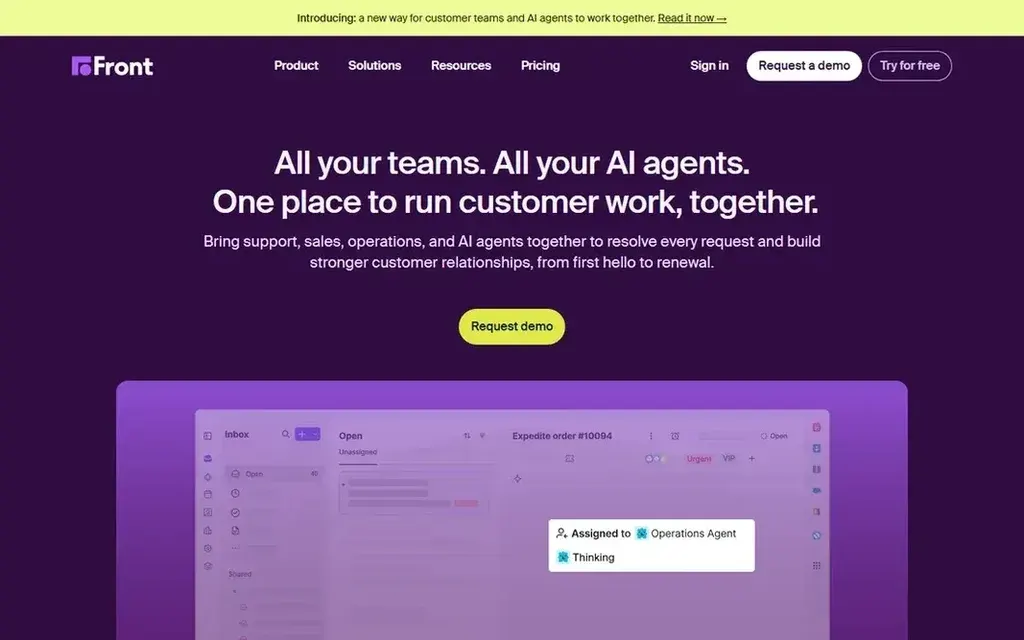
Front targets shared inboxes with AI customer service. Smaller groups with straightforward email habits might prefer a lighter collaboration tool. For everyday use, Front is a customer service product where support, sales, operations and AI agents come together to resolve complicated customer work.
It centers on shared inboxes so several people can see, assign and respond to conversations without forwarding email around. As for the details, since Front is positioned as a broader service system, teams that only need light inbox sharing may find it more than necessary. Also, choose Front when shared ownership of customer conversations and AI support are central to how your team works. On cost, Front starts like this: $25 per seat per month. As for free access: Free trial.
Where it falls short: Setup effort grows with team size.
- Collaboration across teams in one product
- Shared inboxes for support and sales
- Wide system may feel heavy for straightforward inboxes
How the list was put together
For each of the 6 tools we noted price, free plan or trial, fit for email management software for teams and the main limit, using vendor pages and documentation. Where a price is missing, the vendor does not list one publicly or ties it to a quote. Always confirm before budgeting. Tools are placed by general fit for email management software for teams, with price clarity and free access as tie-breakers. A different team can reasonably rank them differently.
Pre-purchase checklist
- Ask SaneBox for a written quote, since no starting price is shown.
- Test the free plan from Spark against your real workload before relying on it.
- Run a trial of Hiver, Missive, Gmelius and Front with real work before paying for a year; your own workflow is the best test.
- Before choosing Spark, weigh its main limit: team collaboration is lighter than shared inbox tools.
- Ask the daily users to test Gmelius on a live task before you roll it out to everyone.
- Confirm that SaneBox connects to the apps your team already uses, on the plan you would actually buy.
FAQ
Do these tools publish their prices?
Not all of them. SaneBox publishes no starting price, so expect a quote request for it. The rest, Spark included, show a starting price, though seats and billing terms still change the final cost.
What is the cheapest option for email management software for teams in this list?
On published monthly entry prices, Spark is the lowest here at $10 per user per month. Entry price is only part of the cost, because seats, add-ons and billing terms can change the total.
Which tool is a good match for a support team?
This list starts with Spark, which fits unified inbox across accounts. For other needs, Hiver is aimed at support teams with ticketing and workflows, and Missive at light inbox collaboration. Check each tool's price and main limit first.
Can I try these tools before paying?
Often, yes. Spark has a free plan and Hiver, Missive, Gmelius and Front offer a free trial. Use your own data and a real task during the test, and check what the free tier or trial limits before you rely on it.
Do I need AI features in team email software?
AI can help sort messages and draft replies, as with Gmelius and Front, but human review remains important. Teams with straightforward needs may get more value from shared inboxes and clear assignment rules than from automation.
What is the difference between a shared inbox and an email client?
A shared inbox lets multiple people see, assign and respond to the same conversations, which fits support and sales teams. An email client like Spark organizes your own accounts across devices. Some teams use both together.
Sources
- https://sparkmailapp.com
- https://hiverhq.com
- https://missiveapp.com
- https://gmelius.com
- https://www.sanebox.com
- https://front.com