Top 5 Email Management Software for Enterprise for 2026 (Prices and Free Plans)
5 tools for the best email management software for enterprise, compared on pricing, free plans and best-fit use. Strengths and weak spots are spelled out.
- Editor's choiceTrellix Email Security
Blocking advanced attacks that bypass gateways
Starts atSee websiteVisit trellix.comFull review - Great alternative
 Barracuda Email Protection
Advanced threat detection and data protection
Starts atSee websiteVisit barracuda.comFull review - Also considerMimecast Email Security
Thorough email security and resilience
Starts atSee websiteVisit mimecast.comFull review
Direct answer
This list puts Trellix Email Security first for blocking advanced attacks that bypass gateways. Listed starting prices: Microsoft Exchange Online from $5.40 per user a month. If your case is different, Barracuda Email Protection suits advanced threat detection and data protection and Mimecast Email Security suits thorough email security and resilience. The other 2 tools in the list cover narrower or pricier cases.
TL;DR:
- Number one here is Trellix Email Security, a fit for blocking advanced attacks that bypass gateways.
- What to know about Trellix Email Security first: may overlap with existing gateway security.
- Microsoft Exchange Online is the lowest-priced starter here at $5.40 per user per month.
- Proofpoint Email Protection suits advanced phishing and BEC defense.
- None of the 5 tools, from Trellix Email Security to Proofpoint Email Protection, has a free plan, so budget for a subscription or use a trial.
Last checked November 2026. Prices and plan details were read from the vendors' own pages in November 2026; vendors change plans often, so confirm the current price on the vendor site before you buy.
Quick comparison
| Tool | Best for | Starts at | Free plan? | |
|---|---|---|---|---|
| Trellix Email Security | Blocking advanced attacks that bypass gateways | See website | Not stated | Visit |
| Barracuda Email Protection | Advanced threat detection and data protection | See website | Free trial | Visit |
| Mimecast Email Security | Thorough email security and resilience | See website | Not stated | Visit |
| Microsoft Exchange Online | Enterprises needing hosted or on-premises email | $5.40 per user a month | Free trial | Visit |
| Proofpoint Email Protection | Advanced phishing and BEC defense | See website | Not stated | Visit |
Our 5 picks for email management software for enterprise
If you are comparing email management software for enterprise, this page covers 5 tools in one place: what each is best for, what it costs to start, whether it has a free plan, and the main limit to know about.
Trellix Email Security
Best for: Blocking advanced attacks that bypass gateways
Choose Trellix Email Security for blocking advanced attacks that bypass gateways. Trellix Email Security guards against advanced email attacks that bypass the initial gateway by using a secure gateway that blocks inbound and outbound malware, phishing URLs, impersonation techniques, and spam.
It also needs proper integration and tuning. Pricing for Trellix Email Security is not stated here, so ask the vendor for current figures. On free options: Not stated.
Limits to weigh: May overlap with existing gateway security.
- Uses a secure gateway to stop impersonation
- Blocks inbound and outbound malware and phishing
- Needs integration with email infrastructure
Barracuda Email Protection
Best for: Advanced threat detection and data protection
Barracuda Email Protection is built with advanced threat detection and data protection in mind. Organizations seeking a dedicated security layer commonly evaluate it. In daily use, as with any security add-on, results rely on correct configuration and continuing management.
It may not be necessary for enterprises with restricted risk exposure or those satisfied with native email security. In daily use, Barracuda Email Protection is an email security service that concentrates on preventing phishing, malware, and data breaches through advanced threat detection. It is meant to protect companies from a set of email-borne threats and can complement existing email systems. This comparison lists no price for Barracuda Email Protection; ask the vendor. Free plan details: Free trial.
Where it is weaker: Effectiveness relies on proper configuration.
- Advanced threat detection capabilities
- Stops phishing, malware
- May need integration with existing email systems
Mimecast Email Security
Best for: Thorough email security and resilience
Mimecast Email Security works best for thorough email security and resilience. Mimecast Email Security is a well-known option for protecting enterprise email from phishing, malware, and other threats. It also supplies continuity features to keep email flowing during outages.
Enterprises that require a solid, standalone email security layer frequently consider it as part of their defense in depth. From a buyer's view, deployment and management can be involved, especially for organizations without dedicated security staff. From a buyer's view, consider it when email resilience and advanced threat protection are key requirements. This comparison lists no price for Mimecast Email Security; ask the vendor. Free options: Not stated.
Downsides: Needs integration with existing email systems.
- Gives you protection against phishing and malware
- Widely known for email security and continuity
- May be complicated to deploy for smaller IT teams
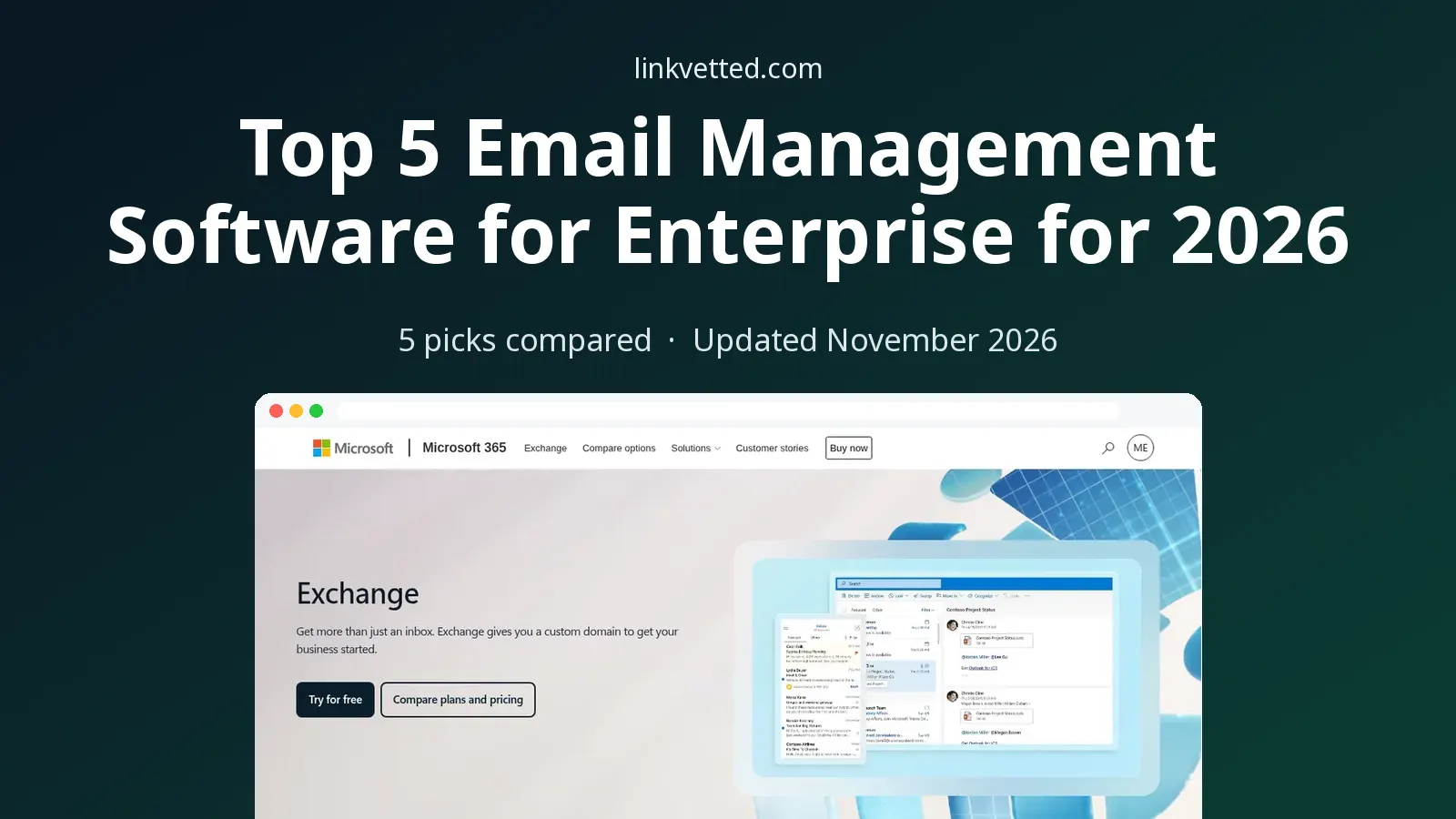
Microsoft Exchange Online
Best for: Enterprises needing hosted or on-premises email
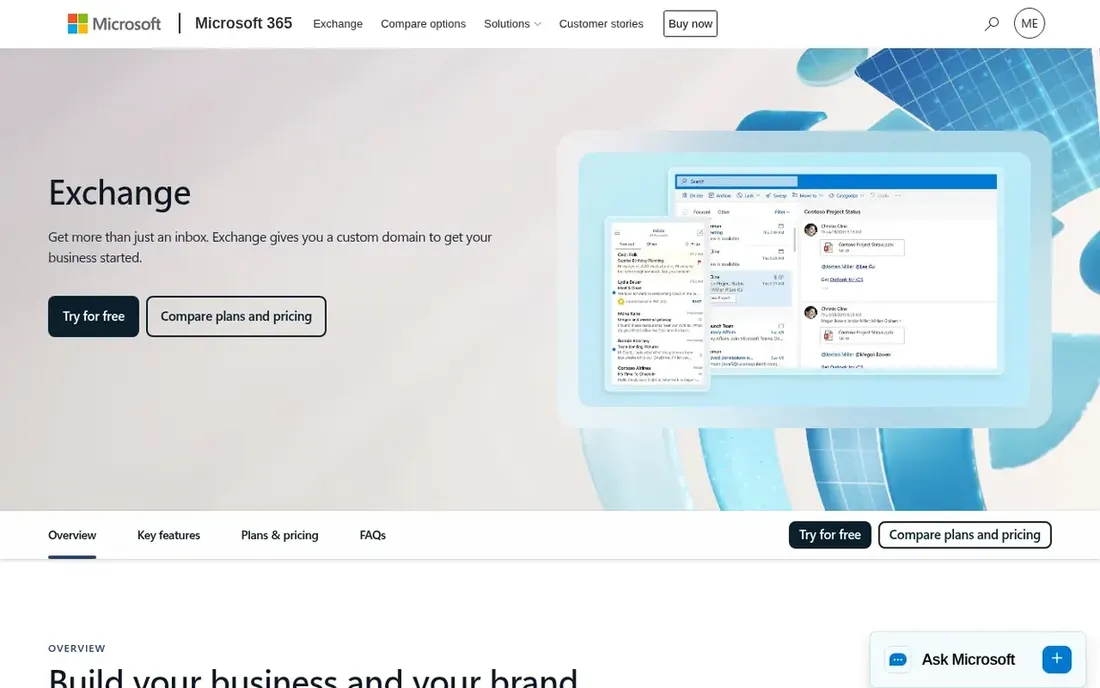
Microsoft Exchange Online works best for enterprises needing hosted or on-premises email. Microsoft Exchange Online is a business email service that can be deployed as a hosted service or run on your own servers. It emphasizes data security and productivity, making it a fit for enterprises that require adaptable deployment choices and integration with Microsoft 365.
Limits to weigh: Management complexity can be high for smaller IT teams.
Enterprises facing sophisticated phishing or business email compromise may have to pair it with a specialized security option. From a buyer's view, organizations seeking a familiar, widely supported email system frequently consider it. Entry price for Microsoft Exchange Online: $5.40 per user per month. As for free access: Free trial.
- Focus on data security and user productivity
- Available as a hosted service or for own servers
- May need extra security layers for advanced threats
Proofpoint Email Protection
Best for: Advanced phishing and BEC defense

Proofpoint Email Protection is a good fit for advanced phishing and BEC defense. It also needs configuration to align with existing workflows.
For everyday use, choose it when advanced threat detection is a priority and you already have a primary email system in place. Proofpoint Email Protection does not show a starting price in this comparison, so check the vendor site for current pricing. On free options: Not stated.
Downsides: May need tuning to cut false positives.
- Deployed via API or secure email gateway
- Uses behavioral AI to stop phishing and BEC
- Overlaps with built-in defenses in Microsoft 365 and Google Workspace
What went into this list
Each tool was reviewed on what its vendor publishes: price, plan limits, core features and stated drawbacks. We did not run hands-on tests. Figures are shown as the vendors publish them. Billing terms, seat minimums and add-ons can change the real cost. The sequence is a judgement call: typical use case first, then pricing transparency, then free access. Use the profiles to check fit.
Questions to settle before buying
- Confirm the entry price on the vendor page. For Trellix Email Security, Barracuda Email Protection, Mimecast Email Security and Proofpoint Email Protection that means a quote rather than a fixed price.
- Run a trial of Barracuda Email Protection and Microsoft Exchange Online with real work before paying for a year; your own workflow is the best test.
- Before choosing Trellix Email Security, weigh its main limit: may overlap with existing gateway security.
- Test how quickly Microsoft Exchange Online answers a pre-sales question; it hints at how support will feel later.
- List the apps you already depend on and check that Mimecast Email Security supports each one on the plan you would buy.
FAQ
How are the tools for email management software for enterprise ordered?
Trellix Email Security sits first and Proofpoint Email Protection last because the order follows typical fit for email management software for enterprise, then price clarity and free access. It is a judgement call, so read each profile for fit and limits.
What is the difference between email management and email security?
Email management centres on hosting, administration, and collaboration features, whereas email security specifically targets threat protection. As for the details, plenty of enterprises use a primary email system for management and add a security layer for advanced defense.
Can I try these tools before paying?
Often, yes. Barracuda Email Protection and Microsoft Exchange Online offer a free trial. Use your own data and a real task during the test, and check what the free tier or trial limits before you rely on it.
Does any tool for email management software for enterprise here have a free plan?
No tool in this list, Trellix Email Security and Proofpoint Email Protection included, has a permanent free plan. Barracuda Email Protection, Microsoft Exchange Online offer a trial. Trials and quotes are the usual route, so plan a short evaluation period.
What is the cheapest option for email management software for enterprise in this list?
On published monthly entry prices, Microsoft Exchange Online is the lowest here at $5.40 per user per month. Entry price is only part of the cost, because seats, add-ons and billing terms can change the total. Prices, free plan details and limits for all 5 tools in this email management software for enterprise roundup sit on the individual cards above.
Sources
- https://www.trellix.com/products/email-security
- https://www.barracuda.com/products/email-protection
- https://www.mimecast.com/products/email-security
- https://www.microsoft.com/en-us/microsoft-365/exchange/email
- https://www.proofpoint.com/us/products/email-protection