Best AI Email Management Tools in 2026: 9 Tools Compared
Compare the best ai email management tools for triage, drafting, search and follow-ups, with pricing and privacy notes for Gmail and Outlook users today.
- Editor's choice
 Superhuman
Speed and high-volume inboxes
Starts at$30 per monthVisit superhuman.comFull review - Great alternative
 Shortwave
AI search and summaries
Starts atSee websiteVisit shortwave.comFull review - Also consider
 Spark Mail
Cross-platform value
Starts atFreeVisit sparkmailapp.comFull review
TL;DR:
- Superhuman starts at $30 per month, or $25 billed annually, and remains the fastest keyboard-first client for high-volume inboxes.
- Spark Mail offers a genuine free plan plus paid plans from $10 per month, making it the best value cross-platform client here.
- SaneBox works inside your existing app and only reads message headers, which is the most private approach in this list.
- Shortwave offers the deepest AI search and summaries for Gmail, but its pricing has changed several times, so confirm current plans.
- Our pick for most people is Spark Mail for value, with Superhuman as the pick for executives and founders who live in email.
Quick comparison
| Tool | Best for | Starts at | Free plan? | |
|---|---|---|---|---|
| Superhuman | Speed and high-volume inboxes | $30 per month | No | Visit |
| Shortwave | AI search and summaries | See website | No | Visit |
| Spark Mail | Cross-platform value | Free | Yes | Visit |
 SaneBox | Private background filtering | See website | No | Visit |
 Fyxer AI | Hands-off drafting | See website | Yes | Visit |
 Missive | Shared team inboxes | $14 per user per month | No | Visit |
 Canary Mail | Privacy-focused email | Free | Yes | Visit |
 Boomerang | Follow-ups and scheduling | Free | Yes | Visit |
 Microsoft Copilot | Outlook and Microsoft 365 users | $30 per user per month | No | Visit |
The best AI email management tools
We compared AI email tools on triage, drafting, search, scheduling, privacy and price. These nine cover solo users, teams and Microsoft 365 shops. Note that Notion Mail is excluded because it shut down in September 2026.
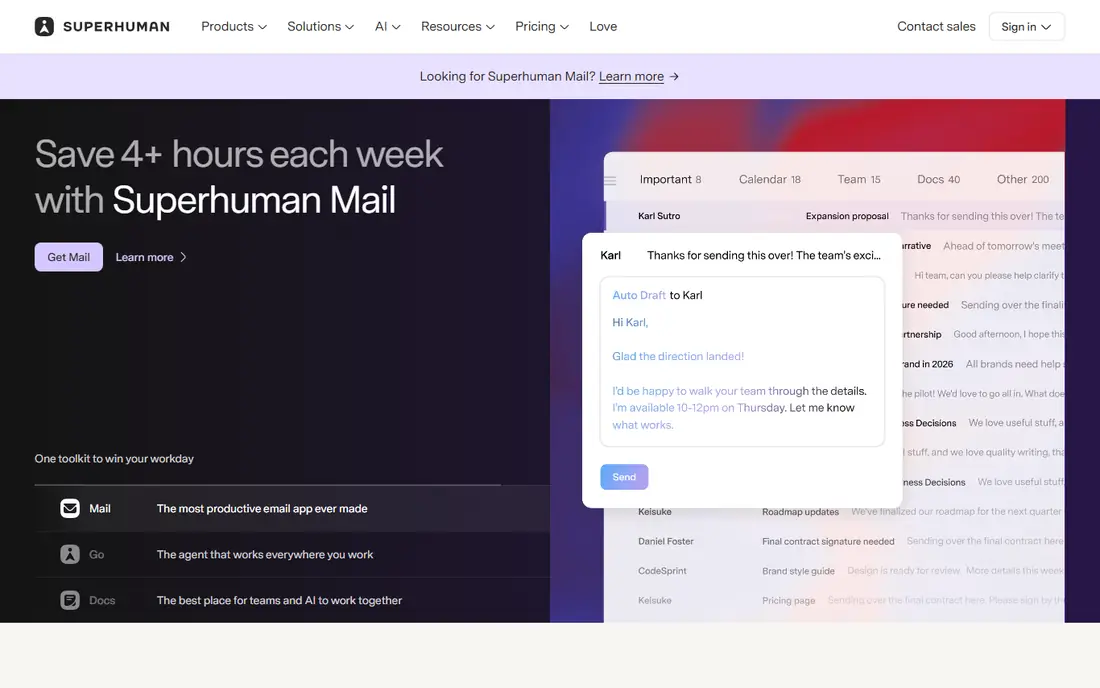
Superhuman is still the fastest email client we list, built for people who process hundreds of messages a day. Keyboard shortcuts, split inboxes, snippets and read statuses cut the clicks out of triage, and AI drafting helps with routine replies. It works with Gmail and Outlook, and it now sits inside a wider suite from Grammarly, which acquired Superhuman in 2025.
The price is the barrier. Starter costs $30 per month, or $25 billed annually, with Business higher, and there is no free plan. Casual users will not get value from that. Founders, executives and sales leaders who spend hours a day in email will feel the speed difference within a week.
- Very fast keyboard-first design
- Split inboxes and snippets
- AI drafting and auto labels
- High price for casual users
- No free plan
- Now bundled inside a wider Grammarly suite
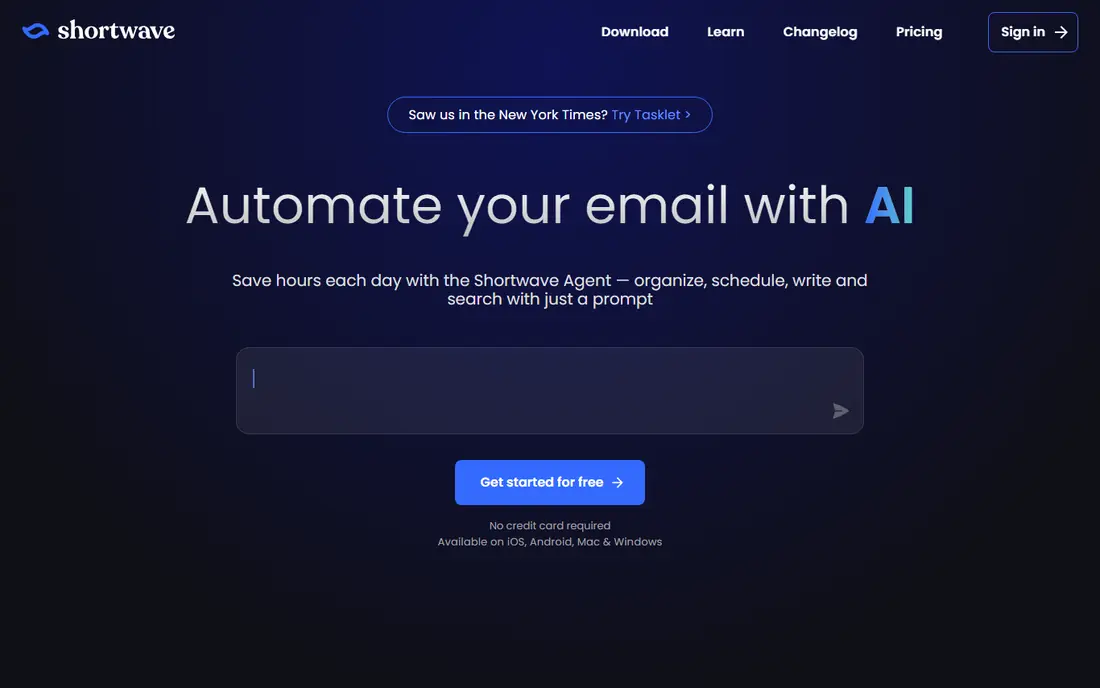
Shortwave is the AI-first Gmail client from former Google engineers, and it offers the deepest AI surface in this list. Natural-language search answers questions across years of mail, thread summaries compress long conversations, and newer agent features can automate multi-step email workflows. The task-style inbox also helps users treat email as a to-do list.
The drawbacks are scope and pricing churn. Shortwave works with Gmail and Google Workspace only, and its plans and free tier have changed repeatedly, with recent comparisons listing several different entry prices. Confirm the current plan before you buy. Gmail users who want the smartest AI search should still shortlist it first.
- Deepest AI search across inbox history
- Thread summaries and drafting
- Task-style inbox organization
- Gmail only
- Pricing has changed several times
- Free plan has been removed
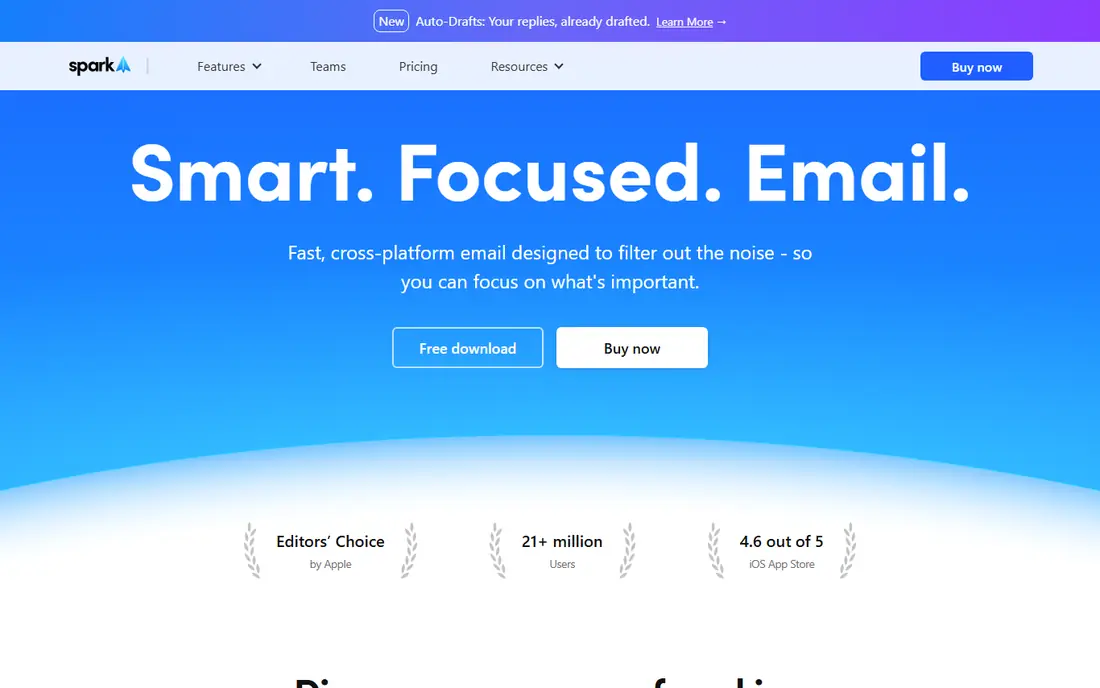
Spark Mail from Readdle is our value pick. It unifies Gmail, Outlook, iCloud, Yahoo and IMAP accounts in one polished client, with a smart inbox that sorts priority mail from newsletters and notifications. The free plan is usable, not just a demo, and Plus starts at $10 per month, or $8.25 billed annually, with Pro at $20 per month.
The catch is that a couple of headline Pro features remain marked as coming soon, so check the current feature list against what you actually need. For most users, though, Spark gives the best mix of coverage, design and price in this list, and it works on every major platform.
- Genuine free plan
- Covers Gmail, Outlook, iCloud, Yahoo and IMAP
- Smart inbox and AI writing help
- Some headline Pro features are still marked as coming soon
- Paid plans needed for full AI features
SaneBox takes a different path: instead of replacing your email app, it works in the background on the server and sorts mail into smart folders such as SaneLater, SaneNews and SaneCC. It analyzes message headers rather than reading message bodies, which is a stronger privacy design than most AI tools offer. It works with Gmail, Outlook, Apple Mail and other clients.
The trade is features. SaneBox filters and prioritizes, but it does not draft replies or offer AI search like Shortwave or Superhuman. Pricing also varies by plan, with recent comparisons listing different entry prices. Users who want less noise without changing apps, and who care about privacy, will like it most.
- Works with any email client
- Header-only analysis protects privacy
- Smart folders sort low-priority mail
- No app of its own
- Pricing varies by plan and account count
- No drafting or AI search features
Fyxer AI works inside your existing Gmail or Outlook inbox and pre-writes reply drafts, sorted and prioritized, before you open your mail. It learns your writing tone, handles meeting notes and helps with scheduling, which suits busy professionals who answer similar messages all day. A limited free plan covers chat and meeting notes for testing.
Drafts still need review, especially for sensitive messages, and pricing has varied across comparisons, so confirm the current plan. For users who want AI help without switching clients, Fyxer is one of the most hands-off options here.
- Drafts replies before you open mail
- Learns your tone
- Works inside Gmail or Outlook
- Meeting notes included
- Pricing has varied across sources
- Drafts need review before sending
- Team plans are pricier
Missive suits two or more people working one inbox, such as support, sales or operations teams. Shared drafts, internal comments, assignments and collision detection stop two people answering the same message, and it also covers SMS and social channels alongside email. Plans start at $14 per user per month.
Solo users will find it overkill and pricier than Spark or SaneBox, and its AI features are lighter than the AI-first clients here. For a team inbox, though, Missive is the most purpose-built choice in this list, and it scales cleanly as the team grows.
- Built for teams sharing inboxes
- Shared drafts, comments and assignments
- Covers email, SMS and social channels
- Priced for teams, not solo users
- AI features are lighter than Shortwave or Superhuman
Canary Mail is a privacy-focused email client with encryption, AI summaries and writing assistance, plus support for major providers. The free plan lets you test it properly, and paid plans start around $3 per month billed annually, with a lifetime option also offered. Users who want AI help without handing every message to a large platform will appreciate its privacy stance.
The trade-off is scale. Canary has a smaller user base and fewer team features than Spark or Missive, and full AI use needs a paid plan. For an individual who values privacy and wants a clean, modern client, it is a strong alternative to the bigger names.
- Free plan available
- Encryption and privacy focus
- AI summaries and writing help
- Cross-platform
- Smaller user base than Spark or Superhuman
- Paid features needed for full AI use
- Some team features limited
Boomerang is the follow-up specialist in this list. It lets you schedule messages, set reminders to follow up if nobody replies, and pause your inbox, all inside Gmail or Outlook. The free plan covers basic use, and paid plans start near $5 per month. Sales and recruiting users who live or die by follow-ups will get immediate value.
It is not a full AI client. Drafting and search features are lighter than Shortwave or Superhuman, and it works as an add-on rather than a replacement app. Pair it with Spark or your existing client if follow-up discipline is your main pain.
- Free plan available
- Follow-up reminders and scheduled sending
- Works inside Gmail and Outlook
- Narrower AI feature set
- Paid plans needed for full use
- Less of a full client replacement
Microsoft Copilot in Outlook brings AI drafting, thread summaries and meeting preparation into the app Microsoft 365 users already open every day. It can draw on your documents and calendar for context, which helps with work messages that reference files or meetings. There is no new client to learn and no migration to plan.
The price is $30 per user per month, which is steep if email is your only use for Copilot. Users outside Microsoft 365 get little value from it. For organizations already standardized on Outlook and Microsoft 365, though, Copilot is the simplest way to add AI email help without changing tools.
- Built into Outlook and Microsoft 365
- Draft and summarize with your documents
- No new app to learn
- High per-user price
- Best value only inside Microsoft 365
- AI quality varies by message type
How we picked these
We compared official feature pages, pricing pages and recent AI email comparisons, and we favored tools that are actively sold and supported in October 2026. That is why Notion Mail is excluded: it shut down in September 2026. We looked for triage, drafting, search, scheduling, privacy practices and price, and we included clients, background filters and built-in assistants.
AI email pricing changes fast, and several tools here have changed plans in the last year. Where sources conflicted, we used See website rather than repeating a stale figure. Always check how a tool handles your message content, whether it trains models on your mail, and what its retention policy says before you connect a work inbox.
What to check before you choose
Start with your provider. Gmail users have the widest choice, including Shortwave and Spark, while Outlook users should weigh Superhuman, Fyxer and Copilot. A tool that does not support your provider is useless no matter how good its AI looks in a demo.
Then check privacy and review habits. AI tools that read message bodies need clear policies on training, retention and encryption, and SaneBox header-only design is worth weighing if you handle sensitive mail. Finally, trial the tool on your real inbox for two weeks, measure time saved on triage and drafting, and check that AI drafts still sound like you before you pay for a year.
FAQ
What are AI email management tools?
AI email management tools use AI to sort, prioritize, summarize, draft and search email, so you spend less time on triage and routine replies. Some are full clients such as Superhuman and Spark, some work in the background such as SaneBox, and some are built into existing apps such as Copilot in Outlook.
Is Superhuman worth $30 per month?
It depends on your email volume. Users who spend two or more hours a day in email often save several hours a week from its speed, split inboxes and snippets. Casual users with a light inbox will not get $30 of value from it and should try Spark or SaneBox instead.
Do AI email tools read my private messages?
Most AI clients process message content to summarize and draft, while SaneBox only analyzes headers. Check each vendor's privacy policy for model training, retention and encryption before you connect a work inbox, and avoid sending highly sensitive content through tools you have not vetted.
What is the best free AI email tool?
Spark Mail and Canary Mail both offer genuine free plans with smart inboxes and limited AI features. Boomerang offers a free plan for follow-ups and scheduling. Free plans usually limit AI credits or advanced features, so check what is included before you rely on one daily.
Can AI email tools work with Outlook?
Yes. Superhuman, Spark, Fyxer, SaneBox, Boomerang and Copilot all work with Outlook or Microsoft 365 in some form. Shortwave is Gmail only, so Outlook users should skip it. Check whether the tool needs a desktop app, a web app or an add-in for your setup.
Will AI replace reading my email?
No. AI handles a large share of triage, drafting and follow-ups, but judgment calls, sensitive replies and complex threads still need a human. Treat AI drafts as a starting point, review them before sending, and keep final decisions with yourself.