Best SEO Chrome Extensions in 2026: 11 Tools Compared
Best SEO chrome extensions in 2026: 11 contenders with entry costs and free tiers. Our number one: Hunter, for outreach email finding. Updated November 2026.
- Editor's choice
 Hunter
Outreach email finding
Starts atFree plan (25 searches/month)Visit hunter.ioFull review - Great alternative
 MozBar
Domain Authority and Page Authority
Starts atFreeVisit moz.comFull review - Also consider
 META SEO Inspector
Meta tag and Open Graph checks
Starts atFreeVisit chromewebstore.google.comFull review
Direct answer
Hunter comes first here, mainly for outreach email finding. MozBar is better for domain Authority and Page Authority, and META SEO Inspector is better for Meta tag and Open Graph checks. Details, prices and limits for the rest of the 11 tools are below.
TL;DR:
- Hunter sits first on this list: outreach email finding.
- Keyword Surfer fits fast keyword volume in Google.
- The main caution on SEOquake: more site-level data needs a Semrush account.
- MozBar, SEOquake, SimilarWeb, Ahrefs SEO Toolbar: these are the 4 tools out of 11 that offer a free plan.
Quick comparison
| Tool | Best for | Starts at | Free plan? | |
|---|---|---|---|---|
| Hunter | Outreach email finding | Free plan (25 searches/month) | 25 searches/month free | Visit |
| MozBar | Domain Authority and Page Authority | Free | Yes | Visit |
| META SEO Inspector | Meta tag and Open Graph checks | Free | Fully free | Visit |
 SEOquake | Full on-page audit and SERP overlay | Free | Yes | Visit |
 Detailed SEO Extension | On-page and technical snapshot | Free | Fully free | Visit |
 Google Tag Assistant | Tracking tag debugging | Free | Fully free | Visit |
 SimilarWeb | Traffic estimation | Free (limited) | Yes | Visit |
 Ahrefs SEO Toolbar | DR/UR and broken-link checks | Free | Yes | Visit |
 NoFollow | Link attribute visibility | Free | Fully free | Visit |
 SEO Minion | Broken links, hreflang and SERP preview | Free | Fully free | Visit |
 Keyword Surfer | Fast keyword volume in Google | Free | Fully free, no sign-up | Visit |
The best SEO chrome extensions
Short on time? The summary and table above give the quick view of 11 SEO chrome extensions, and the profiles that follow give the detail behind each entry.
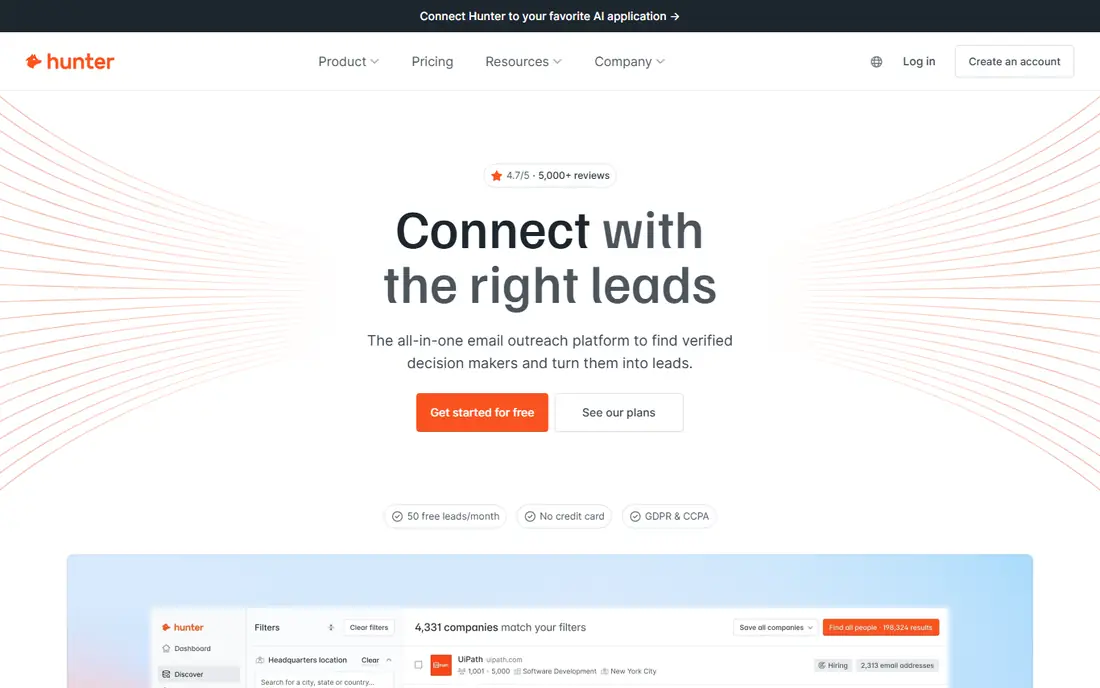
Where Hunter fits: outreach email finding. Hunter finds and verifies email addresses tied to a domain, which accelerates outreach for contributed articles, broken-link replacement, and digital PR.
In daily use, the free plan includes 25 searches per month. The starting price for Hunter: Free plan. Free access: 25 searches/month free.
What works well: Finds and verifies email addresses tied to a domain.
- Broken-link replacement and digital PR
- Accelerates outreach for contributed articles
- The free plan includes only 25 searches per month
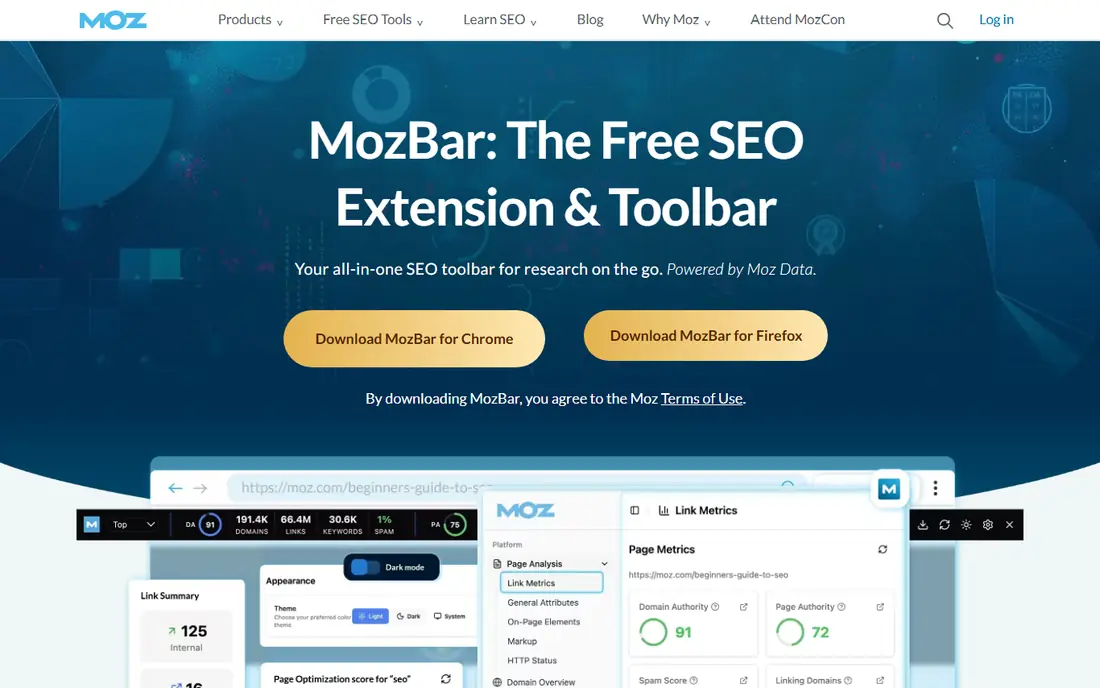
MozBar targets domain Authority and Page Authority. MozBar overlays Moz's Domain Authority and Page Authority scores on any page or SERP, plus a fast view of a page's link profile.
Points against: not a Google ranking factor; Domain Authority is an external metric.
From a buyer's view, the toolbar itself is free; full inbound link exploration needs a Moz Pro subscription. The starting price for MozBar: Free. MozBar has a free plan.
- Overlays Domain Authority and Page Authority on any page or SERP
- Fast view of a page's link profile
- Full inbound link exploration needs a Moz Pro subscription
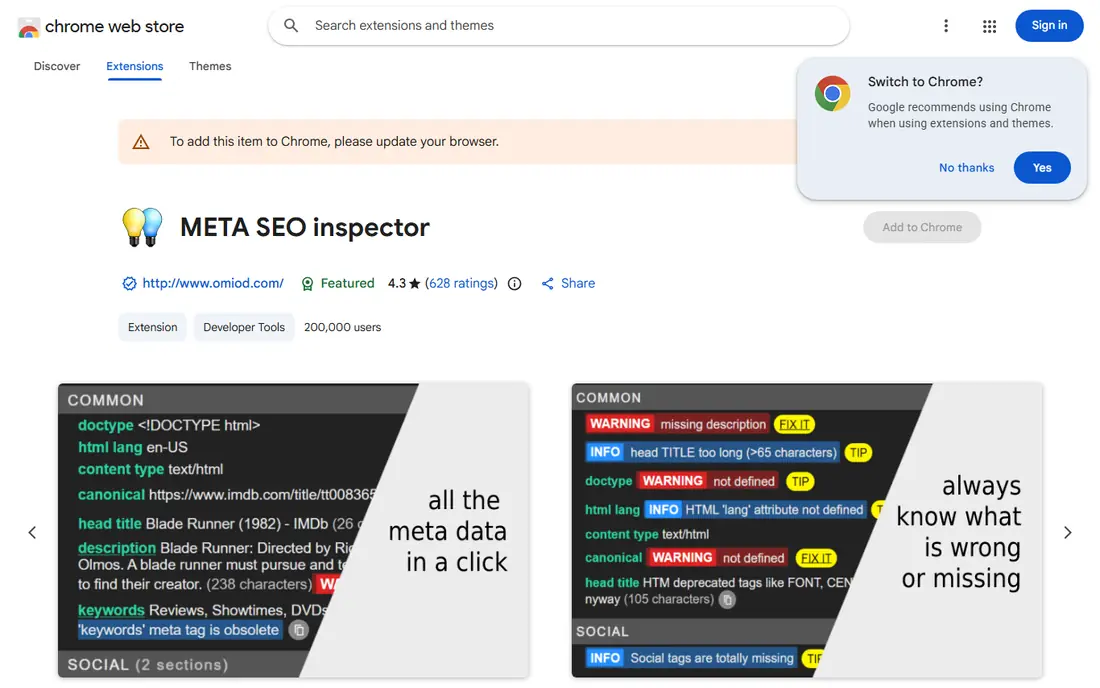
META SEO Inspector works best for Meta tag and Open Graph checks. META SEO Inspector focuses narrowly on meta tags, heading hierarchy, and Open Graph and Twitter card data, handy for a quick pre-publish check before a page goes live.
Points against: Narrow focus on meta.
Entry price for META SEO Inspector: Free. Trial and free access: Fully free. Best features of META SEO Inspector: heading hierarchy.
- Handy as a fast pre-publish check
- Open Graph and Twitter card data
- Heading and social tags
SEOquake works best for full on-page audit and SERP overlay. SEOquake, built by Semrush, overlays SEO metrics straight on Google's results, including word count, keyword density, and internal and external link counts, and can export a page audit to CSV.
Price to start with SEOquake: Free. A free plan is available with SEOquake.
Reasons to shortlist it: Built by Semrush.
Where it falls short: Overlaps with the other on-page auditors.
- Exports a page audit to CSV
- Keyword density and internal and external link counts on Google's results
- More site-level data needs a Semrush account
Detailed SEO Extension is built with on-page and technical snapshot in mind. In-depth SEO Extension is a one-click summary of title length, meta description, headings, canonical tag, robots directives, and structured data for the current page.
On cost, Detailed SEO Extension starts like this: Free. Free options: Fully free.
Where it is weaker: Reads one page at a time, so it does not replace a full system for bulk crawls.
- The fastest first check on any URL
- Meta description, headings, canonical
- Overlaps heavily with SEO Minion and SEOquake, so run one, not all
Google Tag Assistant was built for tracking tag debugging. Google's own Tag Assistant isn't sold as an SEO tool, but it belongs in the stack anyway: it verifies that Google Analytics, Google Ads, and Google Tag Manager are firing correctly on a page, which matters because bad tracking data results in bad SEO decisions.
Drawbacks to consider: Does not measure citations in AI Overviews or chat answers.
On cost, Google Tag Assistant starts like this: Free. On free options: Fully free.
- Verifies that Google Analytics
- Google Ads and Google Tag Manager fire correctly
- Not an SEO tool in itself
Think of SimilarWeb for traffic estimation. The free layer is restricted in depth and asks you to join its data-sharing panel for fuller access.
SimilarWeb estimates a site's monthly visits, traffic sources, and top referring countries. Price to start with SimilarWeb: Free. SimilarWeb has a free plan.
Points against: Free layer is restricted in depth.
- Estimates a site's monthly visits
- Traffic sources and top referring countries
- Fuller access asks you to join its data-sharing panel
In short, Ahrefs SEO Toolbar is for DR/UR and broken-link checks. Ahrefs SEO Toolbar presents Domain Rating (DR), URL Rating (UR), and estimated organic traffic for any page, along with a built-in broken-link checker and redirect tracer.
Strengths: Built-in broken-link checker and redirect tracer.
Honest limits: On-demand lookups can be less fresh than a scheduled crawl.
What you pay to start with Ahrefs SEO Toolbar: Free. Ahrefs SEO Toolbar includes a free tier.
- Displays Domain Rating
- Free Ahrefs Webmaster Tools account handles your own verified sites
- Data on other people's sites needs a premium Ahrefs plan
NoFollow is built with link attribute visibility in mind. NoFollow visually marks nofollow, promoted, and UGC links directly on the page.
So you can tell at a glance whether a contributed article or directory listing will pass link equity before you pitch it. Price to start with NoFollow: Free. Free plan details: Fully free.
- Promoted and UGC links on the page
- Displays whether a placement will pass link equity before you pitch it
- Single job: presents link attributes only
SEO Minion is aimed squarely at broken links, hreflang and SERP preview. SEO Minion goes further: it checks for broken links, audits hreflang tags, simulates a SERP preview, and runs a Google search from a chosen country and language so you can see how a page ranks outside your own location.
Watch-outs: Overlaps with the other on-page auditors.
Also free. SEO Minion starts at: Free. Free access: Fully free.
What works well: Runs a Google search from a chosen country and language.
- Simulates a SERP preview
- Checks broken links and audits hreflang tags
- Reads one page at a time, so it does not replace a full system for bulk crawls
Keyword Surfer is built with fast keyword volume in Google in mind. Keyword Surfer displays estimated monthly search volume and CPC next to Google's results and inside the search box as you type, handling more than 70 countries.
The starting price for Keyword Surfer: Free. Free plan details: Fully free, no sign-up.
- Includes more than 70 countries
- Fully free with no sign-up
- Not made for clustering thousands of terms or exporting bulk lists
Notes on SEO chrome extensions
Instead, we group the extensions people actually recommend by the job they do, present what's genuinely free compared with what's a teaser for a premium system, and provide you an original comparison table so you can pick two or three rather than installing all of them. As for the details, a worthwhile SEO Chrome extension saves a specific, repeated step, like checking meta tags, tracing a redirect, or seeing search volume, without opening a separate tool.
Selection criteria
For each of the 11 tools we noted price, free plan or trial, fit for SEO chrome extensions and the main limit, using vendor pages and documentation. Prices and plan limits come from vendor pages and can change, so confirm them on the vendor site before you buy. Order on the page follows fit for the typical buyer first, then price transparency and free access. Your own requirements should decide the final pick.
Before you commit
- Confirm the entry price on the vendor page for Hunter and the others: seat counts and billing terms change the total.
- Check what the free option really includes: MozBar, SEOquake, SimilarWeb and Ahrefs SEO Toolbar offer a free plan, and usage caps differ.
- Read the limits listed for Hunter first: the free plan spans only 25 searches per month.
- Work out what MozBar costs with your real seat count, add-ons and usage, not just the entry price.
- Find out what support Ahrefs SEO Toolbar includes on your plan, and whether onboarding help costs extra.
FAQ
What is the difference between SEOquake and MozBar?
SEOquake overlays a broader page-level audit, including word count, keyword density, link counts, and exportable reports, and is built by Semrush. Numerous SEOs run both since they answer different questions.
How are the tools for SEO chrome extensions ordered?
Hunter sits first and Keyword Surfer last because the order follows typical fit for SEO chrome extensions, then price clarity and free access. It is a judgement call, so read each profile for fit and limits.
Do SEO Chrome extensions slow down my browser?
A handful of running at once has little effect, but a dozen active extensions injecting scripts into every page you load will noticeably slow Chrome, notably in tab-heavy sessions.
Do these tools publish their prices?
Yes. Every tool from Hunter to Keyword Surfer shows a starting price, though seats, add-ons and billing terms still change the final cost.
Which options for SEO chrome extensions have a free plan?
On this list, MozBar, SEOquake, SimilarWeb and Ahrefs SEO Toolbar include a free plan. Caps on seats, usage or features are common, so test the free plan against your real workload.
Are Ahrefs SEO Toolbar and MozBar data as accurate as the full systems?
The toolbars pull the same underlying Domain Rating, URL Rating, Domain Authority, and Page Authority scores as the full systems. But the on-demand lookup behind a single check can be less fresh than a scheduled crawl inside Ahrefs or Moz Pro. Treat toolbar numbers as a quick estimate, not a final report.
Sources
- https://hunter.io/
- https://moz.com/products/pro/seo-toolbar
- https://chromewebstore.google.com/detail/meta-seo-inspector/ibkclpciafdglkjkcibmohobjkcfkaef
- https://www.seoquake.com/
- https://detailed.com/extension/
- https://tagassistant.google.com/
- https://www.similarweb.com/
- https://ahrefs.com/seo-toolbar
- https://www.igorware.com/extensions/nofollow-simple
- https://seominion.com/
- https://surferseo.com/keyword-surfer-extension/