Best Link in Bio Tools: 8 Tools Compared in 2026
Compare the best link in bio tools for 2026, from Linktree and Beacons to Stan Store, Carrd and Lnk.Bio, with free plans, fees and selling features now.
- Editor's choice
 Linktree
Most creators and brands
Starts atSee websiteVisit linktr.eeFull review - Great alternative
 Beacons
Creators who want email plus a store
Starts at$10 per monthVisit beacons.aiFull review - Also consider
 Stan Store
Selling courses and bookings
Starts at$29 per monthVisit stan.storeFull review
TL;DR:
- Linktree is our pick for most creators because it is widely recognised and easy to set up.
- Beacons suits creators who want email, a store and analytics in one account.
- Stan Store is the best choice when selling courses and bookings is the main goal.
- Check seller fees before you choose, since a percentage fee can cost more than the subscription.
Quick comparison
| Tool | Best for | Starts at | Free plan? | |
|---|---|---|---|---|
| Linktree | Most creators and brands | See website | Yes | Visit |
| Beacons | Creators who want email plus a store | $10 per month | Yes | Visit |
| Stan Store | Selling courses and bookings | $29 per month | Free trial | Visit |
 Carrd | A cheap one-page site | $9 per year | Yes | Visit |
 Lnk.Bio | Low-cost links with a one-time option | $0.99 per month | Yes | Visit |
 Campsite.bio | Affordable links for teams | $7 per month | Yes | Visit |
 Later Linkin.bio | Instagram scheduling plus a bio page | $18.75 per month | Free trial | Visit |
 Taplink | Mini-sites with forms and payments | See website | Yes | Visit |
The best link in bio tools
A link in bio tool turns one profile link into a page with many links, products and contact options. We compared official pricing pages, free plans, seller fees and feature lists for the tools below.

Linktree is the tool most audiences already know, which means visitors trust the page and know how to use it. The free plan covers unlimited links and basic analytics, so a new creator can start without paying. Paid plans add scheduling, deeper analytics, custom branding and selling features.
The main watch point is fees. Selling through Linktree can carry a platform fee on lower plans, with 0 percent only on the highest tier in recent pricing. If you sell a lot, compare the fee against a flat-fee store. For simple linking and brand pages, Linktree remains the easiest default.
- Widely recognised by audiences
- Unlimited links on free plan
- Many integrations
- Selling fees apply on lower plans
- Deeper analytics need a paid plan
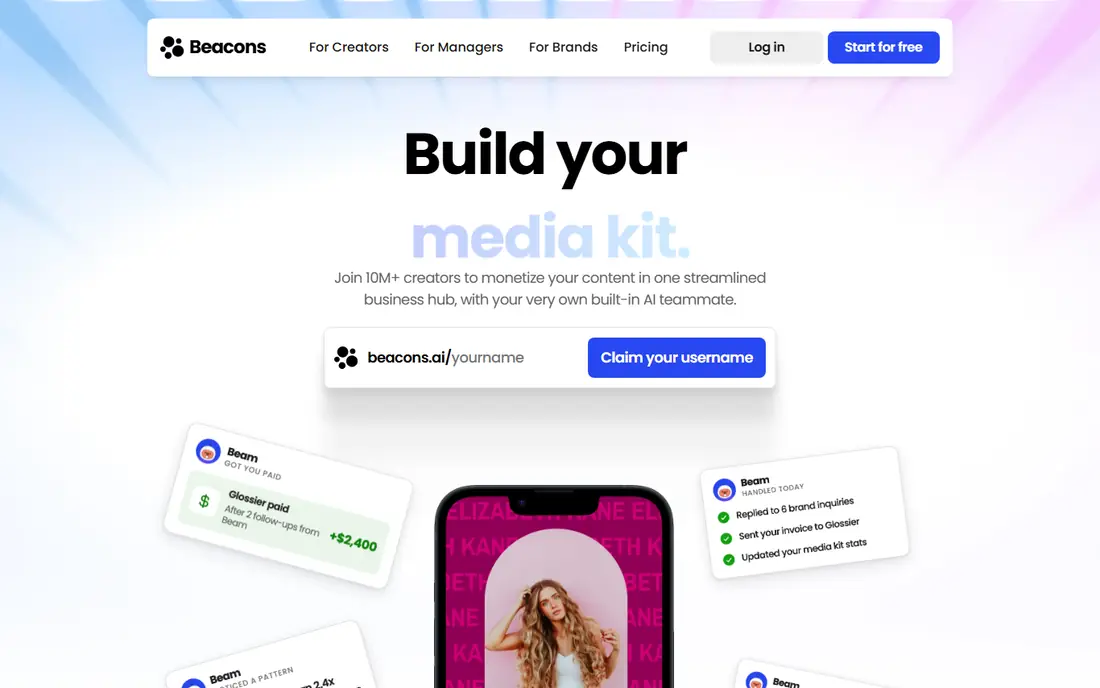
Beacons packs more into one account than most link tools. Alongside links, it offers email collection and sending, a store for digital products, tips, and AI tools for building a page. That mix suits a creator who wants to grow a list and sell without adding three separate apps.
Fees are the trade-off. Beacons charges a percentage on sales on free and lower plans, with 0 percent only from a higher tier. The free plan is still generous for links and email basics. For a creator who sells regularly, the higher tier may pay for itself in saved fees.
- Email tools built in
- Store and tip options
- AI page tools
- Seller fee on free and lower plans
- Some features need higher tiers
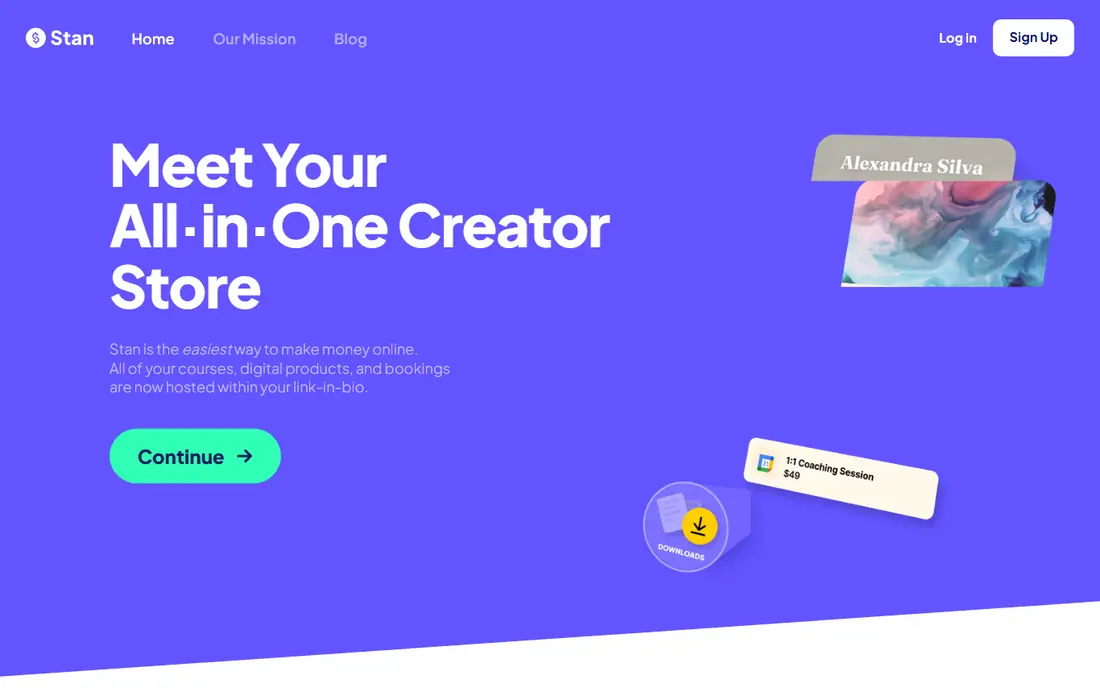
Stan Store is built around selling, not just linking. It handles digital products, courses, memberships and bookings with a checkout that sits on your bio page, and it charges 0 percent platform commission, though payment processing fees still apply. That model suits creators whose main income comes from products rather than links alone.
There is no free plan, only a 14-day trial, and $29 per month is more than a simple link page. If you only need a few links, Linktree or Beacons will cost less. If you sell courses or bookings every week, Stan Store can be cheaper than a percentage-fee tool.
- 0 percent platform commission
- Built for courses and bookings
- Clean checkout
- No free plan, only a trial
- Higher entry price than simple link tools
Carrd is not a standard link tool, but it works well as a bio page for people who want design control at a tiny price. Pro plans start at $9 per year, and you can build a one-page site with links, images, embeds and forms. Custom domains are available on paid plans, which helps a personal brand look polished.
Carrd lacks native link analytics, a built-in store and creator-specific tools, so you must add those yourself through embeds. It is best for a portfolio, a personal page or a simple link list. For the price, it is hard to beat as a long-term bio page.
- Very low annual price
- Flexible one-page design
- Custom domains on paid plans
- No native analytics or store
- You build the page yourself
Lnk.Bio keeps things simple and cheap. The free plan covers unlimited links, and the Mini plan costs $0.99 per month. A one-time Unique option is also available, which appeals to creators who dislike monthly subscriptions. Setup takes minutes, and the page loads fast.
The trade-off is depth. Lnk.Bio does not match Beacons for email and selling, or Linktree for integrations. Analytics are basic, and customisation is modest. For a personal page or a small business that only needs links, that simplicity is often enough.
- Very cheap paid tier
- One-time payment option
- Simple setup
- Fewer selling tools than Beacons or Stan
- Analytics are basic
Campsite.bio offers a clean link page at a low price, with a free plan and a Pro plan from $7 per month. It supports multiple profiles and team use, which helps a business with several accounts or staff pages. The design is simple and readable, and setup is quick.
It does not offer the same store depth as Stan Store or Beacons, and its integration list is smaller than Linktree. For a team that needs several tidy bio pages without paying for selling tools it will not use, Campsite.bio is a sensible, low-cost pick.
- Low paid price
- Multiple profiles and team options
- Clean design
- Smaller integration range than Linktree
- Selling tools are limited
Later Linkin.bio stands out for Instagram-focused accounts because it recreates your grid as a clickable page. A visitor can tap a post image and land on the linked product or article, which feels natural for visual brands. Because Later also handles scheduling, a team can plan posts and manage the bio page in one place.
As a standalone bio tool, Later is expensive, with paid plans starting at $18.75 per month billed yearly and only a trial to test it. It makes sense mainly for teams already using Later for scheduling. For a simple bio page, a cheaper dedicated tool will do the same job for less.
- Clickable Instagram grid
- Scheduling and bio page in one tool
- Strong analytics
- No free plan, only a trial
- Costly as a standalone bio tool
Taplink turns a bio link into a small mini-site with blocks for links, images, forms, videos and payment buttons. That flexibility suits a small business that wants bookings, enquiries and payments from one page. Messenger links also help a business that takes orders through chat apps.
Pricing varies by region and billing term, so check the price shown for your location before comparing. The range of blocks can also make a page feel busy if every option is used at once. Used with restraint, Taplink is a strong budget mini-site for small businesses.
- Mini-site blocks and forms
- Payment options
- Messenger links
- Pricing varies by region and term
- Design can feel busy
How we picked these
We compared link in bio tools that are available in October 2026, using official pricing pages, free plan details, seller fees and feature lists. We favoured tools with a working free plan or trial, a clear use case, and a stable product history. We left out tools that shut down in 2026, including Bento, which Linktree closed in February 2026.
What to check before you choose
Add up subscription plus seller fees
A cheap subscription can cost more than a higher one if it takes a percentage of every sale. On $1,000 of monthly sales, a 9 percent fee adds $90, which is more than most subscriptions on this list. If you sell regularly, favour a 0 percent platform fee or a higher tier that removes the fee.
Match the tool to your main job
A simple link page, a store, an email list and a scheduling tool are different jobs. Linktree and Lnk.Bio suit simple linking, Beacons suits email plus selling, Stan Store suits courses and bookings, and Later suits Instagram scheduling. Picking for your main job avoids paying for features you will not use.
Test the page on a phone first
Most bio traffic comes from phones, so check load speed, tap targets and readability on a small screen. A page that looks good on a desktop can feel crowded on a phone. Keep the top links short, put the most important action first, and remove links that no longer earn clicks.
FAQ
What is the best free link in bio tool?
Linktree and Beacons both offer strong free plans with unlimited links, and Lnk.Bio offers a very cheap paid tier if you want to remove branding. Linktree wins on recognition, while Beacons wins on built-in email and store tools. For a personal page with no selling, any of the three works well.
Does Linktree charge a fee on sales?
Linktree has charged a platform fee on sales through lower plans in recent pricing, with 0 percent only on its highest tier. Fees change often, so check the current pricing page before you start selling. If you sell regularly, compare the fee against a flat-fee store such as Stan Store.
Can I use a link in bio tool for a business?
Yes, and many small businesses use one for bookings, menus, contact forms and product links. Taplink and Campsite.bio suit small businesses that need forms and multiple profiles, while Linktree suits brands that want a simple, trusted page. For a full website, Carrd or a website builder may fit better.
How many links should a bio page have?
Keep the page focused. Five to eight links usually work better than twenty, since visitors decide fast on a phone. Put your main offer or newest content first, group secondary links lower down, and remove links that get few clicks. A short page also loads faster.
Is Carrd a good link in bio tool?
Carrd works well as a low-cost bio page if you want design control and a custom domain for $9 per year. It lacks native analytics and a built-in store, so it suits portfolios and personal pages more than creator selling. If you need email capture and sales in one account, Beacons or Stan Store fit better.