6 Best Image Search Software for 2026, Vetted and Compared
Best image search software, compared. 6 tools with published prices, free plans and limits. Fit and flaws are laid out for each entry. See which fits.
- Editor's choice
 Twelve Labs
Video intelligence and search API
Starts at$29 a monthVisit twelvelabs.ioFull review - Great alternative
 Adobe Experience Manager Assets
AI-powered digital asset management
Starts atSee websiteVisit business.adobe.comFull review - Also consider
 Elasticsearch
Open-source distributed search and analytics
Starts atSee websiteVisit elastic.coFull review
Direct answer
This list puts Twelve Labs first for video intelligence and search API. Listed starting prices: Twelve Labs from $29 a month and Pinecone from $20 a month. Alternatives: Adobe Experience Manager Assets for AI-powered digital asset management, and Elasticsearch for open-source distributed search and analytics. The full list of 6 tools follows, with prices and free plan facts.
TL;DR:
- Twelve Labs takes the first slot, best suited to video intelligence and search API.
- What to know about Twelve Labs first: concentrated on video, not images.
- Algolia suits AI-powered search and retrieval system.
- Pinecone is the lowest-priced starter here at $20 per month.
Last checked November 2026. Prices and plan details were read from the vendors' own pages in November 2026; vendors change plans often, so confirm the current price on the vendor site before you buy.
Quick comparison
| Tool | Best for | Starts at | Free plan? | |
|---|---|---|---|---|
| Twelve Labs | Video intelligence and search API | $29 a month | Yes | Visit |
| Adobe Experience Manager Assets | AI-powered digital asset management | See website | Not stated | Visit |
| Elasticsearch | Open-source distributed search and analytics | See website | Not stated | Visit |
| ViSenze | Visual search and image recognition | See website | Not stated | Visit |
 Pinecone | Vector database for AI knowledge | $20 a month | Free trial | Visit |
 Algolia | AI-powered search and retrieval product | See website | Yes | Visit |
Tool-by-tool breakdown
Choosing image search software usually comes down to price, fit and limits. This LinkVetted guide sets 6 tools side by side on those three points, with the facts kept short and checkable.
Twelve Labs is designed for video intelligence and search API. Twelve Labs supplies a video intelligence product and API that uses multimodal AI to search, analyze, and understand video across vision, audio, and language.
The main drawbacks: API-oriented, needs integration.
In practice, for image-specific search, consider Algolia or a dedicated vector database like Pinecone. Price to start with Twelve Labs: $29 per month. Twelve Labs includes a free tier.
- Multimodal video understanding
- Enterprise video AI
- Focused on video, not images
Adobe Experience Manager Assets
Best for: AI-powered digital asset management
Pick Adobe Experience Manager Assets if this describes you: AI-powered digital asset management. Adobe Experience Manager Assets is enterprise-oriented and can be complicated to implement and administer. It may not be the best fit for small teams or those outside the Adobe ecosystem.
Beyond that, Adobe Experience Manager Assets is a digital asset management system that uses AI to help teams scale, govern, and activate content. It contains search and discovery capabilities for images and other assets, making it a good match for enterprises that require to run large content libraries with governance and delivery workflows. Adobe Experience Manager Assets does not show a starting price in this comparison, so check the vendor site for current pricing. Trial and free access: Not stated.
Where it is weaker: May need Adobe stack.
- Governance and activation features
- Connects with Adobe ecosystem
- Enterprise-focused complexity
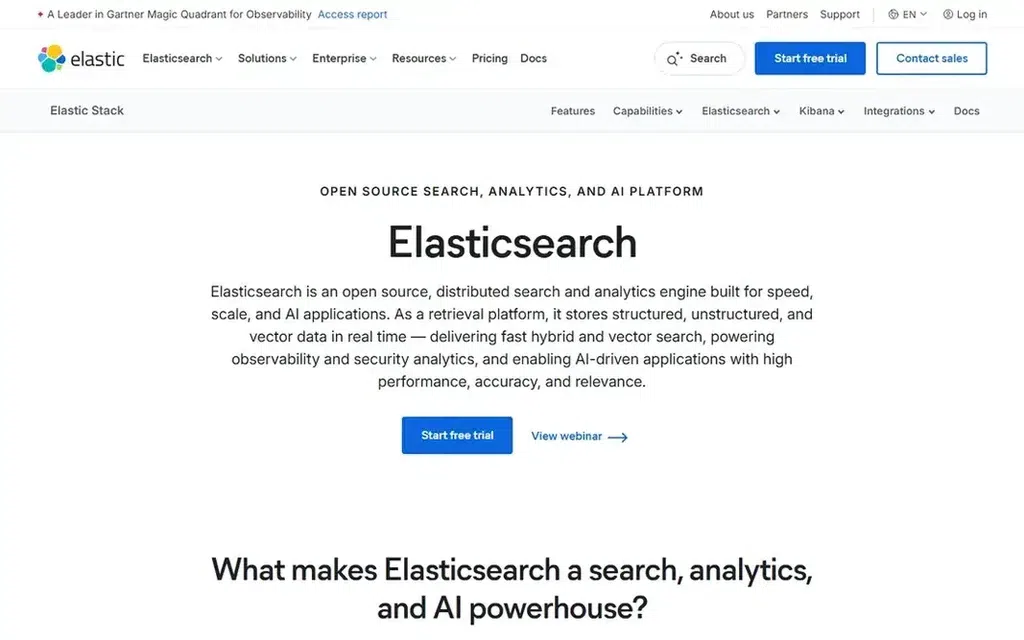
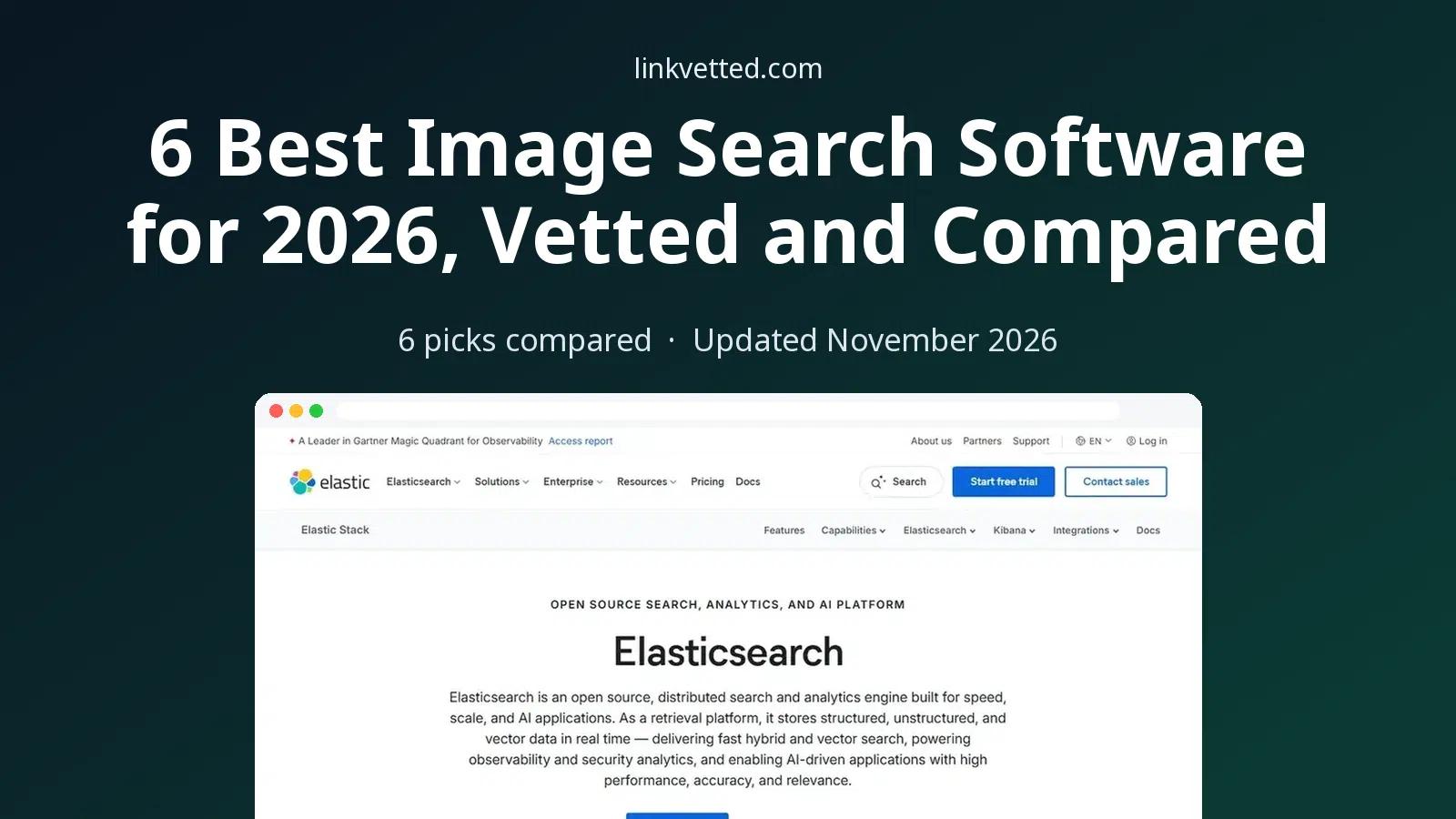
In short, Elasticsearch is for open-source distributed search and analytics. Elasticsearch is a distributed, RESTful, open-source search and analytics engine designed for speed, horizontal scalability, and reliability. It supports image search through plugins and custom integrations, making it a good match for teams that want full control over their search infrastructure.
Trade-offs to know: Needs operational expertise.
For a managed vector search service with less overhead, consider Pinecone or Algolia instead. Also, Elasticsearch demands operational knowledge to tune and maintain, notably at scale. Elasticsearch does not show a starting price in this comparison, so check the vendor site for current pricing. Free options: Not stated.
- Open source with horizontal scalability
- Distributed and RESTful
- Can be resource-intensive
ViSenze
Best for: Visual search and image recognition
ViSenze targets visual search and image recognition. Consider Algolia or Elasticsearch if you need broader search functionality alongside image search. Worth adding: ViSenze is a visual search and image recognition system that helps companies enable search by image.
Downsides: May need custom integration.
It is often used in retail and ecommerce to let users find products using photos. It is concentrated on visual search instead of general image management or full-text search. ViSenze shows no starting price here, so confirm the cost on the vendor site. On free options: Not stated.
- Visual search and recognition
- Made for image-based queries
- Restricted public documentation on homepage
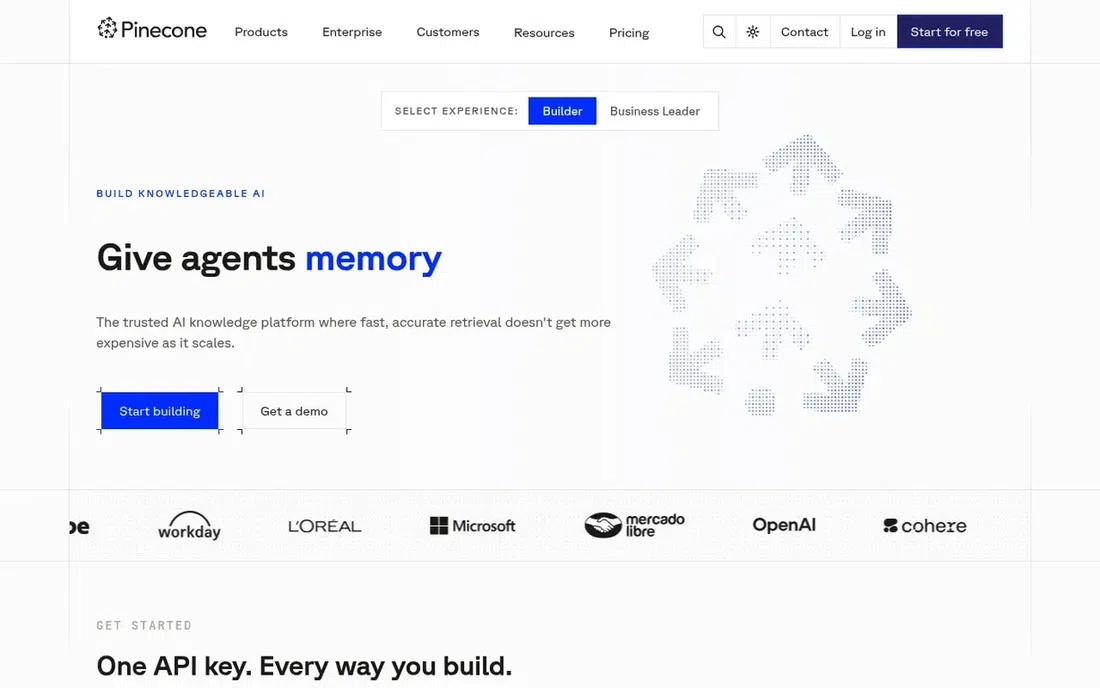
Pinecone is built with vector database for AI knowledge in mind. Pinecone is not a full digital asset management or traditional search engine.
Watch-outs: Needs machine learning integration.
So you will have to build surrounding image processing and indexing workflows. Pinecone pricing: $20 per month. As for free access: Free trial.
- Economical AI knowledge system
- Managed vector database
- Concentrated on vector search, not full-text
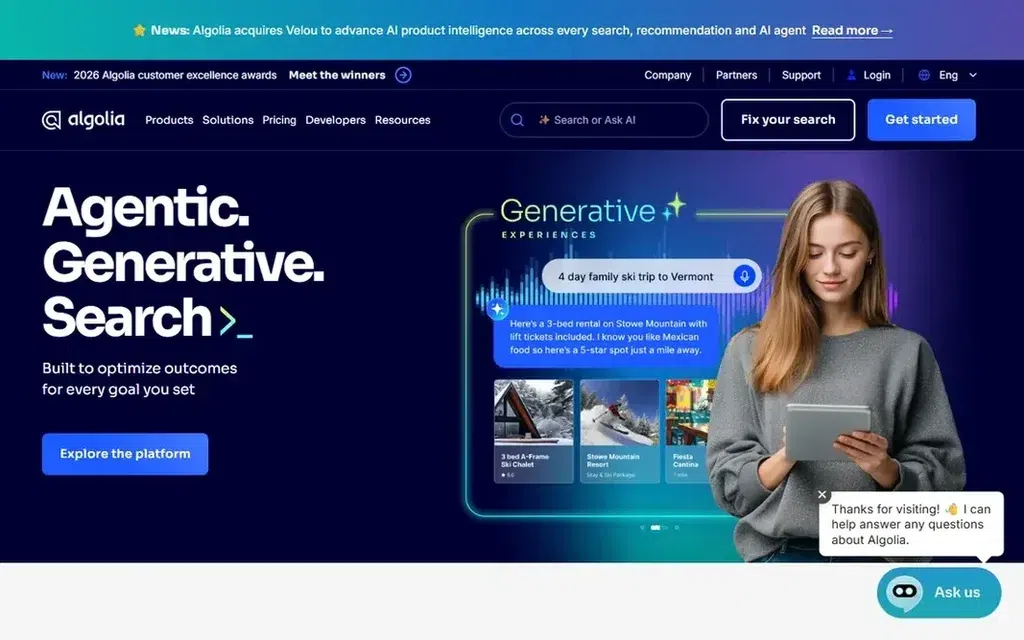
Algolia serves AI-powered search and retrieval product. Algolia is an AI search and retrieval system that spans agentic, generative, and traditional search. From a buyer's view, consider a more straightforward vector database or DAM if you only need image similarity or asset management without a full search platform.
Where it is weaker: Requires integration effort.
As for the details, Algolia may be more than needed for entry-level image search or small projects. Its emphasis on AI and unified search means setup and configuration can need technical resources. Algolia shows no starting price here, so confirm the cost on the vendor site. You can start on Algolia without paying. Where it shines: Adaptive.
- Unified AI search and retrieval product
- High-performing experiences
- May be complicated for straightforward image search
How the list was put together
LinkVetted looked at what each vendor publishes: pricing, plan limits, feature coverage for image search software and stated drawbacks. No hands-on testing is claimed. Where a vendor does not publish a price, the entry says quote. Where a price depends on seats or billing term, the entry says so. The ranking is editorial: typical fit first, then clear pricing, then free access. If your needs are unusual, read the profiles rather than relying on position.
A buyer's checklist
- Confirm the entry price on the vendor page. For Adobe Experience Manager Assets, Elasticsearch, ViSenze and Algolia that means a quote rather than a fixed price.
- Check what the free option really includes: Twelve Labs and Algolia offer a free plan, and usage caps differ.
- Take the trial from Pinecone and push a live task through it before you pay.
- Read the limits listed for Twelve Labs first: concentrated on video, not images.
- Let daily users try Algolia on real work; their feedback beats any feature checklist.
- Ask ViSenze about contract length, onboarding fees and user minimums before you sign.
FAQ
Can vector databases like Pinecone manage image search?
Yes, vector databases like Pinecone can power image search by storing and querying image embeddings for similarity search. They are a strong match for AI-driven applications that require quick, scalable retrieval.
What is the cheapest option for image search software in this list?
On published monthly entry prices, Pinecone is the lowest here at $20 per month. Entry price is only part of the cost, because seats, add-ons and billing terms can change the total. For the full picture, the cards above cover all 6 entries of this image search software list, including price, free plan and limits.
What is image search software?
Image search software makes it possible for users to find images using text queries, visual similarity, or metadata. The right choice relies on whether you have to search within a DAM, embed search in an app, or analyze visual content.
Can I try these options before paying?
Often, yes. Twelve Labs and Algolia have a free plan and Pinecone offers a free trial. Use your own data and a real task during the test, and check what the free tier or trial limits before you rely on it.
Is Twelve Labs the right pick for everyone comparing image search software?
No single tool suits every team. Twelve Labs comes first because it fits video intelligence and search API, while Adobe Experience Manager Assets suits AI-powered digital asset management and Elasticsearch suits open-source distributed search and analytics. Match the tool to your own size, budget and workflow before deciding.
How are the tools for image search software ordered?
The order follows typical fit for image search software, with Twelve Labs first and Algolia last, then price clarity and free access. It is editorial judgement, not a score, so another team could rank the tools differently.
Sources
- https://www.twelvelabs.io
- https://business.adobe.com/products/experience-manager/assets/aem-assets.html
- https://www.elastic.co/elasticsearch
- https://www.visenze.com
- https://www.pinecone.io
- https://www.algolia.com