Best AI Job Search Tools in 2026: 8 Tools Compared
We compare 8 best ai job search tools for 2026, covering resume scans, AI tailoring, tracking, and auto apply, with free plans, prices, and honest limits.
- Editor's choice
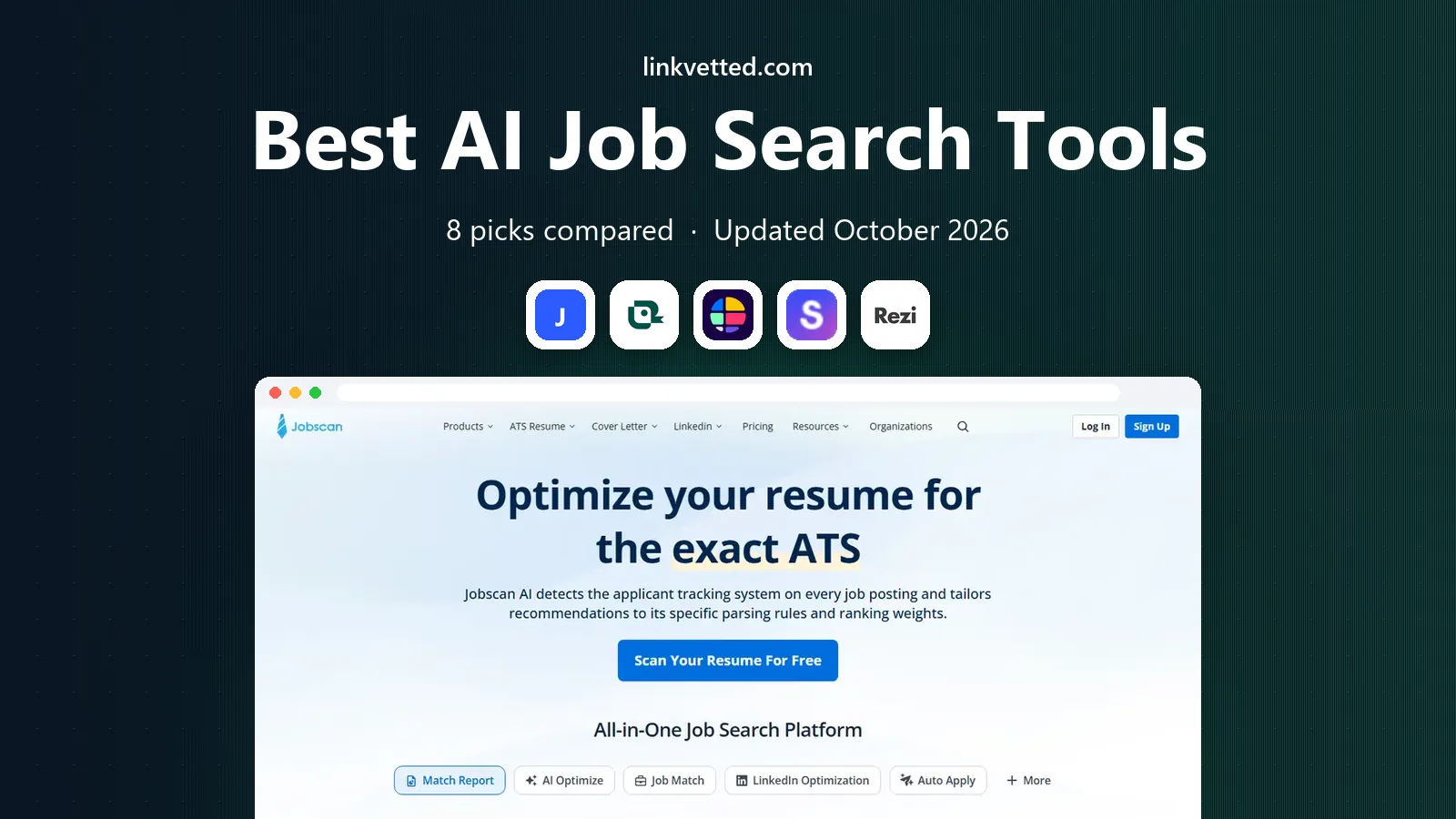
 Jobscan
Resume scans against a job posting
Starts at$49.95 per monthVisit jobscan.coFull review - Great alternative
 Teal
Job tracking plus AI resume help
Starts at$29 per monthVisit tealhq.comFull review - Also consider
 Huntr
All in one search workspace
Starts at$40 per monthVisit huntr.coFull review
TL;DR:
- Jobscan suits resume tailoring against a specific posting, while Teal and Huntr suit managing the whole search in one place.
- Free plans are useful for testing, but AI tailoring and unlimited scans usually sit behind paid plans.
- Auto apply tools can save time, yet every application still needs a human check before it goes out.
- No tool can guarantee interviews, so judge these tools by time saved and application quality, not by promises.
Quick comparison
| Tool | Best for | Starts at | Free plan? | |
|---|---|---|---|---|
| Jobscan | Resume scans against a job posting | $49.95 per month | Yes | Visit |
| Teal | Job tracking plus AI resume help | $29 per month | Yes | Visit |
| Huntr | All in one search workspace | $40 per month | Yes | Visit |
 Sonara | Auto apply at scale | See website | Free trial | Visit |
 Rezi | AI resume writing and tailoring | See website | Yes | Visit |
 Kickresume | Resume and cover letter design | See website | Yes | Visit |
 Simplify | Finding and tracking roles fast | See website | Yes | Visit |
 Careerflow | Tracking plus LinkedIn help | $23.99 per month | Yes | Visit |
The best ai job search tools
We compared official feature pages, pricing pages, and app store listings to build this list, and we focused on tools that work today and fit the topic closely. Use the comparison table to narrow the field, then read the write ups for the two or three options that match your needs best.
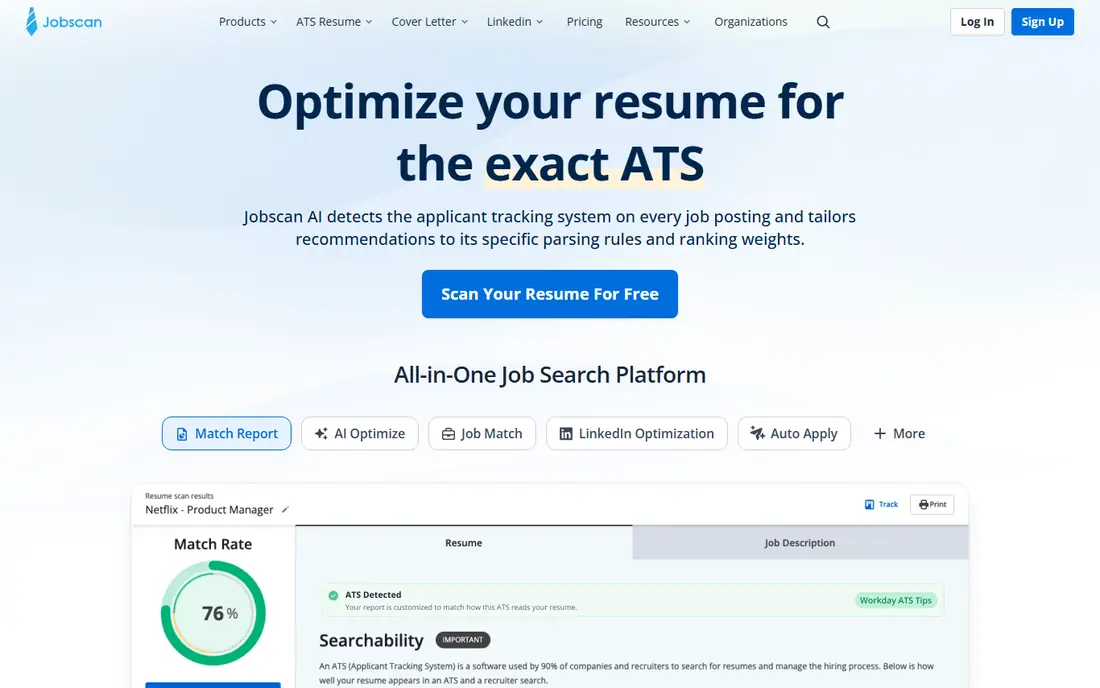
For teams weighing Jobscan, the fit depends on daily workflow more than on a feature list. Jobscan compares your resume with a job description and shows missing skills, formatting issues, and a match score to guide edits. That focus matters because a tool that tries to do everything often makes its core job harder to find, while a focused tool keeps the daily path clear.
Jobscan works best when you set it up around one real project first. Add your team, import a small set of real items, and run a full week of work before you judge it. That trial will reveal gaps in permissions, integrations, and exports that a demo will not show.
The honest catch with Jobscan is in its limits, so read the cons above as a checklist, not a warning to avoid it. Every tool here trades depth for simplicity or breadth for focus, and Jobscan is no exception. If those limits touch your core workflow, pick a different option. If they touch only edge cases, Jobscan can still be the right pick, especially when its strengths match your main job.
- Free scans each month
- Clear keyword gaps
- Resume builder
- Monthly price is high
- Auto apply costs extra
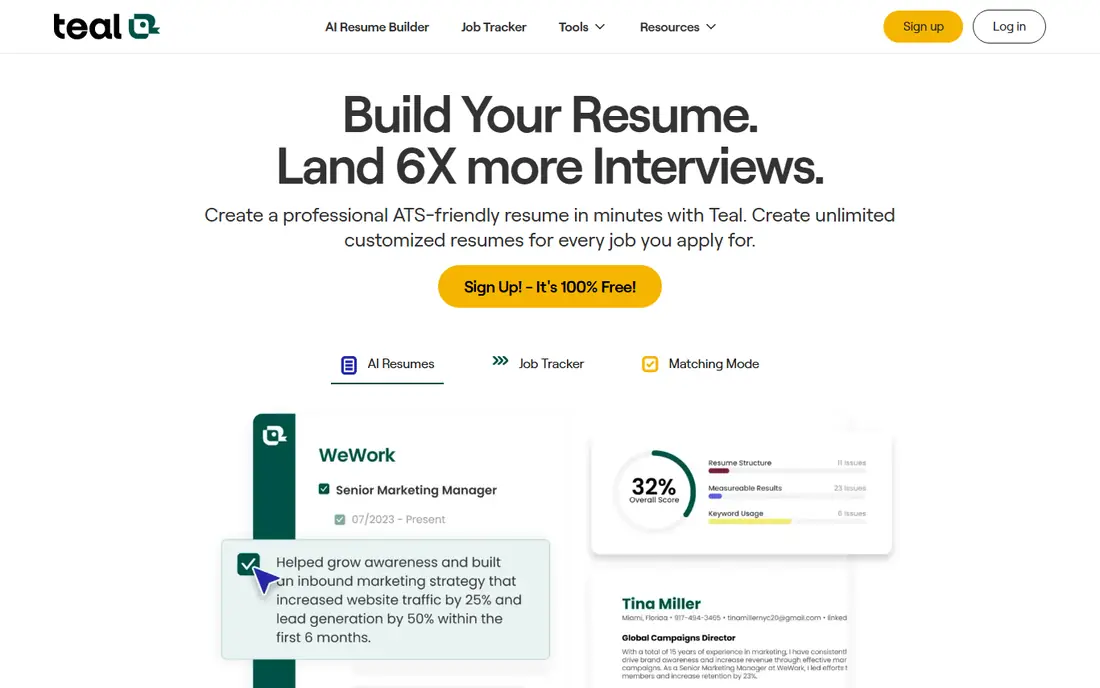
If you want job tracking plus ai resume help, Teal is worth a close look, because it centers that job in its design. Teal combines a job tracker, resume builder, and application organizer, so you can keep roles, contacts, and tailored resumes in one workspace. That focus matters because a tool that tries to do everything often makes its core job harder to find, while a focused tool keeps the daily path clear.
Pricing deserves a second look before you commit to Teal. Check what the free plan actually includes, what happens when you hit limits, and whether guests, viewers, or extra seats change the bill. Annual billing often lowers the monthly rate, but it also locks you in, so start monthly when you can.
Our view on Teal is balanced: it earns its place for job tracking plus ai resume help, but it will not suit every team or every project. Test it against your real constraints, such as budget, team size, and existing tools, before you buy. A short pilot with clear success measures will tell you more than any review, including this one, so use the free plan or trial to prove the fit.
- Unlimited tracking on free plan
- Resume builder
- Job board search
- AI generation is limited on free plan
- No interview prep depth
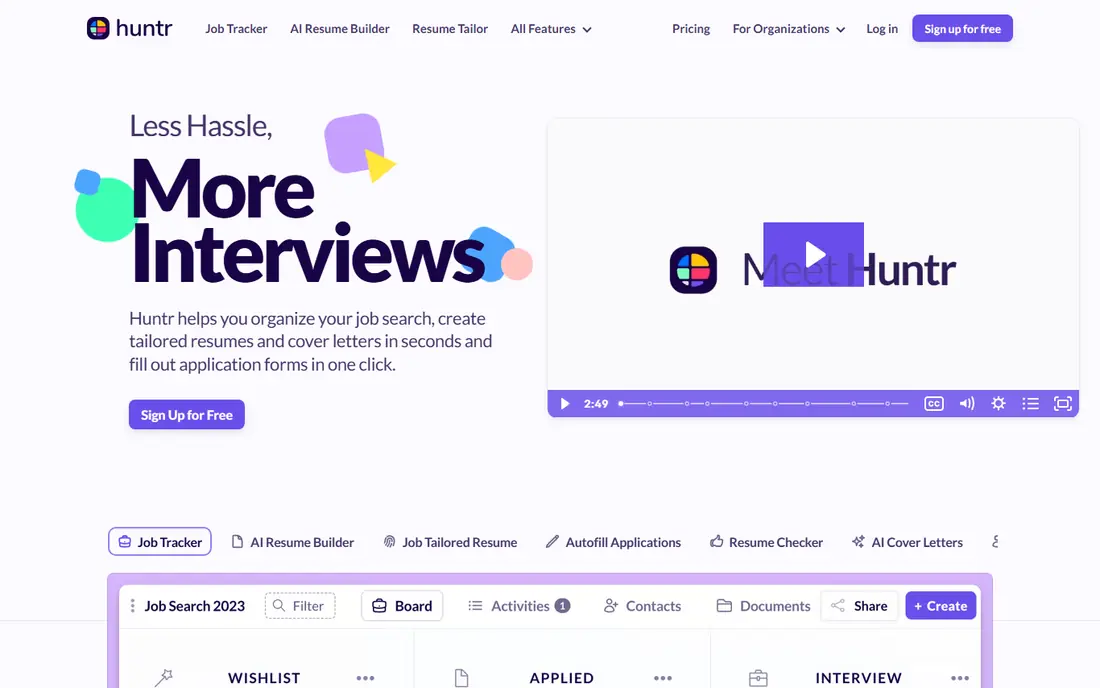
Our pick for all in one search workspace is Huntr, and the reason is practical rather than flashy. Huntr brings resume building, tailoring, application packets, and tracking together, which suits seekers who want one account for the full search. That focus matters because a tool that tries to do everything often makes its core job harder to find, while a focused tool keeps the daily path clear.
A practical test for Huntr is to hand it to the least technical person on your team and watch how long a basic task takes. Clear labels, search, and templates help new users succeed, while hidden settings and jargon slow adoption.
Choose Huntr when all in one search workspace is your priority and its limits are acceptable for now. Revisit the choice as your team grows, since needs change and pricing changes with them. Keep your data exportable, document your setup, and review the tool each quarter. That habit keeps a good pick from turning into a costly default.
- Resume tailoring
- Tracking for many jobs
- Autofill help
- Pro price is high
- Free tailoring is capped
Sonara stands out for auto apply at scale, especially when you need a tool that stays simple under real use. Sonara focuses on finding matching roles and submitting applications on your behalf, which can help when volume matters and roles are closely matched. That focus matters because a tool that tries to do everything often makes its core job harder to find, while a focused tool keeps the daily path clear.
Sonara works best when you set it up around one real project first. Add your team, import a small set of real items, and run a full week of work before you judge it. That trial will reveal gaps in permissions, integrations, and exports that a demo will not show.
The honest catch with Sonara is in its limits, so read the cons above as a checklist, not a warning to avoid it. Every tool here trades depth for simplicity or breadth for focus, and Sonara is no exception. If those limits touch your core workflow, pick a different option. If they touch only edge cases, Sonara can still be the right pick, especially when its strengths match your main job.
- Automated applications
- Role matching
- Time saving
- Less control over each application
- Pricing varies
When ai resume writing and tailoring is the main job, Rezi earns its place by doing that job with fewer detours. Rezi builds structured resumes from your work history and targets them to a role, which helps when you need a clean, scannable document quickly. That focus matters because a tool that tries to do everything often makes its core job harder to find, while a focused tool keeps the daily path clear.
Pricing deserves a second look before you commit to Rezi. Check what the free plan actually includes, what happens when you hit limits, and whether guests, viewers, or extra seats change the bill. Annual billing often lowers the monthly rate, but it also locks you in, so start monthly when you can.
Our view on Rezi is balanced: it earns its place for ai resume writing and tailoring, but it will not suit every team or every project. Test it against your real constraints, such as budget, team size, and existing tools, before you buy. A short pilot with clear success measures will tell you more than any review, including this one, so use the free plan or trial to prove the fit.
- Structured resume templates
- Keyword targeting
- Fast drafts
- Paid features vary
- Drafts still need careful editing
Teams that need resume and cover letter design often land on Kickresume, since it keeps that workflow front and center. Kickresume suits seekers who want a polished look without design work, with templates, AI drafts, and cover letter help in one builder. That focus matters because a tool that tries to do everything often makes its core job harder to find, while a focused tool keeps the daily path clear.
A practical test for Kickresume is to hand it to the least technical person on your team and watch how long a basic task takes. Clear labels, search, and templates help new users succeed, while hidden settings and jargon slow adoption.
Choose Kickresume when resume and cover letter design is your priority and its limits are acceptable for now. Revisit the choice as your team grows, since needs change and pricing changes with them. Keep your data exportable, document your setup, and review the tool each quarter. That habit keeps a good pick from turning into a costly default.
- Polished templates
- AI writing help
- Portfolio pages
- Some best templates are paid
- AI text needs review
Simplify is a strong match for finding and tracking roles fast, with a setup that rewards a short trial. Simplify aggregates roles and helps you apply faster with autofill and tracking, which suits recent graduates and high volume seekers. That focus matters because a tool that tries to do everything often makes its core job harder to find, while a focused tool keeps the daily path clear.
Simplify works best when you set it up around one real project first. Add your team, import a small set of real items, and run a full week of work before you judge it. That trial will reveal gaps in permissions, integrations, and exports that a demo will not show.
The honest catch with Simplify is in its limits, so read the cons above as a checklist, not a warning to avoid it. Every tool here trades depth for simplicity or breadth for focus, and Simplify is no exception. If those limits touch your core workflow, pick a different option. If they touch only edge cases, Simplify can still be the right pick, especially when its strengths match your main job.
- Large job aggregation
- Autofill
- Tracker
- Autofill can misfire
- Not a full resume coach
For tracking plus linkedin help, Careerflow offers a focused path that is easy to test before you commit. Careerflow pairs a tracker with LinkedIn profile help, which suits seekers whose applications depend on recruiter search as well as direct applies. That focus matters because a tool that tries to do everything often makes its core job harder to find, while a focused tool keeps the daily path clear.
Pricing deserves a second look before you commit to Careerflow. Check what the free plan actually includes, what happens when you hit limits, and whether guests, viewers, or extra seats change the bill. Annual billing often lowers the monthly rate, but it also locks you in, so start monthly when you can.
Our view on Careerflow is balanced: it earns its place for tracking plus linkedin help, but it will not suit every team or every project. Test it against your real constraints, such as budget, team size, and existing tools, before you buy. A short pilot with clear success measures will tell you more than any review, including this one, so use the free plan or trial to prove the fit.
- Job tracker
- LinkedIn optimization
- Interview prep add on
- Free plan is limited
- Interview prep costs extra
How we picked these
We started with official homepages, pricing pages, and app store listings, and we kept only products that exist today and truly fit the topic. We checked free plans, entry paid prices, and core features on vendor pages, and we used See website where a price could not be verified at the time of writing. We favored a mix of well known leaders and smaller options, and we noted honest limits for each pick rather than listing only strengths.
How to choose an AI job search tool
Start with your bottleneck. If your resume is not getting replies, a scanner and tailoring tool may help most. If you are losing track of applications, a tracker with contacts and follow up reminders will matter more. If volume is the problem, auto apply may help, but only when you review each role and tailor the core resume first. A tool that does everything poorly is worse than two tools that do one job well.
Check data handling before you upload a resume. Read the privacy policy for how your documents are stored, whether they are used to train models, and how to delete your data. Avoid tools that ask for login details to job boards unless you understand the risk. Set a monthly budget, cancel when the search ends, and keep a copy of every resume version you send.
FAQ
What is the best AI job search tool?
There is no single winner, because searches differ. Jobscan is strong for resume scans, Teal and Huntr are strong for tracking and tailoring, and Sonara focuses on auto apply. Pick the tool that fixes your weakest step and test its free plan first.
Can AI tools apply to jobs for me?
Some tools offer auto apply, but the quality varies and employers may spot generic applications. Review the role, the company, and the tailored resume before any submission. A smaller set of well matched applications often beats a large set of generic ones.
Are AI job search tools free?
Many offer a free plan with limits, such as a set number of scans or tailored resumes per month. Paid plans usually add unlimited AI features, tracking, and cover letter help. Check the pricing page for the current limits before you pay.
Will an AI resume tool beat applicant tracking systems?
A scanner can flag missing keywords and formatting problems, but it cannot guarantee that a real system will rank you higher. Use the feedback to make your resume clearer and more specific, and keep every claim true to your real experience.
Is it safe to upload my resume to AI job tools?
It can be, but read the privacy terms first. Share only what the tool needs, remove sensitive details such as full address and date of birth, and delete your data when you finish. Avoid tools that require passwords for your email or job board accounts.