Best AI Service for Tailoring Job Applications in 2026: 8 Products Compared
We compared the best ai service for tailoring job applications on price, free plans, and match quality, so you can tailor each resume without starting over.
- Editor's choice
 Teal
Managing many applications
Starts at$29 per monthVisit tealhq.comFull review - Great alternative
 Rezi
Clean ATS focused resumes
Starts at$29 per monthVisit rezi.aiFull review - Also consider
 Jobscan
Diagnosing keyword gaps
Starts at$49.95 per monthVisit jobscan.coFull review
TL;DR:
- Teal is our pick for a full job search, because it pairs tailoring with application tracking in one place.
- Jobscan is the strongest choice when you want a clear diagnosis of missing keywords before you apply.
- Rezi and Kickresume suit people who want a clean, formatted resume built around one posting at a time.
- Free plans are useful for a first draft, but unlimited matching and AI rewriting usually sit behind a paid plan.
- Tailoring helps most when you keep your real experience intact and only adjust wording, order, and emphasis.
Quick comparison
| Tool | Best for | Starts at | Free plan? | |
|---|---|---|---|---|
| Teal | Managing many applications | $29 per month | Yes | Visit |
| Rezi | Clean ATS focused resumes | $29 per month | Yes | Visit |
| Jobscan | Diagnosing keyword gaps | $49.95 per month | Yes | Visit |
 Kickresume | Designed templates on a budget | $24 per month | Yes | Visit |
 Enhancv | Visual resumes with strong layout | $39 per month | Free trial | Visit |
 Resume Worded | Score and wording feedback | See website | Yes | Visit |
 Novoresume | Simple one page resumes | $19.99 per month | Yes | Visit |
 Resume.io | Fast guided resume building | $24.95 per month | Yes | Visit |
The best AI services for tailoring job applications
Tailoring a resume for every posting takes time, and that is where these services help. We looked for tools that read a job description, suggest relevant wording, and keep the result readable by hiring software and by people.
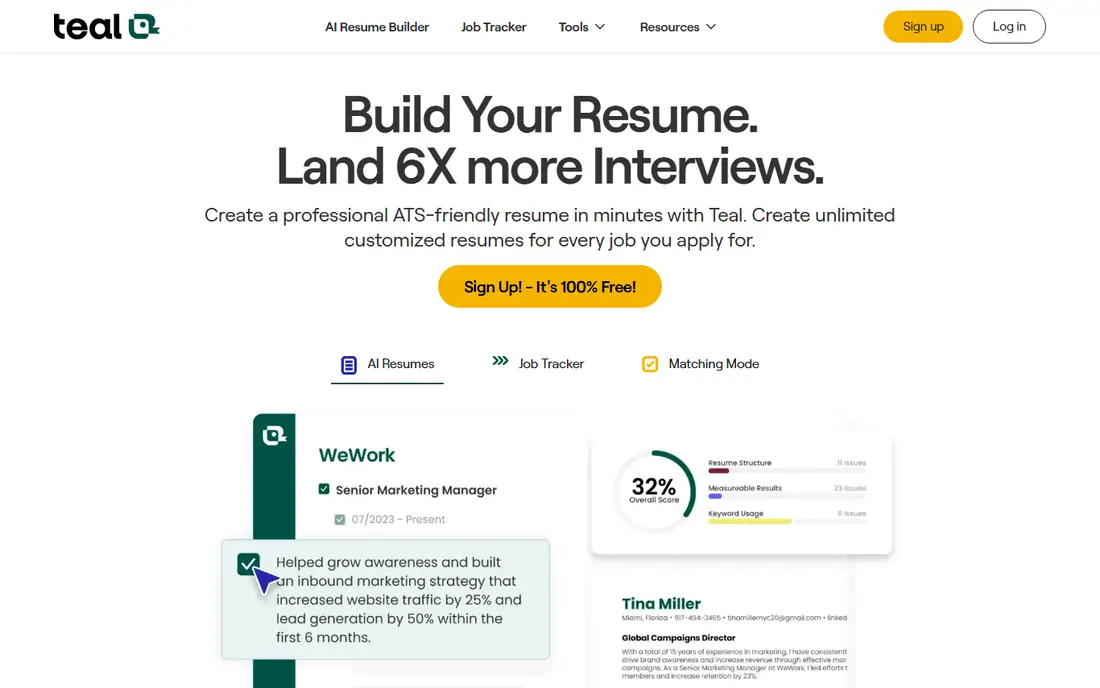
Teal works best when your search has volume. You can save jobs, track stages, and build a version of your resume for each role from one dashboard, which keeps versions from getting mixed up. The free plan already covers unlimited resumes and job tracking, so it is a practical place to start before you pay. Our view is that Teal earns its place first because it treats tailoring as part of a search, not as a one off document. The honest limit is that the most useful matching features, including unlimited keyword analysis, require Teal+, so heavy users should budget for the monthly cost and cancel when the search ends.
- Unlimited resumes on the free plan
- Job tracker included
- Keyword matching tied to each posting
- Full AI matching needs the paid plan
- Weekly billing option can cost more over time
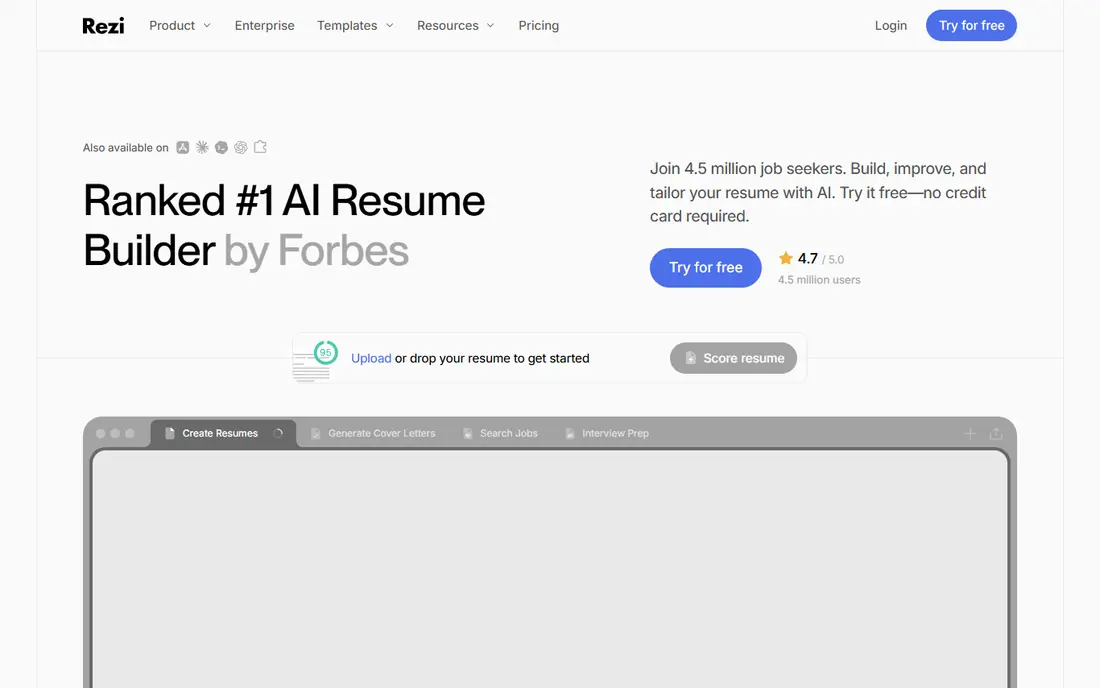
Rezi suits job seekers who want a straightforward resume that hiring software can read without trouble. Its scoring gives you a plain signal about what to fix, such as missing skills or weak wording, before you send the file. We like how little fuss there is around layout, because that keeps attention on content rather than decoration. The trade off is clear: the free plan is narrow, with one resume and a small number of downloads, so it works as a trial rather than a long term free tool. If you expect a long search, compare the monthly price with the lifetime option before you commit.
- Real time content scoring
- Simple formatting that parses well
- Lifetime plan option
- Free plan limits you to one resume
- Design choices are more limited than some rivals
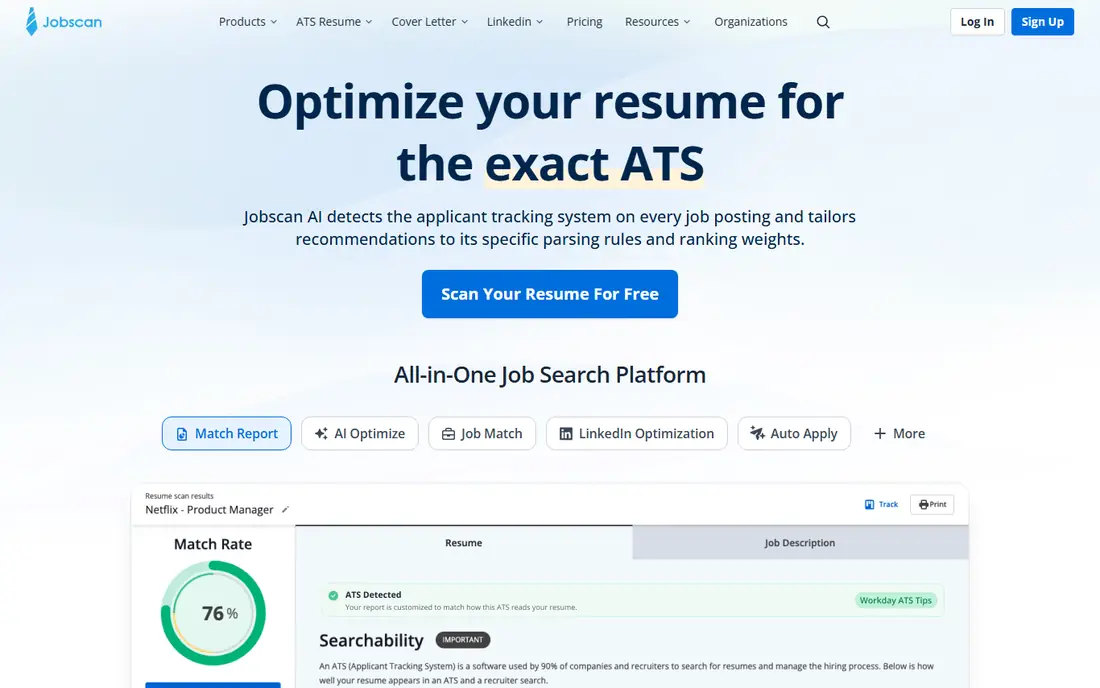
Jobscan takes a different angle from a builder. You paste a posting and your resume, and it shows where the two line up and where they do not, including skills, job titles, and phrasing. That report is genuinely useful when you keep getting no reply and cannot tell why. We would use it for priority roles, where a small change in wording could matter, rather than for every casual application. The price is the main drawback, since the monthly plan costs more than most rivals here. A quarterly plan lowers the monthly equivalent, and the free scans let you test the reports first.
- Detailed match reports against a posting
- LinkedIn profile checks
- Useful free scans each month
- Highest monthly price here
- Best value comes from short, focused use
Kickresume is a good middle ground between looks and function. The templates give a resume a polished feel without forcing you to design anything yourself, and the AI writer helps when you are stuck on how to phrase an achievement. We think it fits early career job seekers and career changers who need help with wording as much as with layout. The free plan covers basic templates, which is enough to build a solid first version. The weakness to watch is that a highly designed template can hurt parsing, so pick a simple layout for roles that go through strict hiring software.
- Large template library
- AI writer for bullets and summaries
- Annual billing lowers the cost a lot
- Full AI features need Premium
- Some templates look better than they parse
Enhancv stands out for presentation. Its layouts use color, spacing, and sections in a way that can help a resume stand out when a person reads it first, which happens often in smaller companies and creative fields. The content suggestions also push you toward concrete results rather than vague duties. We would not pick it first for high volume corporate applications, where a plainer format is safer. The trial lets you test the builder, but you should expect to pay if you want to keep using it through a search.
- Distinctive layouts
- Helpful content suggestions
- Good for creative and client facing roles
- Monthly price is high
- Free access is a trial, not a lasting free plan
Resume Worded is best treated as an editor rather than a builder. It scores your resume and points to specific lines that need stronger verbs, clearer results, or better keywords. That kind of feedback helps when you already have a solid draft and want to polish it for a posting. We like it for experienced professionals who do not need templates but do need a second pair of eyes. The main caution is that it does not replace a tracker or a full tailoring workflow, so pair it with a builder or a spreadsheet if you apply widely.
- Actionable line by line feedback
- LinkedIn review included
- Useful for tightening weak bullets
- Pricing and plan details change often, so check the site before paying
- Less of a full builder
Novoresume appeals to people who want a short, tidy resume and do not want to wrestle with settings. Its guidance on keeping a resume to one page is useful for early and mid career applicants, and the layouts read well on screen and on paper. We see it as a strong choice when you have a clear target role and need one strong version rather than ten variants. The limit is that it is less built for deep, posting by posting rewriting than Teal or Jobscan, so high volume applicants may need a second tool for matching.
- Clean one page layouts
- Easy to use
- Good guidance on length and structure
- Less depth on per posting tailoring
- Premium features sit behind a paywall
Resume.io is the fastest route to a first draft in this group. The guided steps ask for your history in order, suggest phrasing, and produce a formatted resume with little effort. That speed matters when you are applying to a role with a close deadline. We would use it to get started, then tailor the draft for the posting by hand or with a matching tool. The free plan is limited, since text export is the main free route, so check download costs before you rely on it for a full search.
- Step by step builder
- Many templates
- Fast first draft
- Free export is limited to text
- Full downloads need a paid plan
How we picked these
We compared official pricing pages, feature pages, and app store listings, and we checked public reviews for patterns around parsing, downloads, and billing. We favored services that tailor to a specific posting, not only generate a generic resume, and we kept a mix of free friendly builders and deeper paid matching tools. We did not count a service as free if only a trial or a text export was free, and we noted that distinction in the table. Prices can change, so we list the starting monthly price as published at the time of writing and point you to the vendor site where a price was unclear.
What to check before you pay for tailoring help
A good service should save time without inventing experience. Start with the free plan, tailor one real application, and read the result as a hiring manager would. If the wording sounds generic or adds skills you do not have, the tool is hurting more than helping.
Match quality matters more than design
A pretty resume that misses the core skills in a posting will still get filtered out. Look for a tool that shows which posting keywords are present and which are missing, and that lets you edit every suggestion. Avoid any service that rewrites your history into claims you cannot defend in an interview. Keep dates, titles, and employers exact, and use the tool for phrasing and emphasis only.
Count the real monthly cost
Monthly prices look small until a search stretches over three or four months. A tool at $29 per month costs $87 over a quarter, while a $49.95 plan costs close to $150 in the same period. If you only need deep matching for a few priority roles, pay for one month, use it hard, and cancel. Annual billing helps only if you know you will use the tool all year.
Keep a master resume
Tailoring works best from a strong master resume that lists all your roles, skills, and results. Build that first, then create a shorter version for each posting by moving relevant bullets up and trimming the rest. That habit also protects you from sending the wrong version to the wrong employer, which is an easy mistake when you have many files.
FAQ
Do I need to tailor my resume for every job?
You should tailor for roles you truly want, especially when the posting lists specific skills or tools. For a broad, low priority search, a strong master resume with small tweaks to the summary and top bullets is often enough. Tailoring pays off most when the posting is detailed and the competition is high.
Will an AI tool guarantee an interview?
No tool can guarantee an interview, since hiring depends on fit, timing, and the human reader as well as software screening. A tailoring service can improve keyword overlap and clarity, which helps you pass an early screen. Your experience, results, and how well you interview still decide the outcome.
Is it dishonest to use AI to tailor a resume?
It is not dishonest to use AI for wording, structure, and keyword suggestions, as long as the facts stay true. It becomes a problem if the tool adds skills, jobs, or results you do not have. Read every line before you send it, and be ready to discuss each claim in an interview.
Should I use one tool or several?
Most job seekers do well with one builder plus one checker. Use a builder like Teal or Kickresume for drafts and tracking, and a checker like Jobscan for priority roles. Paying for three or four similar tools at once rarely adds value and mainly adds cost.
How long should a tailored resume be?
One page suits most early and mid career applicants, while two pages can work for senior roles with long, relevant histories. Tailoring often means cutting as much as adding, so remove older or less relevant detail to keep the strongest fit on page one.
What file format should I send?
A standard PDF or Word document in a simple layout is the safest choice for most online applications. Avoid heavily designed files with tables, graphics, or unusual fonts when the posting goes through hiring software. Follow the employer's stated format when one is given.