Best Job Search Apps in 2026: 9 Apps Compared
Compare the best job search apps for 2026, from Indeed and LinkedIn to ZipRecruiter, Glassdoor and Handshake, with one-click apply, alerts and free access.
- Editor's choice
 Indeed
Broadest listings
Starts atFreeVisit indeed.comFull review - Great alternative
 LinkedIn
Professional roles and networking
Starts atFreeVisit linkedin.comFull review - Also consider
 ZipRecruiter
Fast matching and alerts
Starts atFreeVisit ziprecruiter.comFull review
TL;DR:
- Indeed offers the broadest listing volume for job seekers, while LinkedIn adds recruiter visibility and networking.
- ZipRecruiter suits fast applications and matching alerts, while Glassdoor suits salary and company research before you apply.
- Handshake suits students and entry-level candidates, while Snagajob suits hourly and shift work.
- Most job search apps are free for job seekers, with paid features mainly for recruiters or optional premium extras.
- A strong profile, saved searches and tailored applications matter more than applying to the most jobs in a day.
Quick comparison
| Tool | Best for | Starts at | Free plan? | |
|---|---|---|---|---|
| Indeed | Broadest listings | Free | Yes | Visit |
| LinkedIn | Professional roles and networking | Free | Yes | Visit |
| ZipRecruiter | Fast matching and alerts | Free | Yes | Visit |
 Glassdoor | Salaries and company reviews | Free | Yes | Visit |
 Monster | General search and resume visibility | Free | Yes | Visit |
 CareerBuilder | Traditional job board search | Free | Yes | Visit |
 SimplyHired | Salary comparisons | Free | Yes | Visit |
 Handshake | Students and entry-level roles | Free | Yes | Visit |
 Snagajob | Hourly and shift work | Free | Yes | Visit |
The best job search apps
We compared job search apps that job seekers can use free in October 2026, using official app pages, help pages and public listings data. The focus is on listing breadth, application speed, alerts, salary data and fit for different career stages. Employer pricing is different from job seeker pricing, so this list judges each app from the candidate side.
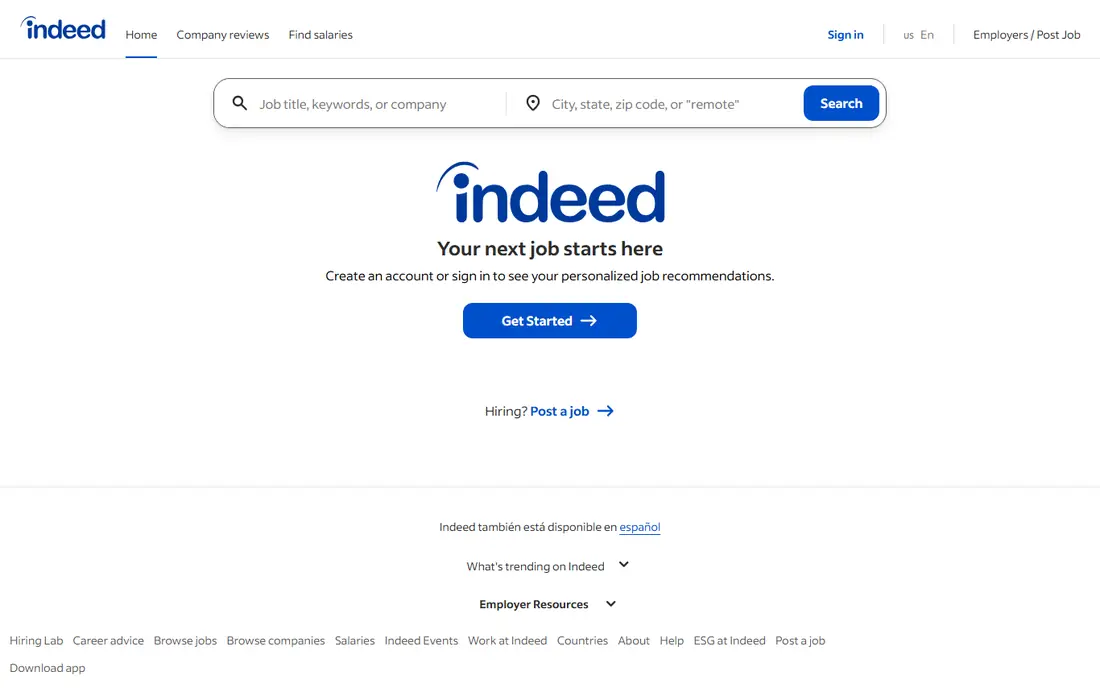
Indeed remains the broadest job search app for most seekers, with listings across industries, locations and experience levels. Filters for salary, date, job type and company help narrow a large result set, and alerts keep you updated without daily manual searching. Resume upload and quick apply on many roles speed up applications.
Volume is also the drawback. Popular roles attract many applicants, and some listings are duplicates, expired or reposted. Read the employer and job details carefully, and apply through the employer site when a listing looks unclear. For sheer breadth, Indeed is the first app most US job seekers should try.
- Largest general listing volume
- Strong filters and alerts
- Resume upload and quick apply on many roles
- Listing quality varies
- Duplicate and expired posts appear
- Competition is high on popular roles
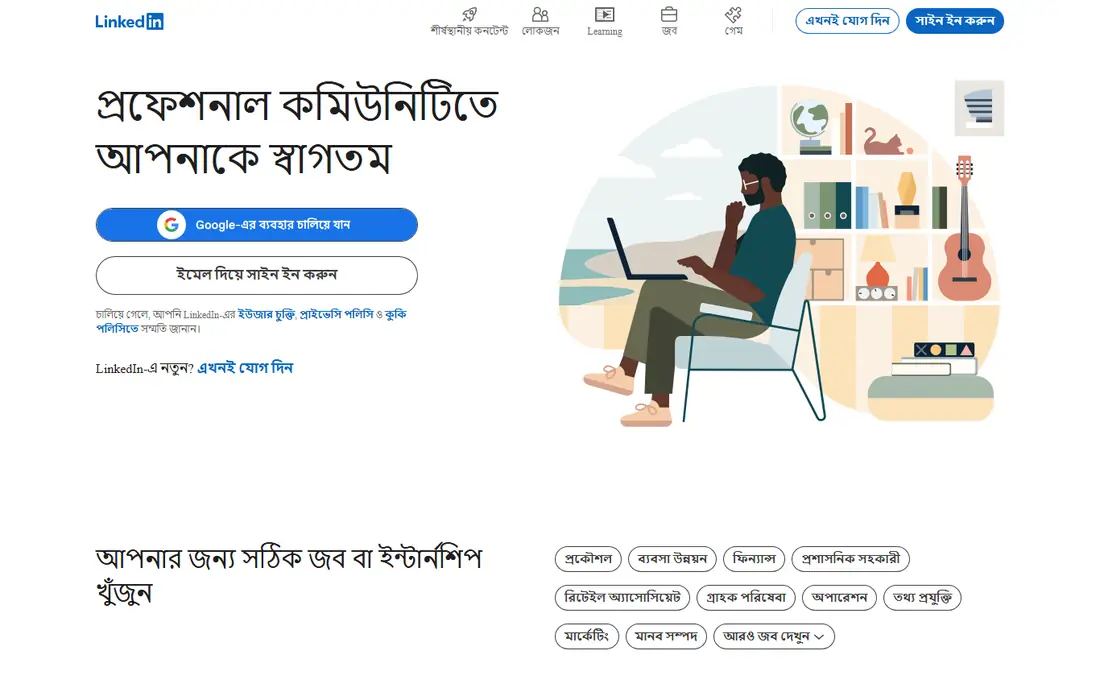
LinkedIn combines job listings with a professional profile that recruiters search directly. That visibility matters for professional and managerial roles, where a recruiter may contact you before you apply. Easy Apply speeds up many applications, and connections, referrals and company follows add paths that a plain job board cannot offer.
A free account covers core job search, while Premium adds extra insights and messaging features. Profile quality also affects results, so a thin profile will underperform even with good search habits. We would use LinkedIn alongside Indeed for professional roles, and keep the profile current with skills, experience and location.
- Professional roles plus recruiter visibility
- Easy Apply on many roles
- Networking and referral paths
- Premium features need payment
- Feed noise can distract from searching
- Profile quality affects visibility

ZipRecruiter suits seekers who want fast applications and regular matches. Its matching system suggests roles based on your profile and activity, sends alerts for new matches, and offers one-click apply on many listings. The mobile flow is quick, which helps when you apply during a commute or a break.
Matching is not perfect. Suggested roles can miss your experience level or location preferences, so review each match before applying. Some listings also redirect to an employer site for the full application. For speed and volume, ZipRecruiter is strong, but pair it with tailored applications for roles you care about most.
- AI matching and job alerts
- One-click apply on many roles
- Mobile-first application flow
- Match quality varies
- Some roles redirect to employer sites
- Employer-focused upsells can confuse seekers
Glassdoor is best used as a research app beside a high-volume job board. Salary ranges, company reviews, benefits notes and interview experiences help you judge a role before you apply, and listings let you act on that research in the same app. That context can prevent wasted applications to employers with clear red flags.
Review data varies. Large employers have many reviews, while small employers may have few or none, and individual reviews reflect personal experience. Listing volume is also lower than Indeed. Use Glassdoor to shortlist and prepare, use Indeed or LinkedIn for breadth, and treat salary data as a range to verify in negotiation.
- Salary data and company reviews beside listings
- Culture and interview insights
- Job alerts
- Review quality varies by company size
- Some content needs an account contribution
- Listing volume is lower than Indeed
Monster is a long-running general job board that still suits broad searches and resume visibility. Upload a resume, set alerts, search by role and location, and apply through the app or an employer site. Career advice and resume tools add help for seekers who are starting or changing careers.
It is no longer the volume leader it once was. Indeed and LinkedIn now carry broader listings for many roles, and Monster listings can include duplicates. Still, for a second source of roles and for resume exposure to recruiters who use Monster, it is worth including in a search routine, especially for general and mid-level roles.
- Long-running job board
- Resume upload and visibility
- Alerts and career advice
- Listing volume has fallen behind Indeed and LinkedIn
- Interface feels dated
- Duplicate listings appear
CareerBuilder remains a traditional job board with a large listing base, resume upload, alerts and salary estimates. It suits seekers who prefer a straightforward board search without social networking, and it covers many corporate and mid-level roles. Saved searches and email alerts help you track new roles without daily browsing.
Freshness varies, so check posting dates and employer details before applying. The interface also feels older than Indeed or LinkedIn. CareerBuilder works best as a second or third source in a search routine, rather than as the only app, because breadth and freshness are stronger elsewhere.
- Large traditional listing base
- Resume upload and alerts
- Salary estimates on many roles
- Interface feels dated
- Listing freshness varies
- Some features favour employer tools
SimplyHired aggregates listings from many sources and adds salary estimates, which helps seekers compare pay across similar roles and locations. Filters are simple, and the salary estimator gives a useful starting point for negotiation research. For a quick sense of market pay, SimplyHired is easy to use.
Many listings redirect to the original job board or employer site to complete an application, so the flow varies. Profile depth is also lower than LinkedIn, which means less recruiter discovery. Use SimplyHired for salary research and extra listings, and keep Indeed or LinkedIn as your main application hub.
- Salary estimator and comparisons
- Broad aggregated listings
- Simple filters
- Many listings redirect to other sites
- Application flow varies by source
- Less profile depth than LinkedIn
Handshake is built for students and recent graduates, with internships, part-time roles and entry-level jobs from employers that partner with colleges. Its matching focuses on major, interests and location, which helps new graduates find relevant roles without wading through senior listings. For entry-level candidates, it is often more relevant than a general board.
Experienced professionals will find less value, because senior roles are limited and the platform centres on student profiles. Access is also strongest at partner schools, though graduates can still use core features. If you are a student or recent graduate, Handshake should be one of your first apps, alongside Indeed and LinkedIn.
- Strong for students and recent graduates
- Employer partnerships with colleges
- Internships and entry-level roles
- Best for students at partner schools
- Experienced roles are limited
- Profile needs school details
Snagajob focuses on hourly, part-time and shift work in retail, food service, hospitality, warehouse and healthcare support roles. That focus makes it more useful than a general board for shift seekers, with filters for schedule, location and job type. Fast applications and interview scheduling tools on many roles reduce waiting time.
Salaried professional roles are limited, so office and managerial seekers should look elsewhere. Listing quality also varies by area, with stronger coverage in larger cities. For hourly work, Snagajob is a practical main app, especially when paired with Indeed for extra volume.
- Strong hourly and shift listings
- Fast applications
- Interview scheduling tools on many roles
- Professional salaried roles are limited
- Listing quality varies by area
- Some roles need employer site completion
How we picked these
We compared official app pages, job seeker help pages and public listings data in October 2026, and we required free job seeker access with real applications. We covered broad boards, professional networking, salary research, student roles and hourly work, because one app does not fit every career stage. Apps that charge job seekers for core search, or that had no clear US job seeker product, were left out.
How to use job search apps well
Build one strong profile, then tailor each application
Upload a clear resume, keep location and job preferences current, and tailor your resume and cover note for roles you care about. A generic application to 100 roles usually performs worse than 20 tailored applications with relevant keywords and a clear fit.
Use alerts, but check postings daily for key roles
Set alerts for your top roles and locations, and check new postings early, because early applicants often get more attention. Save interesting roles, track application status in a simple sheet, and follow up politely when an employer invites contact.
Research before you apply and before you interview
Check Glassdoor salaries and reviews, read the employer site, and confirm role details, location and pay range where listed. Research helps you avoid poor fits, prepare better interview answers and negotiate with confidence. Never pay a fee to apply for a job, and treat any request for payment or sensitive personal data as a warning sign.
FAQ
What is the best job search app overall?
Indeed is the best overall app for listing breadth, while LinkedIn is best for professional roles plus recruiter visibility. Most seekers benefit from using both, with Glassdoor for research before applying.
What are the best job finding apps for fast applications?
ZipRecruiter and Indeed offer the fastest application flows, with one-click or quick apply on many roles. Snagajob also suits fast hourly applications, with scheduling tools on many listings.
What is the best app for job search with one-click apply?
ZipRecruiter is known for one-click apply, and Indeed and LinkedIn offer quick or Easy Apply on many roles. One-click apply works best when your resume and profile are already complete and tailored to the role type.
What is the best job app for entry-level positions?
Handshake is the best app for students and recent graduates seeking internships and entry-level roles. Indeed and Snagajob also suit entry-level seekers, with Indeed covering broader roles and Snagajob covering hourly work.
What are the best job search platforms for salary research?
Glassdoor and SimplyHired are the strongest free salary research options, with ranges, reviews and comparisons beside listings. Use salary data as a range for negotiation, not as a guaranteed offer.
Are job search apps free for job seekers?
Yes, the apps on this list are free for job seekers for core search and applications. Paid features mainly target employers, or optional premium extras such as LinkedIn Premium, which are not required to search and apply.