Best Reverse Image Search Tools in 2026: 8 Tools Compared
Searching for the best reverse image search tools? We compared 8 free and paid options for finding sources, copies, products and faces online. Read on.

- Editor's choice
 Google Lens
General image search
Starts atFreeVisit lens.google.comFull review - Great alternative
 TinEye
Finding exact copies
Starts atFreeVisit tineye.comFull review - Also consider
 Yandex Images
Face-similar matches
Starts atFreeVisit yandex.comFull review
TL;DR:
- Google Lens is the best starting point for most people, thanks to its huge index and its ability to identify objects, products and text.
- TinEye is the best tool for finding exact and edited copies of an image and sorting results by oldest first appearance.
- Yandex Images often finds face-similar results and content from Eastern Europe that other engines miss.
- No single tool catches everything, so serious source checks should run an image through at least two engines.
Quick comparison
| Tool | Best for | Starts at | Free plan? | |
|---|---|---|---|---|
| Google Lens | General image search | Free | Yes | Visit |
| TinEye | Finding exact copies | Free | Yes | Visit |
| Yandex Images | Face-similar matches | Free | Yes | Visit |
 Bing Visual Search | Shopping and similar images | Free | Yes | Visit |
 PimEyes | Face search | See website | Free trial | Visit |
 SauceNAO | Anime and illustration sources | Free | Yes | Visit |
 Berify | Multi-engine brand checks | See website | Free trial | Visit |
 Pinterest Lens | Visual discovery and products | Free | Yes | Visit |
The best reverse image search tools
We compared official feature pages, help pages and public guides to find tools that still work in 2026, accept uploads and URL searches, and cover different strengths rather than duplicating the same index.
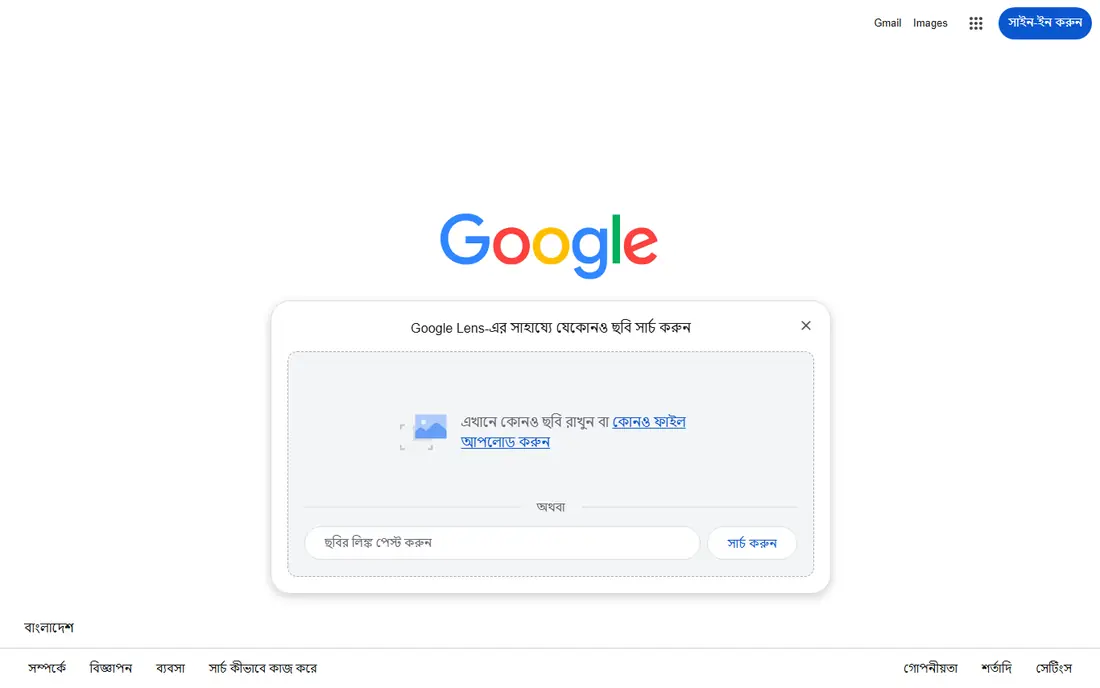
Google Lens is the default reverse image search for most people, and for good reason. Upload a photo or paste a URL and Lens will identify objects, landmarks, plants, products and text, then show visually similar images and related web pages. It is built into the Google app on phones and into Google Search on desktop, so there is nothing extra to install. The main limit is precision for source hunting. Lens is better at "what is this and what looks like it" than at "where did this exact file first appear." For that job, TinEye is stronger. Still, for identifying a product, a place or a plant from a photo, Lens is the fastest first step.
- Largest general index
- Identifies objects, landmarks, products and text
- Built into Google Search and phones
- Weaker at finding the very first appearance of an image
- Results can favor shopping and similar images
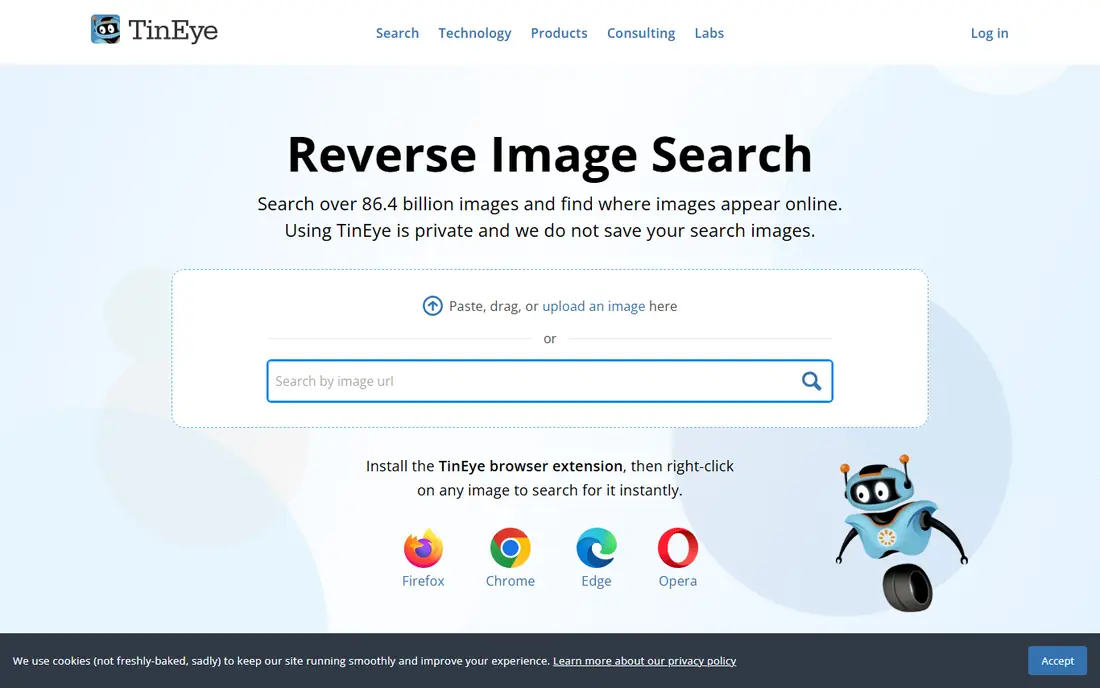
TinEye invented reverse image search in 2008, and it remains the best tool for tracking a specific image. It matches image fingerprints rather than general content, so it finds copies even when an image has been resized, cropped or recolored. Sorting by oldest is a simple but powerful feature for finding the first known appearance of a photo. TinEye also states that it does not save your uploaded images, which matters if you are checking a private or sensitive photo. Its index is smaller than Google's, so a miss on TinEye does not prove an image is original. Use it alongside Lens for the most complete picture.
- Finds exact and edited copies
- Sort by oldest, newest or biggest
- Does not store your search images
- Smaller index than Google
- No face or similar-object matching by design
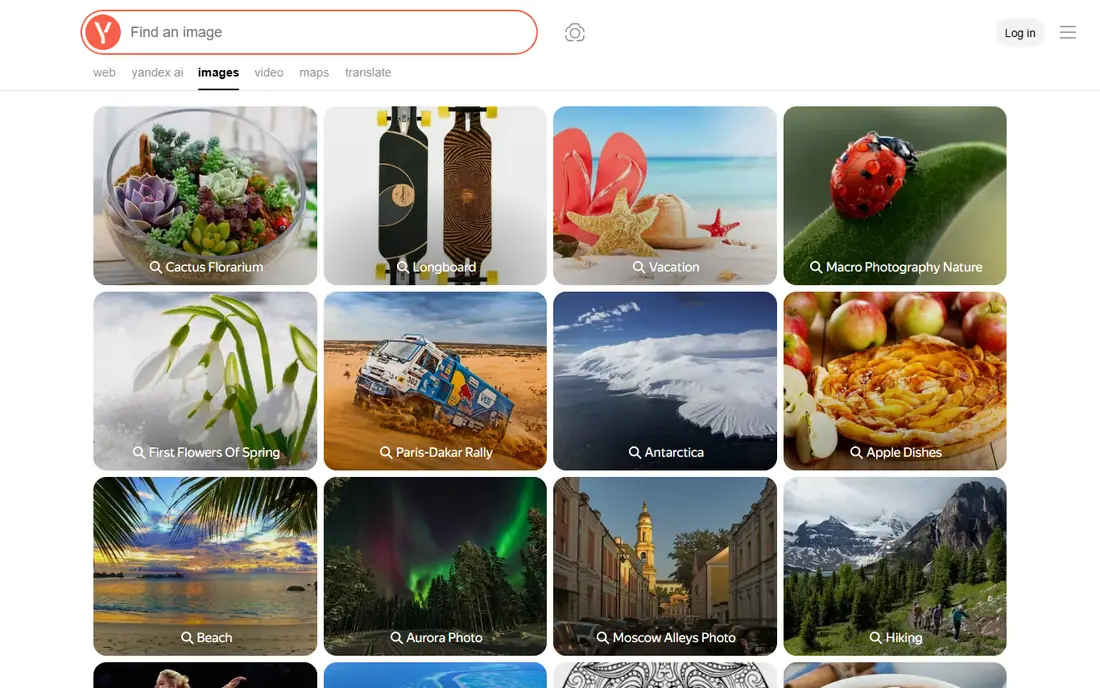
Yandex Images is widely recommended by investigators for one reason: it often returns face-similar results and matches from sources that Google and Bing miss. Upload an image and Yandex will show visually similar images, including photos of similar-looking people and scenes, plus pages where the image appears. That strength comes with a caution. Face search can be used to identify people who never agreed to be identified, so use it only for legitimate purposes such as verifying your own photo or checking a suspicious profile that contacted you. For general use, Yandex is a useful second opinion after Lens and TinEye.
- Strong face-similar results
- Good coverage of Russian and Eastern European content
- Free to use
- Interface and results can be harder to read in English
- Face search raises privacy questions
Bing Visual Search, reached through the camera icon on Bing Images, lets you upload an image or paste a URL and see similar images, related products and pages. Its shopping matches are a genuine strength: if you photograph a jacket, a chair or a gadget, Bing often links straight to sellers with prices. For source hunting, Bing sits behind TinEye and Lens, and its results can lean toward shopping. But as a free, no-account second check, especially for products, it earns its place. Use it when Lens gives you a vague answer and you want another large index to compare.
- Good shopping matches
- Identifies landmarks, products and text
- No account needed for basic searches
- Smaller web index than Google
- Some older direct search links now redirect to the image home page
PimEyes is a face search engine, not a general image search. Upload a photo of a face and it searches public web images for matching faces, which can help you find where your own photos are being used without permission. Paid plans add monitoring alerts when new matches appear. This power needs care. Searching for other people without a legitimate reason can harm their privacy, and PimEyes itself has faced scrutiny over face search. We list it because it is the best-known tool for the specific job of checking misuse of your own face, not as a general people-finder. Check its current pricing and terms before paying.
- Specialized face search across public web images
- Alerts when new matches appear
- Useful for checking misuse of your own photos
- Paid plans are needed for full results
- Face search has clear privacy and misuse risks
SauceNAO solves a narrow problem very well. If you have an anime still, a manga panel or a piece of fan art and want the original artist or episode, SauceNAO searches art-focused databases that general engines barely cover. Results link back to the source post, which makes proper credit and licensing much easier. For photos, products or news images, SauceNAO is the wrong tool. Its rate limits for anonymous users also mean heavy users need an account or a paid plan. But for illustrators, fans and editors working with anime art, it is often the only tool that finds the source at all.
- Excellent for anime, manga and fan art sources
- Links to original posts on pixiv and art boards
- Free basic searches
- Anonymous searches are rate-limited
- Not useful for photos or general web images
Berify takes a different approach: instead of relying on one index, it runs your image across several engines and combines the results. That saves time if you check images often, and it adds video search, which most rivals here do not offer. For photographers and brands, Berify adds monitoring, so you get alerts when your images appear in new places. The catch is cost and depth. Berify is built for professionals, so casual users will get more value from free Lens and TinEye searches. If you protect a photo library or a product catalog for a living, the combined search and monitoring may be worth the subscription.
- Searches several engines at once
- Video search included
- Monitoring and takedown tools for brands
- Full features are paid
- Free use is limited compared with single-engine tools
Pinterest Lens is the visual search inside Pinterest, and it shines for discovery rather than verification. Point it at a room, an outfit or a product and it returns similar pins, styling ideas and shopping links from Pinterest's huge image collection. For home projects and fashion, that focused collection often beats a general web search. It is not a tool for finding the original source of a news photo or checking copyright use, since results are limited to Pinterest. But if your question is "where can I buy something like this" or "show me more ideas like this photo," Pinterest Lens is a fast, free answer.
- Strong for home decor, fashion and product ideas
- Finds visually similar pins and products
- Free with a Pinterest account
- Results stay inside Pinterest content
- Not a source-hunting tool
How we picked these
We compared official help pages, pricing pages and independent investigator guides, and we favored tools that are still working in 2026 and that differ in a useful way: general index, exact-match tracking, face search, art sources, multi-engine search and visual discovery. We left out tools that had shut down, that only worked inside a single social app, or that duplicated another tool's index without adding anything.
How to get a reliable result from a reverse image search
Start with Google Lens for identification, then run the same image through TinEye and sort by oldest if you need the original source. Crop the image to the main subject before searching if the full photo gives noisy results, and try a second engine if the first returns nothing, since indexes differ a lot. Be careful with privacy. Do not upload photos of other people, private documents or sensitive images to a face search or a public tool unless you have a clear reason. If you are checking a suspicious profile photo, a reverse search is a reasonable safety step, but a match alone does not prove someone is fake, and a miss does not prove they are real.
FAQ
What is the best reverse image search app?
Google Lens is the best general app for most people, because it is free, fast and identifies objects, products and text. For finding exact copies of an image, TinEye is the better specialist tool.
What is the best free reverse image search tool?
Google Lens, TinEye, Yandex Images and Bing Visual Search are all free for basic searches. Using two of them together gives better coverage than any one free tool alone.
What is the best tool for reverse image search for faces?
Yandex Images gives useful face-similar results for free, while PimEyes is the specialist paid face search. Use face search only for legitimate purposes, such as checking misuse of your own photos.
Can reverse image search find the original source of a photo?
Often, yes, especially with TinEye sorted by oldest. But if a photo was never published online, was heavily edited, or only appears on private pages, no tool may find its first appearance.
Is reverse image search safe for private photos?
General tools such as TinEye state they do not store your uploads, but any upload leaves your device, so avoid uploading sensitive or private images unless you need to. Read the privacy policy of a face search tool before using it.