6 Best Remote Recording Software for Clear Audio for 2026, Vetted and Compared
Best remote recording software for clear audio in 2026: 6 tools with starting prices, free plans and limits. Read the caveats before you buy. Numbers first.
- Editor's choiceAudio Hijack
Capturing any audio on macOS
Starts atSee websiteVisit rogueamoeba.comFull review - Great alternativeSource-Connect
Broadcast and production-grade remote collaboration
Starts atSee websiteVisit source-elements.comFull review - Also consider
 Riverside
Video-first podcast and interview recording
Starts at$24 per monthVisit riverside.fmFull review
Direct answer
Audio Hijack comes first here, mainly for capturing any audio on macOS. Listed starting prices: Riverside from $24 per month and SquadCast from $16 per person a month. Source-Connect is better for broadcast and production-grade remote collaboration, and Riverside is better for video-first podcast and interview recording. The remaining 3 options are covered below with prices and limits.
TL;DR:
- Number one here is Audio Hijack, a fit for capturing any audio on macOS.
- Before buying Riverside, weigh this: feature depth may overwhelm audio-only users.
- SquadCast has the lowest monthly starting price in this list: $16 per person per month.
- Cleanfeed suits professional audio-only remote sessions.
- Free plans exist at 2 of 6 tools (Riverside, SquadCast).
Last checked November 2026. Prices and plan details were read from the vendors' own pages in November 2026; vendors change plans often, so confirm the current price on the vendor site before you buy.
Quick comparison
| Tool | Best for | Starts at | Free plan? | |
|---|---|---|---|---|
| Audio Hijack | Capturing any audio on macOS | See website | Not stated | Visit |
| Source-Connect | Broadcast and production-grade remote collaboration | See website | Not stated | Visit |
| Riverside | Video-first podcast and interview recording | $24 per month | Yes | Visit |
| SquadCast | In-browser premium recordings with cloud storage | $16 per person a month | Yes | Visit |
 Zencastr | Podcasters wanting straightforward remote audio and video | See website | Not stated | Visit |
| Cleanfeed | Professional audio-only remote sessions | See website | Not stated | Visit |
6 options for remote recording software for clear audio in detail
LinkVetted put together this guide to remote recording software for clear audio for readers who want a clear shortlist without reading every vendor page. It compares 6 tools on starting price, free plans, who each one suits and where each one falls short.
Audio Hijack
Best for: Capturing any audio on macOS
Audio Hijack works best for capturing any audio on macOS. Audio Hijack is a macOS utility from Rogue Amoeba that records audio from applications and devices on your Mac. It is handy for capturing a remote call, a browser session, or system audio as part of a bigger recording setup.
Choose Audio Hijack when you need dependable local capture of audio playing on your Mac and already have a remote session tool. Instead of hosting remote guests itself, it complements a remote product by handling the local capture side. This comparison lists no price for Audio Hijack; ask the vendor. As for free access: Not stated.
Where it is weaker: macOS only.
- Adaptable session-based setup
- Mac-native utility
- Not a remote guest recording system by itself
Source-Connect
Best for: Broadcast and production-grade remote collaboration
Source-Connect works best for broadcast and production-grade remote collaboration. If your needs are entry-level interviews, a lighter tool will be simpler to run.
What to check first: Professional orientation can be complicated for beginners.
Choose Source-Connect when remote sessions are part of a bigger production pipeline and the additional control is worth the complexity. Source-Connect is part of the Source Elements family, which spans remote audio and video collaboration for production work. This comparison lists no price for Source-Connect; ask the vendor. Free access: Not stated.
- Companion products for routing and live workflows
- Long-standing remote production toolset
- Best value for established production workflows
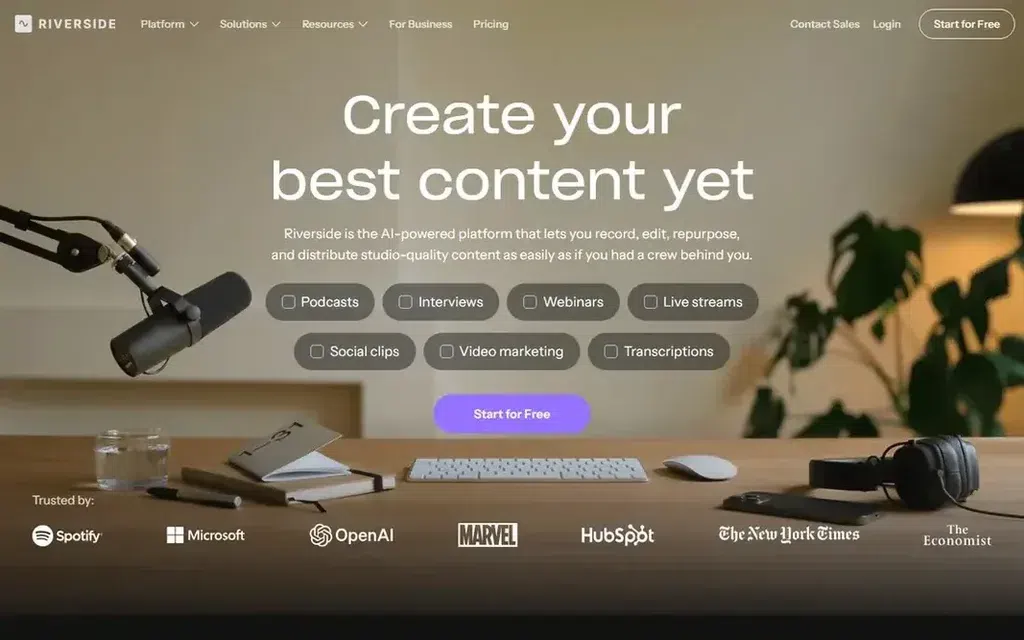
Riverside targets video-first podcast and interview recording. The video emphasis means more moving parts than a pure audio recorder, and results still hinge on each participant's connection and device. In daily use, Riverside is an online studio for high-quality podcast and video recording and editing, with AI features pitched at human conversations.
More specifically, teams producing interview presents, video podcasts, or social clips from the same recording will find the combined audio and video focus handy. If your output is audio only and you prefer a leaner tool, a more straightforward recorder may be easier. Riverside cost at the entry level: $24 per month. A free plan is available with Riverside.
Honest limits: Browser and connection dependent.
- Aimed at remote conversations
- AI-assisted editing
- Feature depth may overwhelm audio-only users
SquadCast
Best for: In-browser premium recordings with cloud storage
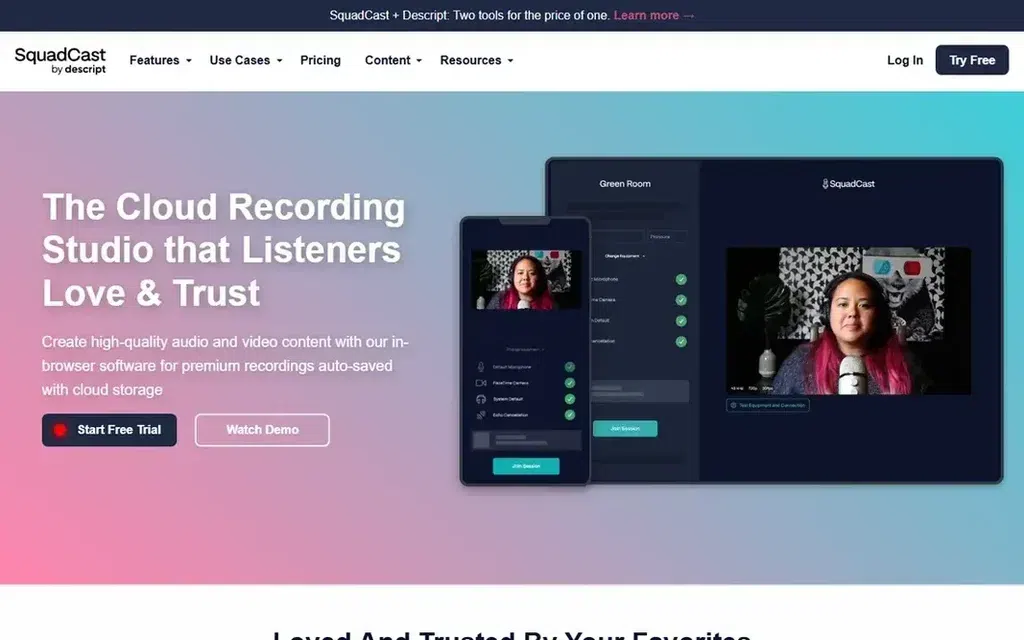
In short, SquadCast is for in-browser premium recordings with cloud storage. SquadCast is a remote recording studio that runs in the browser and produces high-quality audio and video, with recordings auto-saved to cloud storage. It performs well for interview-style displays and remote collaborations where guests use different computers.
Limits to weigh: Needs account setup before sessions.
If you need advanced local routing or capture from system audio, a desktop utility is a better complement. More specifically, choose SquadCast when cloud-saved remote sessions are the priority. On cost, SquadCast starts like this: $16 per person per month. You can start on SquadCast without paying.
- Auto-saved to cloud storage
- In-browser recording
- Browser performance can vary by machine
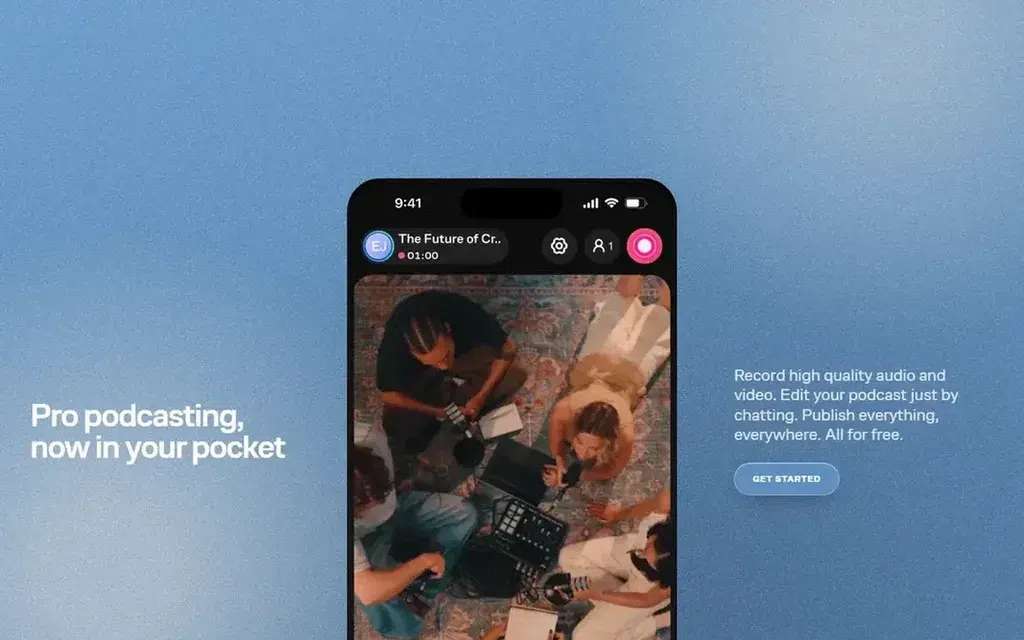
Where Zencastr fits: Podcasters wanting straightforward remote audio and video. Choose Zencastr when simplicity and a quick path to publishing matter more than studio-grade control.
Worth adding: if you need deep multitrack editing or advanced routing, a dedicated DAW or a local capture tool may be a better fit. In practice, Zencastr is a browser-based recording system aimed at podcasters. Check the vendor site for Zencastr pricing; none is listed in this comparison. As for free access: Not stated.
Points against: Video layers on complexity for audio-only presents.
- Edit by chatting
- Publish to major systems
- Internet dependence for remote sessions
Cleanfeed
Best for: Professional audio-only remote sessions
Choose Cleanfeed for professional audio-only remote sessions. Cleanfeed is built around long-distance professional audio, making it a natural fit for radio-style interviews, voiceover sessions, and audio-only collaborations where clarity is the primary goal. Its audio-first design keeps the workflow centered on the conversation instead of on video or publishing extras.
From a buyer's view, advanced local routing and capture also fall outside its scope. In daily use, pick Cleanfeed when the session is audio-only and professional clarity matters more than bundled editing or distribution features. Cleanfeed shows no starting price here, so confirm the cost on the vendor site. Trial and free access: Not stated.
Limits to weigh: Fewer all-in-one publishing features.
- Audio-first design
- Straightforward browser-based approach
- Restricted video emphasis
How the list was put together
Selection started from tools commonly considered for remote recording software for clear audio, then narrowed to 6 that have clear pricing information or a clear quote process. Treat prices as a snapshot: vendors change plans often, so check the vendor site for the figure that applies today. Order on the page follows fit for the typical buyer first, then price transparency and free access. Your own requirements should decide the final pick.
Things to verify first
- Get a written quote from Audio Hijack, Source-Connect, Zencastr and Cleanfeed; the list shows no starting price for them.
- Check what the free option really includes: Riverside and SquadCast offer a free plan, and usage caps differ.
- Read the limits listed for Audio Hijack first: macOS only.
- Check whether Cleanfeed bills monthly or annually, and what cancelling early costs.
- Before rolling out SquadCast, verify the integrations your workflow depends on.
FAQ
Do these tools publish their prices?
Not all of them. Audio Hijack, Source-Connect, Zencastr and Cleanfeed publish no starting price, so expect a quote request for those. The rest, Riverside included, show a starting price, though seats and billing terms still change the final cost.
Which options for remote recording software for clear audio have a free plan?
Riverside and SquadCast offer a free plan in this list. Free plans usually cap users, projects or features, so check the limits on the vendor page.
What is the cheapest option for remote recording software for clear audio in this list?
On published monthly entry prices, SquadCast is the lowest here at $16 per person per month. Entry price is only part of the cost, because seats, add-ons and billing terms can change the total. For the full picture, the cards above cover all 6 entries of this remote recording software for clear audio list, including price, free plan and limits.
Is Audio Hijack the right pick for everyone comparing remote recording software for clear audio?
No single tool suits every team. Audio Hijack comes first because it fits capturing any audio on macOS, while Source-Connect suits broadcast and production-grade remote collaboration and Riverside suits video-first podcast and interview recording. Match the tool to your own size, budget and workflow before deciding.
Sources
- https://rogueamoeba.com/audiohijack
- https://source-elements.com
- https://riverside.fm
- https://squadcast.fm
- https://zencastr.com
- https://cleanfeed.net