Best Python and Django Developers Software for Remote Teams for 2026: Our 5 Vetted Picks
Best python and django developers software for remote teams in 2026: 5 contenders with entry costs and free tiers. Read the caveats before you buy. No filler.
- Editor's choice
 Sentry
Error tracking and performance monitoring
Starts at$26 a monthVisit sentry.ioFull review - Great alternative
 Visual Studio Code
Light, adaptable editing anywhere
Starts atSee websiteVisit code.visualstudio.comFull review - Also consider
 CircleCI
Automatic validation and delivery
Starts at$15 a monthVisit circleci.comFull review
Direct answer
If you need error tracking and performance monitoring, Sentry is the first tool to look at here. Listed starting prices: Sentry from $26 a month, CircleCI from $15 a month and GitLab from $15 per user a month. Visual Studio Code is the stronger choice for light, adaptable editing anywhere, while CircleCI suits automatic validation and delivery. The other 2 tools in the list cover narrower or pricier cases.
TL;DR:
- The list opens with Sentry, aimed at error tracking and performance monitoring.
- For the cheapest start, look at GitHub: $4 per user per month.
- What to know about Visual Studio Code first: Python support depends on extensions.
- GitHub is the one to check for central code hosting and collaboration.
- A free plan is available from 4 of the 5 tools: Sentry, CircleCI, GitLab, GitHub.
Last checked November 2026. Prices and plan details were read from the vendors' own pages in November 2026; vendors change plans often, so confirm the current price on the vendor site before you buy.
Quick comparison
| Tool | Best for | Starts at | Free plan? | |
|---|---|---|---|---|
| Sentry | Error tracking and performance monitoring | $26 a month | Yes | Visit |
| Visual Studio Code | Light, adaptable editing anywhere | See website | Not stated | Visit |
| CircleCI | Automatic validation and delivery | $15 a month | Yes | Visit |
 GitLab | Lifecycle orchestration with governance | $15 per user a month | Yes | Visit |
 GitHub | Central code hosting and collaboration | $4 per user a month | Yes | Visit |
5 python and django developers software for remote teams in detail
Choosing python and django developers software for remote teams usually comes down to price, fit and limits. This LinkVetted guide sets 5 tools side by side on those three points, with the facts kept short and checkable.
Sentry is designed for error tracking and performance monitoring. Remote Python and Django teams gain shared visibility into production problems, which helps when debugging happens across different hours.
The main drawbacks: Needs instrumentation in your application.
From a buyer's view, instrumentation and configuration are required before it provides value. Sentry cost at the entry level: $26 per month. A free plan is available with Sentry.
- Error tracking for software teams
- Application performance monitoring
- Centred on monitoring, not development
In short, Visual Studio Code is for light, flexible editing anywhere. Visual Studio Code is a code editor designed for precision, collaboration with agents and continuing work wherever you are.
Since much of the Python and Django experience comes from extensions, quality relies on which ones a team standardizes on. Developers wanting framework-aware tooling from day one may prefer a dedicated IDE. This comparison lists no price for Visual Studio Code; ask the vendor. As for free access: Not stated.
What to check first: Python support relies on extensions.
- Agent and collaboration features
- Continue work across locations
- Feature set varies with configuration
CircleCI is designed for automatic validation and delivery. It suits teams that want delivery automation as a dedicated concern instead of something bolted onto their code host.
Honest limits: Needs pipeline configuration work.
If your code product already spans pipelines well, adding a separate service can duplicate effort and configuration. Starting cost for CircleCI: $15 per month. CircleCI offers a free plan.
- Focus on production-ready delivery
- Validation and testing emphasis
- Overlaps with pipelines built into code platforms
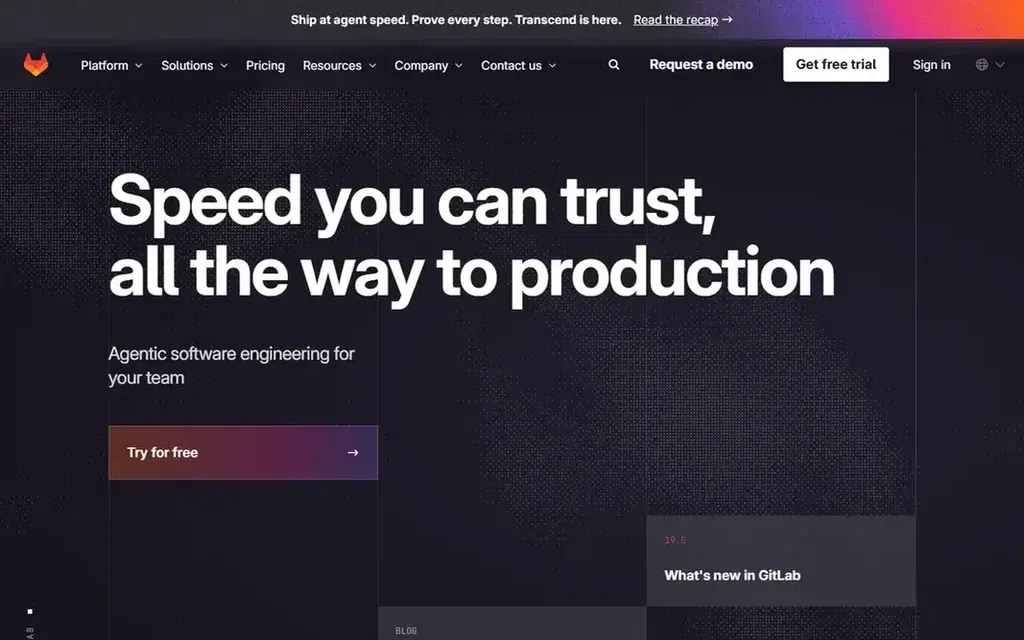
GitLab is built with lifecycle orchestration with governance in mind. GitLab presents itself as an intelligent orchestration system with context and governance for the entire software lifecycle, geared toward teams and agents shipping trusted software quicker.
In practice, consider GitLab when lifecycle visibility and control outweigh simplicity. In daily use, some teams prefer a lighter code host and separate best-of-breed tools. Entry price for GitLab: $15 per user per month. A free plan is available with GitLab.
Points against: Configuration choices take time to learn.
- Emphasis on context and governance
- Made for teams and agents shipping software
- Wide scope can feel heavy for small teams
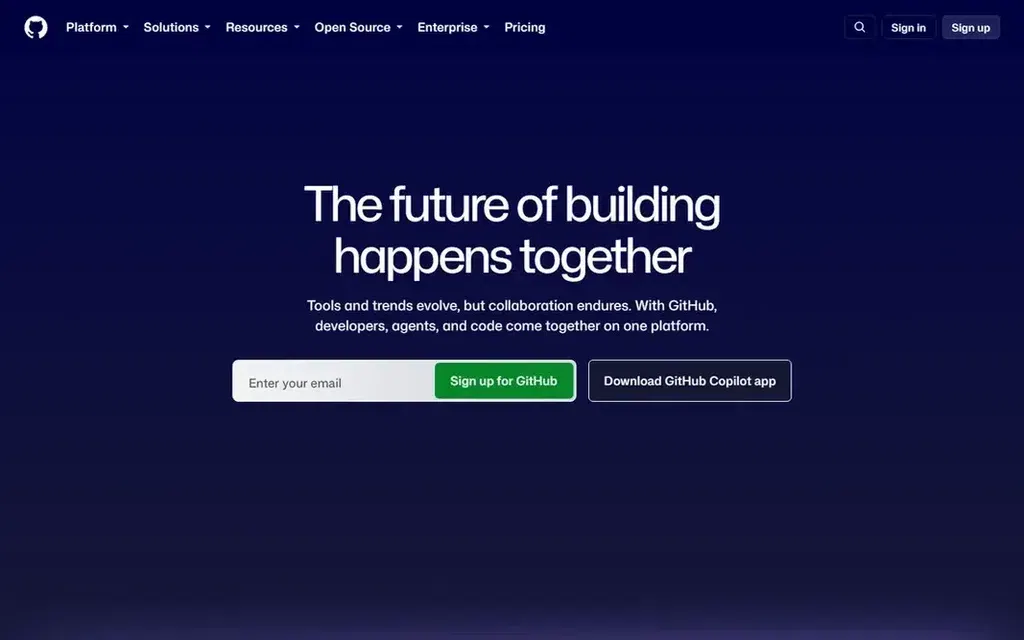
GitHub makes the most sense for central code hosting and collaboration. It suits teams that want a familiar, broadly adopted base and are comfortable pairing it with separate tools for continuous integration and deployment.
Points against: Advanced automation needs add-on tooling.
Starting cost for GitHub: $4 per user per month. GitHub has a free plan.
- AI-assisted development features
- Widely adopted developer system
- Large organizations may need additional governance layers
How we compared the tools
Selection started from tools commonly considered for python and django developers software for remote teams, then narrowed to 5 that have clear pricing information or a clear quote process. Prices and plan limits come from vendor pages and can change, so confirm them on the vendor site before you buy. The order reflects how well each tool fits the most common buying scenario for python and django developers software for remote teams, then price clarity, then free plan access. It is a starting point, not a verdict.
Before you commit
- Confirm the entry price on the vendor page. For Visual Studio Code that means a quote rather than a fixed price.
- Look at free plan limits closely: Sentry, CircleCI, GitLab and GitHub have one, and the caps decide whether it is usable for real work.
- Read the limits listed for Sentry first: centred on monitoring, not development.
- Ask GitHub how an export works before you move any records in; an easy exit lowers the risk.
- Test how quickly Visual Studio Code answers a pre-sales question; it hints at how support will feel later.
FAQ
Can I try these tools before paying?
Often, yes. Sentry, CircleCI, GitLab and GitHub have a free plan. Use your own data and a real task during the test, and check what the free tier or trial limits before you rely on it.
How are the python and django developers software for remote teams ordered?
The order follows typical fit for python and django developers software for remote teams, with Sentry first and GitHub last, then price clarity and free access. It is editorial judgement, not a score, so another team could rank the tools differently.
Do we need both an IDE and a light editor?
Not necessarily. PyCharm supplies deep Python and Django support, whereas Visual Studio Code supplies adaptability and portability. Some teams let developers choose, but standardizing helps keep reviews and onboarding consistent across locations.
Which python and django developers software for remote teams have a free plan?
Sentry, CircleCI, GitLab and GitHub offer a free plan in this list. Free plans usually cap users, projects or features, so check the limits on the vendor page.
What is the cheapest option for python and django developers software for remote teams in this list?
On published monthly entry prices, GitHub is the lowest here at $4 per user per month. Entry price is only part of the cost, because seats, add-ons and billing terms can change the total. Each of the 5 options in this Python and Django developers software for remote teams guide has its own card above with the price, free plan and limits.
Sources
- https://sentry.io
- https://code.visualstudio.com
- https://circleci.com
- https://gitlab.com
- https://github.com