Best Practises for Software Development in 2026: 5 Tools Compared
Best practises for software development: 5 contenders ranked by fit, with entry costs and free tiers. Fit, price and catches for every tool. Details below.
- Editor's choice
 GitLab
One system across the lifecycle
Starts at$15 per user a monthVisit gitlab.comFull review - Great alternative
 Jenkins
Open source build automation
Starts atSee websiteVisit jenkins.ioFull review - Also consider
 CircleCI
Hosted validation and delivery
Starts at$15 per monthVisit circleci.comFull review
Direct answer
This list puts GitLab first for one system across the lifecycle. Listed starting prices: GitLab from $15 per user a month, CircleCI from $15 per month and Snyk from $25 a month. Look at Jenkins for open source build automation, and at CircleCI for hosted validation and delivery. The remaining 2 options are covered below with prices and limits.
TL;DR:
- GitLab is the opening pick, best for one system across the lifecycle.
- What to know about Snyk first: needs triage of reported issues.
- The lowest published monthly entry price here is $4 per user per month, from GitHub.
- GitLab, CircleCI, Snyk, GitHub: these are the 4 tools out of 5 that offer a free plan.
Last checked November 2026. Prices and plan details were read from the vendors' own pages in November 2026; vendors change plans often, so confirm the current price on the vendor site before you buy.
Quick comparison
| Tool | Best for | Starts at | Free plan? | |
|---|---|---|---|---|
| GitLab | One system across the lifecycle | $15 per user a month | Yes | Visit |
| Jenkins | Open source build automation | See website | Not stated | Visit |
| CircleCI | Hosted validation and delivery | $15 per month | Yes | Visit |
 Snyk | Securing code and dependencies | $25 a month | Yes | Visit |
 GitHub | Central code hosting and collaboration | $4 per user a month | Yes | Visit |
5 options for practises for software development in detail
If you are comparing practises for software development, this page covers 5 tools in one place: what each is best for, what it costs to start, whether it has a free plan, and the main limit to know about.
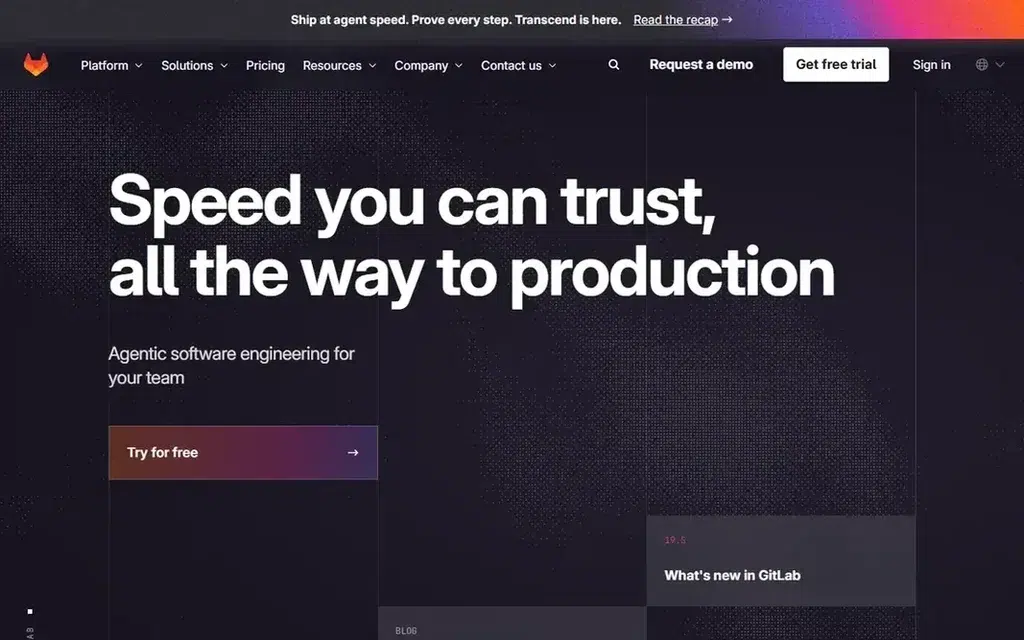
Where GitLab fits: one product across the lifecycle. GitLab describes itself as an intelligent orchestration product with context and governance across the software lifecycle.
For everyday use, if your organization already standardizes on GitHub for code hosting, adding GitLab alongside can duplicate effort. GitLab starts at: $15 per user per month. GitLab has a free plan.
Where it is weaker: Interface can feel dense for small teams.
- Built-in governance context
- Capable pipeline integration
- Configuration depth takes time
Jenkins makes the most sense for open source build automation. Jenkins is an open source automation server that lets developers steadily build, test and deploy software.
Worth adding: teams that prefer a hosted service with less operational overhead may look to a managed continuous integration product instead. No starting price is listed for Jenkins here; confirm pricing on the vendor site. Free options: Not stated.
Strengths: Runs builds.
The main drawbacks: Setup and maintenance fall on you.
- Deep plugin ecosystem
- Tests and deployments
- Plugins need continuing upkeep
For hosted validation and delivery, CircleCI is a natural candidate. CircleCI positions itself around autonomous validation, helping teams validate, test and ship every change with intelligent automation.
Where it falls short: Configuration ramp-up time.
Pipeline configuration still needs learning its conventions, and teams with strict infrastructure requirements may want more control than a hosted service provides. If you have to run automation entirely on your own hardware, Jenkins remains the more adaptable choice. Price to start with CircleCI: $15 per month. CircleCI has a free plan.
- Intelligent automation for pipelines
- Focus on validating every change
- Less control than self-hosted setups
Pick Snyk if this describes you: Securing code and dependencies. It fits teams that want security checks embedded in the development workflow, especially those adopting AI-assisted coding and needing to verify what ships.
The main drawbacks: Coverage relies on integration depth.
In practice, reported vulnerabilities need triage and prioritization, which takes continuing effort, and results rely on how deeply the tool is wired into repositories and pipelines. Entry price for Snyk: $25 per month. A free plan is available with Snyk.
- Developer-oriented workflow
- Suits AI-assisted development
- Needs triage of reported issues
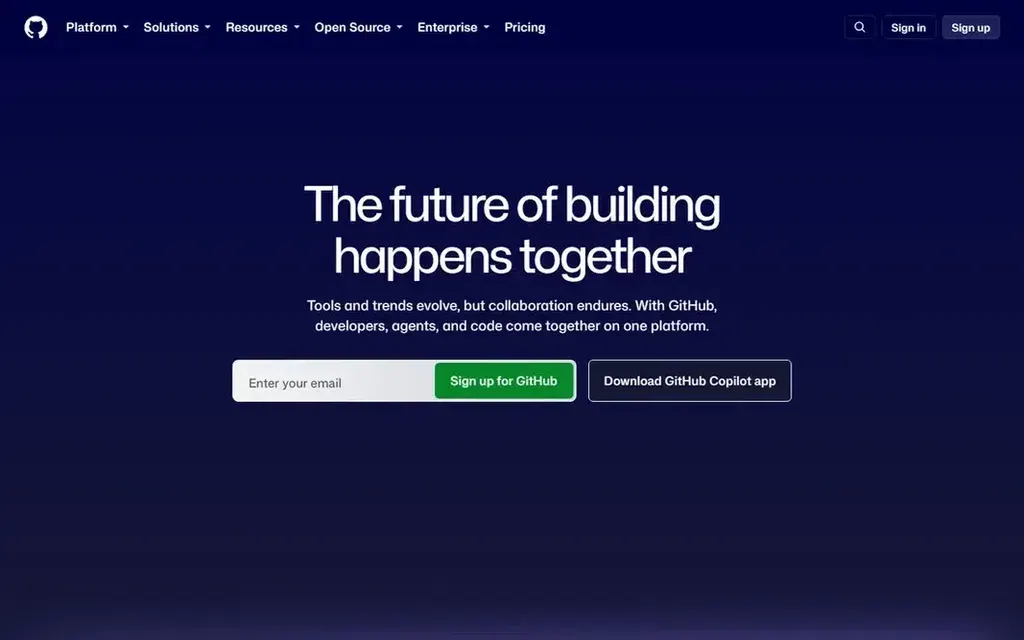
GitHub is aimed squarely at central code hosting and collaboration. It suits most organizations since code review, issue tracking and pipeline automation live in one place, which makes consistent practice simpler to enforce across teams of any size.
The breadth of features means settings and permissions take time to configure well, and small teams may find some areas unused. The starting price for GitHub: $4 per user per month. You can start on GitHub without paying.
The main drawbacks: Advanced controls need configuration.
- Large open source community
- Pull requests and review built in
- Feature sprawl can overwhelm newcomers
Our selection method
What to confirm before you sign up
- Ask Jenkins for a written quote, since no starting price is shown.
- Check what the free option really includes: GitLab, CircleCI, Snyk and GitHub offer a free plan, and usage caps differ.
- Before choosing GitLab, weigh its main limit: configuration depth takes time.
- Check how data leaves GitHub: formats, limits and whether exports are available on every plan.
- Look at which plan of Snyk unlocks the features you need; entry tiers are often cut down.
FAQ
Which options for practises for software development have a free plan?
On this list, GitLab, CircleCI, Snyk and GitHub include a free plan. Caps on seats, usage or features are common, so test the free plan against your real workload.
Is self-hosted automation still worth it?
Self-hosted choices like Jenkins provide full control over the environment, which matters when infrastructure rules are strict. The tradeoff is that your team owns updates, patching and reliability.
Can I try these tools before paying?
Often, yes. GitLab, CircleCI, Snyk and GitHub have a free plan. Use your own data and a real task during the test, and check what the free tier or trial limits before you rely on it.
Do I need both a quality tool and a security tool?
They address different concerns: static analysis targets maintainability and internal code issues, whereas dependency scanning centres on external risk. Numerous teams use both, starting with whichever risk is more pressing.
Do these tools publish their prices?
Not all of them. Jenkins publishes no starting price, so expect a quote request for it. The rest, GitLab included, show a starting price, though seats and billing terms still change the final cost.
How do these tools support AI-assisted development?
Multiple vendors now emphasize verification of AI-generated code, with review and security checks applied before changes merge. The practical benefit relies on how well the tool links to your repositories and pipelines.