Best Portal Software in 2026: Prices, Free Plans and 6 Picks
Shortlisting the best portal software? 6 products compared on cost, free access and ideal buyer. Each pick comes with its main catch. See the full list.
- Editor's choice
 Liferay DXP
Adaptable digital experience portals
Starts atPricing on requestVisit liferay.comFull review - Great alternativeOracle WebCenter
Enterprise portal experiences
Starts atPricing on requestVisit oracle.comFull review - Also consider
 Microsoft SharePoint
Microsoft-centric collaboration and portals
Starts atPricing on requestVisit microsoft.comFull review
Direct answer
For adaptable digital experience portals, Liferay DXP is where this list starts. For a different need, Oracle WebCenter covers enterprise portal experiences and Microsoft SharePoint covers Microsoft-centric collaboration and portals. The full list of 6 tools follows, with free plan facts. None of these vendors publish plan prices, so pricing is on request for every option.
TL;DR:
- Top of the list is Liferay DXP, which targets adaptable digital experience portals.
- For Marketer-friendly CMS and portals, Progress Sitefinity is worth a look.
- Neither Liferay DXP nor Progress Sitefinity, nor any of the other 4 tools, has a permanent free plan; trials and quotes are the norm.
- A fair warning about Adobe Experience Manager: can be expensive to implement.
- Liferay DXP, Progress Sitefinity and the 4 others all sell by quote; expect sales conversations before you see a price.
Last checked November 2026. Pricing on request: vendors did not publish plan prices when this guide was last checked (November 2026), so ask each vendor for a written quote.
Quick comparison
| Tool | Best for | Starts at | Free plan? | |
|---|---|---|---|---|
| Liferay DXP | Adaptable digital experience portals | Pricing on request | Not stated | Visit |
| Oracle WebCenter | Enterprise portal experiences | Pricing on request | Not stated | Visit |
| Microsoft SharePoint | Microsoft-centric collaboration and portals | Pricing on request | Not stated | Visit |
 Adobe Experience Manager | Integrated content and digital assets | Pricing on request | Not stated | Visit |
| Sitecore Experience Platform | Personalized customer journeys | Pricing on request | Not stated | Visit |
| Progress Sitefinity | Marketer-friendly CMS and portals | Pricing on request | Not stated | Visit |
The 6 tools in detail
Choosing portal software usually comes down to price, fit and limits. This LinkVetted guide sets 6 tools side by side on those three points, with the facts kept short and checkable.
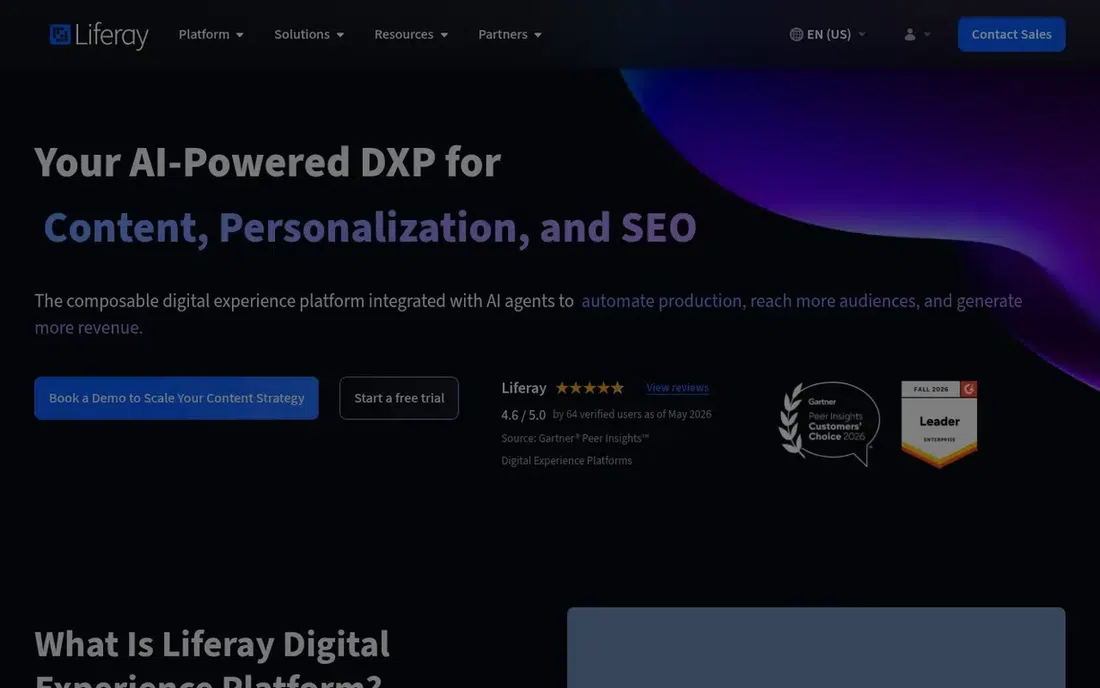
Liferay DXP makes the most sense for adaptable digital experience portals. Liferay DXP is a digital experience product used to build portals, websites, and self-service experiences.
Where it is weaker: Steeper ramp-up time.
It is noted for its adaptable architecture and capacity to connect with existing systems. Beyond that, the system can be complicated to set up and maintain, and smaller teams may find it heavy for entry-level portal requirements. No starting price is listed for Liferay DXP here; confirm pricing on the vendor site. Free access: Not stated.
- Supports both customer and employee portals
- Highly configurable portal framework
- May need developer resources for advanced customization
Oracle WebCenter
Best for: Enterprise portal experiences
Think of Oracle WebCenter for enterprise portal experiences. Oracle WebCenter Portal is a user experience system for building enterprise and web portals. It is built to plug into Oracle and other enterprise systems, offering a foundation for secure, personalized portals.
If you are not invested in Oracle technologies, other portal platforms may offer a more straightforward path. WebCenter can be complicated to set up and run, and it may be less adaptable outside Oracle environments. This comparison lists no price for Oracle WebCenter; ask the vendor. As for free access: Not stated.
Where it falls short: May need Oracle ecosystem alignment.
- Supports web and enterprise portals
- Enterprise-grade integration
- Can be complicated to administer
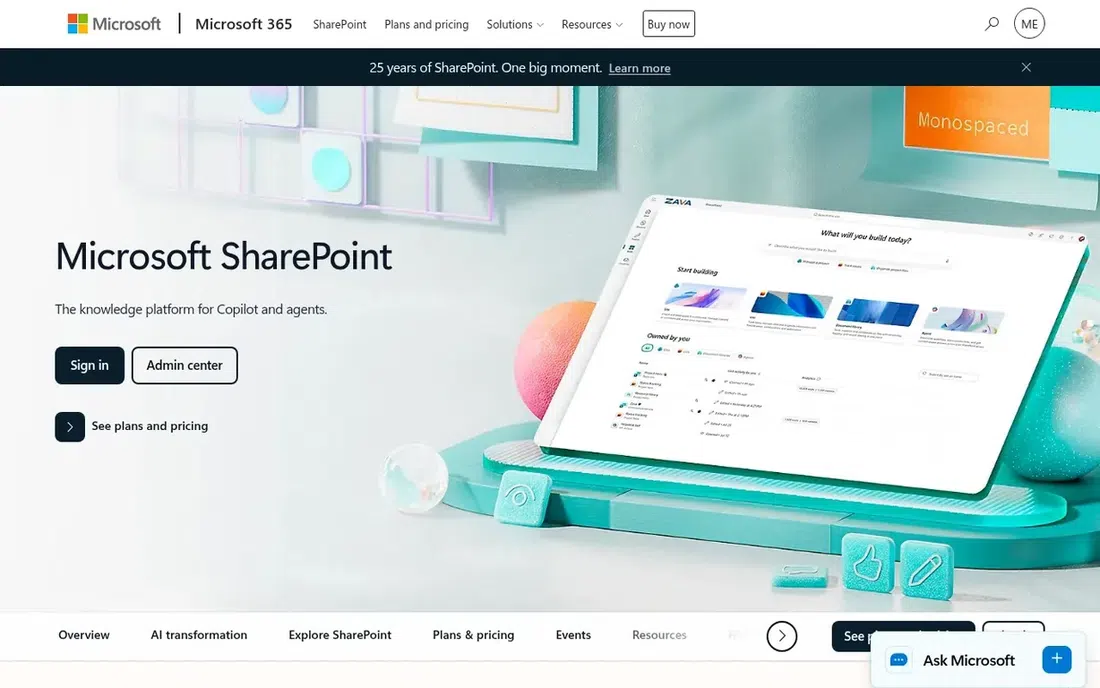
Think of Microsoft SharePoint for Microsoft-centric collaboration and portals. Microsoft SharePoint is a collaborative content management product for building intranet portals, sharing files, and governing knowledge. It powers collaboration, communication, automation, and AI experiences across Microsoft 365.
On top of that, SharePoint can need significant configuration and governance effort, and its customization choices may be overwhelming for straightforward portal needs. Beyond that, if you need a light portal without Microsoft dependencies, consider a dedicated portal product instead. Microsoft SharePoint does not show a starting price in this comparison, so check the vendor site for current pricing. Trial and free access: Not stated.
Honest limits: Can be complicated to customize.
- Supports automation and AI experiences
- Deep integration with Microsoft 365
- Best value within Microsoft ecosystem
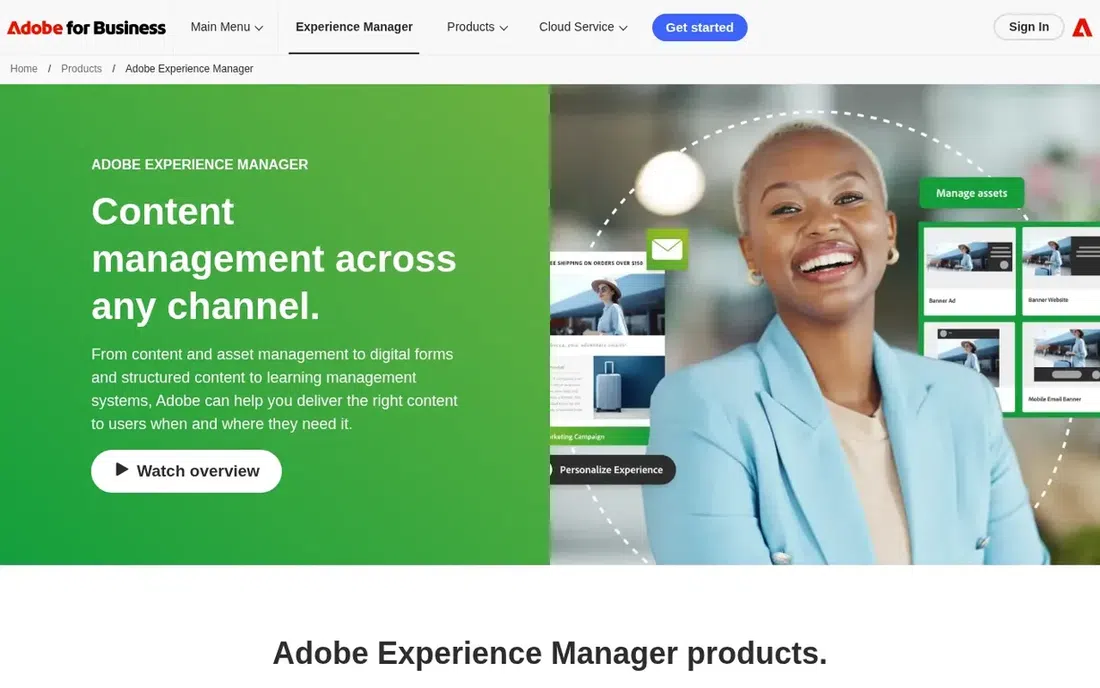
Adobe Experience Manager is aimed squarely at integrated content and digital assets. Adobe Experience Manager links digital asset management, a content management system, and digital enrollment to help brands deliver consistent experiences.
It is made for organizations that require to run rich content and assets across several channels. AEM can be resource-intensive to deploy and maintain, and it may be overkill for straightforward portal needs. No starting price is listed for Adobe Experience Manager here; confirm pricing on the vendor site. As for free access: Not stated.
Where it falls short: Can be expensive to implement.
- Digital asset management
- Part of Adobe Experience Cloud
- Needs specialized expertise
Sitecore Experience Platform
Best for: Personalized customer journeys
Sitecore Experience Platform works best for personalized customer journeys. Sitecore Experience Platform merges analytics, AI, and automation to craft personalized customer journeys.
It is built for organizations that want to deliver tailored experiences across touchpoints. If you need an entry-level portal without advanced personalization, a more focused tool may be preferable. Check the vendor site for Sitecore Experience Platform pricing; none is listed in this comparison. Free options: Not stated.
Honest limits: Complicated implementation.
- Focus on personalized experiences
- Blends analytics, AI, automation
- May need significant investment
Progress Sitefinity
Best for: Marketer-friendly CMS and portals
In short, Progress Sitefinity is for Marketer-friendly CMS and portals. If you need highly complicated, multi-tenant portal scenarios, consider a more specialized option.
Where it falls short: May lack some deep enterprise portal features.
It is aimed at marketers and developers to build and scale digital experiences, including portals. This comparison lists no price for Progress Sitefinity; ask the vendor. Free access: Not stated.
- Scalable for expanding firms
- Built for marketers and developers
- Customization may need developer help
How we compared the tools
LinkVetted looked at what each vendor publishes: pricing, plan limits, feature coverage for portal software and stated drawbacks. No hands-on testing is claimed. Figures are shown as the vendors publish them. Billing terms, seat minimums and add-ons can change the real cost. Tools are placed by general fit for portal software, with price clarity and free access as tie-breakers. A different team can reasonably rank them differently.
What to check before you buy
- Request quotes from Liferay DXP, Progress Sitefinity and the others; the list shows no fixed prices.
- Before choosing Liferay DXP, weigh its main limit: steeper learning curve.
- Look at the help docs and support options for Progress Sitefinity before you commit.
- Add up seats, add-ons and usage charges for Oracle WebCenter before comparing it with cheaper entries.
- Ask Adobe Experience Manager whether prices are locked for the first term and what happens at renewal.
FAQ
Does any tool for portal software here have a free plan?
No tool in this list, Liferay DXP and Progress Sitefinity included, has a permanent free plan. Trials and quotes are the usual route, so plan a short evaluation period.
Is Liferay DXP the right pick for everyone comparing portal software?
No single tool suits every team. Liferay DXP comes first because it fits flexible digital experience portals, while Oracle WebCenter suits enterprise portal experiences and Microsoft SharePoint suits Microsoft-centric collaboration and portals. Match the tool to your own size, budget and workflow before deciding.
What is portal software?
Portal software gives you a framework for building secure, personalized web portals that aggregate content, applications, and services. It usually contains content management, user management, and integration capabilities to build a unified digital experience for employees, customers, or partners.
Can portal software support personalization?
Yes, plenty of portal products bundle personalization features. Sitecore Experience Platform and Adobe Experience Manager are especially capable in delivering personalized customer journeys using analytics and AI.
Do these tools publish their prices?
No. None of the tools, from Liferay DXP to Progress Sitefinity, shows a fixed starting price here, so budget time for quotes.
Can I try these options before paying?
Not by default. None of the tools, from Liferay DXP to Progress Sitefinity, lists a free plan or a free trial here, so ask each vendor for a demo before committing.
Sources
- https://www.liferay.com/products/dxp
- https://www.oracle.com/middleware/technologies/webcenter-portal.html
- https://www.microsoft.com/en-us/microsoft-365/sharepoint/collaboration
- https://business.adobe.com/products/experience-manager/adobe-experience-manager.html
- https://www.sitecore.com/products/experience-platform
- https://www.progress.com/sitefinity-cms