Best Note-Taking Software for Engineers for 2026: Our 5 Vetted Picks
Searching for the best Note-Taking software for engineers? Here are 5 options with prices and free plans. Plain-spoken summaries throughout. Facts only.
- Editor's choice
 Obsidian
Local, linked knowledge bases
Starts at$4 per user per monthVisit obsidian.mdFull review - Great alternative
 Craft
Refined notes and docs
Starts at$4.8 a monthVisit craft.doFull review - Also consider
 Microsoft OneNote
Microsoft ecosystem integration
Starts atSee websiteVisit onenote.comFull review
Direct answer
Our first pick is Obsidian, best for local, linked knowledge bases. Listed starting prices: Obsidian from $4 per user per month, Craft from $4.8 a month and Notion from $10 per member a month. If your case is different, Craft suits refined notes and docs and Microsoft OneNote suits Microsoft ecosystem integration. Prices, free plans and limits for all 5 tools follow.
TL;DR:
- This list starts with Obsidian, which is built for local, linked knowledge bases.
- A free plan is available from 4 of the 5 tools: Obsidian, Craft, Notion, Evernote.
- Before buying Craft, weigh this: some features need premium.
- For capture and task organization, Evernote is worth a look.
- For the cheapest start, look at Obsidian: $4 per user per month.
Last checked November 2026. Prices and plan details were read from the vendors' own pages in November 2026; vendors change plans often, so confirm the current price on the vendor site before you buy.
Quick comparison
| Tool | Best for | Starts at | Free plan? | |
|---|---|---|---|---|
| Obsidian | Local, linked knowledge bases | $4 per user per month | Yes | Visit |
| Craft | Refined notes and docs | $4.8 a month | Yes | Visit |
| Microsoft OneNote | Microsoft ecosystem integration | See website | Not stated | Visit |
 Notion | AI-assisted team workspaces | $10 per member a month | Yes | Visit |
 Evernote | Capture and task organization | See website | Yes | Visit |
Tool-by-tool breakdown
LinkVetted put together this guide to Note-Taking software for engineers for readers who want a clear shortlist without reading every vendor page. It compares 5 tools on starting price, free plans, who each one suits and where each one falls short.
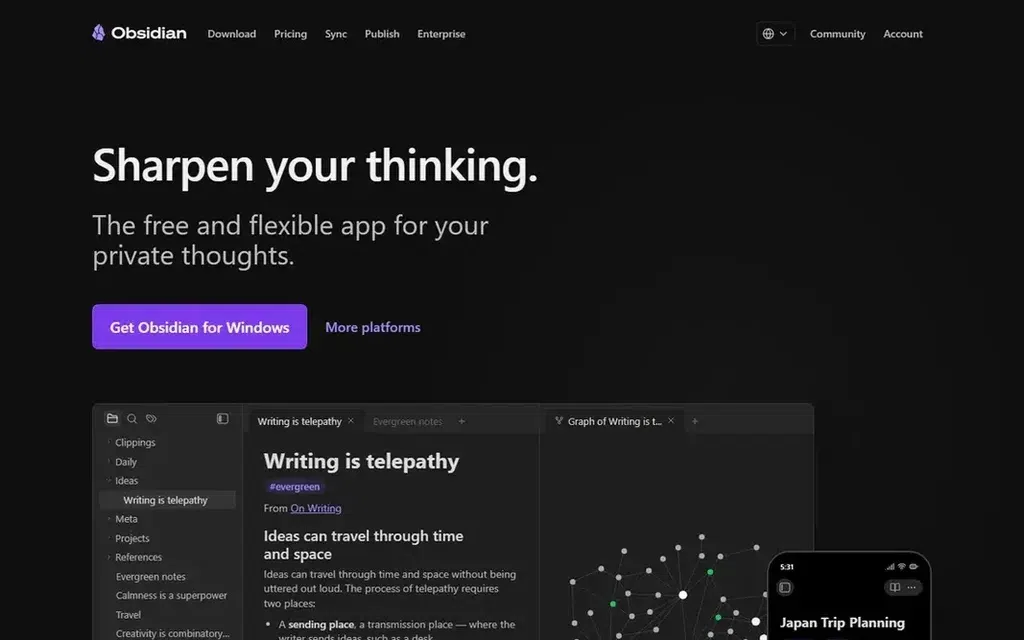
Pick Obsidian if this describes you: local, linked knowledge bases. Obsidian is a free and adaptable app for private thoughts, storing notes as local files that you control.
Also, Obsidian lacks native live collaboration and needs manual setup for syncing across devices. Obsidian pricing: $4 per user per month. Obsidian has a free plan.
The main drawbacks: No built-in live collaboration.
- Adaptable linking and graph view
- Local file storage
- Setup takes time
Craft serves polished notes and docs. Craft is a productivity app for notes, tasks, and docs that follows you across devices.
Drawbacks to consider: Some features require premium.
More specifically, Craft supplies fewer technical features like code blocks or graph views, and some capabilities require premium access. Price to start with Craft: $4.8 per month. Free access exists with Craft.
- Merges notes and tasks
- Modern interface
- Less concentrated on code
In short, Microsoft OneNote is for Microsoft ecosystem integration. Engineers who require strict linking or local-first storage should look at Obsidian.
Microsoft OneNote does not show a starting price in this comparison, so check the vendor site for current pricing. Trial and free access: Not stated.
Trade-offs to know: Structure can become messy.
- Web clipping and collaboration
- Works across devices
- Sync can be inconsistent
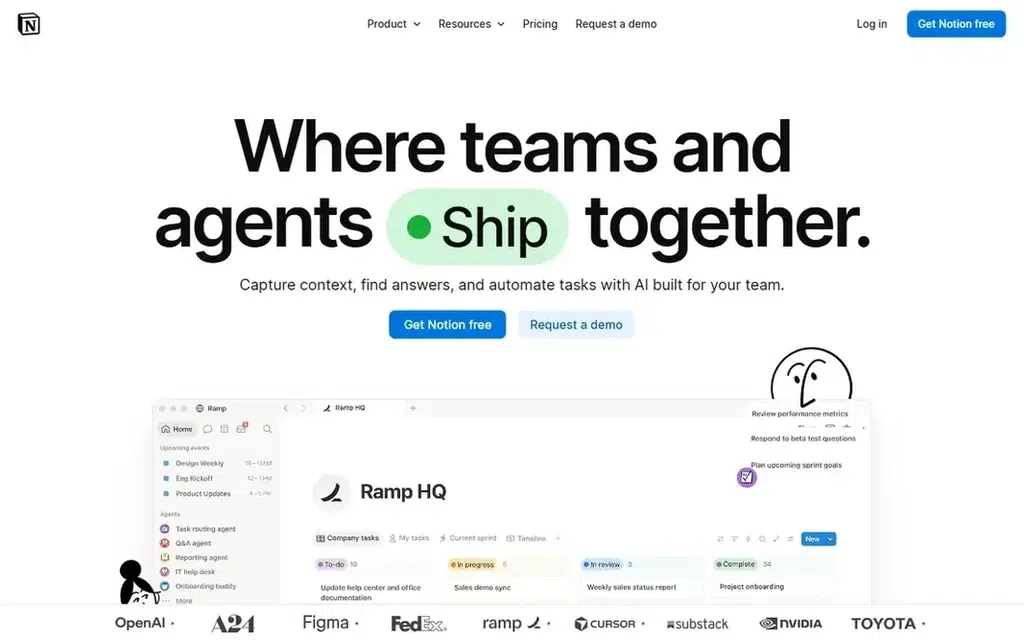
Notion is built with AI-assisted team workspaces in mind. The system can feel overbuilt for fast scratch notes, and its block-based editor may slow down very large pages.
Also, Notion is an AI workspace that lets teams build custom agents, search across apps, and automate busywork. On cost, Notion starts like this: $10 per member per month. Notion includes a free tier.
Drawbacks to consider: Can feel heavy for simple notes.
- Search across connected apps
- Databases and custom layouts
- Needs internet for full features
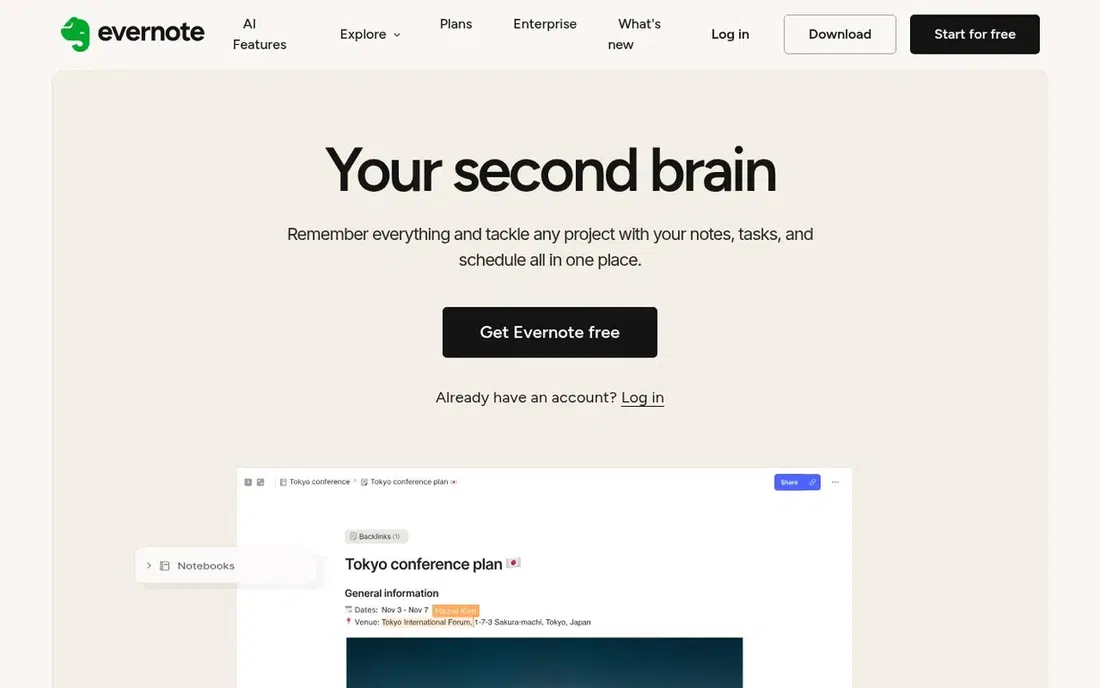
For capture and task organization, Evernote is a natural candidate. It fits engineers who require quick capture from the web and a steady place for meeting notes, snippets, and task lists across devices.
The main drawbacks: Restricted code formatting.
Evernote is less suited to deep code documentation or graph-based linking, and its editor offers restricted formatting for technical content. Pricing for Evernote is not stated here, so ask the vendor for current figures. Evernote includes a free tier.
- Web clipping
- Task and to-do tracking
- Interface can feel dated
Our selection method
Pricing pages, product documentation and feature lists were the main sources, and every entry carries at least one honest drawback. Where a price is missing, the vendor does not list one publicly or ties it to a quote. Always confirm before budgeting. Tools are placed by general fit for Note-Taking software for engineers, with price clarity and free access as tie-breakers. A different team can reasonably rank them differently.
Questions to settle before buying
- Ask Microsoft OneNote and Evernote for a written quote, since no starting price is shown.
- Look at free plan limits closely: Obsidian, Craft, Notion and Evernote have one, and the caps decide whether it is usable for real work.
- Before choosing Obsidian, weigh its main limit: no built-in live collaboration.
- Work out what Evernote costs with your real seat count, add-ons and usage, not just the entry price.
- Check whether Obsidian bills monthly or annually, and what cancelling early costs.
FAQ
Is Obsidian the right pick for everyone comparing Note-Taking software for engineers?
No single tool suits every team. Obsidian comes first because it fits local, linked knowledge bases, while Craft suits polished notes and docs and Microsoft OneNote suits Microsoft ecosystem integration. Match the tool to your own size, budget and workflow before deciding.
Do these tools publish their prices?
Not all of them. Microsoft OneNote and Evernote publish no starting price, so expect a quote request for those. The rest, Obsidian included, show a starting price, though seats and billing terms still change the final cost.
What is the cheapest option for Note-Taking software for engineers in this list?
On published monthly entry prices, Obsidian is the lowest here at $4 per user per month. Entry price is only part of the cost, because seats, add-ons and billing terms can change the total. Each of the 5 options in this Note-Taking software for engineers guide has its own card above with the price, free plan and limits.
Which options for Note-Taking software for engineers have a free plan?
Obsidian, Craft, Notion and Evernote offer a free plan in this list. Free plans usually cap users, projects or features, so check the limits on the vendor page.
Sources
- https://obsidian.md
- https://www.craft.do
- https://www.onenote.com
- https://www.notion.so
- https://evernote.com