Best Note-Taking Apps for Creative Writing in 2026: Prices, Free Plans and 6 Picks
6 tools for the best Note-Taking apps for creative writing, compared on pricing, free plans and best-fit use. Plain-spoken summaries throughout. Pick by budget.
- Editor's choice
 Obsidian
Connected notes and worldbuilding
Starts at$4 per user per monthVisit obsidian.mdFull review - Great alternative
 Craft
Refined documents and cross-device notes
Starts at$4.8 a monthVisit craft.doFull review - Also consider
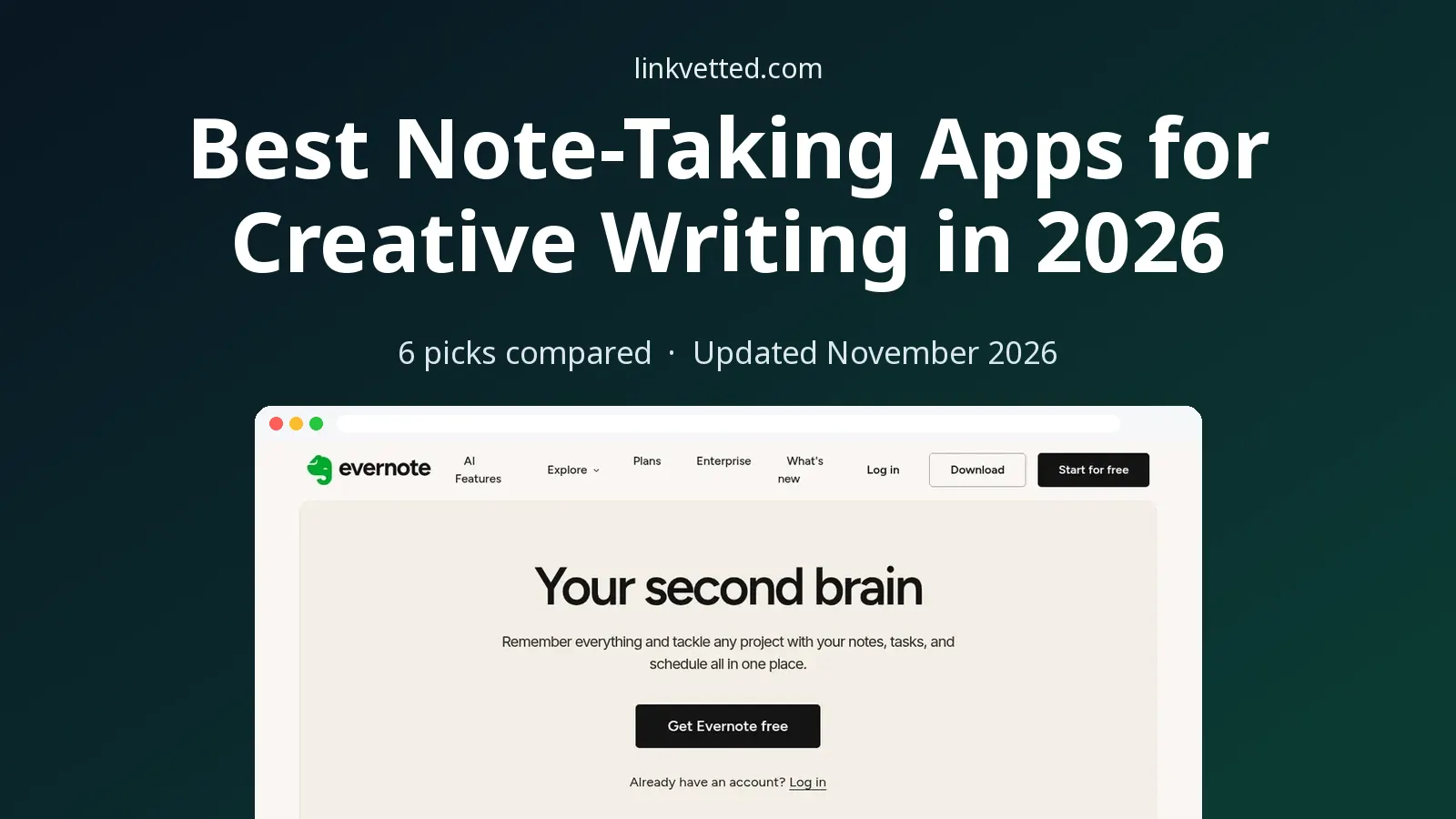
 Evernote
Capturing and organizing ideas
Starts atSee websiteVisit evernote.comFull review
Direct answer
If you need connected notes and worldbuilding, Obsidian is the first tool to look at here. Listed starting prices: Obsidian from $4 per user per month, Craft from $4.8 a month and Notion from $10 per member a month. Alternatives: Craft for refined documents and cross-device notes, and Evernote for capturing and organizing ideas. The full list of 6 tools follows, with prices and free plan facts.
TL;DR:
- Obsidian sits first on this list: connected notes and worldbuilding.
- Craft comes with a trade-off: restricted advanced writing features.
- Ulysses is the one to check for focused, distraction-free writing.
- Obsidian, Craft, Evernote, Notion: these are the 4 tools out of 6 that offer a free plan.
- The lowest published monthly entry price here is $4 per user per month, from Obsidian.
Last checked November 2026. Prices and plan details were read from the vendors' own pages in November 2026; vendors change plans often, so confirm the current price on the vendor site before you buy.
Quick comparison
| Tool | Best for | Starts at | Free plan? | |
|---|---|---|---|---|
| Obsidian | Connected notes and worldbuilding | $4 per user per month | Yes | Visit |
| Craft | Refined documents and cross-device notes | $4.8 a month | Yes | Visit |
| Evernote | Capturing and organizing ideas | See website | Yes | Visit |
 Notion | Configurable writing workspaces | $10 per member a month | Yes | Visit |
 Scrivener | Long-form fiction and manuscript organization | See website | Not stated | Visit |
 Ulysses | Focused, distraction-free writing | $39.99 a year | Free trial | Visit |
6 options for Note-Taking apps for creative writing in detail
Choosing Note-Taking apps for creative writing usually comes down to price, fit and limits. This LinkVetted guide sets 6 tools side by side on those three points, with the facts kept short and checkable.
Obsidian is designed for connected notes and worldbuilding. Obsidian is a free and adaptable app for private thoughts, allowing writers to build a network of linked notes. This makes it very good for worldbuilding, character development, and connecting ideas in a personal knowledge base.
Drawbacks to consider: Needs setup for writing workflows.
Main advantages: Highly configurable.
If you need a simplified drafting environment, Ulysses or Scrivener may be more suitable. In daily use, Obsidian lacks dedicated writing and formatting tools for manuscripts. Price to start with Obsidian: $4 per user per month. Obsidian has a free plan.
- Adaptable linking between notes
- Private and local-first
- No built-in manuscript formatting
In short, Craft is for refined documents and cross-device notes. For complicated manuscripts, those dedicated tools offer more depth.
What users get: Elegant.
Craft is not as feature-rich for long-form fiction as Scrivener or Ulysses. Starting cost for Craft: $4.8 per month. You can start on Craft without paying.
Points against: Restricted advanced writing features.
- Well suited to structured documents
- Syncs across devices
- Some features need premium
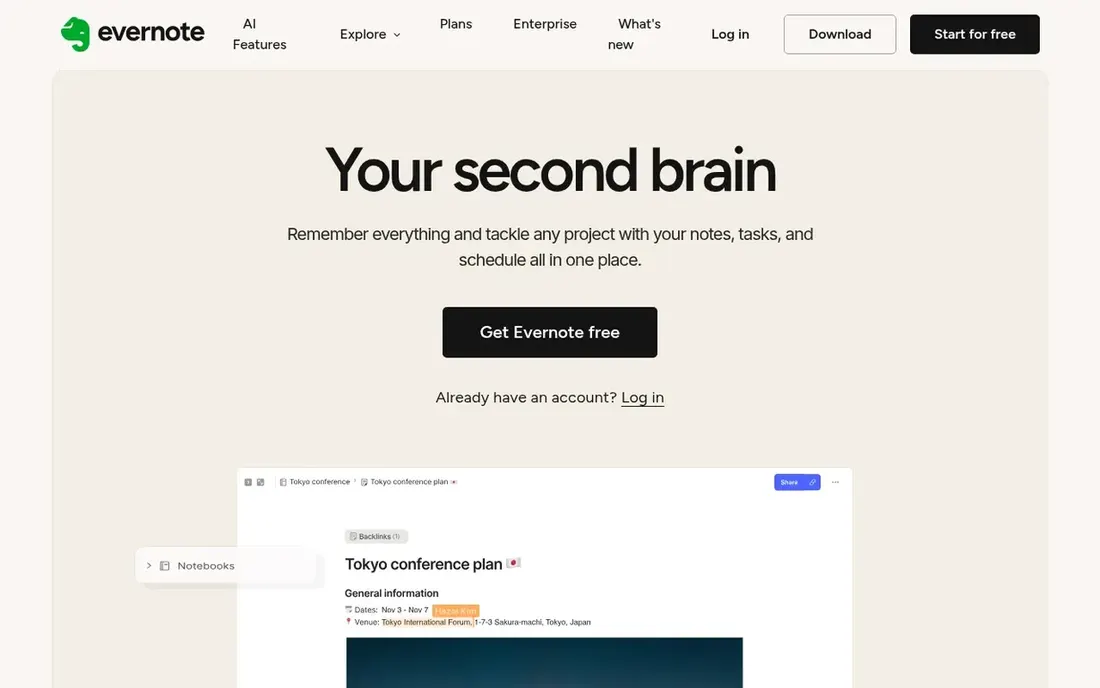
In short, Evernote is for capturing and organizing ideas. For serious long-form projects, Scrivener or Ulysses offer more specialized writing environments.
Evernote is not aimed at manuscript formatting or deep story structuring. Pricing for Evernote is not stated here, so ask the vendor for current figures. Evernote has a free plan.
Watch-outs: Not tailored for long-form writing.
- Capable note capture and search
- Cross-platform availability
- Can become cluttered without discipline
For configurable writing workspaces, Notion is a natural candidate. Notion is an AI-powered workspace where you can build custom agents, search across apps, and automate busywork.
Drawbacks to consider: Can be complicated to set up.
In daily use, the adaptability comes at the cost of simplicity; Notion can feel overwhelming for pure drafting. Starting cost for Notion: $10 per member per month. Notion offers a free plan.
- AI tools for search and automation
- Highly adaptable page and database structures
- May distract with too numerous choices

Scrivener is built with long-form fiction and manuscript organization in mind. The interface can feel overwhelming at first, and it is not aimed at fast jotting of fleeting ideas.
As for the details, for more straightforward note-taking or collaborative writing, a lighter app like Evernote or Notion may be more appropriate. Scrivener does not show a starting price in this comparison, so check the vendor site for current pricing. Free options: Not stated.
Where it falls short: Steeper ramp-up time for new users.
- Supports research and notes within projects
- Feature-rich outlining and structuring tools
- Less suited for fast, casual note-taking
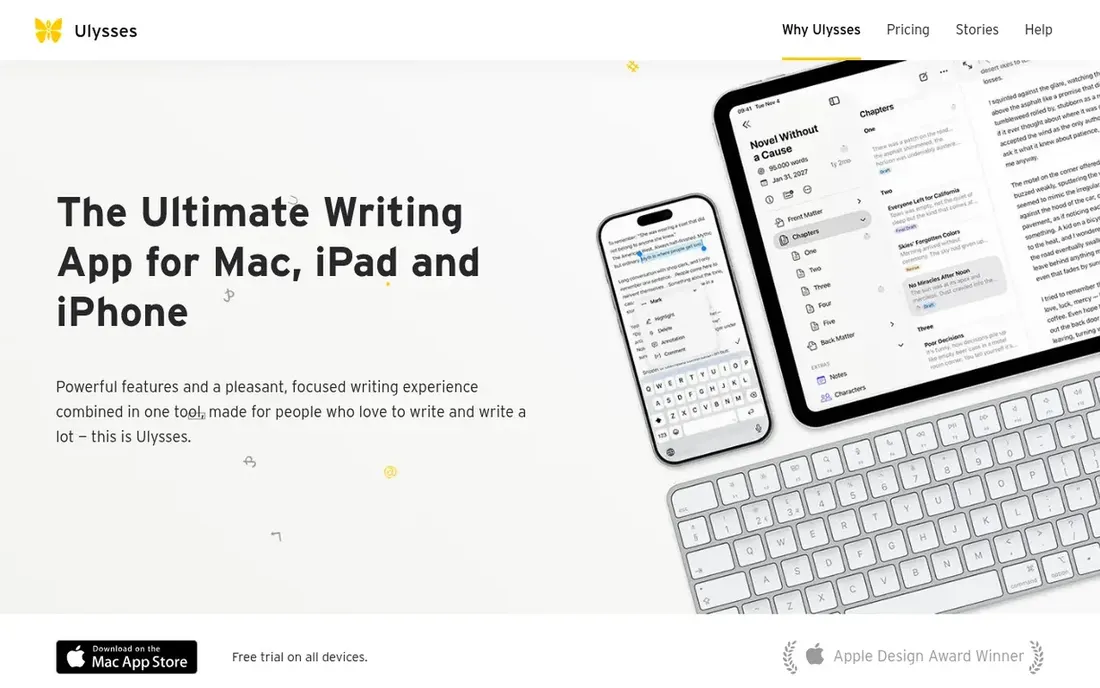
Think of Ulysses for focused, distraction-free writing. Ulysses gives you a pleasant, focused writing experience with a clean interface that helps writers stay in the flow.
In daily use, if you need deep outlining or Windows support, consider alternatives like Scrivener or OneNote. Whereas very good for drafting, Ulysses lacks the deep project-structuring features of Scrivener. Ulysses cost at the entry level: $39.99 per year. Free options: Free trial.
Reasons to shortlist it: Clean; Adaptable export choices.
Where it falls short: Restricted advanced outlining features.
- Effective document management and syncing
- Minimal writing environment
- Primarily Apple-centric
How we chose
We compared the tools on published pricing, free plan or trial availability, feature coverage for Note-Taking apps for creative writing, and the limits each vendor documents. Seat minimums, billing terms and add-ons can move the real cost, so the starting prices here are a guide and not a quote. Tools are placed by general fit for Note-Taking apps for creative writing, with price clarity and free access as tie-breakers. A different team can reasonably rank them differently.
A buyer's checklist
- Ask Evernote and Scrivener for a written quote, since no starting price is shown.
- Look at free plan limits closely: Obsidian, Craft, Evernote and Notion have one, and the caps decide whether it is usable for real work.
- Run a trial of Ulysses with real work before paying for a year; your own workflow is the best test.
- Read the limits listed for Obsidian first: needs setup for writing workflows.
- Compare total cost, not headline price: for Ulysses, add extra seats, add-ons and any usage-based charges.
- Check how data leaves Scrivener: formats, limits and whether exports are available on every plan.
FAQ
Can I use Evernote for creative writing?
Evernote is very good for capturing ideas, research, and snippets, but it lacks dedicated manuscript tools. As for the details, plenty of writers use it alongside a dedicated writing app like Scrivener.
Do these tools publish their prices?
Not all of them. Evernote and Scrivener publish no starting price, so expect a quote request for those. The rest, Obsidian included, show a starting price, though seats and billing terms still change the final cost.
How are the tools for Note-Taking apps for creative writing ordered?
Obsidian sits first and Ulysses last because the order follows typical fit for Note-Taking apps for creative writing, then price clarity and free access. It is a judgement call, so read each profile for fit and limits.
Is Obsidian the right pick for everyone comparing Note-Taking apps for creative writing?
No single tool suits every team. Obsidian comes first because it fits connected notes and worldbuilding, while Craft suits polished documents and cross-device notes and Evernote suits capturing and organizing ideas. Match the tool to your own size, budget and workflow before deciding.
Can I try these tools before paying?
Often, yes. Obsidian, Craft, Evernote and Notion have a free plan and Ulysses offers a free trial. Use your own data and a real task during the test, and check what the free tier or trial limits before you rely on it.
Sources
- https://obsidian.md
- https://www.craft.do
- https://evernote.com
- https://www.notion.so
- https://www.literatureandlatte.com/scrivener
- https://ulysses.app