The 6 Best Note-Taking App for Offline Use in 2026, Ranked
Best note-taking app for offline use: 6 contenders ranked by fit, with entry costs and free tiers. Every pick includes one clear drawback. Numbers first.
- Editor's choice
 Joplin
Open source note-taking with transparency
Starts atSee websiteVisit joplinapp.orgFull review - Great alternative
 Bear
Markdown writing on Apple devices
Starts atSee websiteVisit bear.appFull review - Also consider
 Notion
Teams blending notes, agents and automation
Starts at$10 per member a monthVisit notion.soFull review
Direct answer
For open source note-taking with transparency, Joplin is where this list starts. Listed starting prices: Notion from $10 per member a month and Obsidian from $4 per user a month. Look at Bear for Markdown writing on Apple devices, and at Notion for teams blending notes, agents and automation. Details, prices and limits for the rest of the 6 tools are below.
TL;DR:
- Joplin takes the first slot, best suited to open source note-taking with transparency.
- 3 of 6 tools offer a free plan: Notion, Obsidian, Evernote.
- The main caution on Joplin: fewer refined extras than commercial suites.
- For notebook-style organization and team collaboration, Microsoft OneNote is worth a look.
Last checked November 2026. Prices and plan details were read from the vendors' own pages in November 2026; vendors change plans often, so confirm the current price on the vendor site before you buy.
Quick comparison
| Tool | Best for | Starts at | Free plan? | |
|---|---|---|---|---|
| Joplin | Open source note-taking with transparency | See website | Free trial | Visit |
| Bear | Markdown writing on Apple devices | See website | Not stated | Visit |
| Notion | Teams blending notes, agents and automation | $10 per member a month | Yes | Visit |
 Obsidian | Private, local-first personal knowledge | $4 per user a month | Yes | Visit |
 Evernote | Capturing ideas, projects and to-do lists | See website | Yes | Visit |
 Microsoft OneNote | Notebook-style organization and team collaboration | See website | Not stated | Visit |
The best note-taking app for offline use
Choosing note-taking app for offline use usually comes down to price, fit and limits. This LinkVetted guide sets 6 tools side by side on those three points, with the facts kept short and checkable.
Joplin is a good fit for open source note-taking with transparency. That plain framing is the appeal: it targets users who care about transparent, community-driven software and want notes without a heavy commercial layer.
Also, if you want a guided experience from day one, a mainstream app like Evernote or OneNote may be a smoother start. Joplin does not show a starting price in this comparison, so check the vendor site for current pricing. Free plan details: Free trial.
Watch-outs: Setup and sync choices fall to the user.
- Straightforward note-taking focus
- Appeals to users who value open development
- Fewer refined extras than commercial suites
Bear is built with Markdown writing on Apple devices in mind. Bear presents itself as a beautifully straightforward Markdown note-taking app for capturing, writing and organizing your life on Mac, iPhone and iPad.
What Bear does well: writing and organizing.
Honest limits: Markdown focus may not suit everyone. In practice, Markdown also layers on a small learning step for users who prefer rich formatting buttons. It is a solid fit for people who write on Apple hardware and want notes that read well. This comparison lists no price for Bear; ask the vendor. Trial and free access: Not stated.
- Markdown-based writing
- Suits capture
- Centered on Apple systems

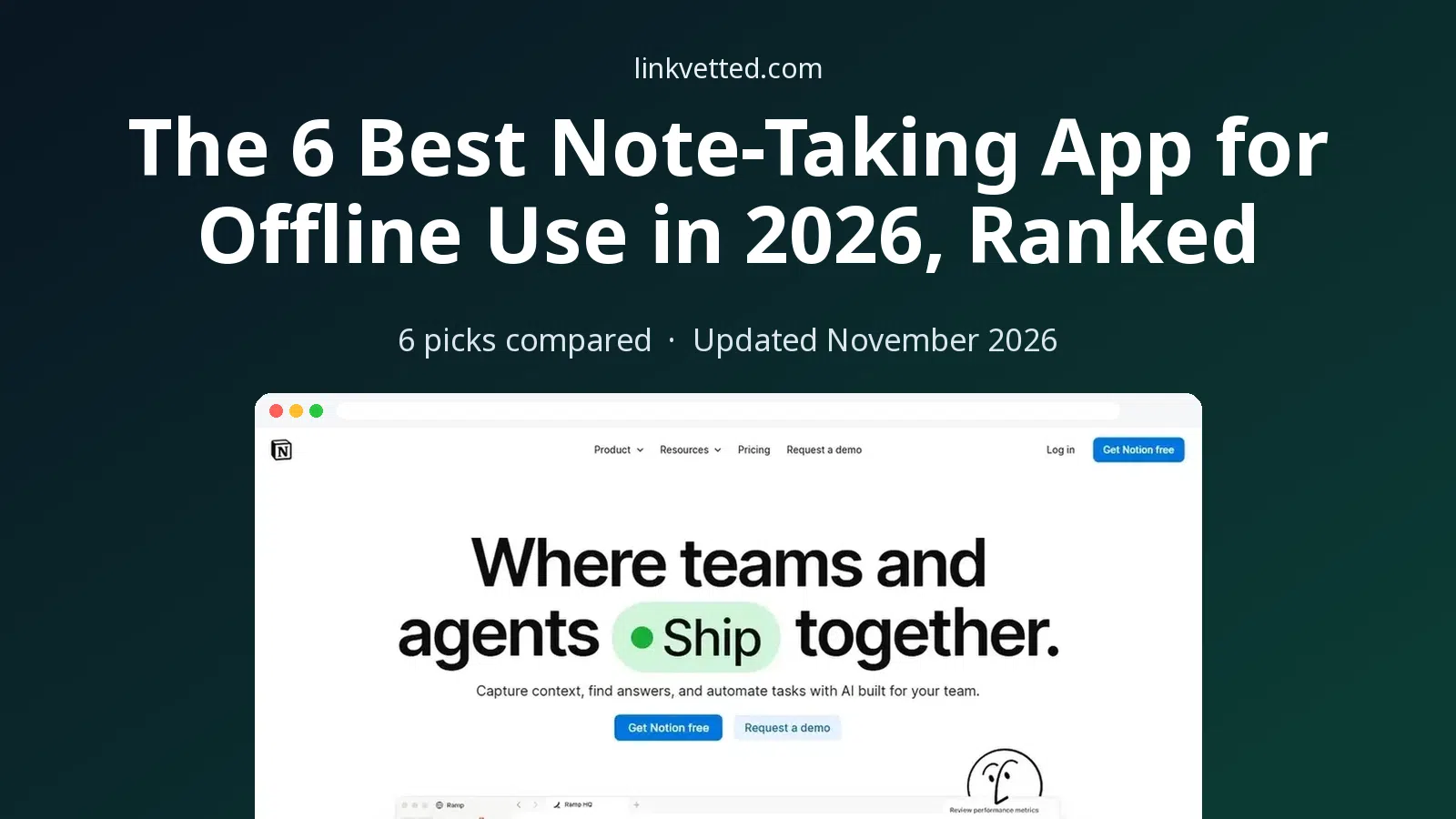
Notion targets teams blending notes, agents and automation. Notion markets itself as an AI workspace where teams get more done, with custom agents, search across apps and automation of busywork. Also, the breadth of choices also brings setup time for individuals with straightforward needs.
Trade-offs to know: Rich workspace can overwhelm simple note users.
Also, choose it when collaboration and structure matter more than local-first storage. Worth adding: Notion is a connected workspace first, so dependable offline use is not its most solid selling point, and heavy pages can feel slow without a connection. Price to start with Notion: $10 per member per month. A free plan is available with Notion.
- Search across connected apps
- Automation for repetitive busywork
- Offline support is restricted compared to local-first apps
Obsidian is a good fit for private, local-first personal knowledge. It is targeted at people who want their notes to stay personal and who like shaping their own system rather than following a fixed template. Obsidian is not positioned around team collaboration, so shared editing is not its strength.
Drawbacks to consider: Collaboration is not the focus.
From a buyer's view, writers, researchers and anyone building a long-term knowledge base tend to appreciate that adaptability, particularly when working away from a connection. That adaptability is also the catch: you decide how notes are organized, which takes time at the start. Starting cost for Obsidian: $4 per user per month. You can start on Obsidian without paying.
- Built around private thoughts
- Free and adaptable based on its homepage
- Adaptability means more setup decisions

Evernote is designed for capturing ideas, projects and to-do lists. If you chiefly want plain local files, a more straightforward choice may fit better. More specifically, Evernote presents itself as a note-taking app that helps you capture and prioritize ideas, projects and to-do lists so nothing falls through the cracks.
If your notes are really a personal task system, Evernote is designed around that idea instead of around plain text files. Since Evernote is built as a wide productivity tool, lighter users may find more structure than they need for short notes. This comparison lists no price for Evernote; ask the vendor. Evernote includes a free tier.
What to check first: Offline behavior varies by product and setup.
- Organizes notes alongside projects and tasks
- Supports prioritizing what needs attention
- Feature depth can feel heavy for straightforward notes
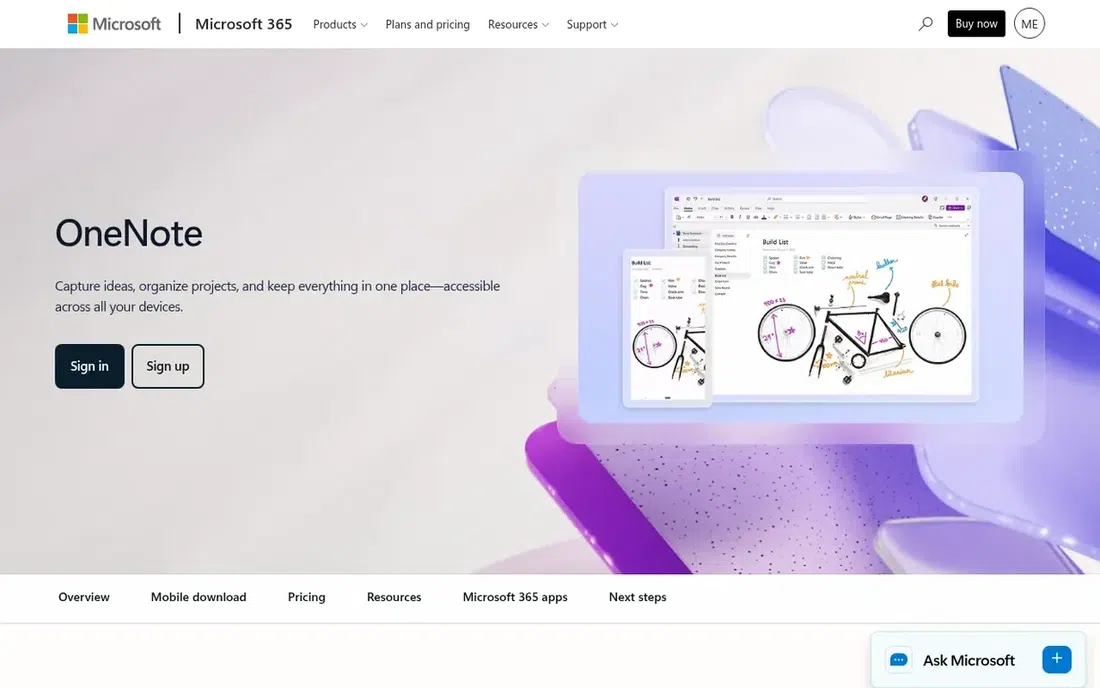
Choose Microsoft OneNote for notebook-style organization and team collaboration. OneNote describes itself as a digital note-taking app that spans notebook needs with tools that strengthen organization and ease collaboration.
Its notebook-and-section structure appeals to students, teams and anyone who thinks in folders instead of flat lists. Beyond that, notes can hold mixed content, which makes OneNote a natural home for meeting notes, class material and shared project pages. Microsoft OneNote shows no starting price here, so confirm the cost on the vendor site. Free access: Not stated.
Trade-offs to know: Notebook hierarchy can take time to learn.
- Suits digital note-taking across devices
- Meant to ease collaboration
- Offline syncing needs checking per device
How these tools were picked
A buyer's checklist
- Ask Joplin, Bear, Evernote and Microsoft OneNote for a written quote, since no starting price is shown.
- Read the fine print on the free plans from Notion, Obsidian and Evernote; seat, project and feature caps differ.
- Take the trial from Joplin and push a live task through it before you pay.
- Read the limits listed for Joplin first: fewer refined extras than commercial suites.
- The entry price of Notion is only the starting point; model the full cost with seats and extras.
- Run a one or two week pilot of Microsoft OneNote with the people who will use it every day.
FAQ
Is Joplin the right pick for everyone comparing note-taking app for offline use?
No single tool suits every team. Joplin comes first because it fits open source note-taking with transparency, while Bear suits Markdown writing on Apple devices and Notion suits teams blending notes, agents and automation. Match the tool to your own size, budget and workflow before deciding.
How are the tools for note-taking app for offline use ordered?
The order follows typical fit for note-taking app for offline use, with Joplin first and Microsoft OneNote last, then price clarity and free access. It is editorial judgement, not a score, so another team could rank the tools differently.
What is the cheapest option for note-taking app for offline use in this list?
On published monthly entry prices, Obsidian is the lowest here at $4 per user per month. Entry price is only part of the cost, because seats, add-ons and billing terms can change the total. Each of the 6 options in this Note-Taking app for offline use guide has its own card above with the price, free plan and limits.
Can I try these tools before paying?
Often, yes. Notion, Obsidian and Evernote have a free plan and Joplin offers a free trial. Use your own data and a real task during the test, and check what the free tier or trial limits before you rely on it.
Which note-taking app is a good match for offline use?
Joplin comes first here and is built for open source note-taking with transparency. Buyers with other needs may prefer Bear (for Markdown writing on Apple devices) or Notion (for teams blending notes, agents and automation). Compare costs and limits first.
Sources
- https://joplinapp.org
- https://bear.app
- https://www.notion.so
- https://obsidian.md
- https://evernote.com
- https://www.microsoft.com/en-us/microsoft-365/onenote/digital-note-taking-app